Science & Tech · Gadgets & EVs · 4 hrs ago
iOS 27 lets iPhone users set videos and GIFs as animated lock screens
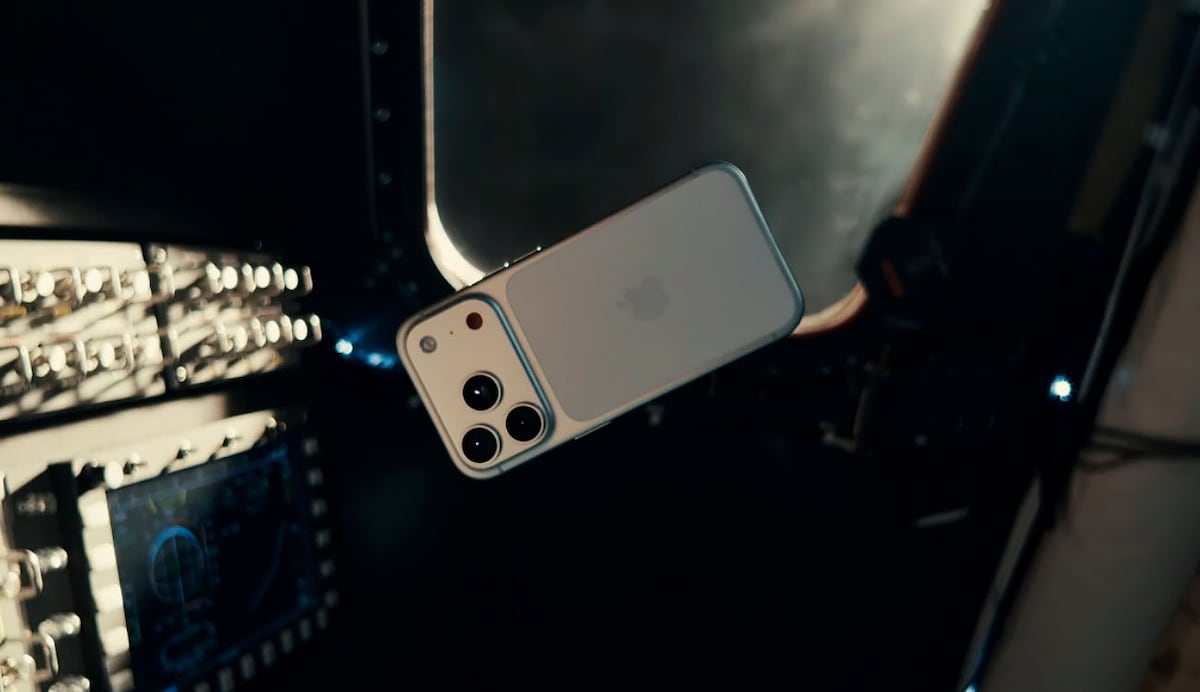
With iOS 27, iPhone users can use a video or GIF as a moving background on the lock screen.
To do this, they need an app that converts the clip into a Live Photo, a format the iPhone can use for animated backgrounds.
After choosing and editing the clip, they save it and select it in the iPhone’s wallpaper settings.
The lock screen can show the animation, but the home screen uses a still image.
The effect is linked to haptic features on newer iPhones.
If the animation does not work, the phone may not have iOS 27, or power-saving mode may be limiting visual features.

iOS 27 lets iPhone users set a video or GIF as an animated lock-screen background.
The process described uses an app to convert the video or GIF into a compatible Live Photo.
Users can edit the clip, including its duration, framing, brightness, contrast and saturation.
The animated background appears on the lock screen, while the home screen remains static.
The article says users need iOS 27 and that Low Power Mode may limit visual features.
- Who
- iPhone users with iOS 27.
- What
- They can use a video or GIF as an animated lock-screen background by converting it into a Live Photo.
- When
- With the arrival of iOS 27. A publication date is given as 2026-10-12.
- Where
- On the iPhone lock screen.
- Why
- To make the lock screen more dynamic and personal.
This story does not have two clearly opposing sides.
No direct quotes in the coverage so far.
This story does not have a timeline yet.
- Operating system
- iOS 27
- Compatible format
- Live Photo
- Suggested app
- Live Photo Converter
- Background
- Animated on the lock screen; static on the home screen
- Troubleshooting
- Check that the iPhone has iOS 27 and that Low Power Mode is not limiting visual features
Sources
Related news

Next iPad mini may cost about $799, up from $599

Google unveils Fitbit Edge with a replaceable battery and advanced health tracking
LineageOS 24 brings Android 17 and redesigned apps to supported devices

ARMSX2 update adds Mali graphics driver support for more Android devices
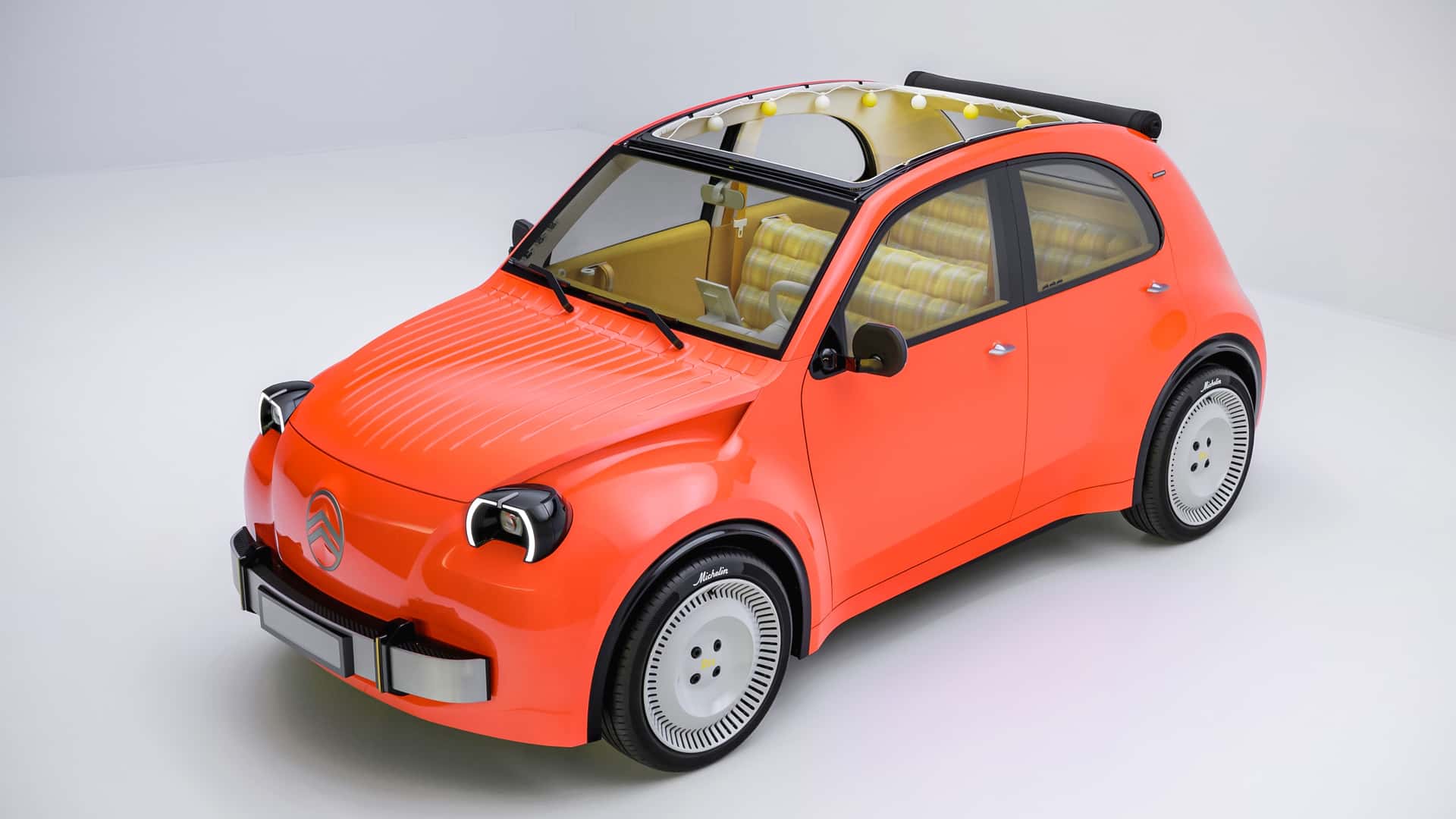
Citroën unveils electric 2CV concept, with production planned for 2028

Gore launches integrated vent for electric-vehicle and energy-storage batteries
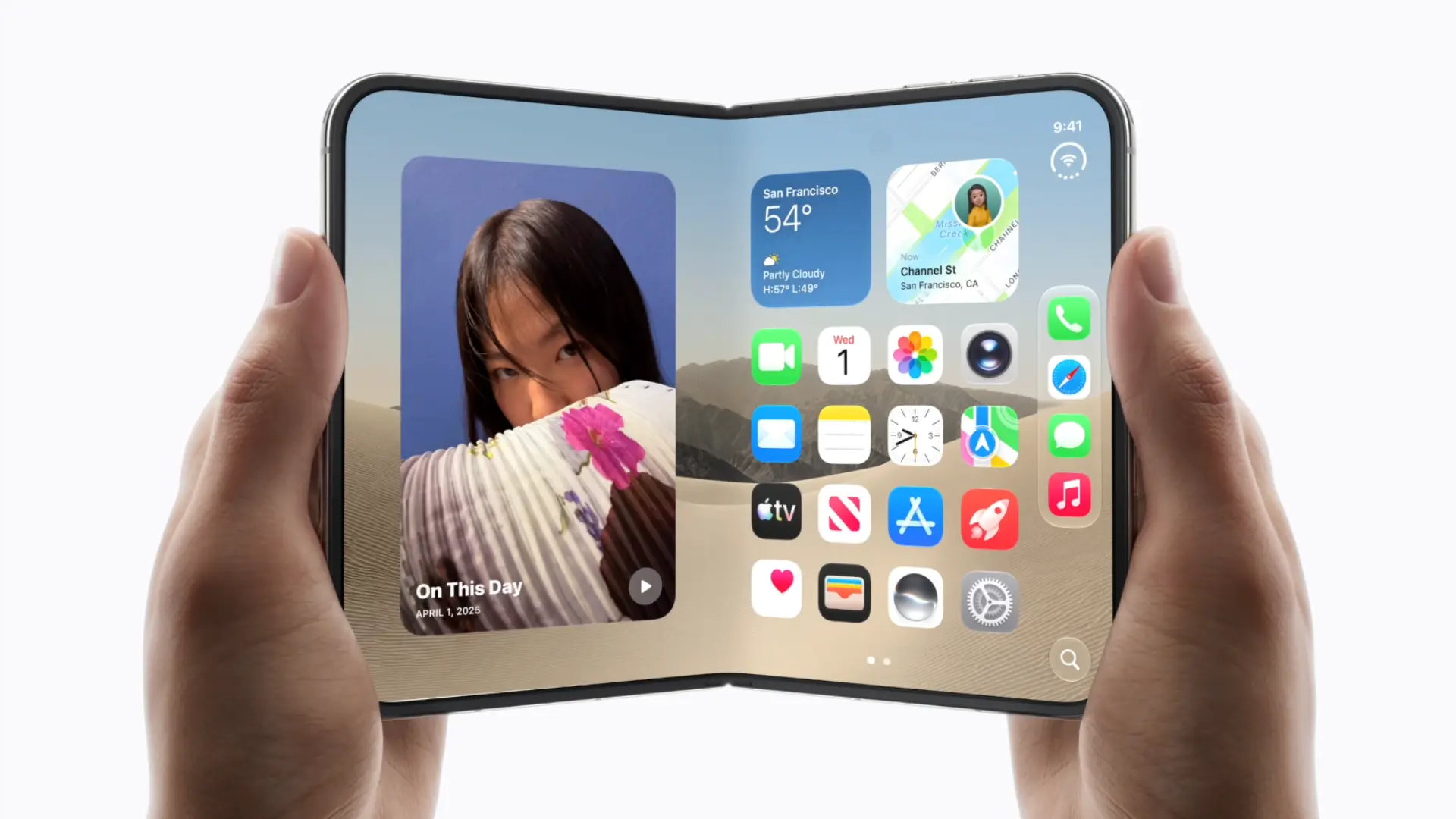
Nothing CEO calls a $2,000 foldable iPhone a waste of money
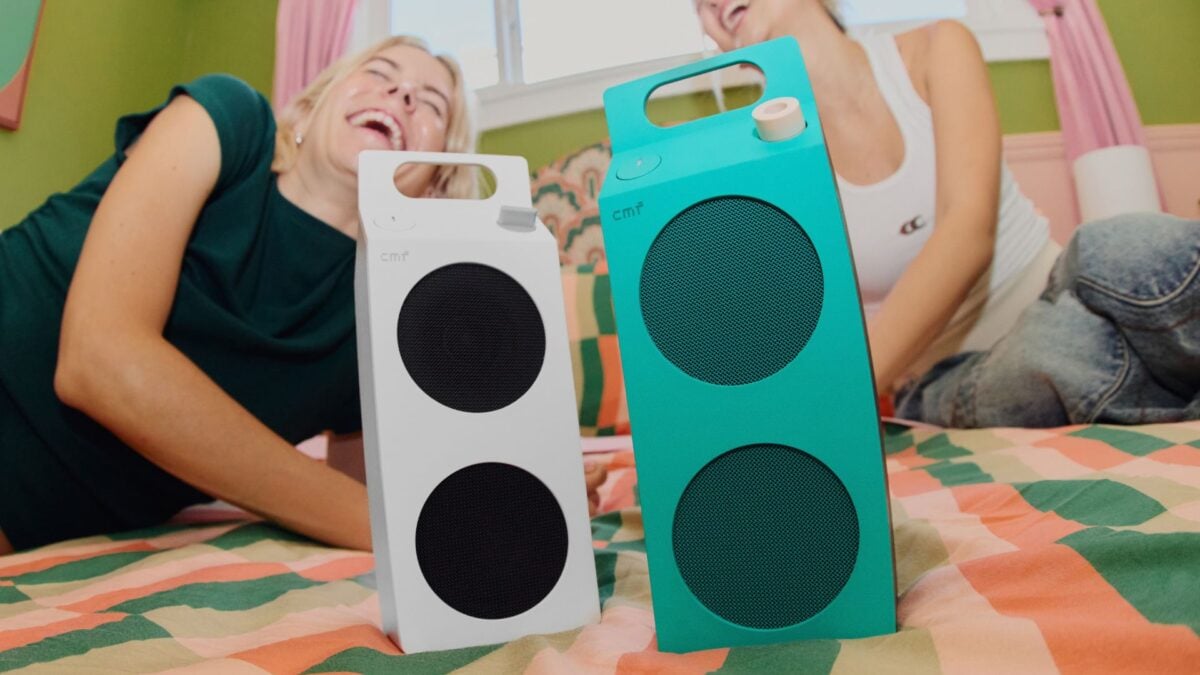
CMF Launches Two Milk Carton-Inspired Bluetooth Speakers
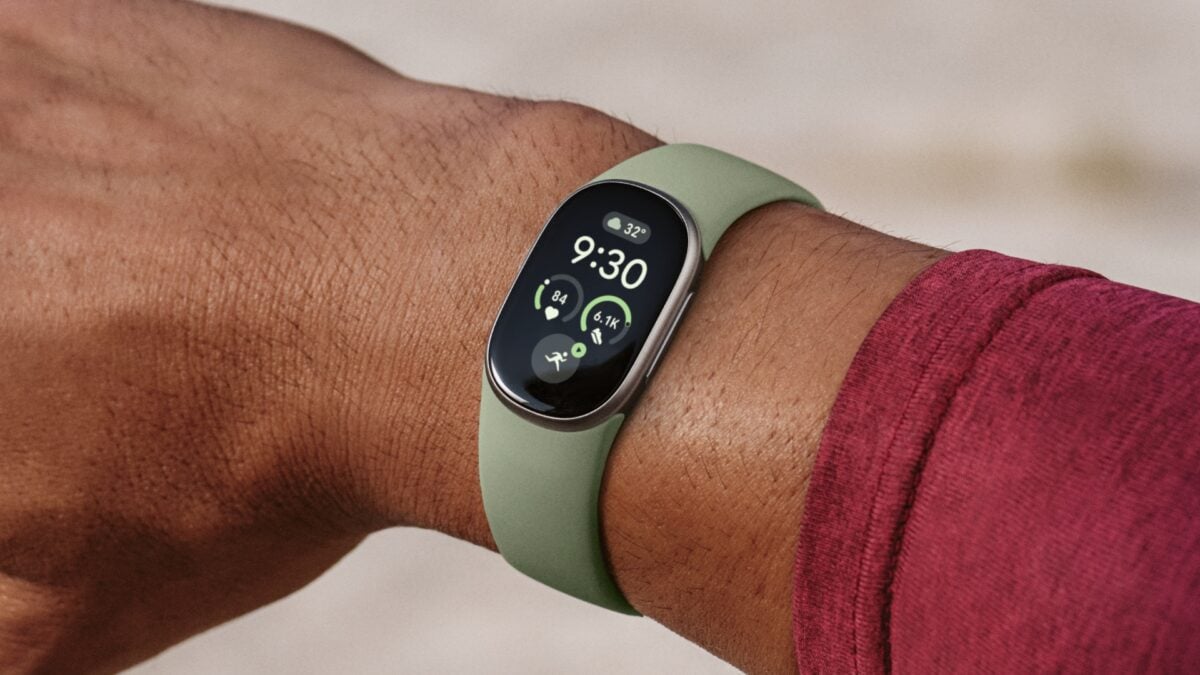
Google announces Fitbit Edge, a screen-equipped fitness wearable for $179.99

Apple redesigned the iPhone Duo’s cooling system to manage heat in its thin design

Apple reportedly plans iPhone Air 2 for spring 2027 with added camera