

Science & Tech · Gadgets & EVs · 1 hr ago
Check TV and soundbar compatibility before buying them together
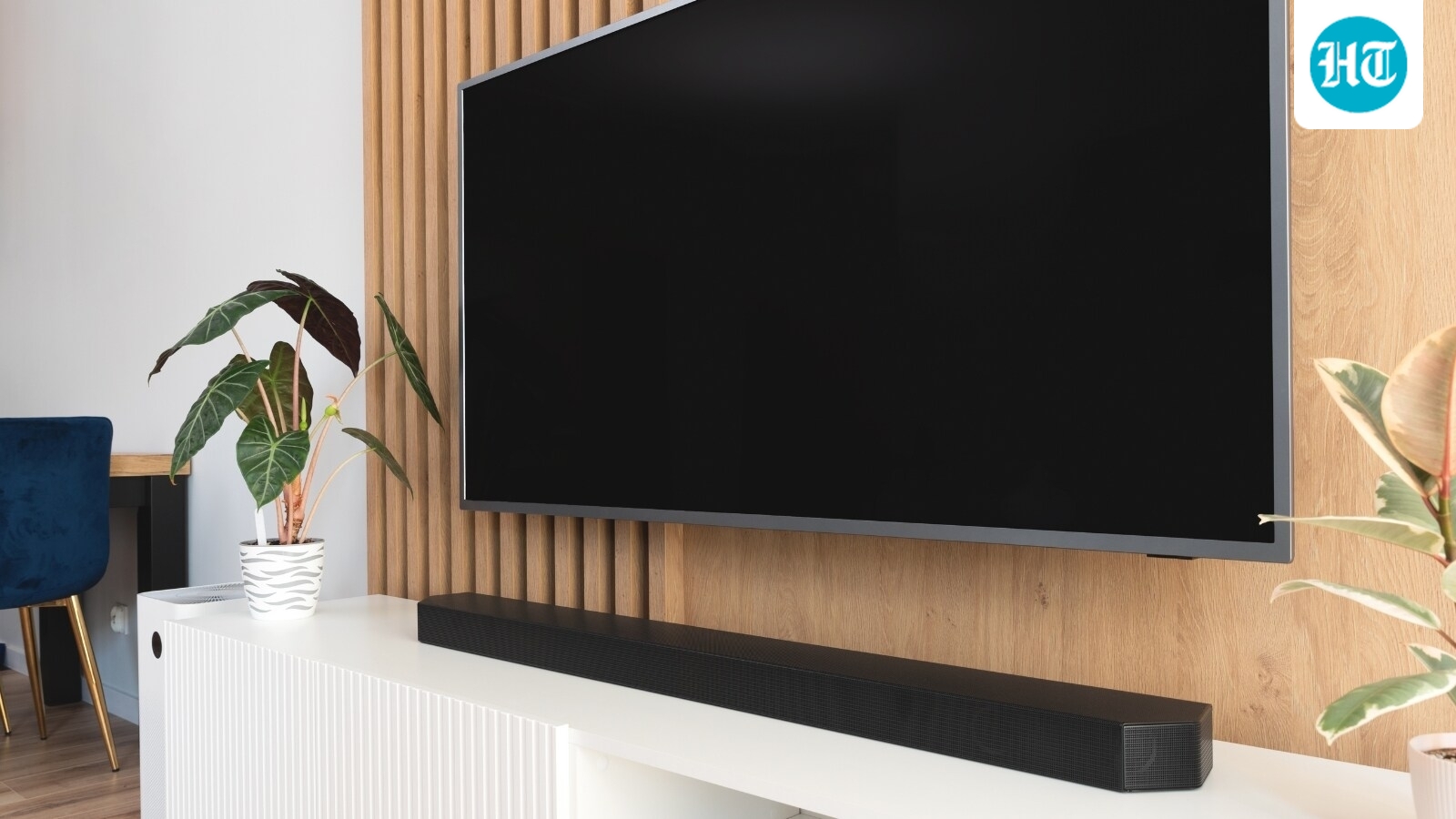
A buying guide warns that a soundbar may not work well with a TV if the two are not compatible.
It describes one buyer whose new soundbar did not improve movie sound because of a port and a setting.
The guide advises checking whether both devices support ARC or eARC.
It also says to check Dolby Atmos support and whether the remote controls work together.
These details matter when buying the devices as a pair or adding a soundbar to a TV later.
Checking them before paying can help avoid a setup that does not deliver the expected sound.
The guide does not describe any further steps or changes.

Buyers should check compatibility between a TV and soundbar before purchasing them together.
The article recommends checking ARC or eARC support, Dolby Atmos support and remote-control compatibility.
A mismatch in a port or setting can prevent a soundbar from improving the TV’s audio as expected.
The article lists soundbars from JBL, Sony and Zebronics with different connection and audio features.
- Who
- People buying a TV and soundbar together, or buying them separately.
- What
- The article advises checking compatibility features before buying the devices.
- When
- Before paying for a TV and soundbar.
- Where
- At home.
- Why
- To ensure the TV and soundbar work well together and deliver the expected audio experience.
This story does not have two clearly opposing sides.
This story does not have a timeline yet.
- Compatibility checks
- ARC or eARC, Dolby Atmos support and remote control
- JBL Cinema SB590
- 3.1-channel soundbar with HDMI eARC and a wireless subwoofer
- Sony HT-S40R
- 5.1-channel system with HDMI and optical connectivity
- Zebronics Juke BAR 9535
- 525W soundbar with HDMI ARC
Sources
Related news
Musk says Tesla robotaxis will be updated to avoid roaming pets

Apple lets customers prepare iPhone Duo pre-orders ahead of Friday
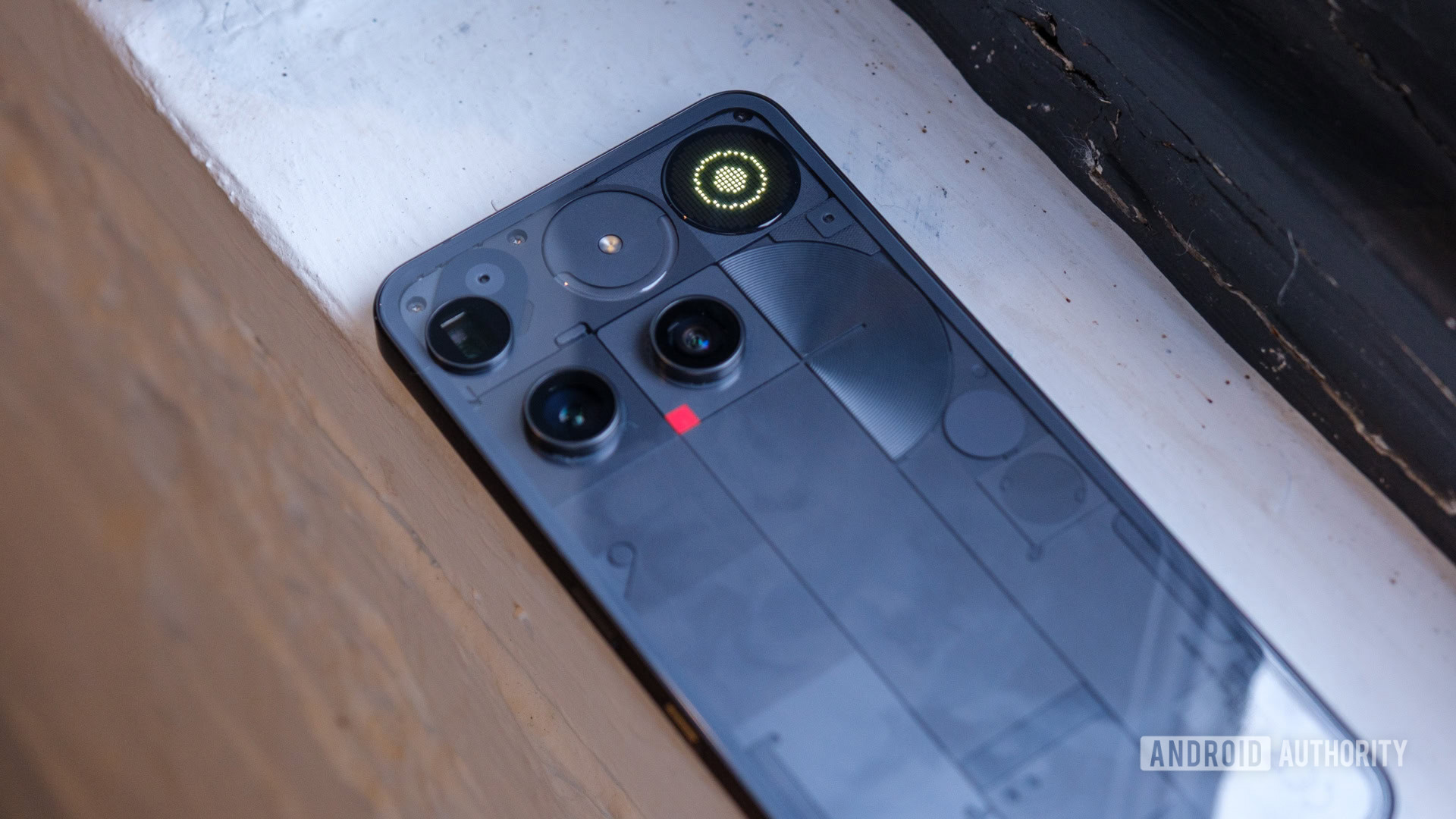
Nothing OS 5.0 with Android 17 starts rolling out to Phone (3)

OnePlus launches 10,000 mAh power bank with 67W charging

Google launches Fitbit Edge with GPS, health tracking and replaceable battery
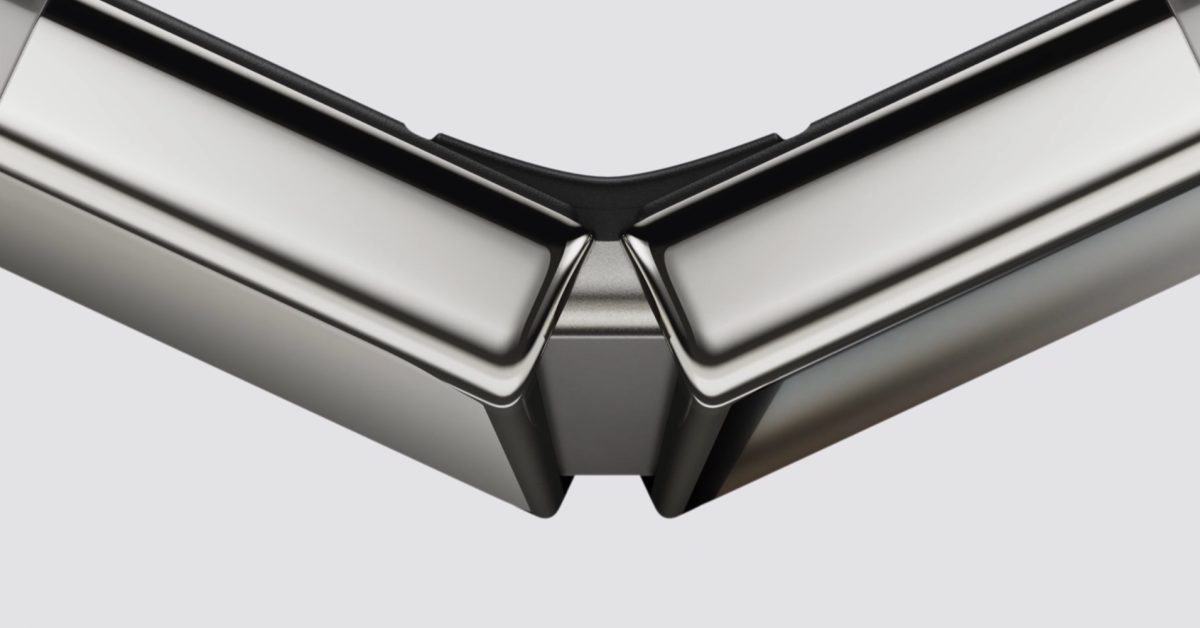
Apple routes a flexible graphite pipe through the iPhone Duo hinge to manage heat
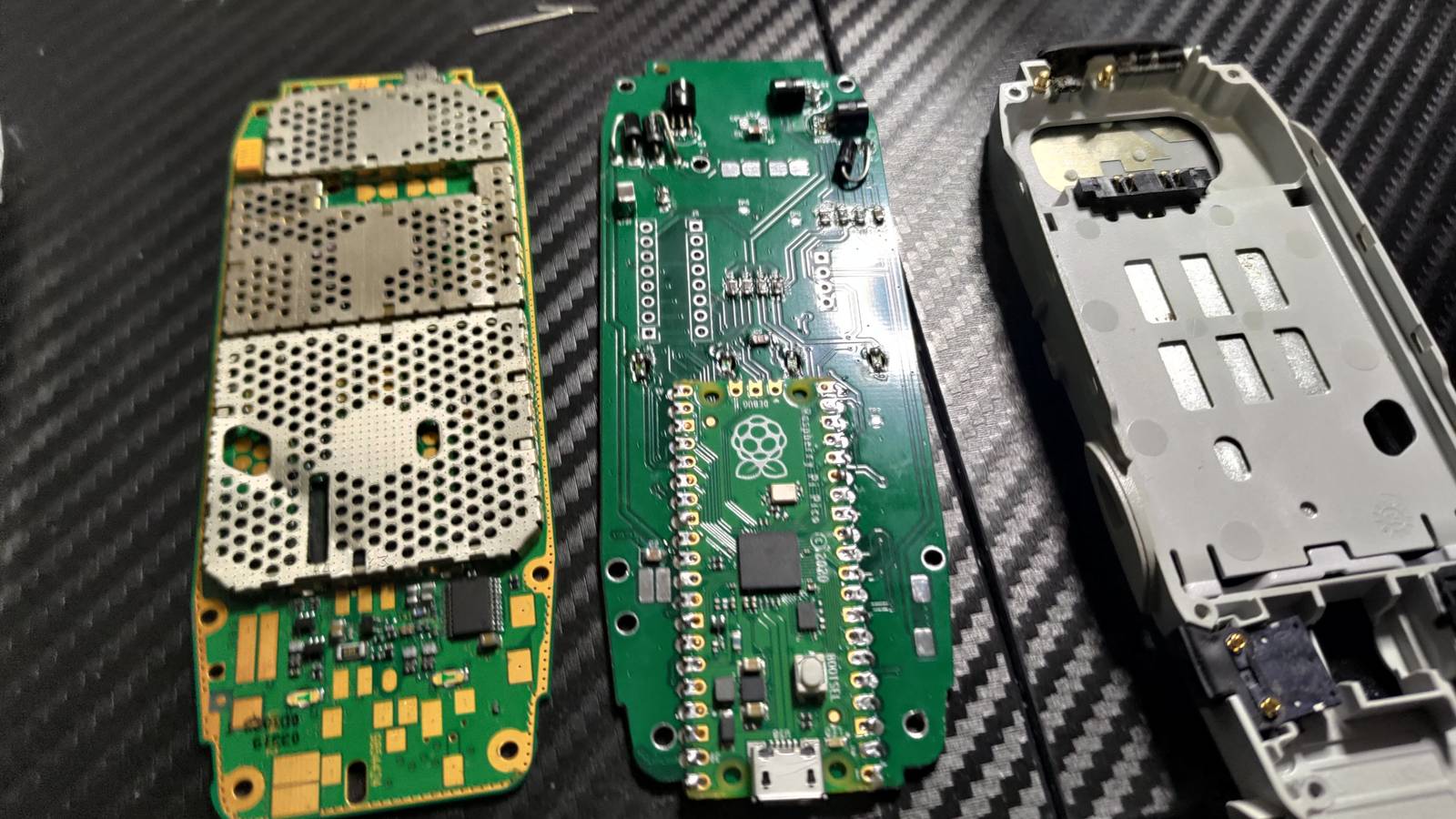
Nokia 3310 mod uses Raspberry Pi Pico to run a game on its original screen

Timex launches $349 Pan Am Waterbury GMT watch in the US

Citroën unveils electric 2CV concept, with production planned for 2028
Guide sets minimum features to look for in a cheap Android phone
Lenovo Legion Go 2 2TB model rises to $3,081.99
