Science & Tech · Gadgets & EVs · 1 day ago
Samsung’s One UI 9 adds useful video, security and other Galaxy features
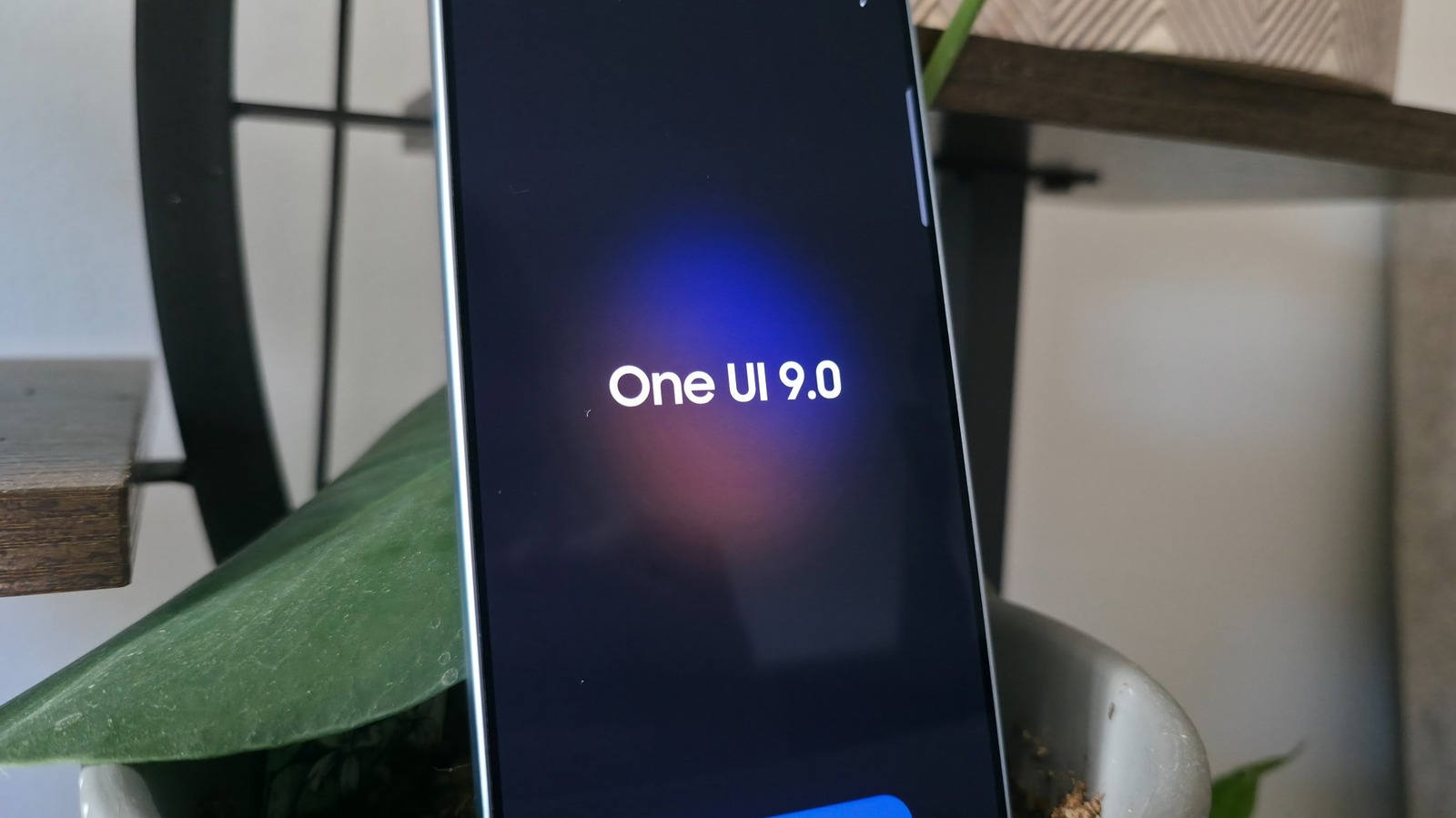
Samsung has begun rolling out One UI 9, its latest software for Galaxy phones, to recent flagship models.
It is based on Android 17 and arrived alongside Samsung’s latest foldable phones in August.
The update includes practical tools as well as AI features, though some, such as Now Nudge, did not prove useful in testing.
One new tool, My FanCam, can crop an existing wide video to follow one person as they move.
It works in Samsung Gallery, runs on the phone without sending video to the cloud, and requires a Samsung account.
This could help people make close-up clips from concerts, dance videos or children’s sports games without manually tracking the subject.
The update is still rolling out to older Galaxy models.

Samsung’s One UI 9 adds My FanCam, which turns wide video into a tracking shot focused on one person.
The feature can track a subject through an already-recorded video in Samsung Gallery.
Engadget says My FanCam works on-device without sending data to the cloud.
The update is built on Android 17 and began arriving with Samsung’s latest foldables in August.
Engadget tested the feature on a Galaxy S26 Ultra and Galaxy S25 Ultra.
- Who
- Samsung Galaxy users with One UI 9. Engadget tested My FanCam on the Galaxy S26 Ultra and S25 Ultra.
- What
- One UI 9 adds My FanCam, which crops wide video to follow a selected person, along with other software features.
- When
- One UI 9 arrived with Samsung’s latest foldables in August. The article was published on October 10, 2026.
- Where
- On Samsung Galaxy devices, using videos in Samsung Gallery.
- Why
- My FanCam lets users create a tracking shot from a wide video without filming in a specialized mode.
This story does not have two clearly opposing sides.
No direct quotes in the coverage so far.
Samsung’s latest foldables arrived with One UI 9.
Engadget published its report on features available in One UI 9.
- Feature
- My FanCam
- Function
- Crops a wide video to track a selected person
- Access
- Open a recorded video in Samsung Gallery and tap the Galaxy AI button
- Processing
- Works on-device without sending data to the cloud
- Tested devices
- Galaxy S26 Ultra and Galaxy S25 Ultra
- Software base
- Android 17
Sources
Related news
LineageOS 24 brings Android 17 and redesigned apps to supported devices
Apple releases limited-edition AirPods 5 with rangoli engraving in India

Citroën unveils electric 2CV concept, with production planned for 2028

PhoneBot uses a smartphone to walk, track people and take pictures
Samsung is considering a $75 to $100 price increase for Galaxy S27 phones

AlterMe Review Finds Personalized Fitness Helpful but Expensive
Poll finds strong US interest in the upcoming OnePlus 16

Electric cars reach 42% of new car registrations in France

Peugeot concept previews electric-only E-208 due in 2027

Samsung, Sony and Xiaomi among winners of 2026 TV awards

Q8botOne is a cable-free robot dog seeking crowdfunding