Science & Tech · Gadgets & EVs · 1 day ago
iPhone settings can help reduce mobile data use

iPhone users can change settings to use less mobile data.
This can help people with limited plans, while traveling abroad or when using a phone as a hotspot.
Low Data Mode reduces data use across the phone by lowering some media quality, limiting feed refreshes and stopping automatic updates and backups.
Users can also prevent selected apps from refreshing in the background or block them from using mobile data altogether.
Many apps have their own data-saving options, such as lower video quality or turning off autoplay.
Downloading maps, music, podcasts and shows over Wi-Fi can make them available later without using mobile data, though some downloads expire.
Connectivity Assist can also use mobile data when Wi-Fi is weak or busy, so users watching their data use may want to check whether it is enabled.

iPhone users can reduce mobile data use through settings that limit background activity, streaming quality and automatic downloads.
Low Data Mode applies several data-saving changes across the device, including lower-quality media streaming and less frequent feed refreshing.
Users can also disable mobile data for individual apps or turn off Background App Refresh for selected apps.
Downloading maps, music, podcasts and video over Wi-Fi can help avoid using mobile data later.
Connectivity Assist can use mobile data alongside Wi-Fi when the Wi-Fi connection is weak or busy.
- Who
- iPhone users who want to reduce mobile data use.
- What
- The article describes iPhone settings and app options that can limit mobile data consumption.
- When
- Not stated.
- Where
- On an iPhone, in Settings and in individual apps.
- Why
- To preserve a limited data allowance, including while travelling internationally or using a hotspot.
This story does not have two clearly opposing sides.
No direct quotes in the coverage so far.
This story does not have a timeline yet.
- Low Data Mode
- Reduces data use through changes such as lower-quality streaming and less frequent feed refreshing
- Background App Refresh
- Can be set to Wi-Fi only or disabled for selected apps
- App mobile data
- Individual apps can be blocked from using mobile data
- Connectivity Assist
- Uses mobile data alongside weak or busy Wi-Fi
Sources
Related news

Citroën unveils electric 2CV concept, with production planned for 2028
Kaniva plans eight more EV chargers as it builds its highway hub

Google teases Fitbit Edge tracker ahead of October 12 announcement

Tesla renames its European Full Self-Driving feature Assisted Driving

ASUS Pad review finds strong OLED hardware held back by software
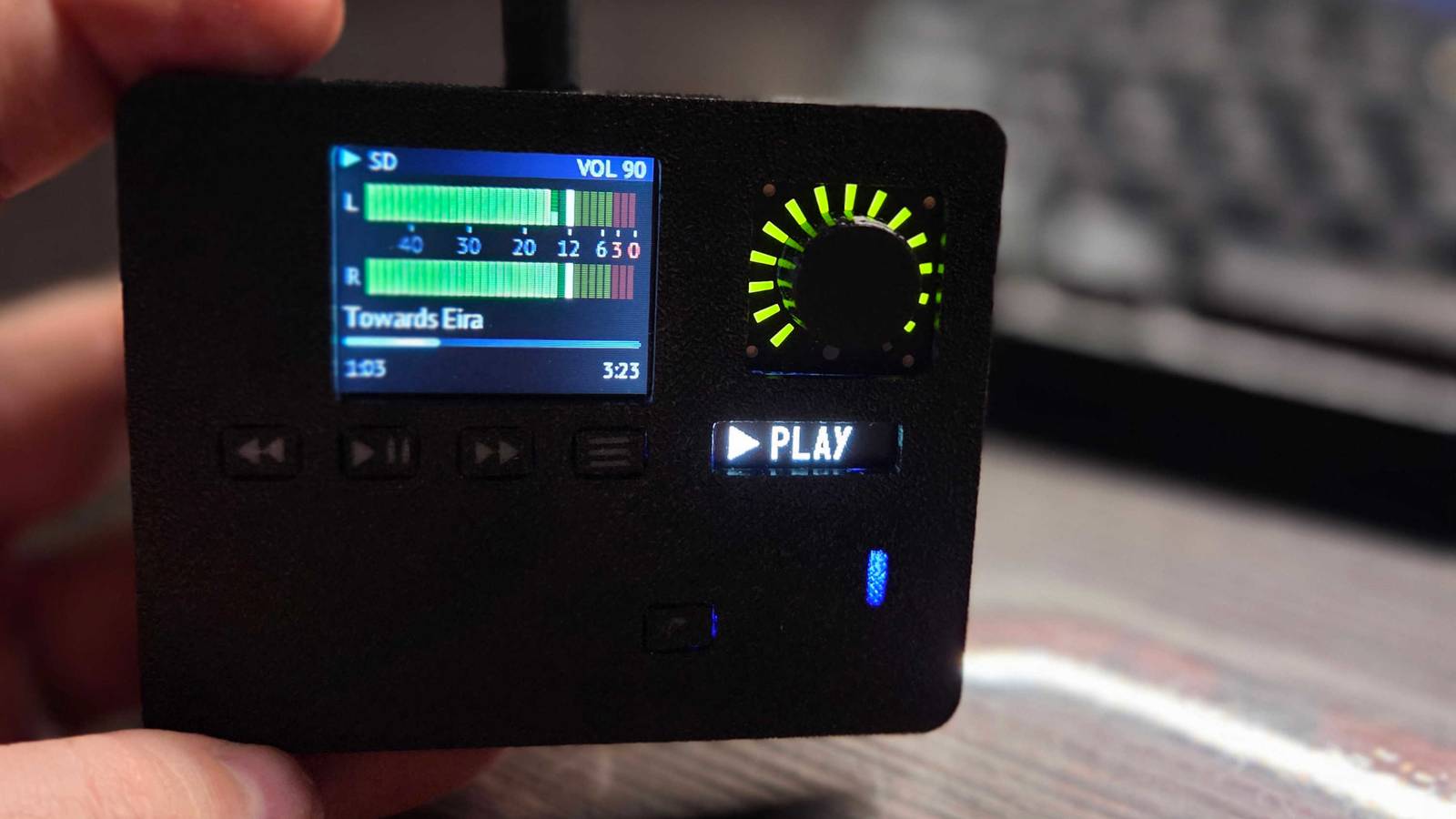
DIY ESP32-S3 player brings music playback to a pocket-sized device
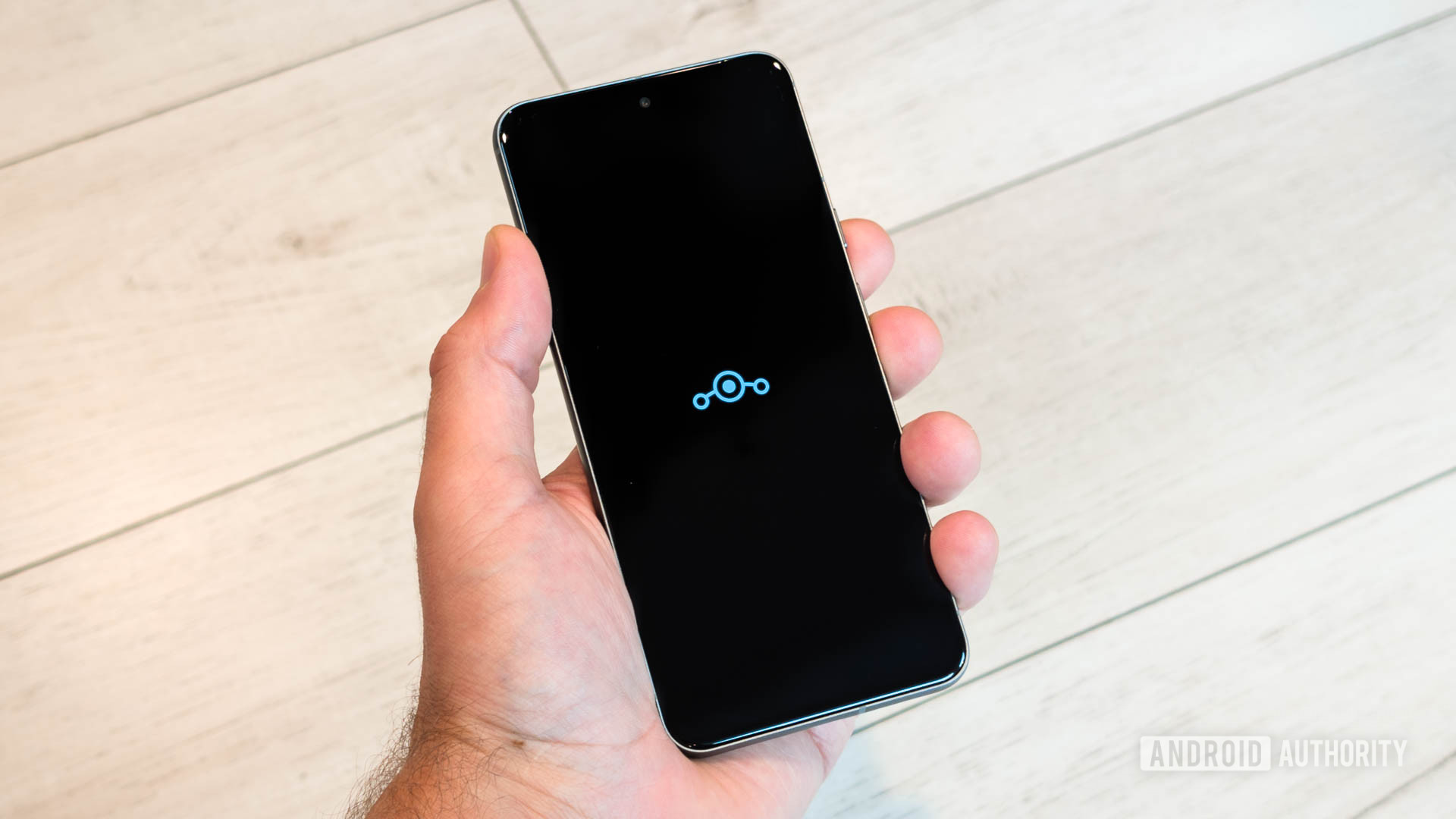
LineageOS 24.0 brings Android 17 to an initial set of devices

Honor to launch Win 2 phones and Win Tablet on October 21

More than half of surveyed Tokyo University students prefer paper notes

Apple plans large in-store showcase for its first foldable iPhone
Oppo launches F35 phones in India with 8,000mAh batteries