Science & Tech · Gadgets & EVs · 1 day ago
How to reset a Samsung TV and try simpler fixes first
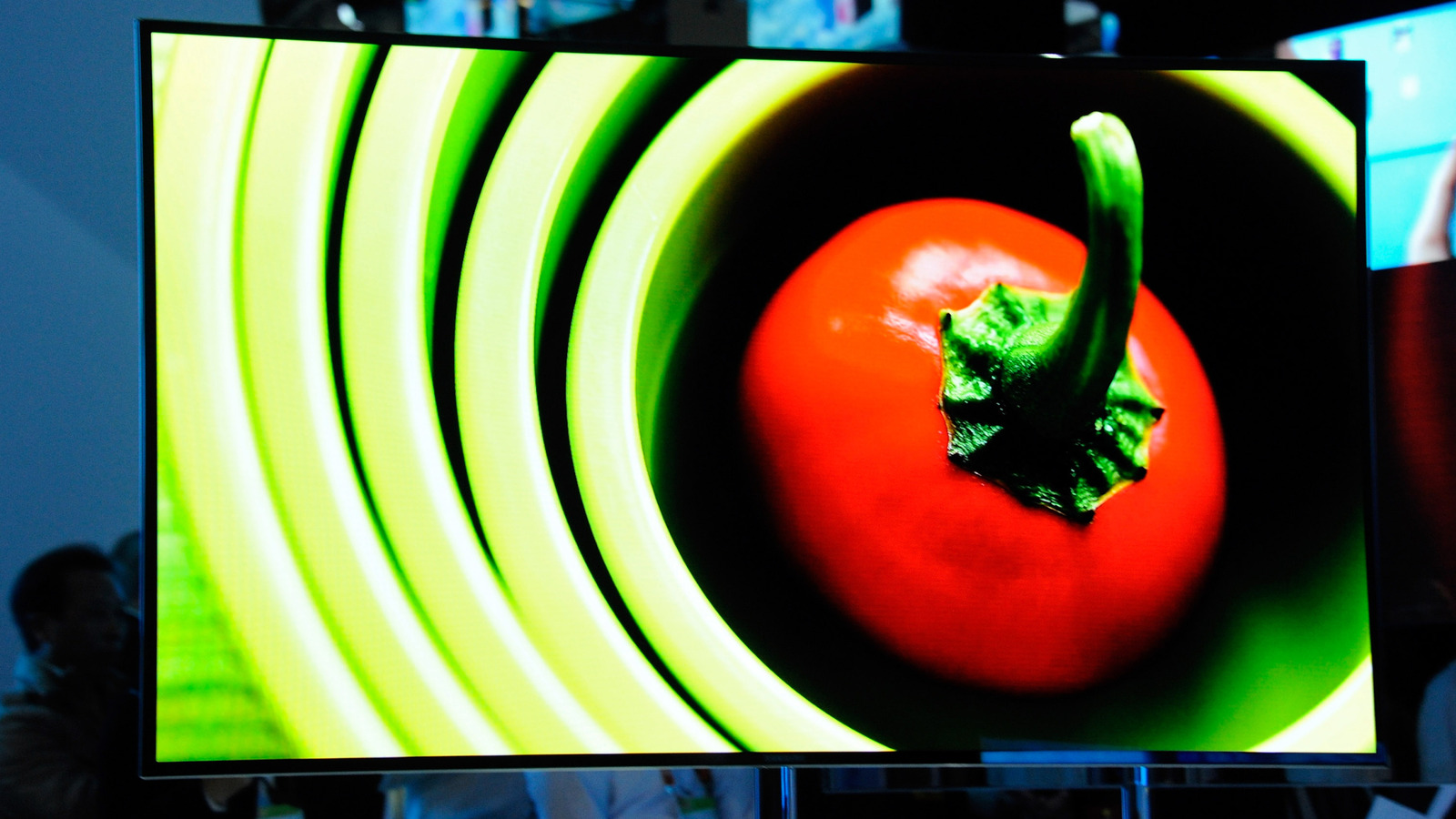
Samsung TVs can develop problems such as streaming apps freezing or video glitches.
A factory reset returns the TV to its original settings and removes installed apps and account information.
To start one, go to Settings, then All Settings, General & Privacy and Reset; the TV asks for a PIN, which is 0000 if it has not been changed.
Before resetting, make sure you have your Wi-Fi and streaming service passwords because you will need them to set things up again.
The process may also require you to reinstall apps and updates and restore your picture and sound preferences.
For smaller problems, unplugging the TV for 30 seconds or holding the remote’s power button for five seconds can reboot it without erasing everything.
You can also reset Smart Hub, though that removes its app and account information.
A reset may help, but it is not guaranteed to fix the problem.

Engadget explains how to factory-reset a Samsung TV and recommends trying simpler fixes first.
A factory reset returns the TV to its out-of-the-box state and removes settings and installed apps.
Before resetting, users should record PINs and passwords because they will need them to set up the TV again.
The reset menu is under Settings, All Settings, General & Privacy, and Reset.
For minor glitches, users can reboot the TV or reset the Smart Hub instead.
- Who
- Samsung TV owners experiencing problems.
- What
- A guide explains how to factory-reset a Samsung TV and try softer troubleshooting steps first.
- When
- Not stated.
- Where
- On Samsung TVs, using the TV’s settings menus or remote.
- Why
- A reset may help address problems such as freezing apps or video glitches.
This story does not have two clearly opposing sides.
No direct quotes in the coverage so far.
This story does not have a timeline yet.
- Default PIN
- 0000
- Unplug reboot
- 30 seconds
- Remote power-button reboot
- Hold for five seconds
- Factory-reset menu
- Settings > All Settings > General & Privacy > Reset
- Smart Hub reset menu
- Settings > All Settings > Support > Device Care > Self Diagnosis > Reset Smart Hub
Sources
Related news
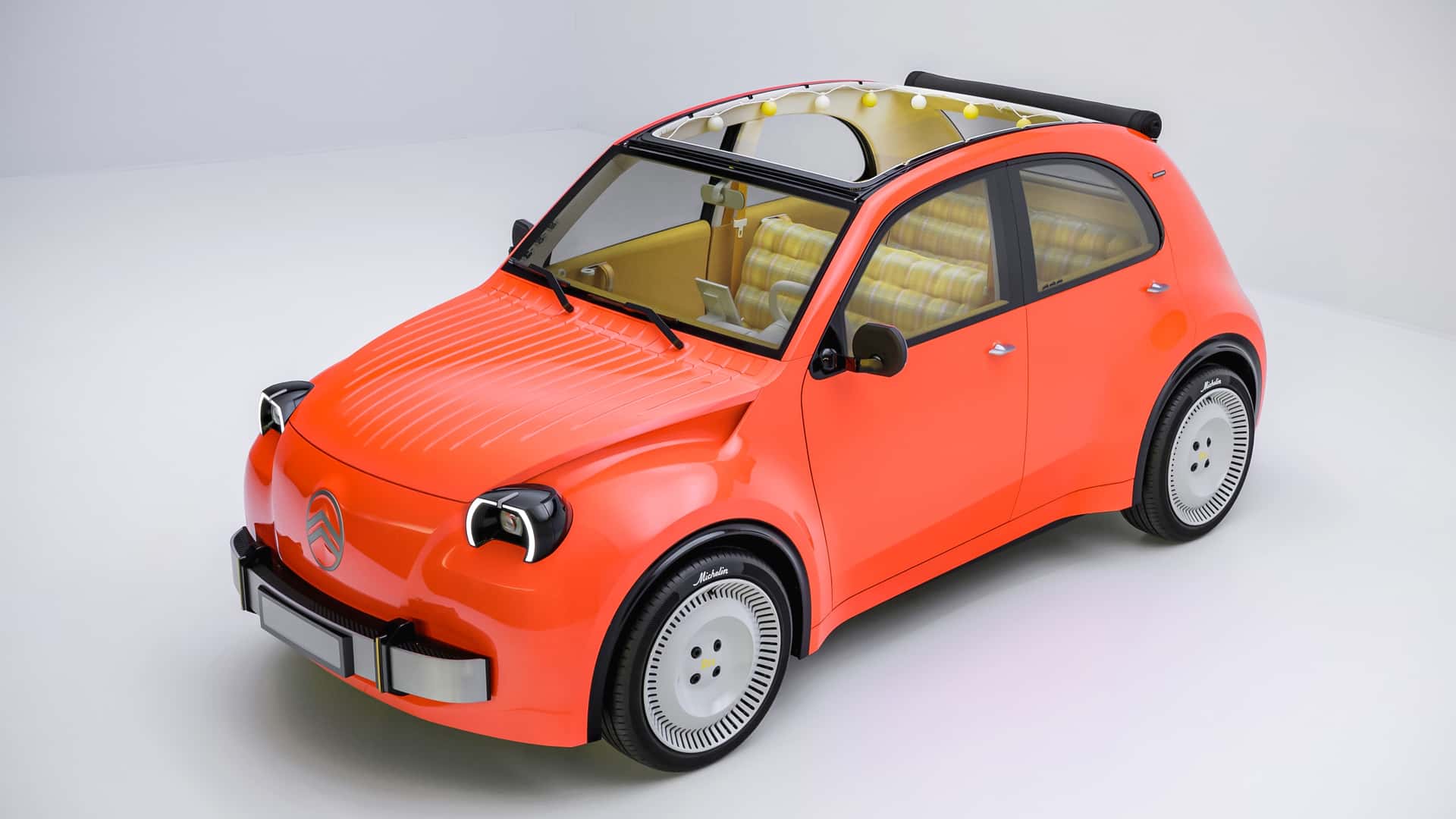
Citroën unveils electric 2CV concept, with production planned for 2028

3D printers can release particles and gases, even when using PLA

Apple plans large in-store showcase for its first foldable iPhone
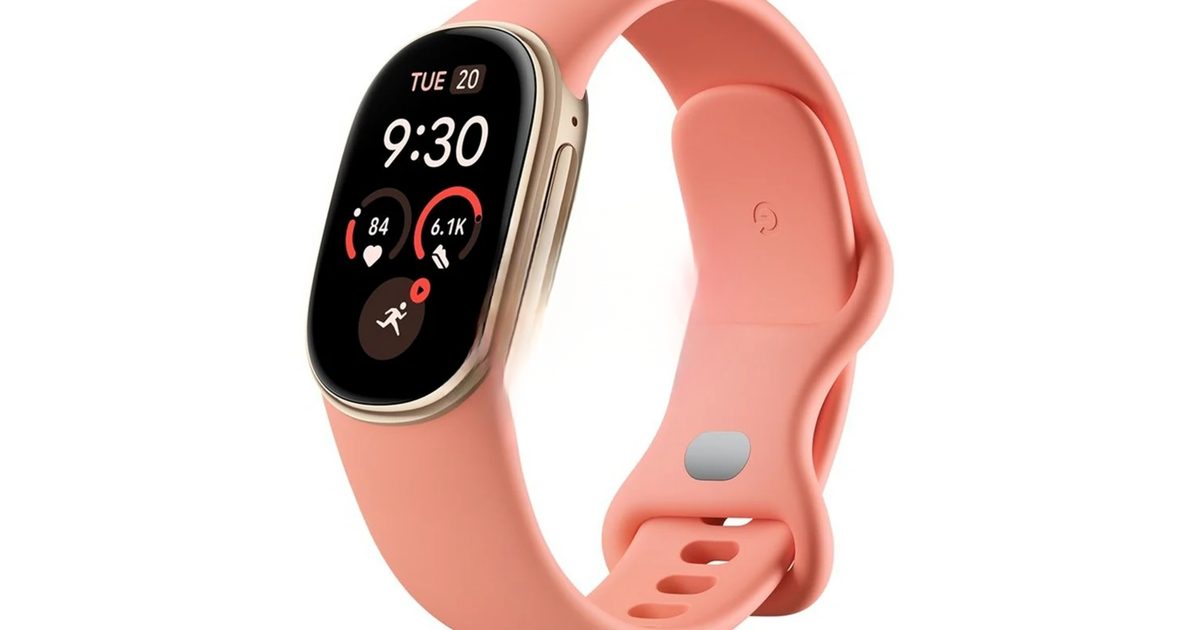
Google teases Fitbit Edge tracker ahead of October 12 announcement

Tesla renames its European Full Self-Driving feature Assisted Driving
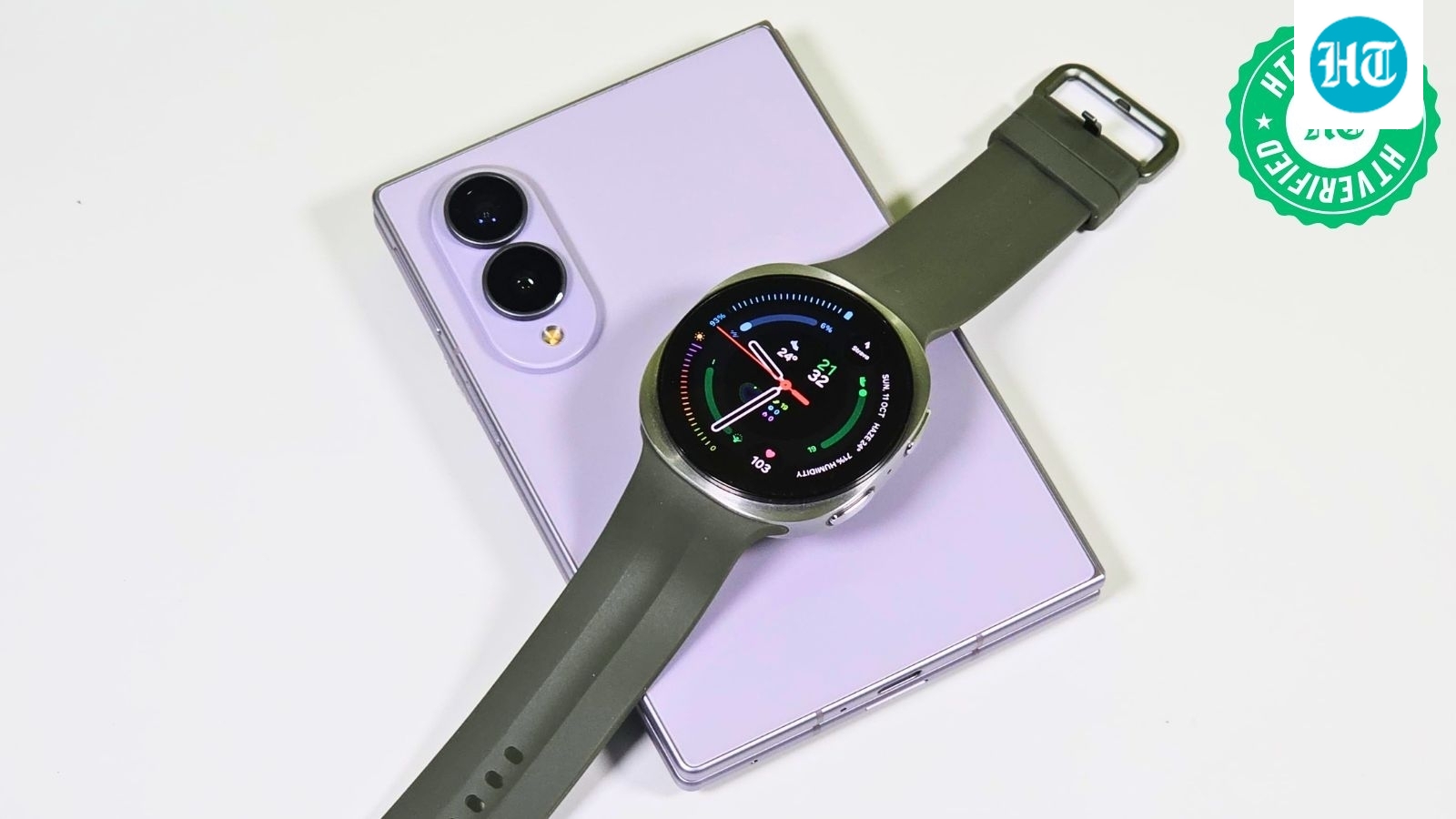
Samsung Galaxy Watch 9 delivers strong performance but modest upgrades
Galaxy S27 Ultra may use Qualcomm chips in every market

Unofficial Gboard mod brings Pixel 11 voice-to-text feature to other Android phones
U.S. Apple Stores to personalize iPhone Duo’s first startup greeting

Next iPad mini may cost about $799, up from $599

Amazon unveils Android Alexa tablets with Google Play access