

Science & Tech · Gadgets & EVs · 4 hrs ago
Android settings can improve phone location accuracy
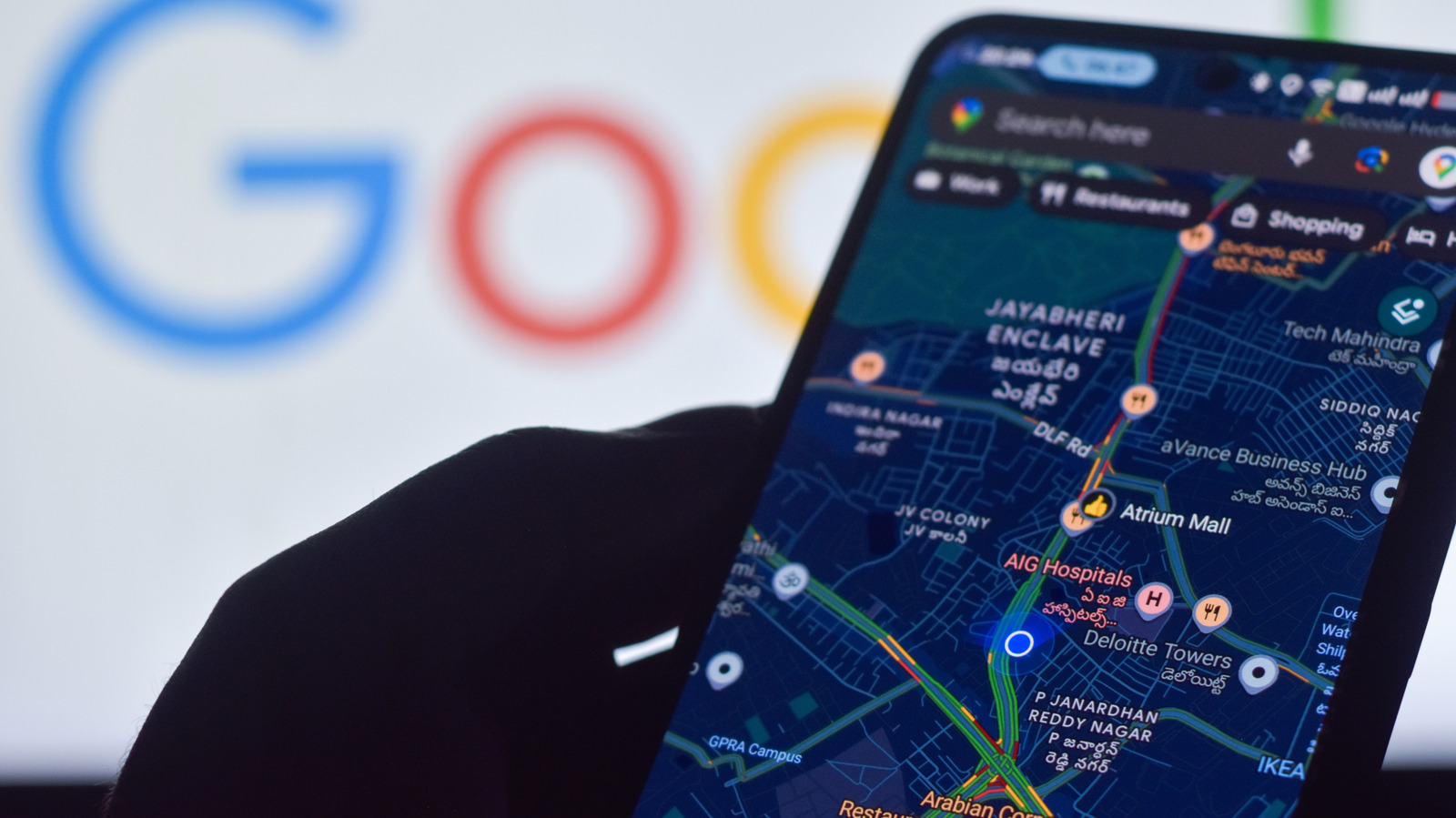
Android phones use location data for tasks such as directions, sharing a location and finding a parked car.
GPS is a key part of this, but signals can be weak indoors or among tall buildings.
Android’s Location Accuracy setting lets a phone combine GPS with Wi-Fi, cellular signals and sensors to estimate its location.
The setting is available through the Location menu, though the exact path varies by Android version.
If it is off, the phone relies on GPS and its sensors, which may make its estimate less accurate.
Google also uses information about wireless signals and sensors from devices to improve estimated locations.
Apps such as Google Maps also need location services enabled and permission to access the phone’s location.
The guidance recommends checking these settings when a map shows an imprecise or incorrect position.

Android settings can improve location accuracy when GPS signals are weak or unavailable.
Location Accuracy combines GPS, Wi-Fi, cellular signals and device sensors to estimate a phone’s position.
The setting is especially useful indoors and in dense urban areas.
The menu path varies by Android version, and users also need to allow location access for relevant apps.
Google anonymously collects information about wireless signals and sensors to help improve estimated location data.
- Who
- Android phone users who want more accurate location information.
- What
- Enabling Location Accuracy lets a phone use available wireless signals and device sensors, in addition to GPS.
- When
- Not stated.
- Where
- In the phone’s location settings; the feature is especially useful indoors or in dense urban areas.
- Why
- It can improve location estimates when GPS signals are blocked, weak or unavailable.
This story does not have two clearly opposing sides.
This story does not have a timeline yet.
- Android versions
- Android 12 and above: Settings > Location > Location Services > Location Accuracy
- Older Android versions
- Android 11 and below: Settings > Location > Advanced > Location Accuracy
- Signals used
- GPS, Wi-Fi and cellular networks and towers
- Device sensors
- Accelerometer, barometer and gyroscope
- Data collection
- Google anonymously collects information about wireless signals and sensors to improve estimated location data
Sources
Related news

Google launches Fitbit Edge with GPS, health tracking and replaceable battery
Samsung brings Android 17 update to Galaxy S24 and Z Fold 6 in the US
Nothing OS 5.0 with Android 17 starts rolling out to Phone (3)

Smart #2 electric two-seater opens orders from €19,990

Citroën unveils electric 2CV concept, with production planned for 2028

Apple lets customers prepare iPhone Duo pre-orders ahead of Friday

Next iPad mini may cost about $799, up from $599

Beats and Pokémon tease a Beats Pill speaker collaboration
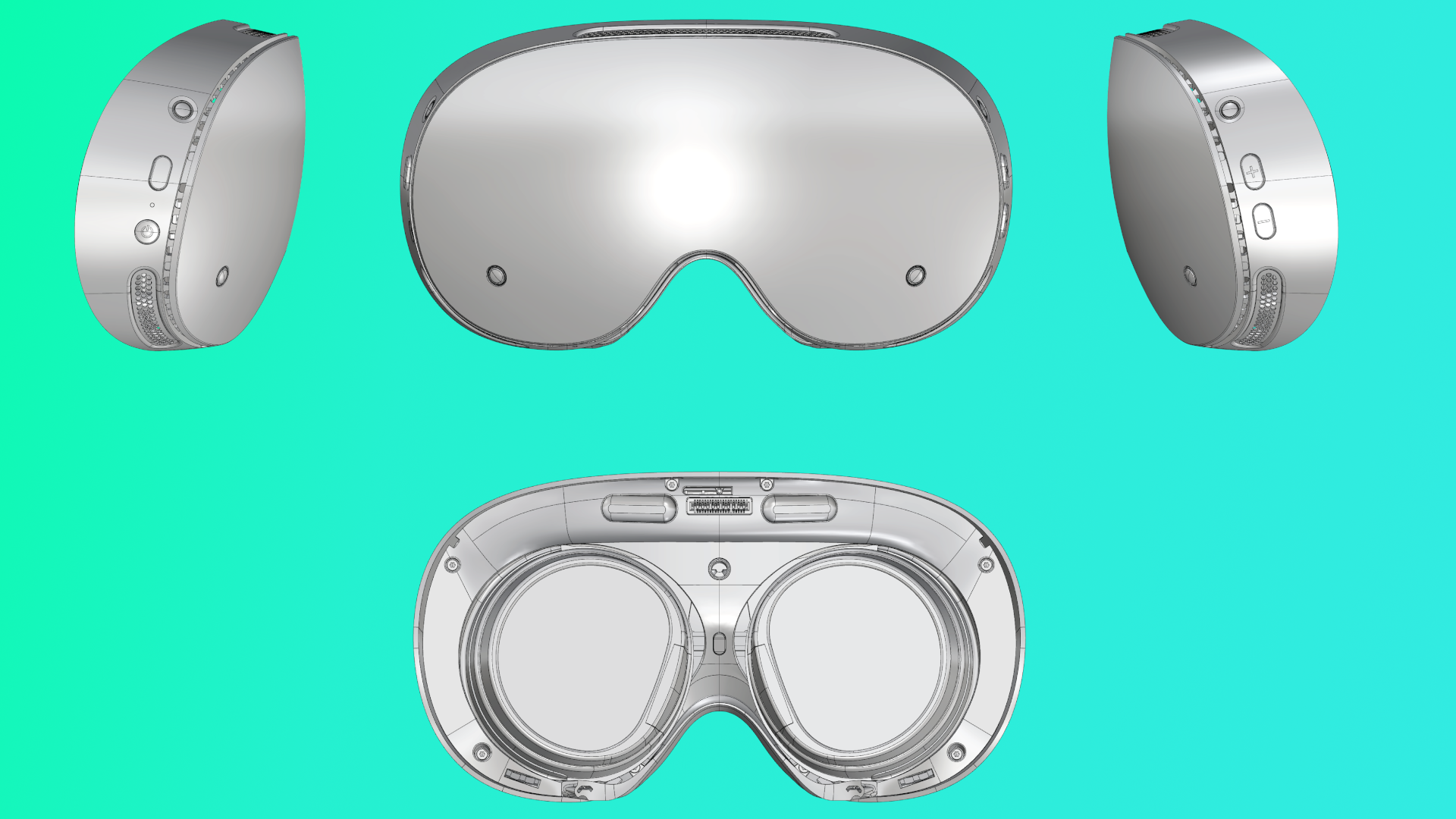
Valve releases Steam Frame CAD files, prompting a wave of DIY accessories

Nvidia reportedly stops making GeForce RTX 5090 cards

BYD Unveils Seven-Seat Atto 8 With Five-Minute Fast-Charging Claim
