Science & Tech · Gadgets & EVs · 1 day ago
Kindle users can save battery by setting separate light levels for each mode

A Kindle’s front light can use more battery when it is kept bright.
Dark mode can be useful at night, but it may be hard to notice in daylight if it is still on.
The device remembers separate brightness settings for dark and light modes.
Setting the front light to zero in light mode can help save battery during the day.

An Android Police article describes using Kindle light-mode settings to reduce battery drain.
The writer says dark mode and light mode save separate front-light brightness settings.
The suggested trick is to set the front-light brightness to 0 in light mode, then switch to light mode during the day.
The writer says dark mode can be useful for nighttime reading, when its dark background is easier on the eyes in dim surroundings.
The article says dark mode itself does not use more battery than light mode; the writer identifies front-light brightness as a reason battery life can fall.
- Who
- Kindle users
- What
- A way to reduce battery drain by setting brightness to 0 in light mode
- When
- During daytime reading
- Where
- On a Kindle
- Why
- To reduce battery use from the front light
This story does not have two clearly opposing sides.
I'm not about to tell you that dark mode uses more battery power than light mode. That's not true; it's a long-busted myth
Simply turn on light mode, switch your brightness to 0, and voilà, you've cut your battery problems.
This story does not have a timeline yet.
- Outlet
- Android Police
- Published
- October 10, 2026, at 10:30 UTC
- Suggested light-mode brightness
- 0
- Battery-saving setting
- Light mode and dark mode retain separate front-light brightness configurations
Sources
Related news
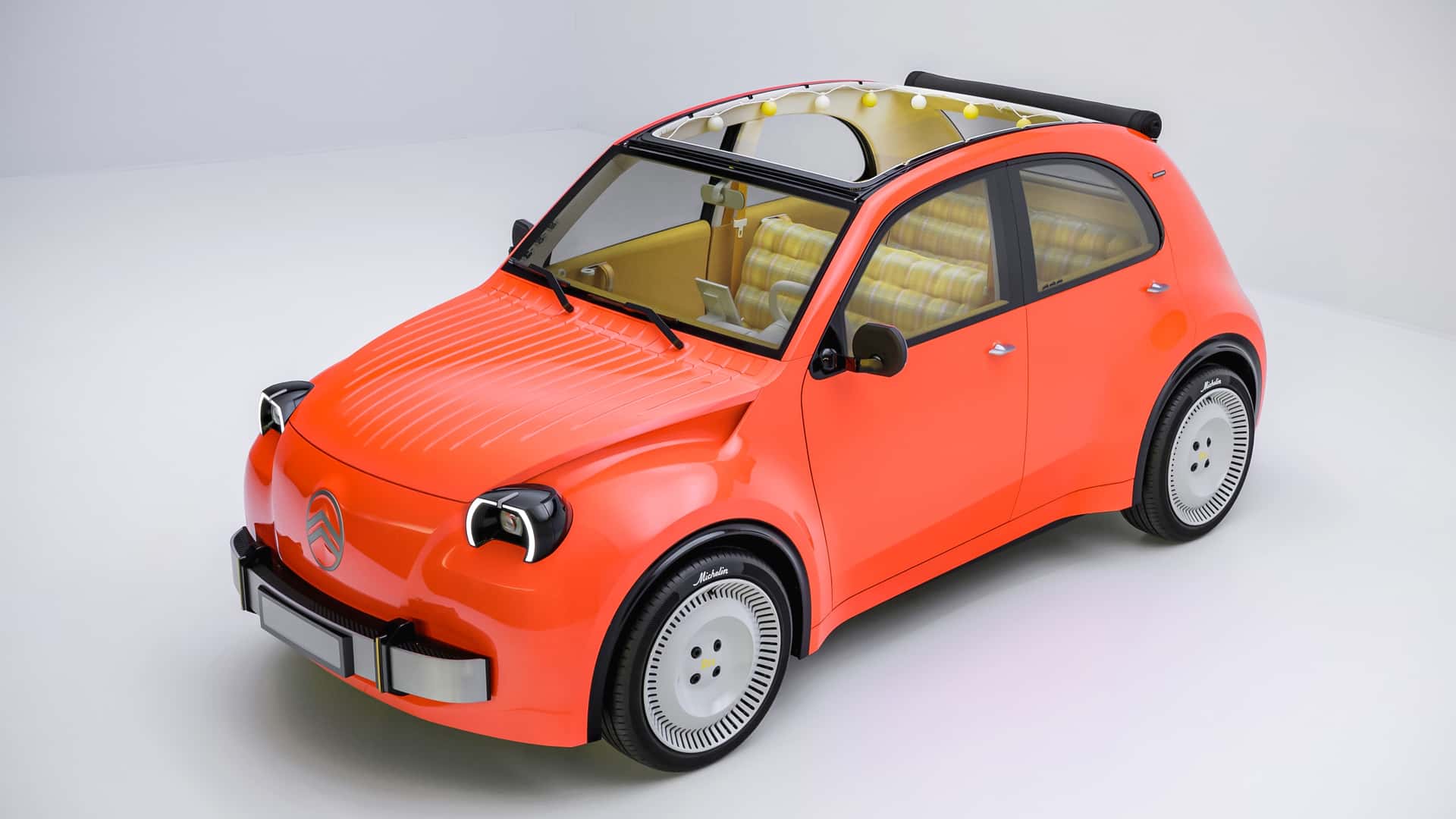
Citroën unveils electric 2CV concept, with production planned for 2028

3D printers can release particles and gases, even when using PLA

Apple plans large in-store showcase for its first foldable iPhone
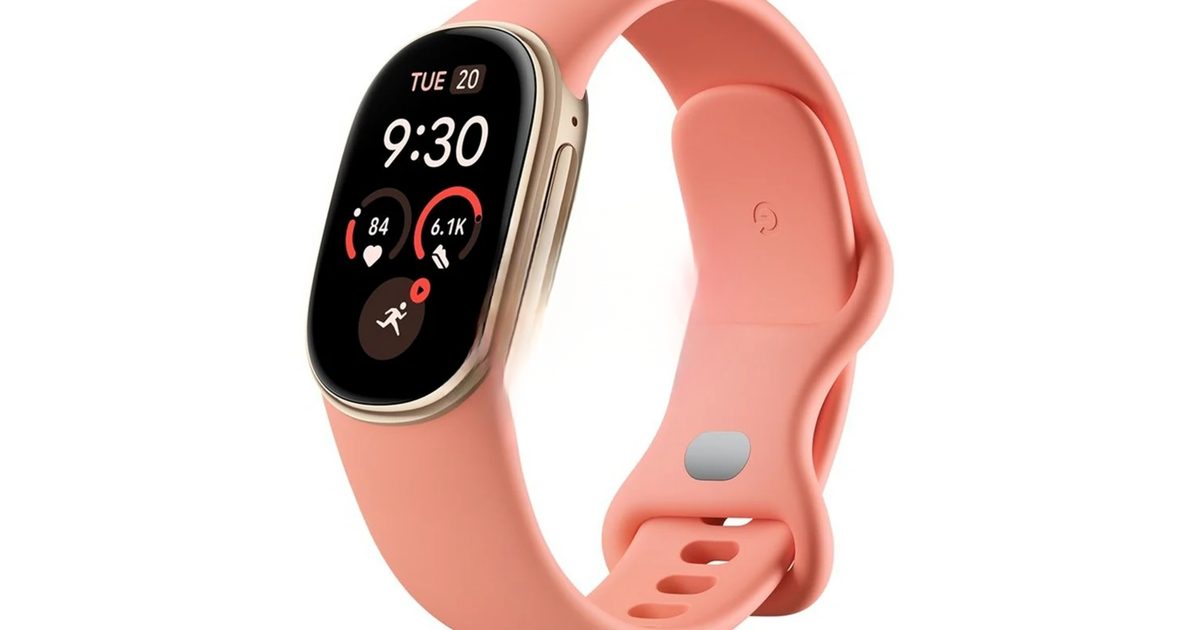
Google teases Fitbit Edge tracker ahead of October 12 announcement
Tesla renames its European Full Self-Driving feature Assisted Driving
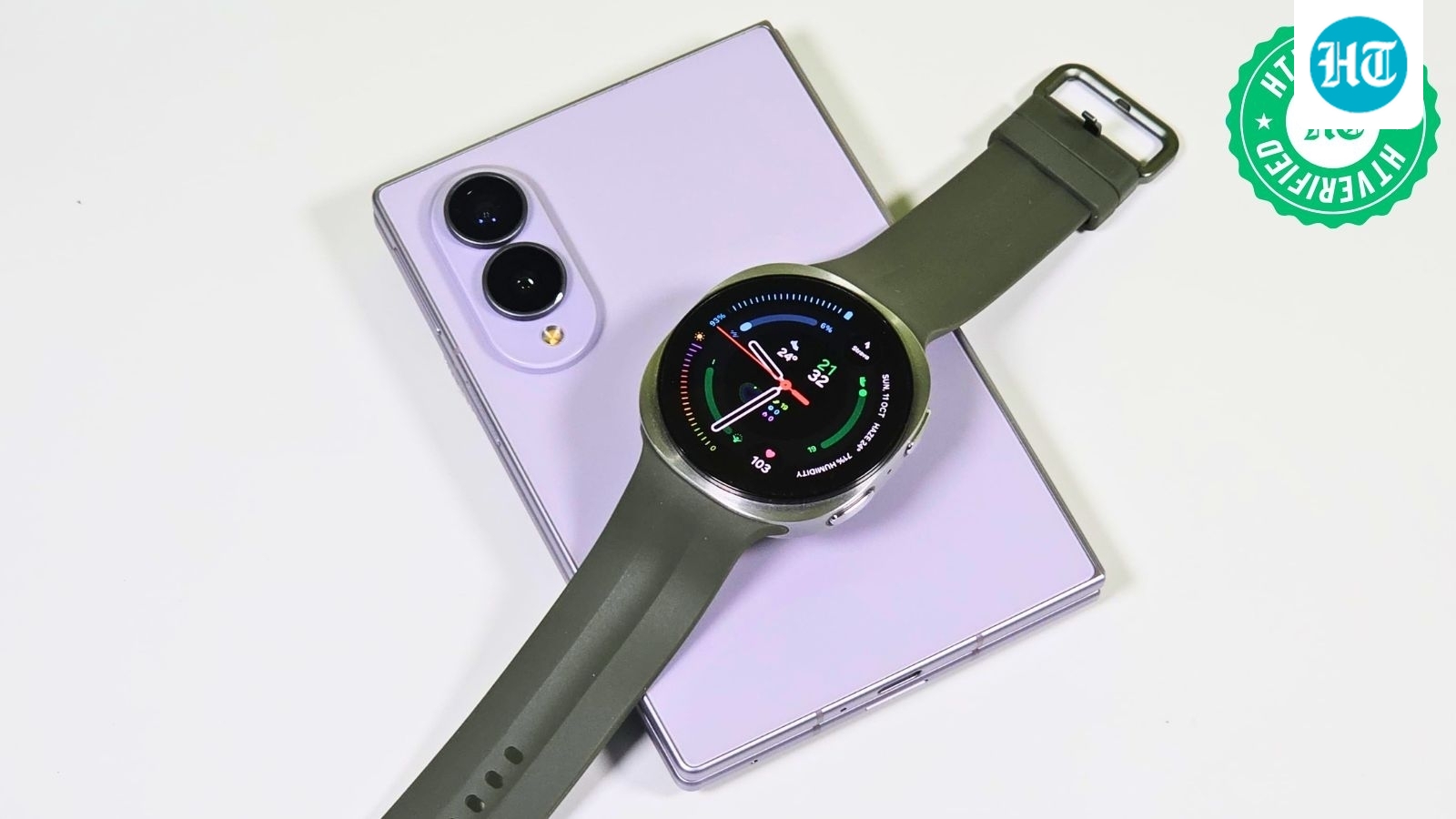
Samsung Galaxy Watch 9 delivers strong performance but modest upgrades
Galaxy S27 Ultra may use Qualcomm chips in every market

Unofficial Gboard mod brings Pixel 11 voice-to-text feature to other Android phones
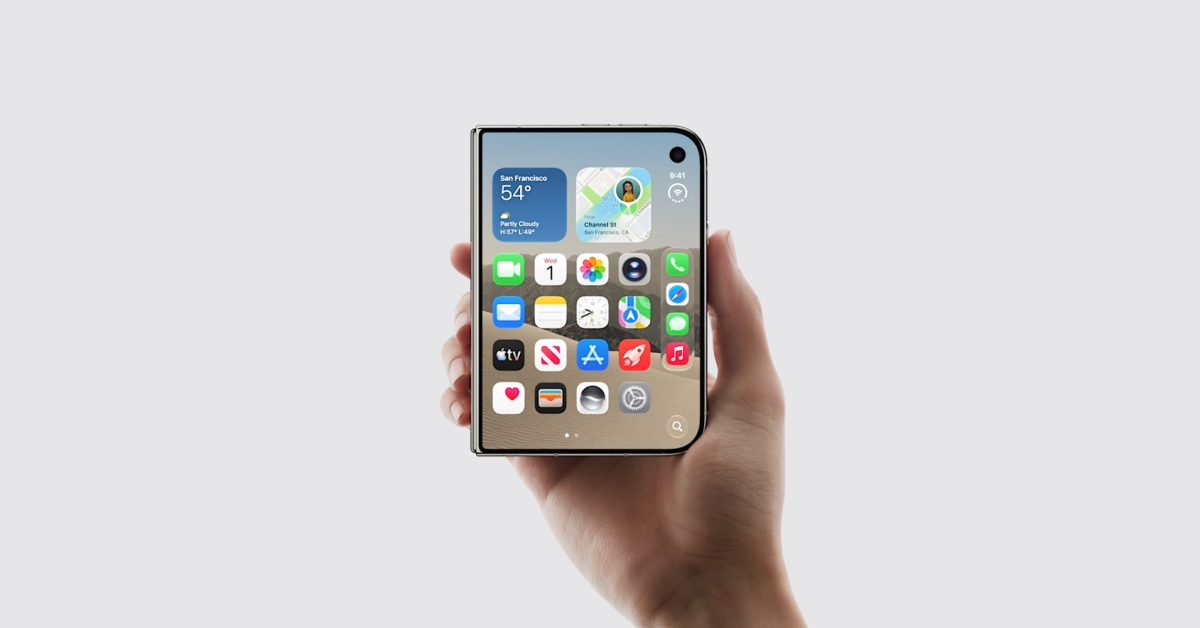
U.S. Apple Stores to personalize iPhone Duo’s first startup greeting

Amazon unveils Android Alexa tablets with Google Play access

Next iPad mini may cost about $799, up from $599