Science & Tech · Big Tech & Internet · 7 hrs ago
Windows 11 26H2 is rolling out gradually, with manual install options
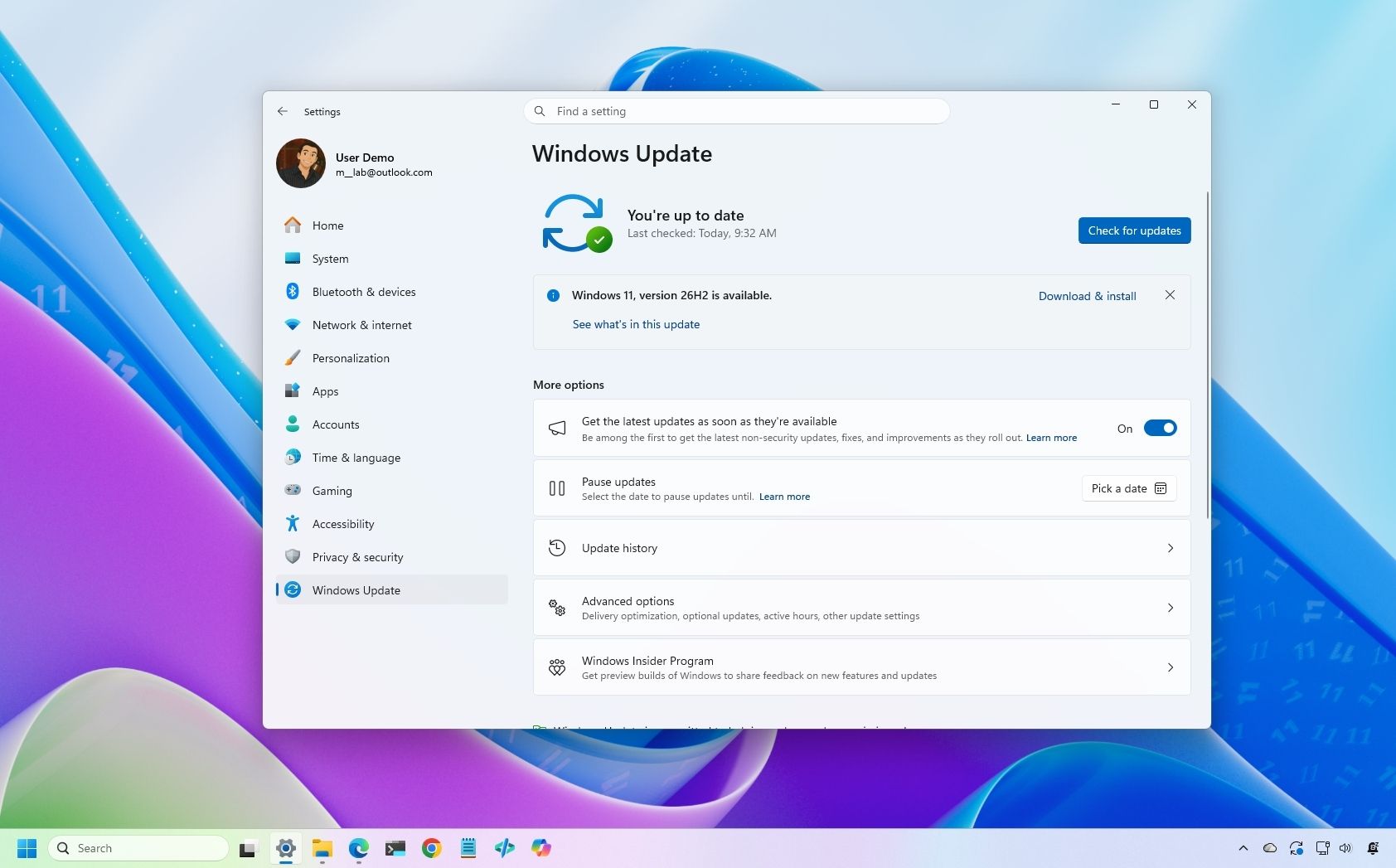
Microsoft is gradually rolling out Windows 11 version 26H2, also called the 2026 Update, to compatible computers.
The update is optional, so users can wait for it or try to install it themselves.
For computers already running Windows 11 version 24H2 or 25H2, it is a smaller update that does not require a full reinstall.
Computers on version 23H2 or an older version need an in-place upgrade, while upgrading from Windows 10 also involves the full upgrade process.
Microsoft recommends using Windows Update when the option is available, and lists the Installation Assistant, Media Creation Tool and an ISO file as other ways to upgrade.
The rollout is phased, so some compatible computers may not be offered the update right away.
The upgrade is designed to preserve files, but problems can still occur, so the guidance advises making a temporary backup first.

Microsoft is gradually rolling out Windows 11 version 26H2 to compatible devices.
The update is optional, and users can try to install it manually rather than wait.
Devices known to have a good upgrade experience are first in line, so availability varies.
Upgrading from versions 25H2 or 24H2 does not require a full reinstall.
Devices on version 23H2 or older, and computers upgrading from Windows 10, require a full upgrade process.
- Who
- Microsoft is rolling out the update to compatible devices.
- What
- Windows 11 version 26H2 is gradually becoming available, with manual installation options.
- When
- The rollout is underway; a specific start date is not stated.
- Where
- On compatible Windows devices.
- Why
- Microsoft is starting with devices known to have a good upgrade experience.
This story does not have two clearly opposing sides.
No direct quotes in the coverage so far.
This story does not have a timeline yet.
- Version
- Windows 11 26H2
- Previous versions
- 25H2 and 24H2 upgrades do not require a full reinstall
- Earlier versions
- 23H2 or older require an in-place upgrade with a full reinstallation
- Manual options
- Windows Update, Installation Assistant, Media Creation Tool and an ISO file
Sources
Related news
Apple’s HomeView smart home hub is expected to ship in mid-November
Apple classifies the 2017 Apple TV 4K as vintage

A touchscreen MacBook Pro may be coming, but the Mac and iPad remain separate

Next Apple TV may add hands-free Siri and a speaker in its remote
Entry-level iPad update expected in early 2027

Apple reportedly plans new HomePod mini and Apple TV on Oct. 13

Apple confirms October 13 launch focused on smart home products

Apple reportedly plans touchscreen MacBook and iPad mini launch around October 27
Apple’s HomeView smart home hub is expected to arrive before year-end

Unsupported Windows versions will lose access to updates in 2027

TechCrunch Disrupt 2026 set to open in San Francisco on October 13