Science & Tech · Gadgets & EVs · 4 hrs ago
iPhone Clock alarm picker stops scrolling at 4:39
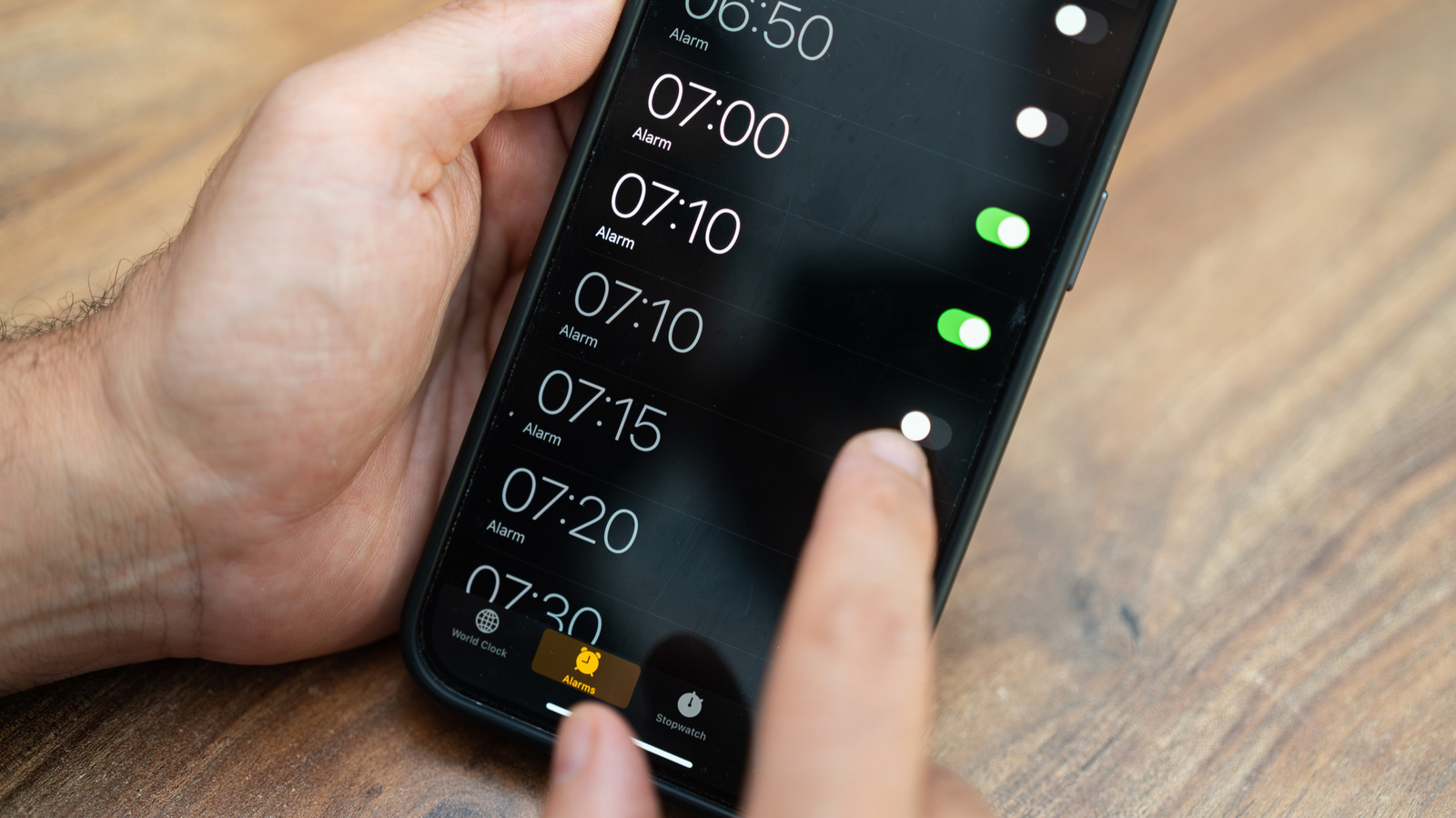
The iPhone Clock app’s alarm time picker appears to scroll endlessly, but it eventually stops at 4:39, or 16:39 for users who choose 24-hour time.
The endpoint is a curiosity and does not mean users are limited to setting alarms only up to that time.
Apple has not explained why the picker stops at those numbers, and online explanations differ.
The Clock app icon also shows the current time, including a moving second hand.
On devices running iOS 26.1 or later, Low Power Mode changes that hand’s animation from a smooth sweep to one tick per second, without making a ticking sound.
In the app’s Stopwatch, users can swipe to switch between digital and analog displays.
The iPhone can also show a clock in StandBy mode when it is connected to a charger and placed on its side.

The iPhone Clock app’s alarm time picker stops scrolling at 4:39, or 16:39 in 24-hour time.
The endpoint appears after rapidly scrolling through the alarm hours and minutes.
The limit does not prevent users from setting alarms at other times.
Apple has not explained why the picker ends at those times.
- Who
- iPhone Clock app users.
- What
- The alarm time picker stops scrolling at 4:39, or 16:39 in 24-hour time.
- When
- Not stated.
- Where
- In the Alarms section of the iPhone Clock app.
- Why
- Apple has not explained the reason; reports and online discussions offer differing explanations.
This story does not have two clearly opposing sides.
No direct quotes in the coverage so far.
This story does not have a timeline yet.
- 12-hour time endpoint
- 4:39
- 24-hour time endpoint
- 16:39
- App
- iPhone Clock
- Apple’s explanation
- Apple has not weighed in on the endpoint
Sources
Related news

Citroën unveils electric 2CV concept, with production planned for 2028

3D printers can release particles and gases, even when using PLA

Apple plans large in-store showcase for its first foldable iPhone
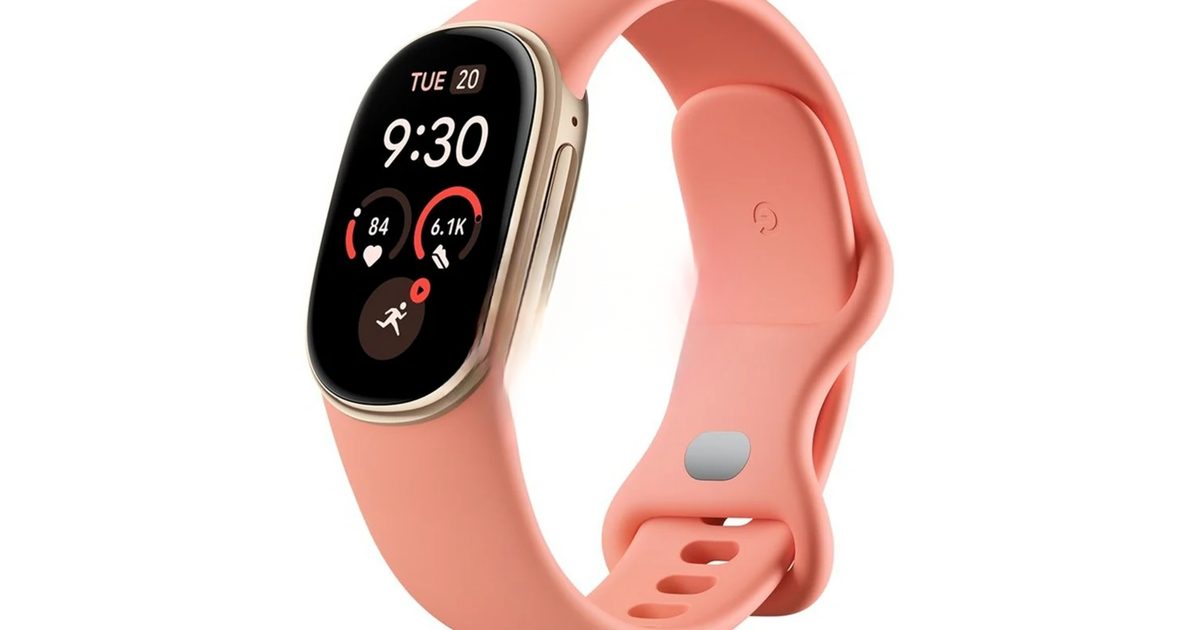
Google teases Fitbit Edge tracker ahead of October 12 announcement

Tesla renames its European Full Self-Driving feature Assisted Driving
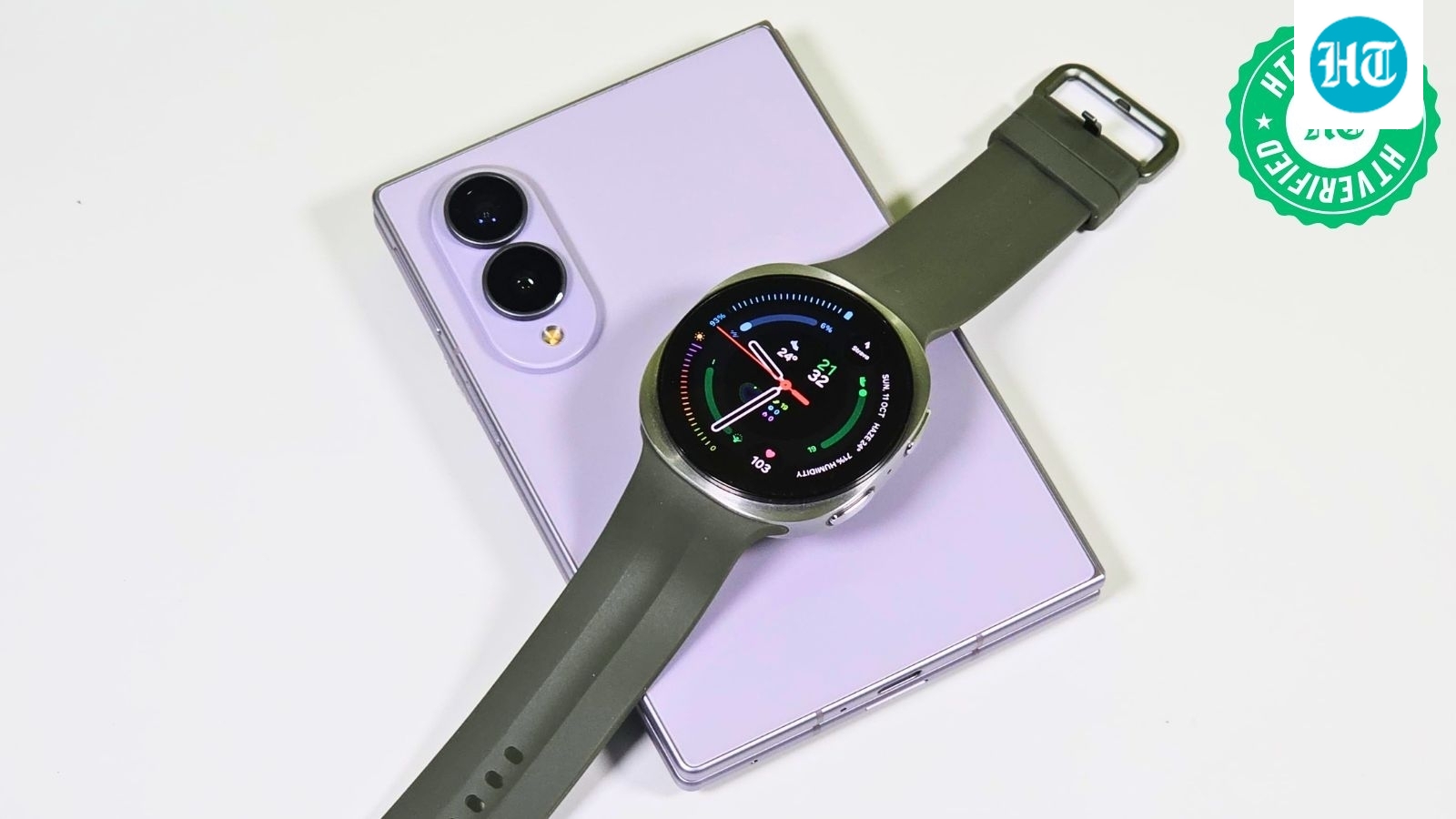
Samsung Galaxy Watch 9 delivers strong performance but modest upgrades

Galaxy S27 Ultra may use Qualcomm chips in every market

Unofficial Gboard mod brings Pixel 11 voice-to-text feature to other Android phones
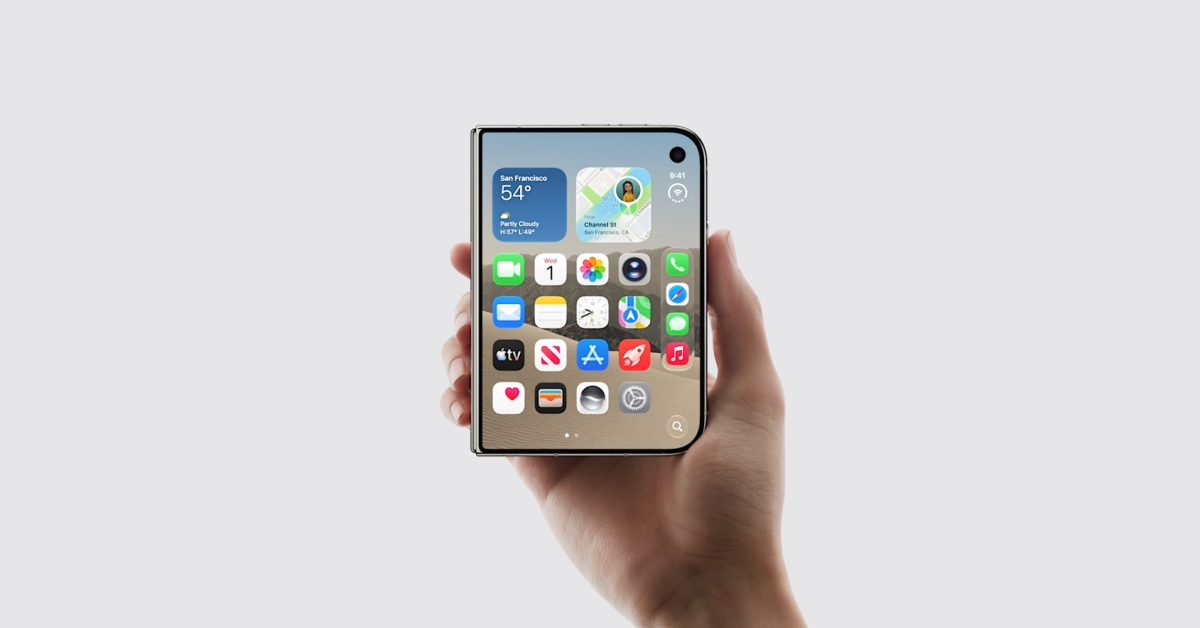
U.S. Apple Stores to personalize iPhone Duo’s first startup greeting

Next iPad mini may cost about $799, up from $599

Amazon unveils Android Alexa tablets with Google Play access