Science & Tech · Gadgets & EVs · 1 day ago
Pixel 8 modes and rules automate repetitive phone settings

A technology writer describes using automation features on a Google Pixel 8 to reduce repetitive phone adjustments.
Custom modes combine several settings into one action, which can be started manually or, in some cases, scheduled.
The writer’s Theater mode silences ring and alarm volume, turns on Do Not Disturb, disables the always-on display and dims the wallpaper.
Writing mode can turn on during work hours, while Driving mode uses motion and a Bluetooth connection to trigger chosen settings.
Pixel’s Rules feature can also change settings when the phone connects to a Wi-Fi network or reaches a set location.
The writer uses office Wi-Fi to switch the phone to Vibrate and a home location trigger to restore ring mode, helping avoid missed calls and alerts.

A technology writer says custom Modes and Rules on his Pixel 8 automate repetitive settings changes.
His Theater mode combines volume, Do Not Disturb, always-on display and wallpaper settings.
Writing mode can turn on Do Not Disturb during work hours, while Driving mode can respond to motion and a Bluetooth connection.
Rules can change the phone to vibrate when it connects to office Wi-Fi and to ring mode when it detects the writer is at home.
The writer says he developed the workflow after weeks of experimentation.
- Who
- Parth, a technology analyst and writer, describes the workflow.
- What
- He uses Pixel Modes and Rules to automate phone settings and reduce repetitive manual changes.
- When
- The article was published on October 10, 2026. The writer says he developed the workflow after weeks of experimentation.
- Where
- On a Google Pixel 8.
- Why
- To automate repetitive tasks, adjust settings for different situations and save time.
This story does not have two clearly opposing sides.
why should I manually change five settings every time I sit down to write, drive, or watch a movie?
The writer says he repeatedly adjusted his Pixel settings and routines manually.
He says he developed an automation workflow for his Pixel.
- Phone
- Google Pixel 8
- Theater mode
- Sets ring and alarm volume to 0, enables Do Not Disturb, disables AOD and dims the wallpaper
- Writing mode
- Can turn on Do Not Disturb during work hours
- Office rule
- Connects to office Wi-Fi and switches the phone to Vibrate mode
- Home rule
- Uses a location trigger to switch the phone to ring mode
Sources
Related news

Citroën unveils electric 2CV concept, with production planned for 2028

3D printers can release particles and gases, even when using PLA

Apple plans large in-store showcase for its first foldable iPhone

Google teases Fitbit Edge tracker ahead of October 12 announcement

Tesla renames its European Full Self-Driving feature Assisted Driving
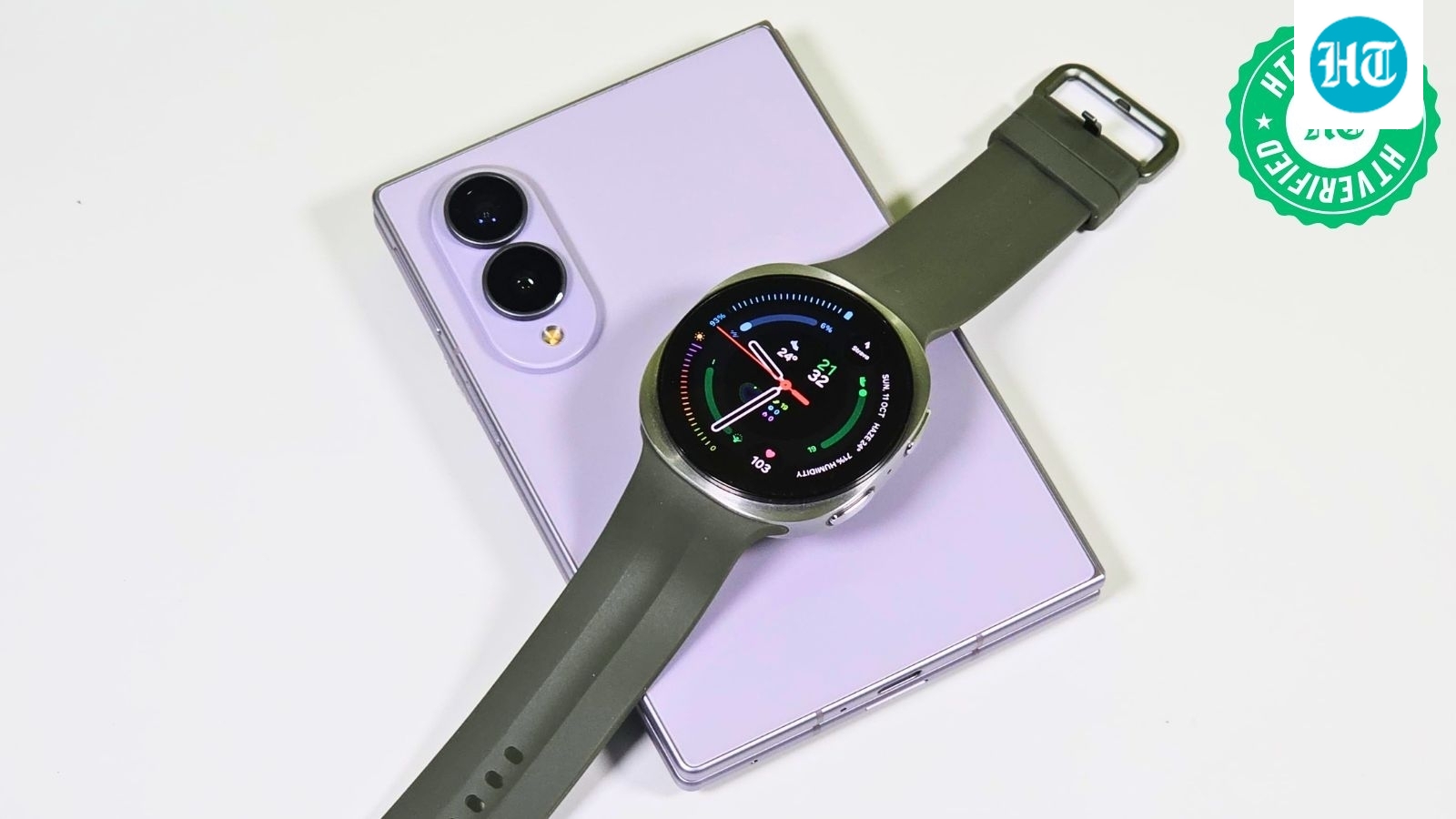
Samsung Galaxy Watch 9 delivers strong performance but modest upgrades

Galaxy S27 Ultra may use Qualcomm chips in every market

Unofficial Gboard mod brings Pixel 11 voice-to-text feature to other Android phones
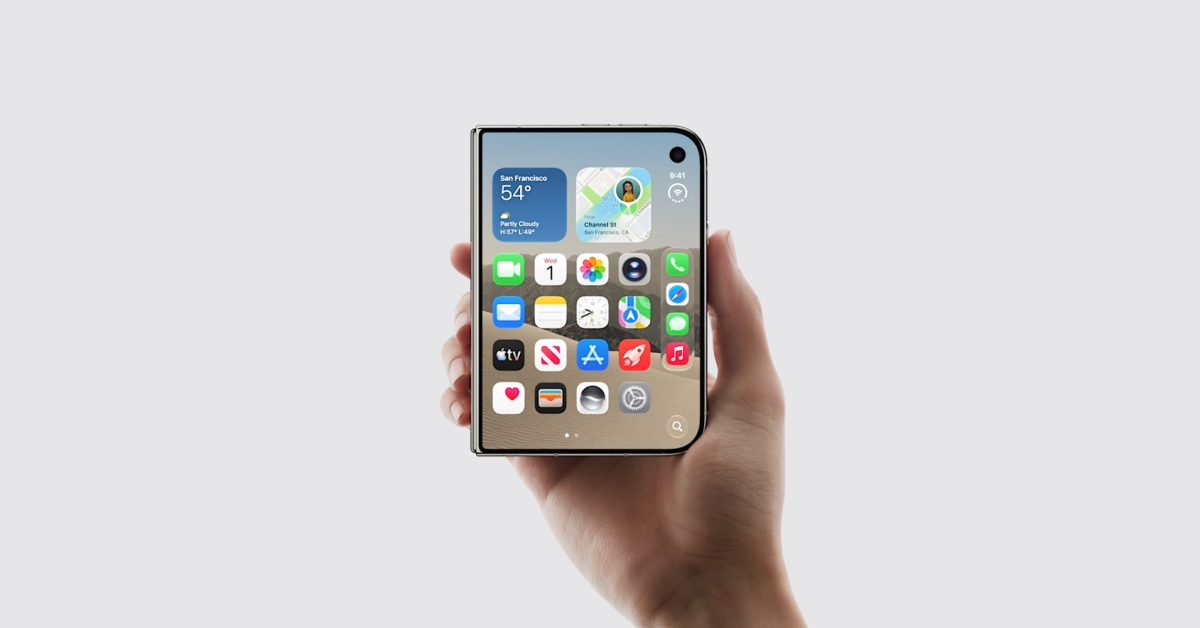
U.S. Apple Stores to personalize iPhone Duo’s first startup greeting

Next iPad mini may cost about $799, up from $599

Amazon unveils Android Alexa tablets with Google Play access