Science & Tech · Gadgets & EVs · 1 day ago
Samsung Galaxy phones use Secure Folder and app pinning to restrict apps

Samsung Galaxy phones do not have a simple switch to lock individual apps.
Instead, users can protect apps with Secure Folder or use app pinning for temporary restrictions.
Secure Folder creates an encrypted space separate from the rest of the phone, where apps have their own data and sign-ins.
Users unlock it with a PIN, password, pattern or biometric scan, and can hide its icon.
Apps inside may stop running in the background and sending notifications when the folder is hidden.
App pinning is a quicker option for situations such as letting a child use one game without opening other apps.
Together, the two tools can help keep private information away from children, thieves and other people who use the phone.

Samsung Galaxy phones do not offer a single app-lock toggle, according to Engadget.
Samsung instead provides Secure Folder and app pinning to restrict access to apps.
Secure Folder creates an encrypted space with isolated copies of apps and their data.
App pinning is intended for temporary restrictions, such as letting a child use one game.
- Who
- Samsung Galaxy phone users.
- What
- The article explains how Secure Folder and app pinning can restrict access to apps.
- When
- The article was published on October 10, 2026.
- Where
- Samsung Galaxy phones.
- Why
- To keep other people, including children, from accessing apps or information on a phone.
This story does not have two clearly opposing sides.
No direct quotes in the coverage so far.
This story does not have a timeline yet.
- Tools
- Secure Folder and app pinning
- Security platform
- Samsung Knox
- Secure Folder lock options
- PIN, password, pattern or biometric scan
Sources
Related news

Xpeng X9 test highlights comfort, size and limited agility

Citroën unveils electric 2CV concept, with production planned for 2028
Kaniva plans eight more EV chargers as it builds its highway hub

Google teases Fitbit Edge tracker ahead of October 12 announcement

Tesla renames its European Full Self-Driving feature Assisted Driving
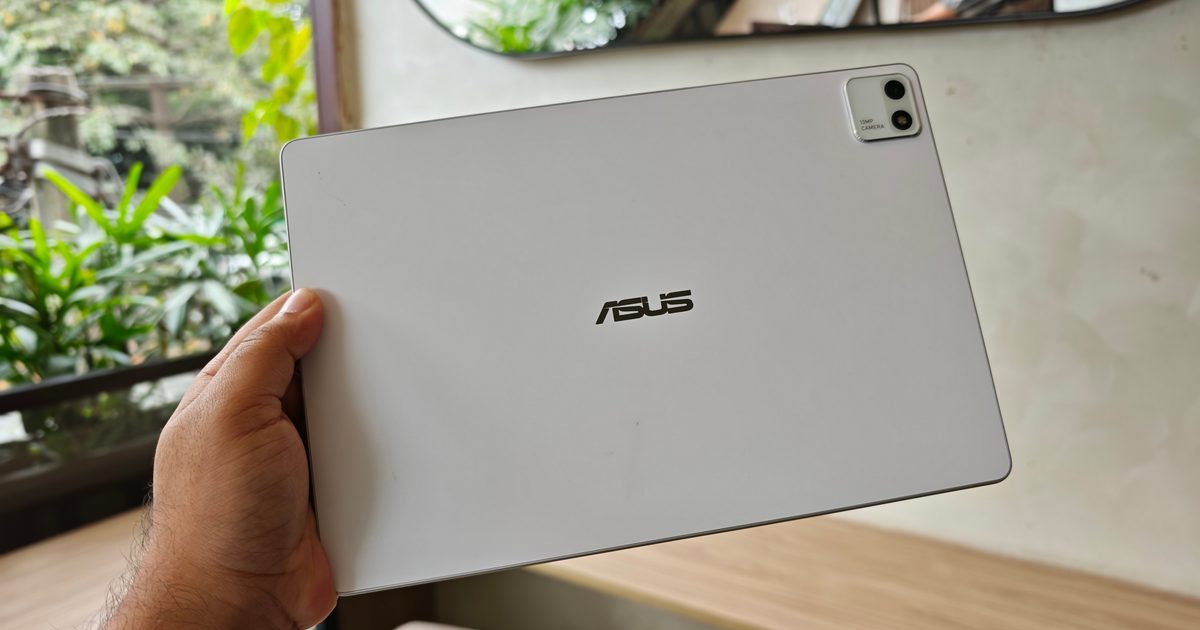
ASUS Pad review finds strong OLED hardware held back by software
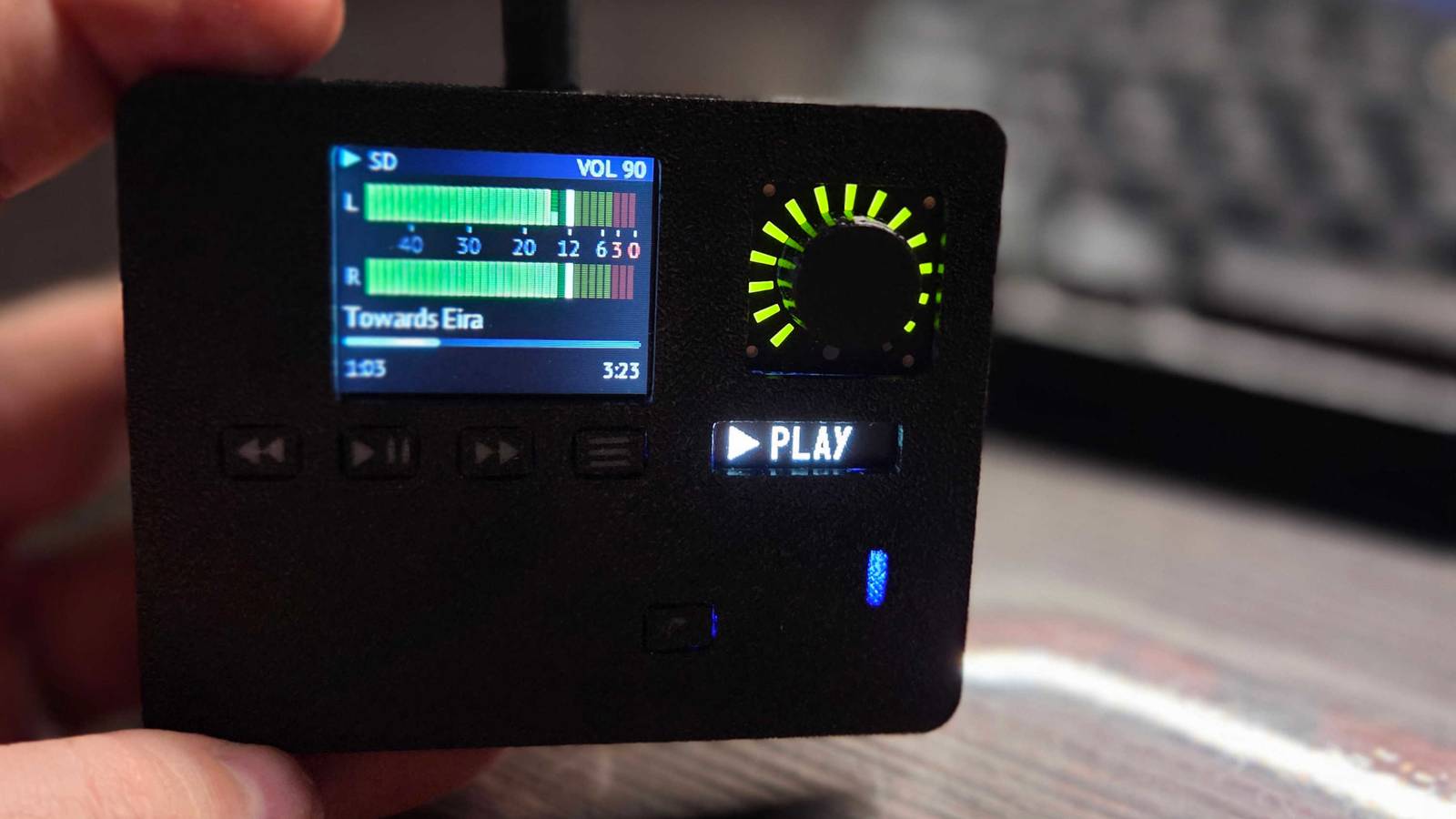
DIY ESP32-S3 player brings music playback to a pocket-sized device
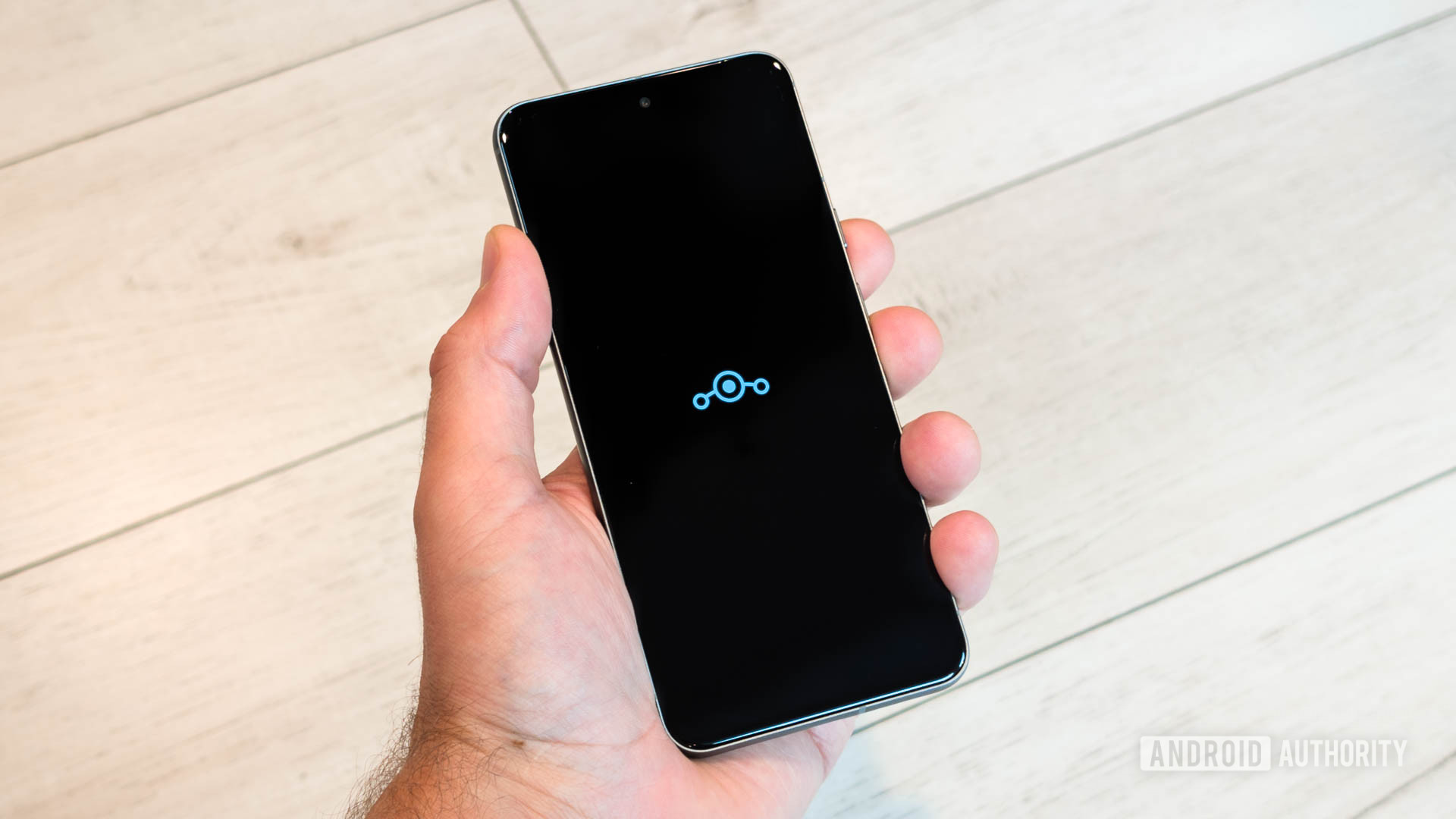
LineageOS 24.0 brings Android 17 to an initial set of devices

Honor to launch Win 2 phones and Win Tablet on October 21

More than half of surveyed Tokyo University students prefer paper notes

Apple plans large in-store showcase for its first foldable iPhone