Science & Tech · Gadgets & EVs · 1 day ago
How to check the warranty on a Samsung Galaxy device
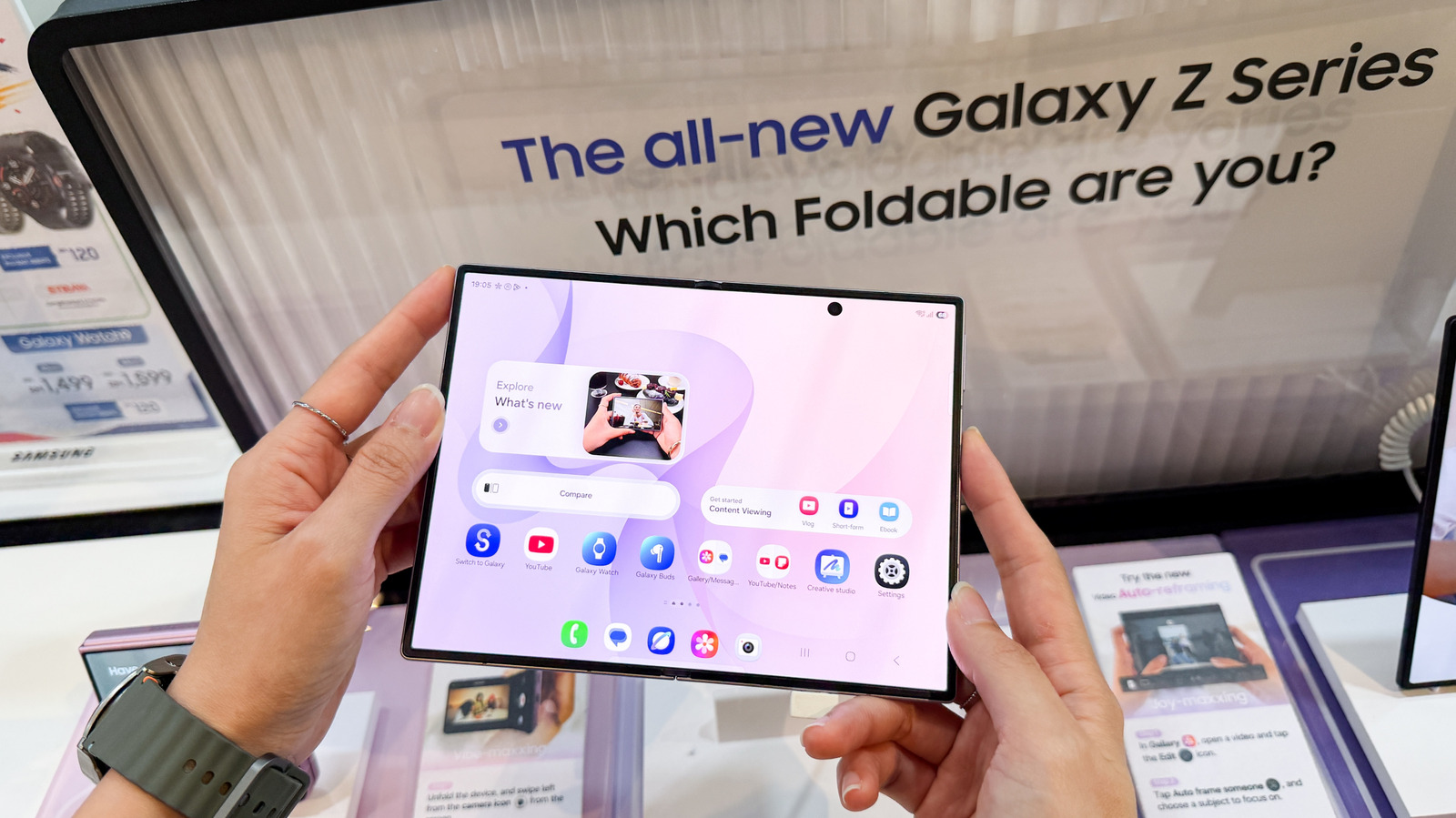
Samsung Galaxy phone and tablet owners can check whether their device is still under warranty before seeking service.
On devices running One UI 9, open Settings and choose Warranty and care to see the coverage type and expiration date.
The menu also offers diagnostics, repair options and information about Samsung Care+.
On older devices, Samsung Members can show warranty details, though what appears depends on the device, app version and region.
Owners can also sign in to Samsung’s website and check registered devices under My Products.
If a device is not registered, Samsung may ask for its serial number or IMEI, which can be found in Settings under About phone or About tablet.
If the listed expiration date is wrong, owners can submit proof of purchase through Samsung’s warranty review or dispute option.

Samsung Galaxy owners can check warranty coverage through Settings, Samsung Members or Samsung’s website.
Devices running One UI 9 have a dedicated Settings menu at Settings > Warranty and care.
The menu shows warranty details, including coverage type and expiration date, and offers diagnostics and repair options.
Owners of older devices can use Samsung Members to register a device, check its status and access support.
Samsung’s website is a fallback for checking registered devices or submitting proof of purchase to correct an expiration date.
- Who
- Samsung Galaxy phone and tablet owners.
- What
- The article explains how to check a device’s warranty status and coverage.
- When
- Not stated
- Where
- In the device’s Settings, the Samsung Members app or Samsung’s online devices portal.
- Why
- To find out whether a device is still under warranty and access support or repair options.
This story does not have two clearly opposing sides.
No direct quotes in the coverage so far.
This story does not have a timeline yet.
- One UI version
- One UI 9
- Settings path
- Settings > Warranty and care
- Older-device app
- Samsung Members
- Website warranty location
- My Products
- Device identifiers
- Serial number or IMEI
Sources
Related news

Citroën unveils electric 2CV concept, with production planned for 2028
ASUS Pad review finds strong OLED hardware held back by software
DIY ESP32-S3 player brings music playback to a pocket-sized device
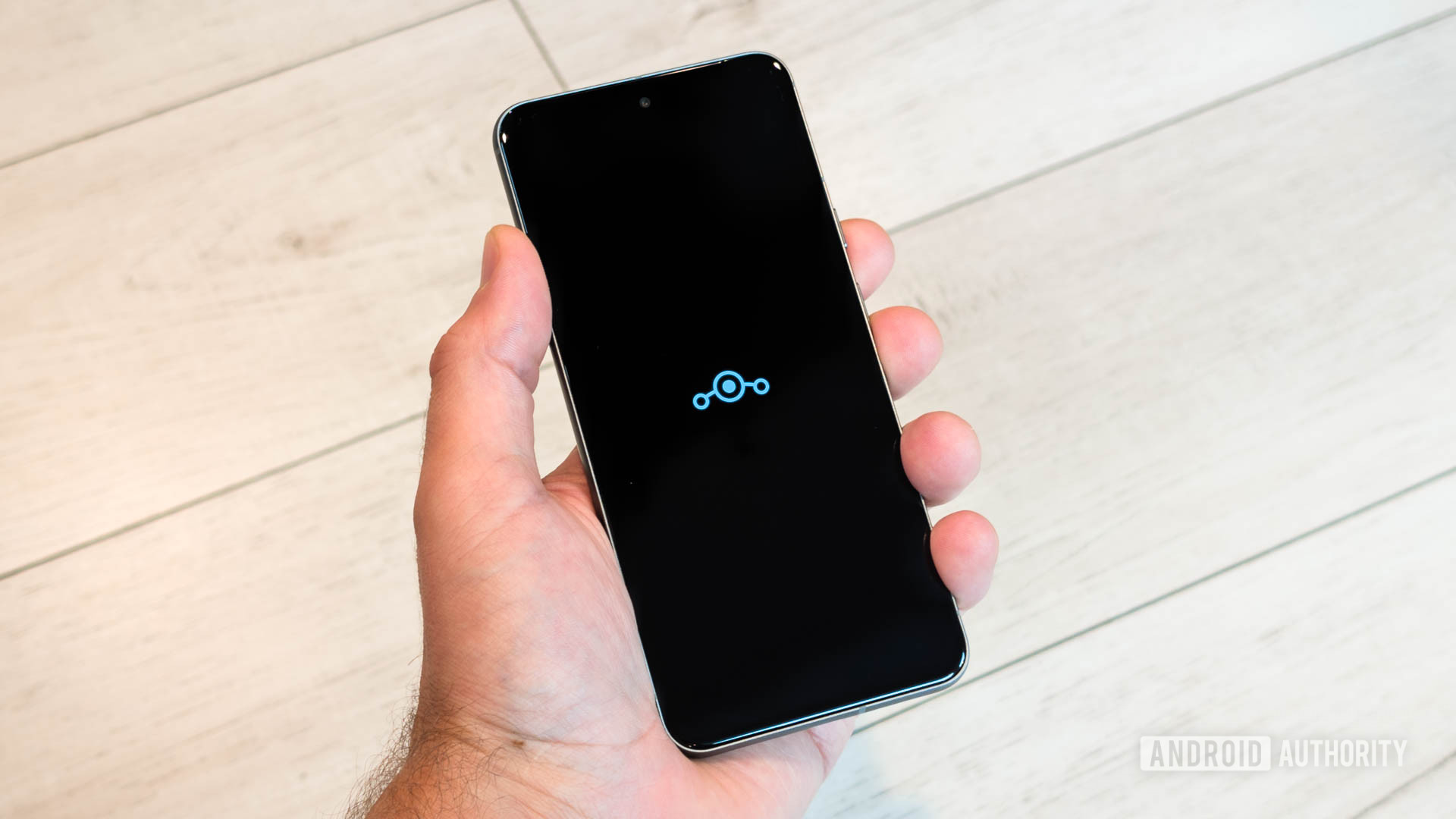
LineageOS 24.0 brings Android 17 to an initial set of devices

Honor to launch Win 2 phones and Win Tablet on October 21

More than half of surveyed Tokyo University students prefer paper notes
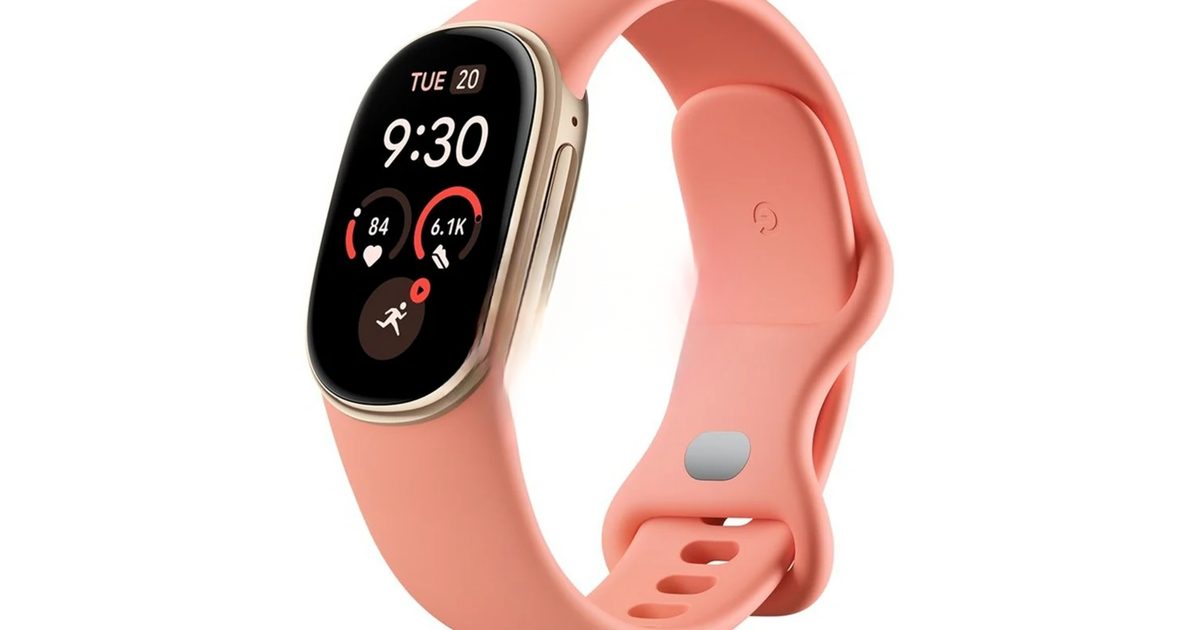
Google teases Fitbit Edge tracker ahead of October 12 announcement

Tesla renames its European Full Self-Driving feature Assisted Driving
Oppo launches F35 phones in India with 8,000mAh batteries

Apple plans large in-store showcase for its first foldable iPhone

Next iPad mini may cost about $799, up from $599