Science & Tech · Big Tech & Internet · 2 hrs ago
Android and Chrome shortcuts make it easier to save notes to Google Keep
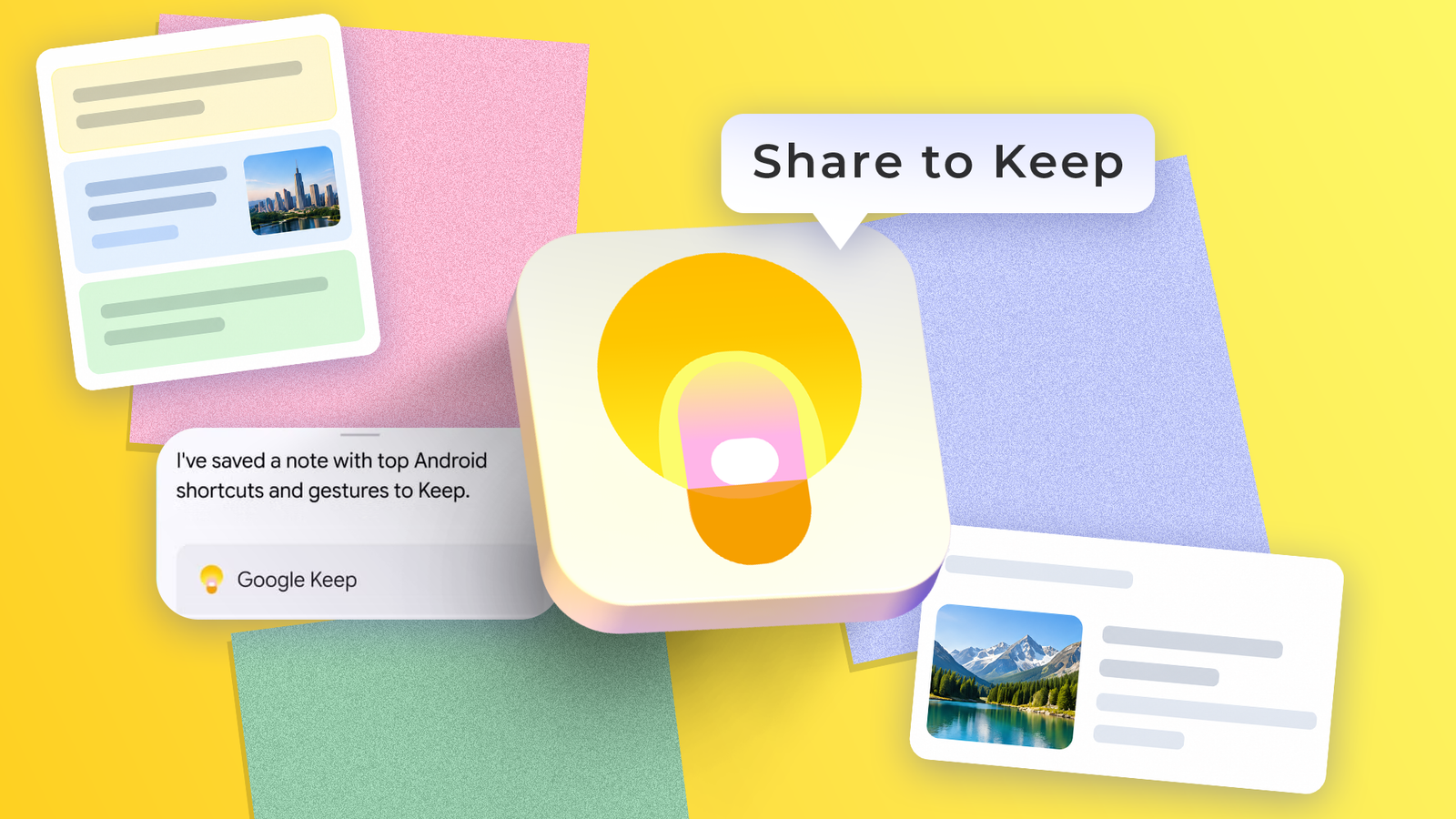
Google Keep is a note-taking app, but saving something does not always require opening it first.
On an Android phone, users can share selected text or a web page from a browser directly to Keep.
Pinning Keep in the Share sheet makes it easier to find.
On a computer, the Google Keep Chrome extension can save a full web page, selected text or an image.
Gemini can also send information to Keep when users ask it to, including by voice with “Hey Google.”
To use this feature, users need to connect Google Workspace in Gemini’s settings.

Android and Chrome features let users save text, links, images and web pages to Google Keep without opening the app.
On Android, users can share selected text or a page to Keep through the Share sheet.
On a computer, the Google Keep Chrome extension can save a page, selected text or an image.
Gemini can send information to Keep when users ask it to save a note.
Connecting Gemini to Keep requires enabling Google Workspace under Personal Intelligence in Gemini’s Connected Apps settings.
- Who
- Android and Chrome users, including people using Gemini.
- What
- Shortcuts let users save content and notes to Google Keep without opening the app.
- When
- Not stated.
- Where
- On Android devices and computers using Chrome or Gemini.
- Why
- To capture information more quickly without interrupting what the user is doing.
This story does not have two clearly opposing sides.
I don't even need to open Keep
Saving notes from my browser takes one click
It makes capturing a note almost effortless
This story does not have a timeline yet.
- Android Share sheet
- Can send selected text and page links to Google Keep
- Keep Chrome extension
- Can save a web page with one click
- Right-click menu
- Can save selected text or an image to Keep
- Gemini connection
- Enable Google Workspace under Personal Intelligence > Connected Apps
- Published
- Oct 12, 2026
Sources
Related news
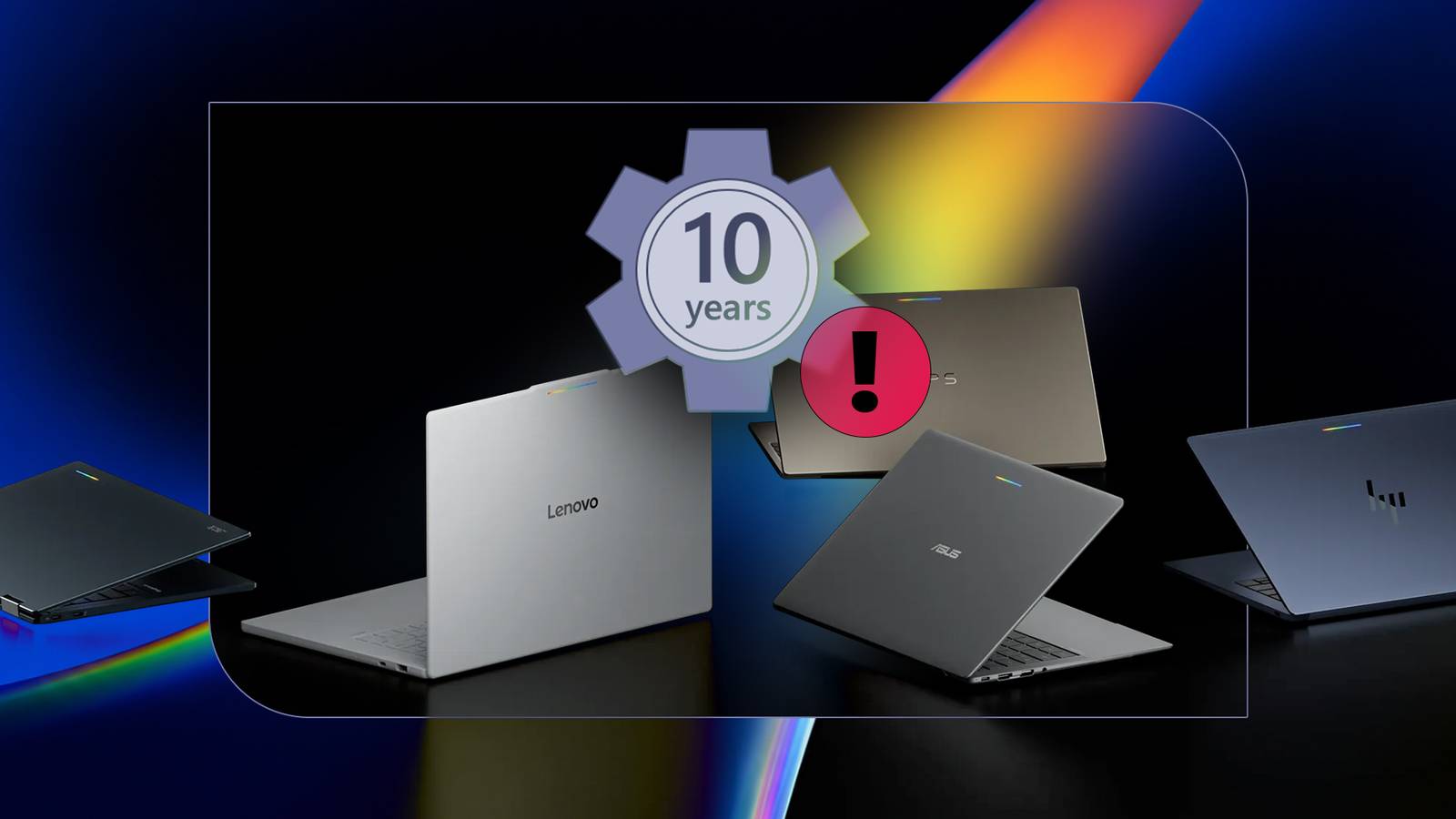
Googlebook's 10-year update promise faces questions over app support

Apple is expected to unveil new smart home devices at New York event

Windows 11 23H2 Enterprise editions lose security updates after November
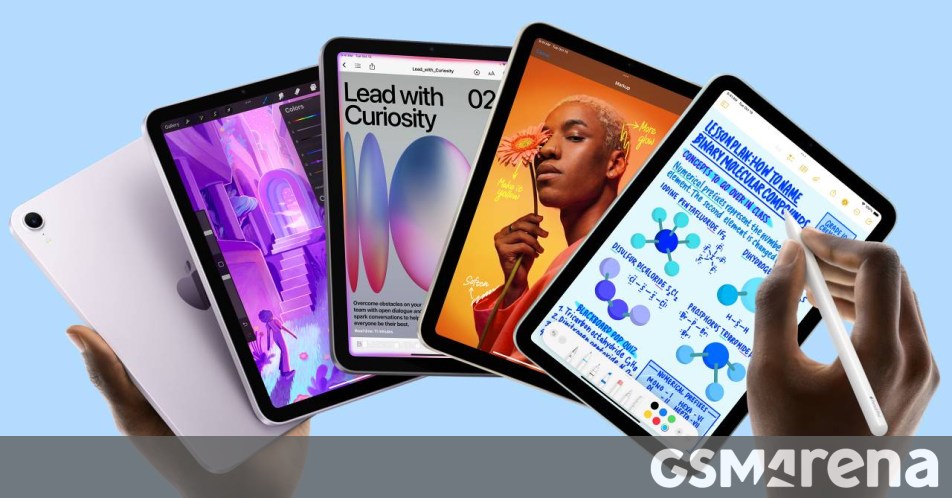
Apple reportedly plans an OLED iPad mini this month and a new base iPad next year

Pigeon-carried internet packet draws a $4,000 bid at Christie’s

Windows devices need updates before Windows Update certificates expire in 2027

Apple Adds Support for More Indigenous Languages on iPhone
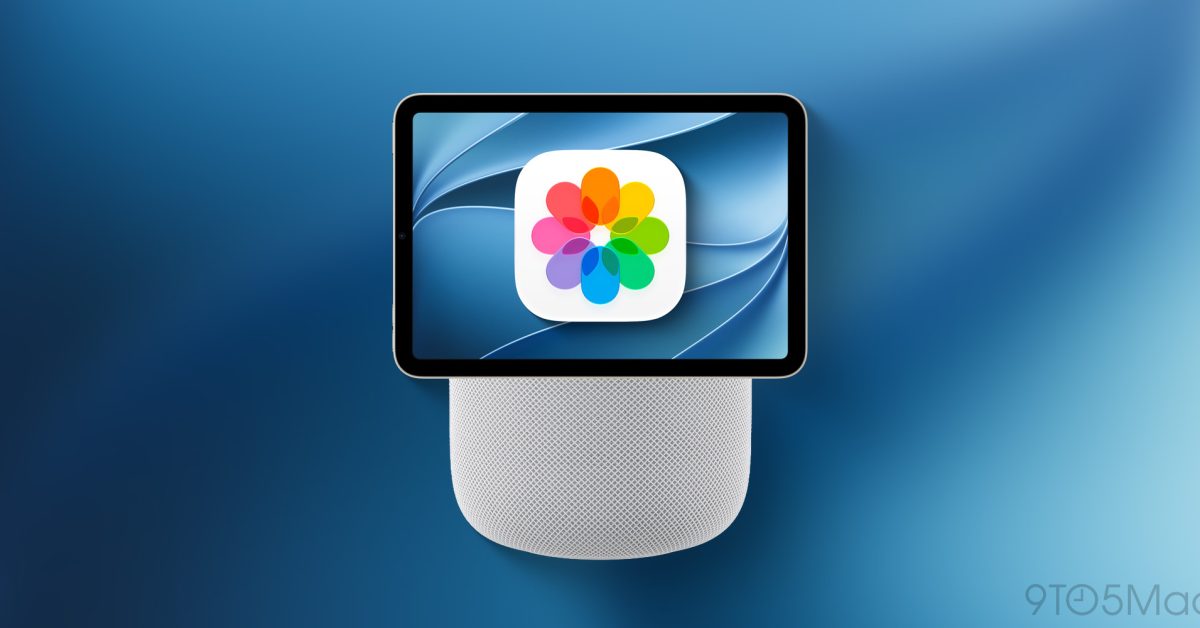
Apple reportedly plans HomeView smart home hub for November

Apple may add Siri microphones and a speaker-equipped remote to Apple TV 4K
WhatsApp is testing scheduled messages on Android

Apple confirms October 13 launch focused on smart home products