Science & Tech · Gadgets & EVs · 6 hrs ago
Older USB thumb drives can fail, so back up important files
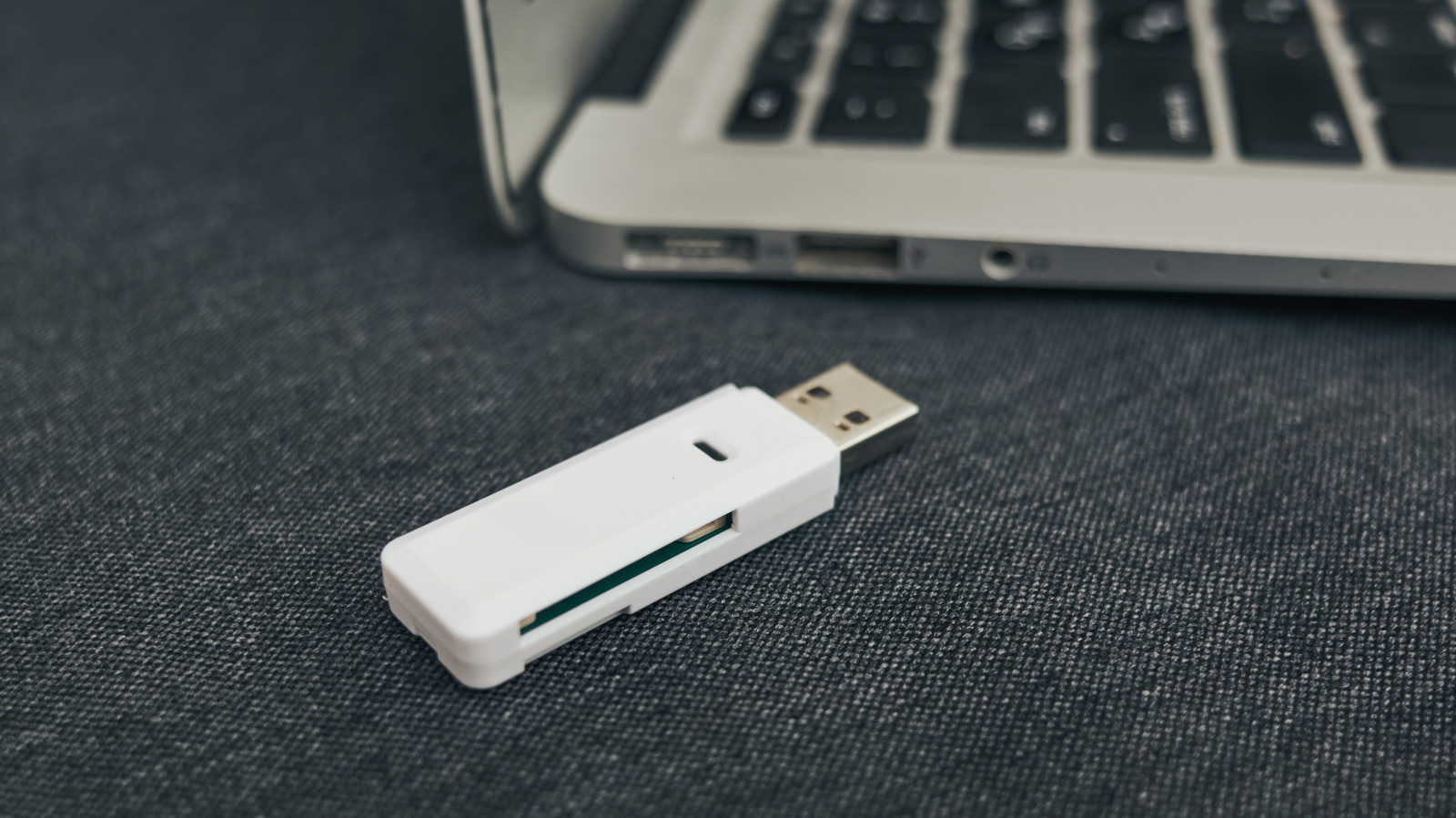
USB thumb drives are less common now, but people may still use them to keep old or important files.
These small drives can be lost or damaged, and their components can fail.
Flash memory also has a limited number of write cycles, and data can become corrupted over time.
The risk is greater if you regularly copy files to a drive, though even stored data is not guaranteed to last indefinitely.
To protect important files, the advice is to keep at least three copies: on two local drives and in the cloud.
Keeping one copy in a separate location can help protect against events such as fires or floods.
A backup plan should not depend only on cloud storage, which can be affected by outages or service failures.

Older USB thumb drives can fail because of physical damage, worn flash memory, data corruption or component failure.
Their small size also makes them easy to lose.
The article recommends backing up important files and considering a move away from thumb drives.
Its suggested 3-2-1 approach keeps data in at least three places: two local drives and one cloud upload.
- Who
- People keeping files on older USB thumb drives.
- What
- The article warns that older drives can fail and advises backing up important files.
- When
- Not stated
- Where
- Not stated
- Why
- Drives can be lost or damaged, and their storage cells and components can fail over time.
This story does not have two clearly opposing sides.
No direct quotes in the coverage so far.
This story does not have a timeline yet.
- Write cycles
- Usually 10,000 to 100,000 for a thumb stick
- Backup approach
- 3-2-1: at least three copies, two local drives and one cloud upload
- Cosmic-ray bit flips
- About one per gigabyte per month, at least at sea level
- Published
- 2026-10-11
Sources
Related news
Citroën unveils electric 2CV concept, with production planned for 2028

Apple plans large in-store showcase for its first foldable iPhone

Galaxy S27 Ultra may use Qualcomm chips in every market
Google teases Fitbit Edge tracker ahead of October 12 announcement

Unofficial Gboard mod brings Pixel 11 voice-to-text feature to other Android phones

Tesla renames its European Full Self-Driving feature Assisted Driving

Survey respondents see high fuel prices boosting interest in EVs and hybrids

Anbernic reveals dual-screen RG DDS handheld for playing 3DS games

Next iPad mini may cost about $799, up from $599

Citroen plans £13,000 retro electric return of the 2CV
iPhone Clock alarm picker stops scrolling at 4:39