

Science & Tech · Big Tech & Internet · 1 hr ago
KDE Connect links phones and computers without an online account
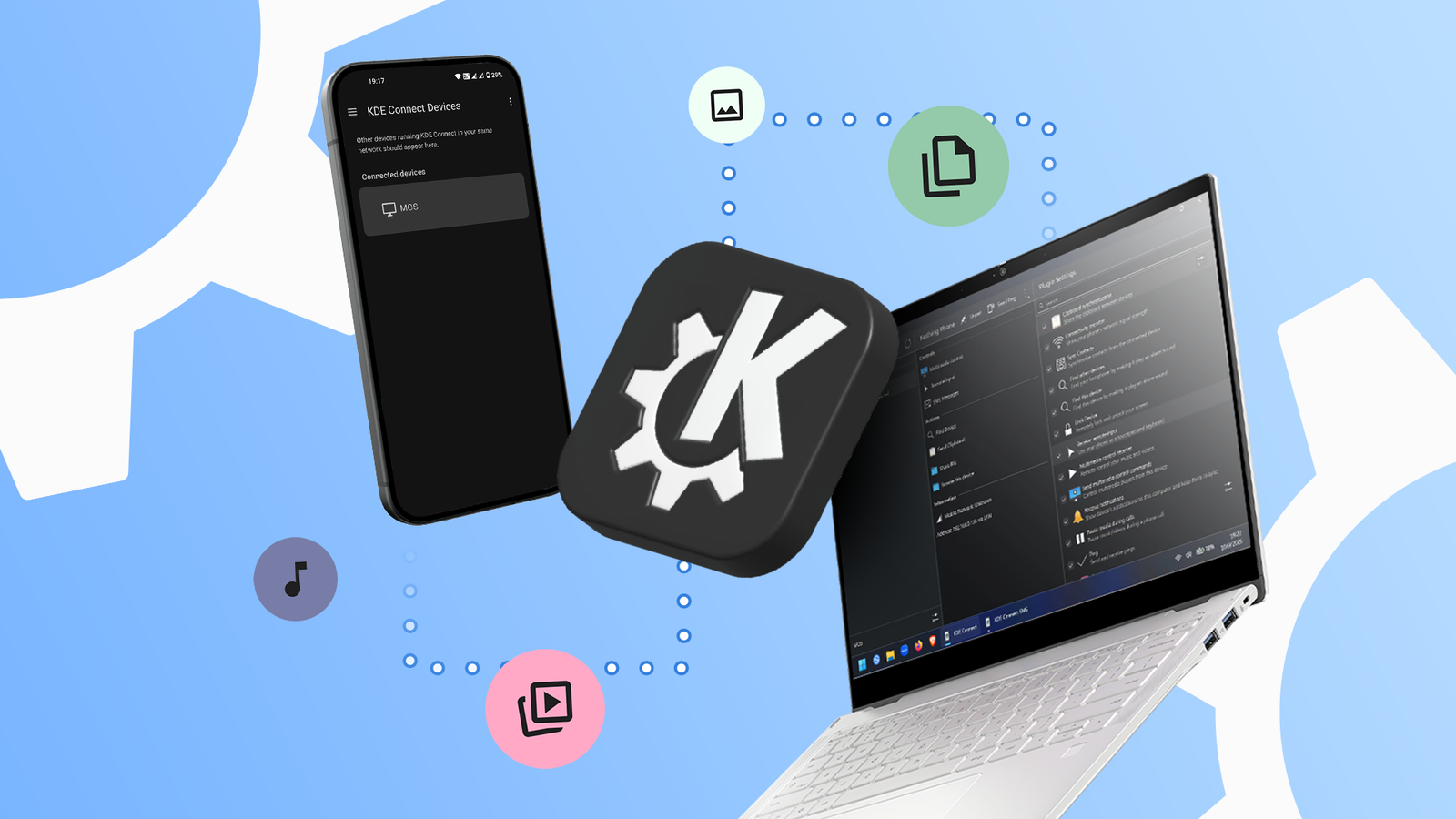
KDE Connect is a free, open-source app that connects phones and computers.
It is available for Android, Windows, iOS, macOS and Linux.
Devices can be linked by installing the app and connecting them to the same Wi-Fi network.
The app can share files, sync notifications and copy text between a phone and computer.
It can also turn a phone into a mouse, keyboard, media controller or presentation remote.
KDE Connect needs permissions to access features such as files, notifications and the clipboard, and users can switch off plugins they do not need.
The app does not require an online account to work.

KDE Connect is a free, open-source app that connects phones and computers without requiring an online account.
It is available on Android, Windows, iOS, macOS and Linux.
Devices can be linked by installing the app and connecting them to the same Wi-Fi network.
Features include file sharing, notification syncing, shared clipboard access and remote input.
An Android Police writer said the app replaced their use of Microsoft Phone Link and Quick Share.
- Who
- KDE Connect users, including the Android Police writer.
- What
- A free, open-source app links phones and computers and supports file sharing and other functions.
- When
- The article was published on October 11, 2026.
- Where
- On devices running Android, Windows, iOS, macOS or Linux.
- Why
- It lets devices communicate and share files and other information without an online account.
This story does not have two clearly opposing sides.
Don't worry, it doesn't require creating yet another online account.
This story does not have a timeline yet.
- Price
- Free
- Account requirement
- No online account required
- Supported platforms
- Android, Windows, iOS, macOS and Linux
- Setup
- Install the app on devices and connect them to the same Wi-Fi network
- Features
- File sharing, notification syncing, shared clipboard and remote input
Sources
Related news
Apple’s HomeView smart home hub is expected to ship in mid-November

e알리미 moves to KT public cloud, with security certification rollout planned
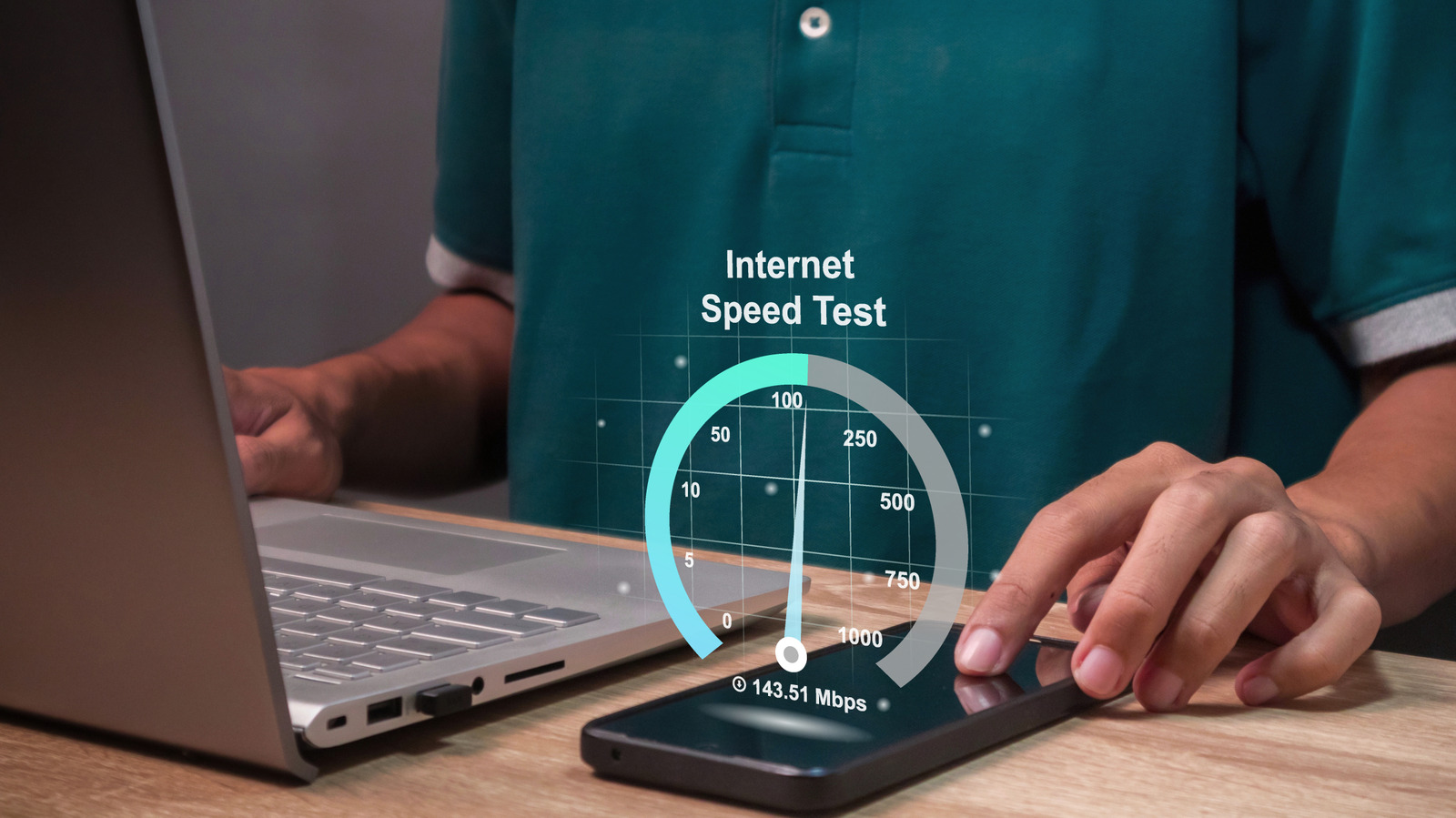
Mbps and MB/s measure data speeds in different ways
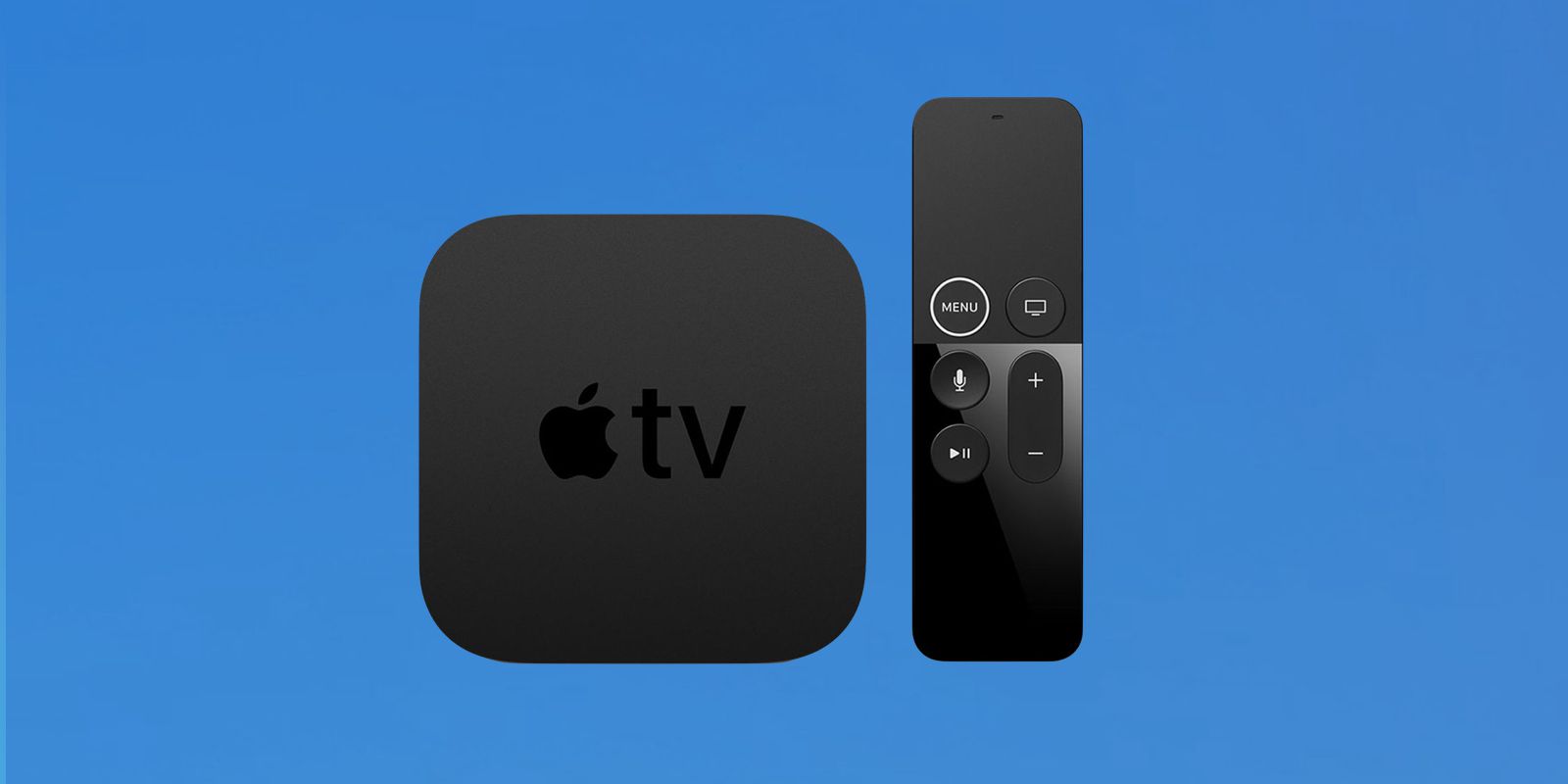
Apple classifies the 2017 Apple TV 4K as vintage

Apple confirms October 13 launch focused on smart home products

Apple reportedly plans touchscreen MacBook and iPad mini launch around October 27
Apple reportedly plans new HomePod mini and Apple TV on Oct. 13

Next Apple TV may add hands-free Siri and a speaker in its remote
Entry-level iPad update expected in early 2027

Microsoft unveils Surface Laptop Ultra and redesigned Windows Search
Rumored Apple-LG smart home devices may add iPhone proximity controls
