Science & Tech · Big Tech & Internet · 2 days ago
Googlebook’s hidden Glowbar Disco app adds customizable laptop light effects
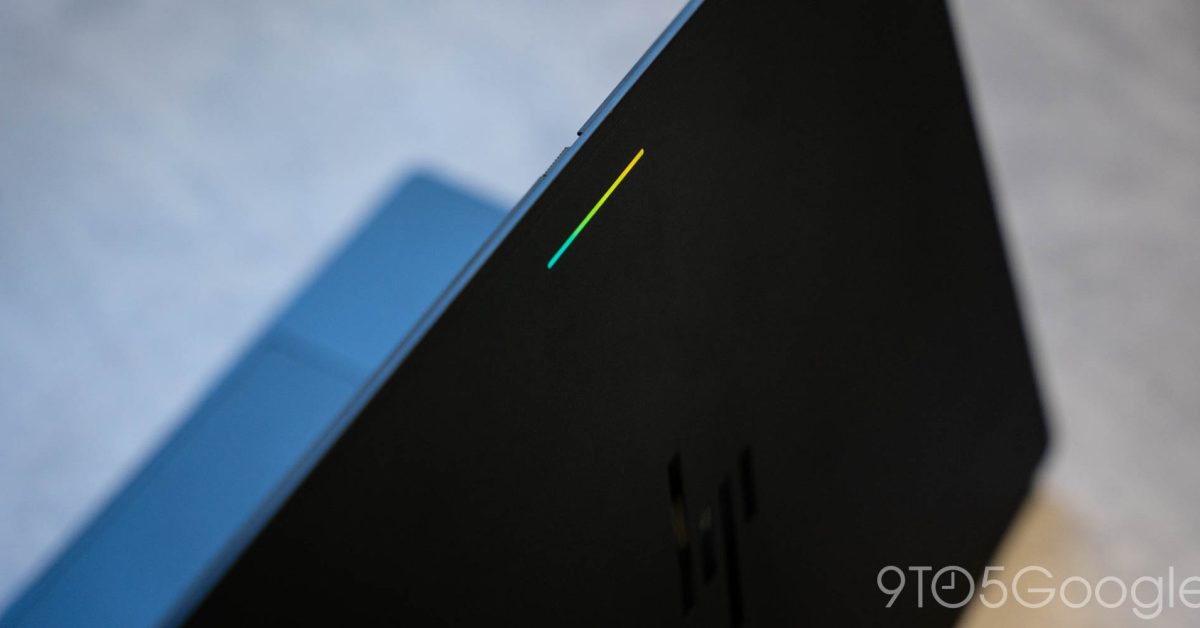
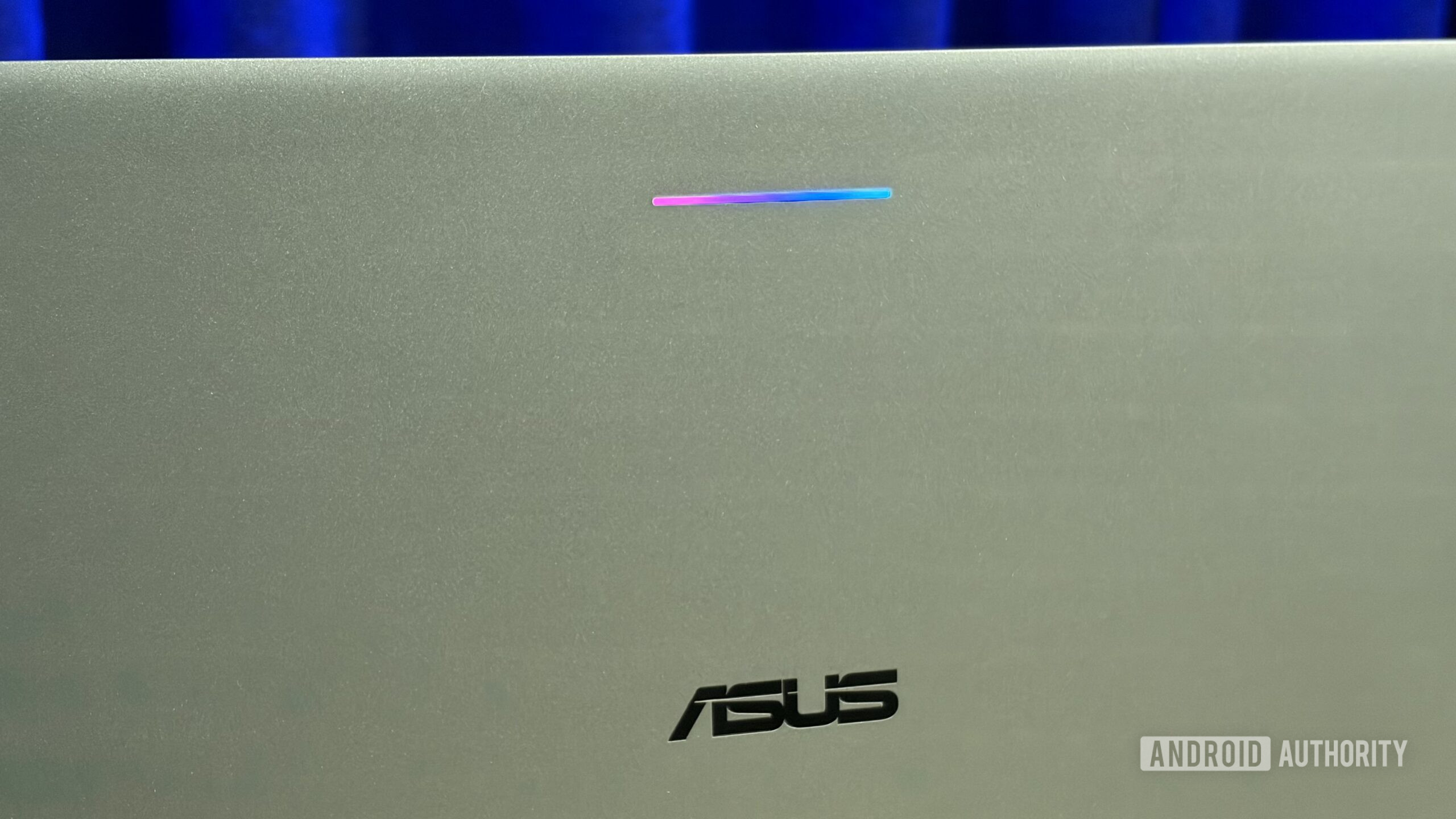
Googlebook laptops have a light strip called the Glowbar, inspired by the light bar on the original Chromebook Pixel.
A hidden app called Glowbar Disco lets users set it to display a steady color, an animation, a color gradient or lights synced to music.
To find the app, users must open Settings, go to Apps, enable showing system apps and search for “Glowbar Disco.”
The app has to stay open for the Glowbar effects to continue, and users must repeat the search steps to access it again later.
Unlike the original Chromebook Pixel light bar, Googlebook’s Glowbar does not support a gesture that showed battery status.
The app offers a way to personalize the laptop’s appearance, but its hidden location makes it harder to use.
The feature may become easier to access if Google adds it to Settings, but no such change is confirmed.

A hidden “Glowbar Disco” app lets Googlebook owners turn the laptop’s Glowbar into a light show.
The app can display a constant color, preset animations or color gradients, and can sync its lights with music.
It keeps the Glowbar active while the computer is on and the app remains open.
To find it, users must enable system apps in Settings, go to Apps and search for “Glowbar Disco.”
The app must be opened again through those steps each time, and its effects stop when it is closed.
- Who
- Googlebook users can access the hidden Glowbar Disco app.
- What
- The app controls the Glowbar’s colors and animations, including music-synced effects.
- When
- Not stated
- Where
- In Googlebook’s operating system, under Settings > Apps after enabling the display of system apps.
- Why
- Not stated
This story does not have two clearly opposing sides.
too hard to find
This story does not have a timeline yet.
- App name
- Glowbar Disco
- Settings path
- Settings > Apps, with system apps shown
- Light options
- Constant color, preset animation, color gradient, or music sync
- Effect duration
- Glowbar stays active while the computer is on and the app is open
Sources
Related news
Apple’s HomeView smart home hub is expected to ship in mid-November
Apple classifies the 2017 Apple TV 4K as vintage
Microsoft unveils Surface Laptop Ultra and redesigned Windows Search

Next Apple TV may add hands-free Siri and a speaker in its remote

Apple is expected to unveil HomeView smart home hub on Tuesday
Entry-level iPad update expected in early 2027
Aves Gallery offers an Android photo library without cloud uploads

A touchscreen MacBook Pro may be coming, but the Mac and iPad remain separate
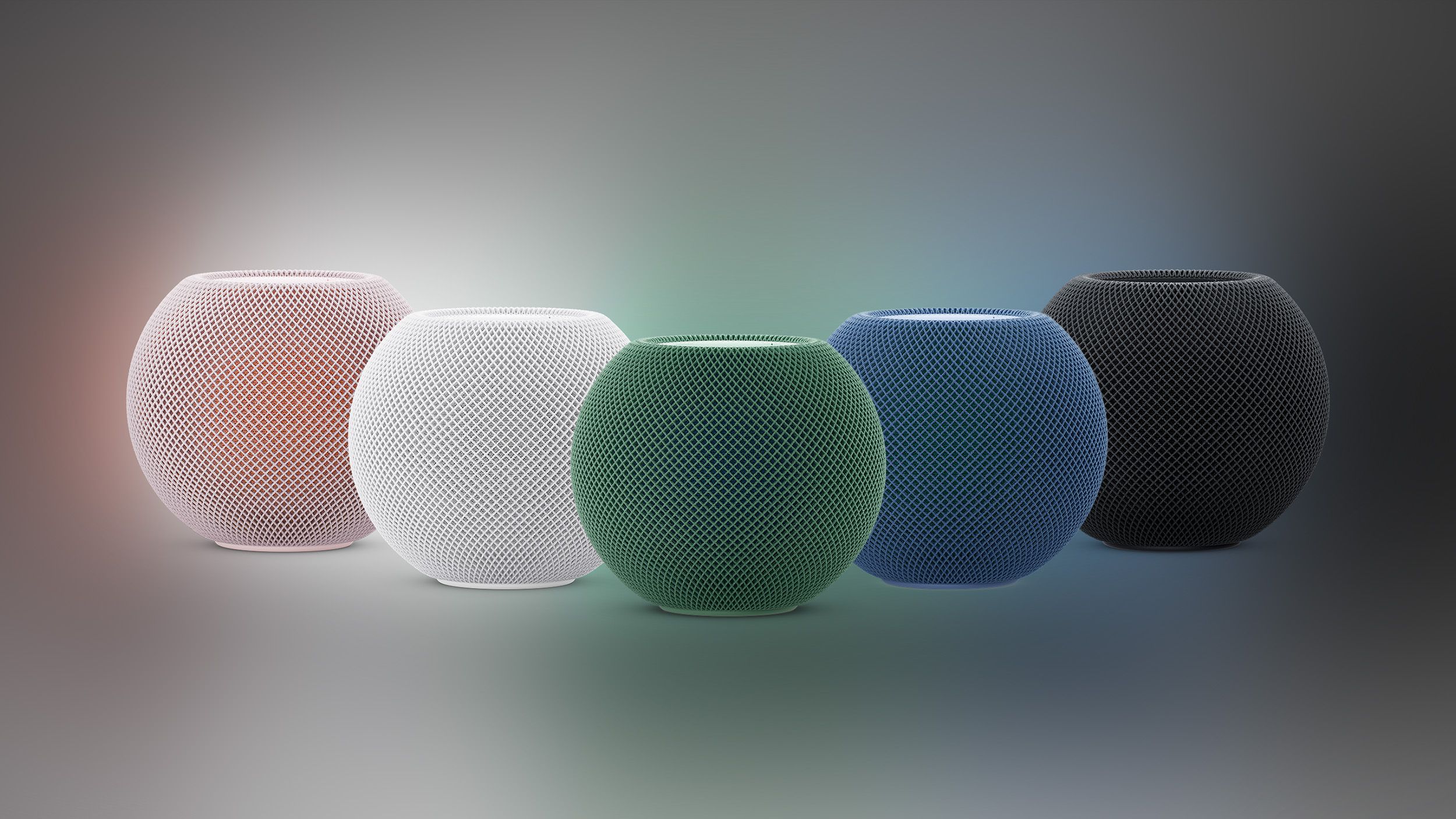
Apple reportedly plans new HomePod mini and Apple TV on Oct. 13

Apple confirms October 13 launch focused on smart home products

Apple reportedly plans touchscreen MacBook and iPad mini launch around October 27