1 day ago
Why Online Savings Account Applications Get Stuck During Video KYC
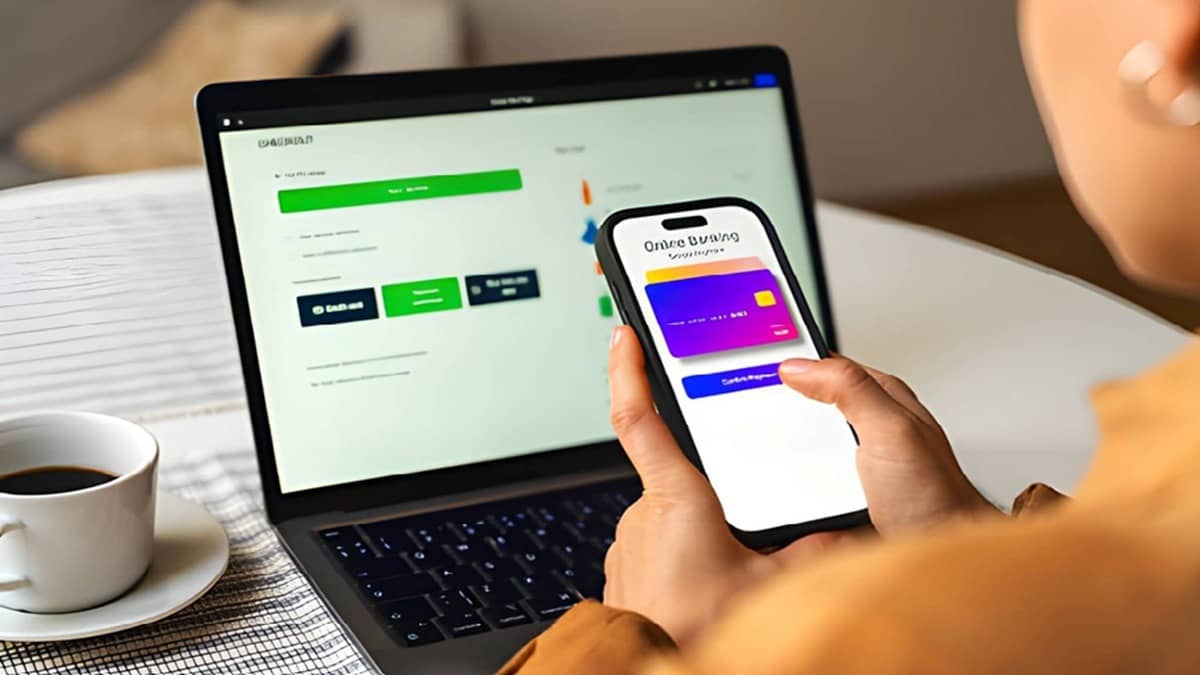
Video KYC is a live identity check for people opening a savings account online.
An official compares your face with your identity document.
The call may pause if the room is dark or the camera is unclear.
A weak internet connection can also stop the video or sound.
The information in your application should match your documents.
An old photo or changed appearance may require extra confirmation.
Your phone must allow the app to use the camera, microphone and location.
Using a charged phone in a quiet, bright place can make the process easier.

Video KYC verifies an applicant’s face, identity document, personal details, consent and sometimes location through a live call.
Poor lighting, camera problems, covered faces or an unclear document can prevent the verifier from completing the check.
Unstable internet, dropped calls and blocked camera, microphone or location permissions may interrupt the session.
Application details such as name, date of birth, address, PAN, Aadhaar and mobile number linkage should match the documents.
Applicants can reduce delays by using a charged device in a quiet, well-lit place and keeping original documents nearby.
- Who
- People applying to open savings accounts online and the officials conducting their Video KYC checks.
- What
- Some online savings account applications become delayed or incomplete during Video KYC.
- Where
- Through a mobile app or browser using a live video call.
- When
- During the Video KYC stage after the mobile number, form and document-upload steps.
- Why
- The verification may be disrupted by unclear images, mismatched details, poor connectivity, unclear answers, device interruptions or blocked permissions.
Key facts
- Verification method
- A live video call is used to check the applicant’s face, identity document, basic details and, in some cases, location and consent.
- Common image problems
- Dim lighting, backlight, glare, a shaky or dirty camera, covered faces and unclear documents can affect verification.
- Connection requirement
- Stable Wi-Fi or mobile data is needed because voice, video and document checks happen together.
- Details to match
- The application should match the documents on name, date of birth, address, PAN, Aadhaar and mobile number linkage.
- Appearance changes
- An old document photo, new hairstyle, beard, glasses or a faded document may require clearer confirmation.
- Device readiness
- Camera, microphone and location permissions should be enabled, while the phone should be charged and unnecessary apps closed.
Sources
Related news

How to Open a Fixed Deposit Online: Eligibility and Process
Standard Chartered Account Hold Leaves Customer Buried in KYC Paperwork
How Indian Customers Can Navigate Difficult Service Problems

Overdue KYC Does Not Automatically Freeze Your Bank Account

e-Shram Portal Creates Barriers for Vulnerable Users

EPFO Details to Check Before Filing a PF Withdrawal Claim
Maharashtra Makes Aadhaar Verification Mandatory for Property Registration

Apple Pay Launches in India With Axis Bank Cards

India's October 2026 Financial Rule Changes Affect ATMs, LPG, Deposits

Young Professionals and Women Reshape India's Investment Landscape