

5 days ago
Simple Ways to Check Whether Viral Videos Are AI-Generated
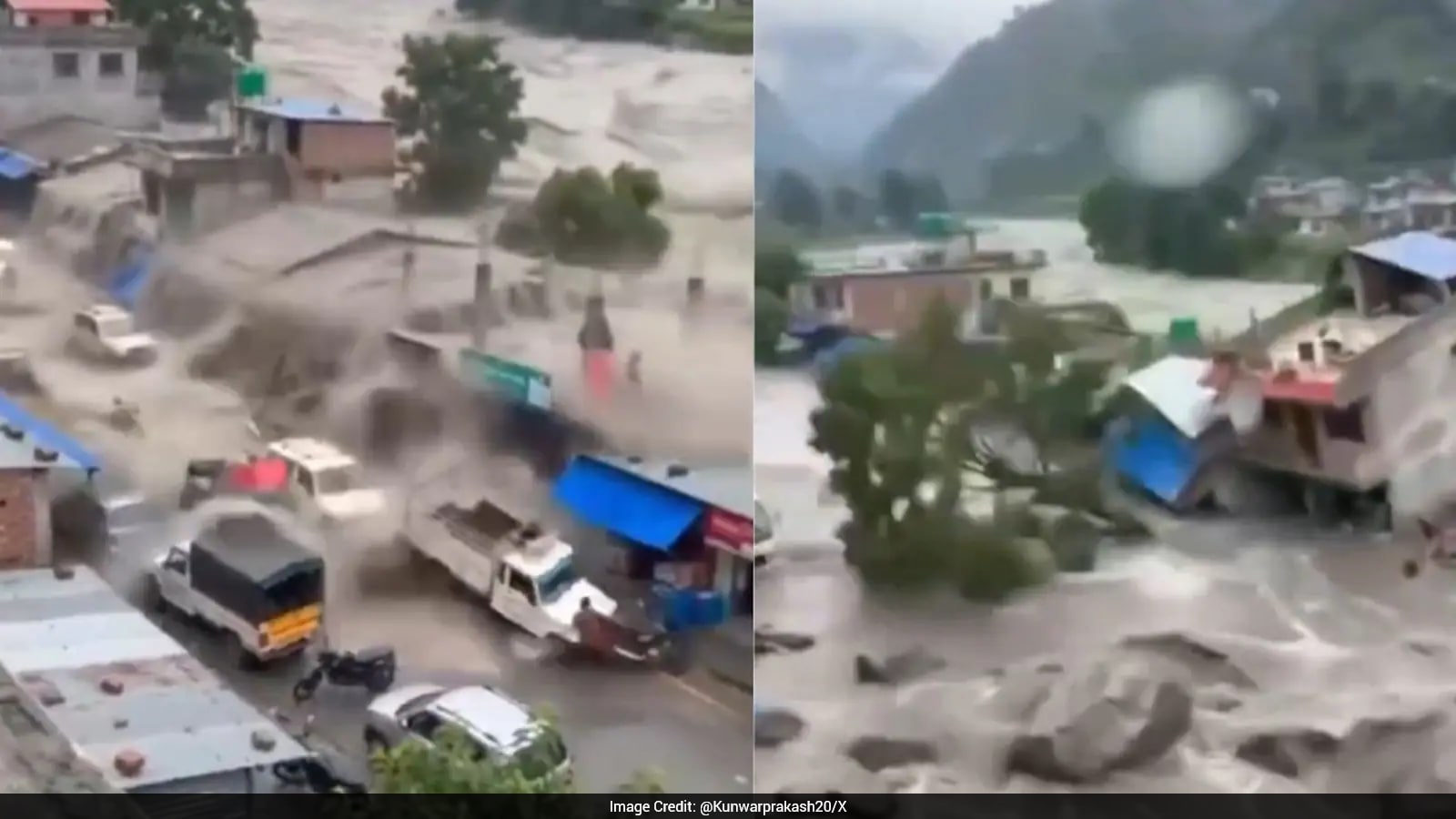
Some videos online are made by computers instead of cameras.
One video said to show flooding in Nepal was found to be computer-generated.
These videos can look very real.
A short video may be a warning sign, but it is not proof.
People can use detection tools to look for clues.
They can also slow the video down and watch each frame carefully.
Objects that disappear, appear suddenly or change shape may indicate an artificial video.
Viewers should ask whether the movements make sense in real life.
Checking trustworthy reports before sharing can help stop false information.

A dramatic video claiming to show Nepal floods was identified as AI-generated.
The clip was about 10 seconds long, though short length alone does not prove AI creation.
Viewers can use AI-detection tools, but their results should be treated as clues rather than final proof.
Slowing footage and examining individual frames may reveal disappearing objects or sudden scene changes.
Checking the source, visual consistency and credible reports can help prevent misinformation from spreading.
- Who
- Online viewers and people sharing videos; the article focuses on an AI-generated clip claiming to show Nepal floods.
- What
- A guide explains how to check whether viral videos are AI-generated, using a disputed Nepal flood video as an example.
- Where
- Online and on social media, with the example depicting floods in Nepal.
- When
- The article does not specify a publication date or event date.
- Why
- AI-generated disaster footage can be mistaken for real footage and spread misinformation when shared without verification.
Key facts
- Example video
- A dramatic clip claiming to show Nepal floods was identified as AI-generated.
- Approximate length
- The video was around 10 seconds long.
- Detection tools
- AI-detection tools can provide useful clues but are not definitive proof.
- Frame irregularities
- Red containers appear to disappear, and a log appears suddenly in the footage.
- Scene changes
- A building and a tree abruptly appear around the seven-second mark as the camera pans back.
- Verification advice
- Check the source, inspect the footage, use detection tools and compare it with credible reports.
Sources
Related news
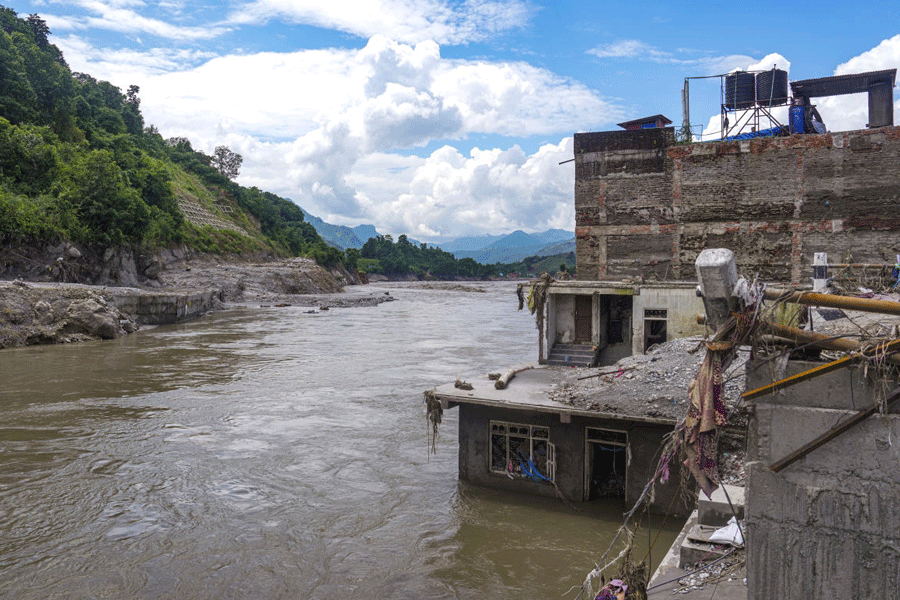
Nepal Cracks Down on Fake Flood Content Online
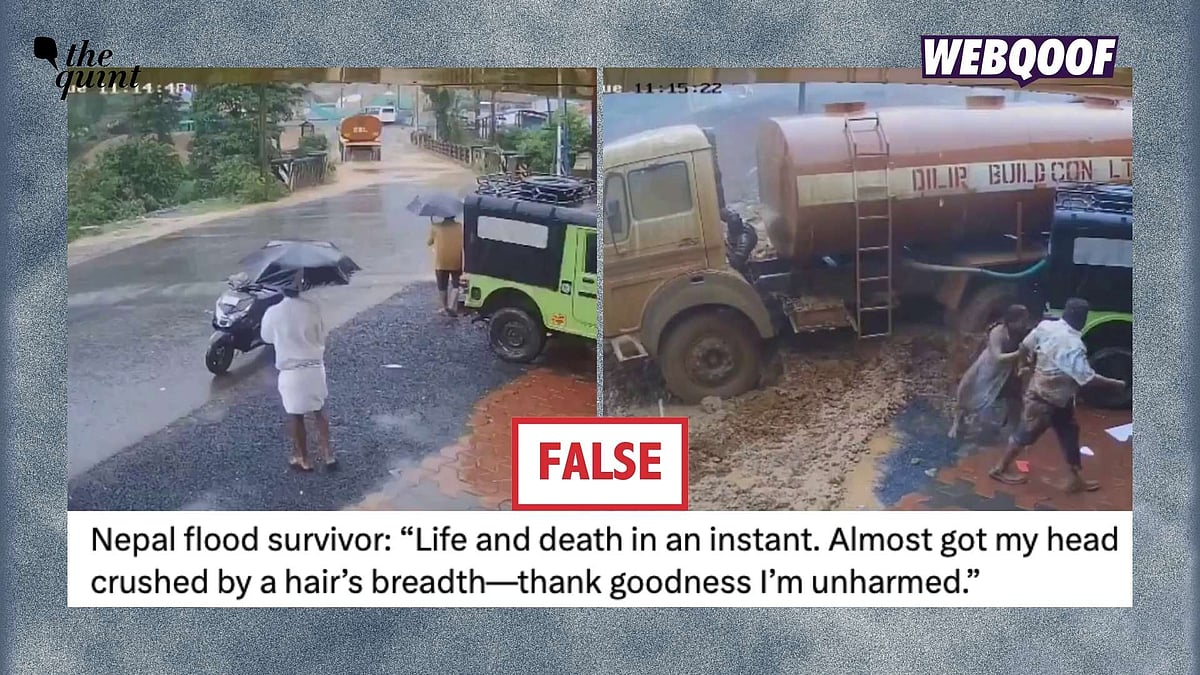
Kerala Video Falsely Shared as Nepal Flood Footage

Shalini Pandey Denies Fake AI Video, Urges Users Report It

Viral Bhayandar-Naigaon Railway Bridge Stunt Video Raises Security Concerns

Eerie Egypt CCTV Clip Sparks Paranormal and AI Debate

AI Slop Detector Excels at Text, Struggles With Images
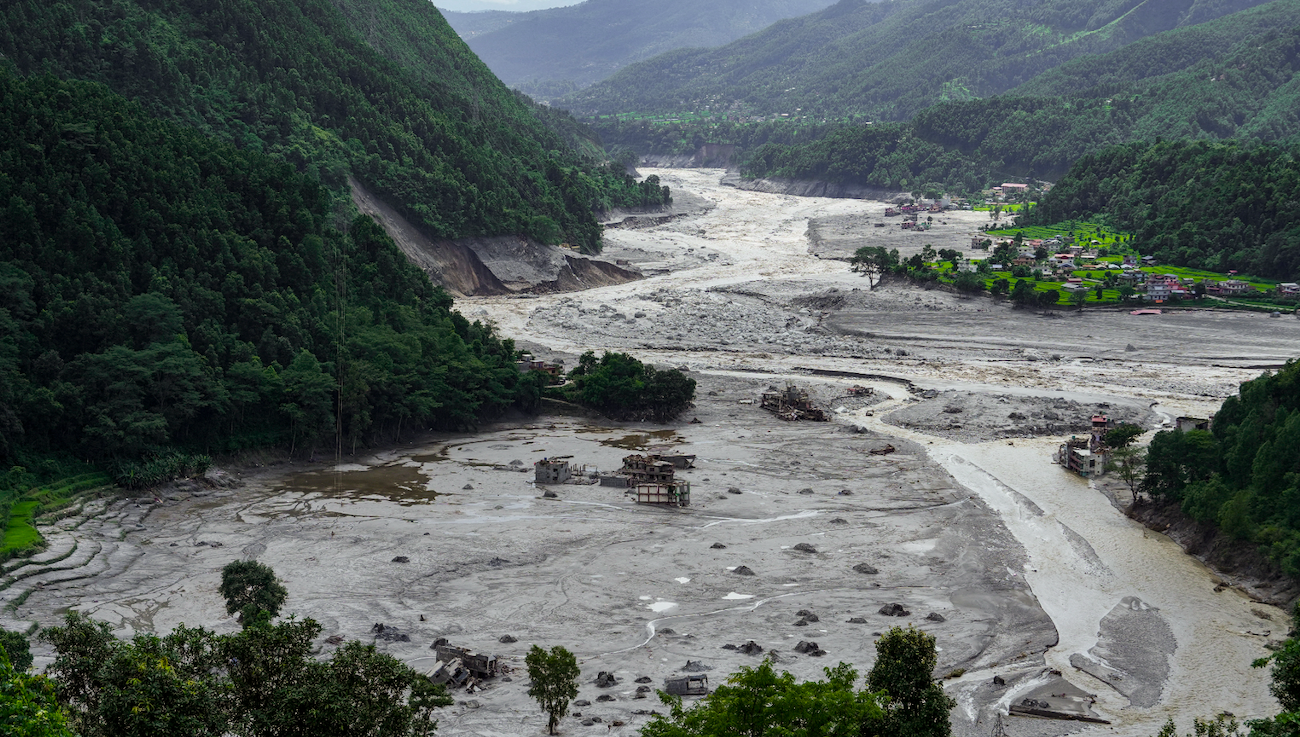
Kailash Flood Tragedy Puts Sadhguru’s Safety Claims Under Fire
Landslides Threaten Nainital Homes as Uttarakhand Rain Continues

Flash Flood Devastates Nepal's Bhotekoshi River Region
Nepal Families Seek Missing Loved Ones After Deadly Flash Floods

Nepal Flood Death Toll Passes 1,200 Amid Ongoing Search
