1 hr ago
Meta launches WhatsApp Business MCP for AI-powered setup and testing

Meta made a new tool that lets AI helpers set up WhatsApp Business accounts.
Developers can tell an AI agent what they want instead of using many different Meta websites and documents.
The agent can create an account and connect a phone number.
It can also check whether the business has completed important steps, such as verification and payment setup.
Businesses can ask the agent to make WhatsApp message templates.
The agent can show whether those templates have been approved.
Developers can also use it to test messages and webhooks.
Meta says the tool checks permissions and records all calls made to it.

Meta introduced the WhatsApp Business Tools MCP to help AI agents configure WhatsApp Business integrations.
The tool can create accounts, verify phone numbers, register Cloud API access, and check required terms and permissions.
AI agents can identify missing payment methods or business verification before testing begins.
Businesses can use the tool to create message templates and test webhooks and messages.
Meta recommends using the WhatsApp MCP alongside its Social Technologies MCP for broader API support.
- Who
- Meta and developers using AI coding agents such as Claude, Cursor, Codex, and ChatGPT.
- What
- Meta launched the WhatsApp Business Tools MCP to help AI agents set up, customize, and test WhatsApp Business integrations.
- Where
- The tool operates across Meta’s Developer Console, Business Manager, Cloud API, and related WhatsApp Business systems.
- When
- Meta announced the tool on Tuesday via the Meta for Developers blog.
- Why
- It is intended to simplify WhatsApp Business integration and help developers find setup problems before testing.
Key facts
- Tool
- WhatsApp Business Tools MCP
- Supported agents
- Claude, Cursor, Codex, and ChatGPT
- Account setup
- Can create a WhatsApp Business Account, add and verify a phone number, and register it to the Cloud API
- Configuration checks
- Can identify missing payment methods and business verification
- Messaging features
- Can create and customize WhatsApp message templates and report approval status
- Testing features
- Can configure callback URLs, field subscriptions, message tests, and webhook tests
- Authentication
- Users log in through Facebook Login for Business and grant specific permissions
Sources
Related news

WhatsApp May Add Direct Chat Support for Third-Party AI Agents

PayU Launches Agent HQ for AI-Powered Merchant Commerce

Meta Launches Mac AI App With Screen Sharing Tools
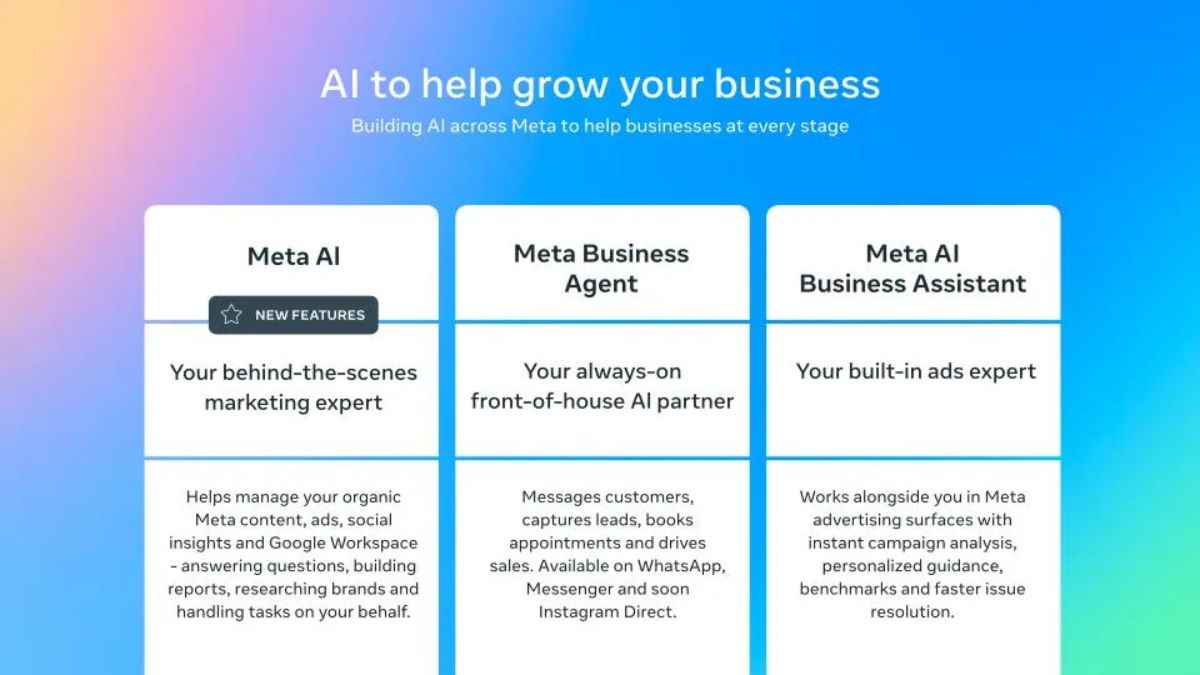
Meta introduces AI tools to help small businesses grow

Meta Plans Hatch AI Agent and Watermelon Model Launches

YuVerse Unveils Four Enterprise AI Platforms at Yunite

US, UK and Netherlands Warn of Iranian Spyware Campaigns

EPFO Promotes Official WhatsApp Channel for Member Updates

Fake WhatsApp Account Misuses Nashik Collector’s Name, Photo

EPFO Launches WhatsApp Channel for Convenient PF Updates