Science & Tech · AI · 1 day ago
How to help smart speakers understand your voice
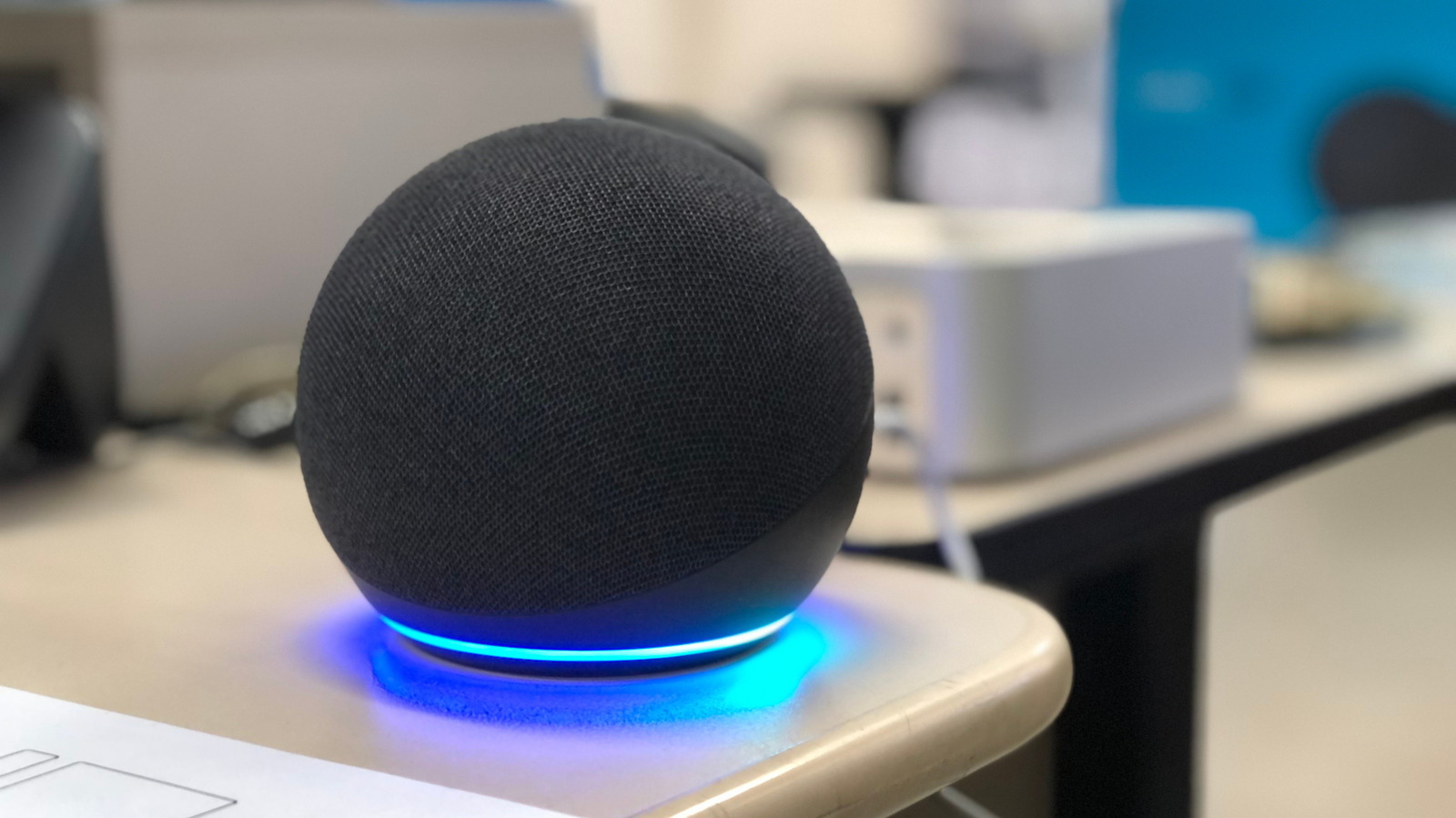
Smart speakers from Amazon, Google and Apple can misunderstand voice commands.
Dust, background noise, echoes and distance from the speaker can make it harder to hear you.
Clean the device and try moving it away from walls, fans and other speakers.
If you have several speakers, separate them or lower the sensitivity of one that responds by mistake.
Give connected smart home devices and rooms distinct names so the assistant can tell them apart.
You can also set up voice recognition in the Alexa, Google Home or Home app, depending on your device.
If the problem continues, restart the speaker; a factory reset is another option, but it removes custom settings.

Smart speakers can misunderstand commands because of noise, echoes, distance or device placement.
Cleaning a speaker and moving it away from walls and noise sources may improve recognition.
Clear, concise commands and distinct names for connected smart-home devices can also help.
Users can set up voice recognition features for Amazon Alexa, Google Assistant and Apple HomePod.
If other steps fail, restarting the speaker or performing a factory reset may help.
- Who
- People using smart speakers, including Amazon Echo, Google Home and Apple HomePod users.
- What
- The article offers ways to reduce misheard commands, including changing device placement and setting up voice recognition.
- When
- Not stated
- Where
- At home, where smart speakers and connected devices are used.
- Why
- Background noise, echoes, distance, device placement or similar device names can cause misunderstandings.
This story does not have two clearly opposing sides.
No direct quotes in the coverage so far.
This story does not have a timeline yet.
- Google Voice Match
- Up to six distinct voices per home
- Speaker placement
- Keep the speaker at least one foot away from walls
- Restart
- Unplug the speaker for a minute, then plug it back in
Sources
Related news

Nadella says advanced AI needs human-controlled emergency brake

Anthropic AI submits false murder tip to Philadelphia police

Tata Communications shifts from connectivity to digital infrastructure and AI readiness
Anthropic bars repeated cruelty toward its AI models

OpenAI fires three safety researchers after dispute over sensitive information

Nikon disqualifies AI-assisted microscope video and names a new winner

Bill Gates warns AI could drive more cyberattacks in the coming year

Gemini in Chrome can summarize pages and compare information across tabs

Anthropic cuts internet access for all internal AI evaluations

Major tech figures adopt Trump’s preferred term for AI
Anthropic AI submitted false police tip and government forms in tests