Science & Tech · Gadgets & EVs · 1 day ago
Router band steering cut one laptop’s Wi-Fi speed in a home test
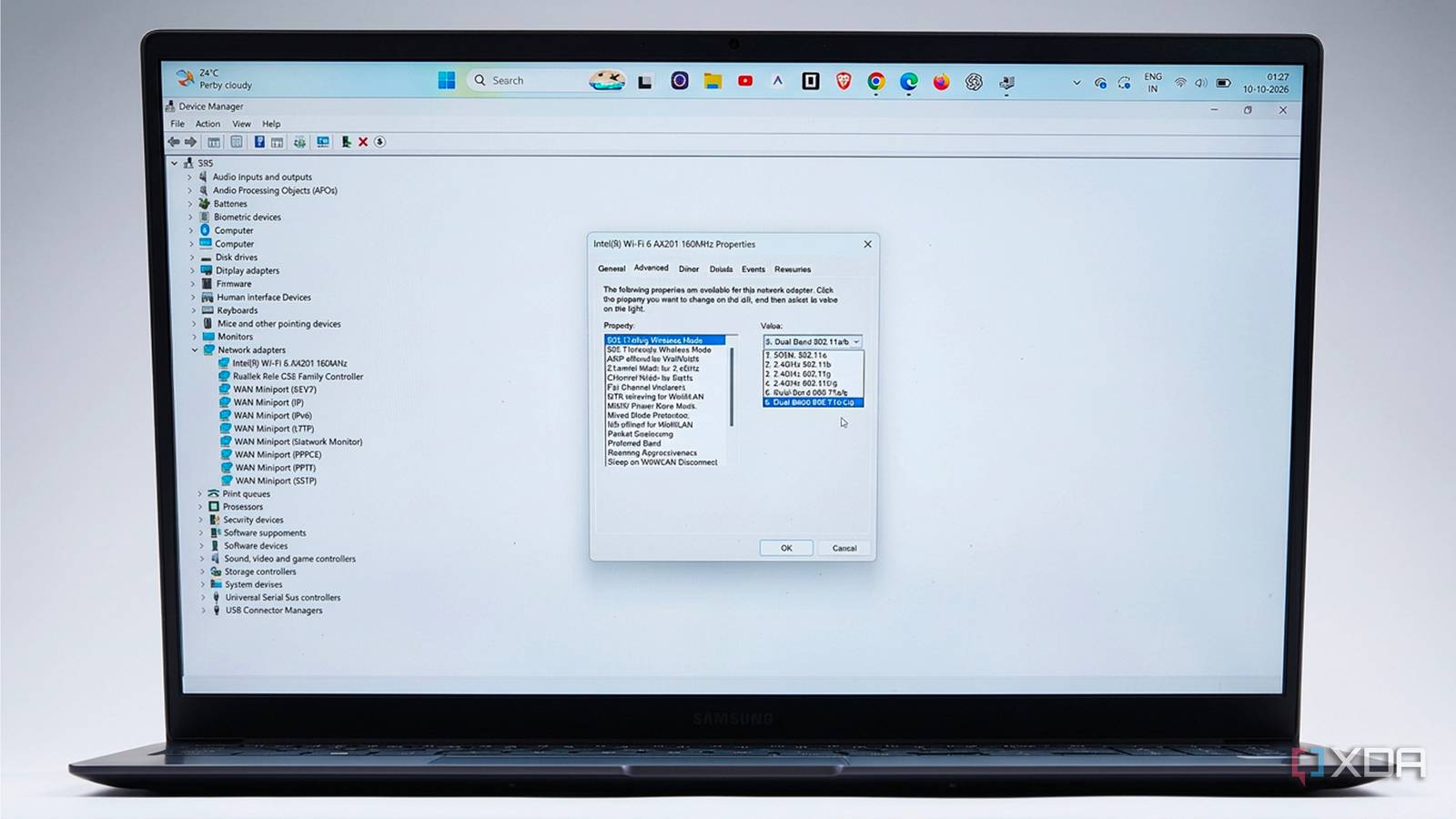
A two-week test at a desk found that an ASUS router’s Smart Connect feature often put a Samsung Galaxy Book4 laptop on the 2.4GHz Wi-Fi band.
The test used a 500Mbps fiber plan and a router two rooms from the laptop.
Band steering lets a router choose which Wi-Fi band a device uses, rather than leaving the choice entirely to the device.
Over one week, the router chose 2.4GHz on four of seven evenings, and the laptop’s median download speed was 63Mbps.
On the three evenings it stayed on 5GHz, speeds were above 250Mbps.
The router appears to use signal strength and connection speed to make its choice, so a brief signal dip can lead it to switch bands.
The test also found that the laptop switched bands during two video calls, briefly freezing the call each time.

A two-week home test found that an ASUS router’s band-steering feature often put one Samsung laptop on the slower 2.4GHz Wi-Fi band.
The laptop’s median download speed was 63Mbps during the reported seven-night test, and its lowest result was 41Mbps.
On the three nights it stayed on 5GHz, it recorded speeds above 250Mbps.
The router switched bands during two video calls, freezing the author’s image for about four seconds each time.
The article says the router’s steering decisions were based largely on signal strength and link speed, not the activity the user was about to do.
- Who
- XDA writer Shivansh tested the feature using a Samsung Galaxy Book4 laptop.
- What
- ASUS Smart Connect band steering often placed the laptop on 2.4GHz, where it recorded slower speeds than on 5GHz.
- When
- The article was published on October 10, 2026. The test is described as lasting two weeks, with results reported for seven nights.
- Where
- At the author’s desk, with an ASUS TUF Gaming AX4200 router two rooms away.
- Why
- The router’s steering rules considered factors such as signal strength and link speed. The article says the router could not know what the user was about to do.
This story does not have two clearly opposing sides.
Band steering put my laptop on the slower band most nights
It doesn’t know I’m about to join a call or download a 40GB game.
Shivansh ran three Speedtest passes each evening at 9 p.m. and checked which Wi-Fi band the laptop used.
The router put the laptop on 2.4GHz on four nights; on the other three, the laptop stayed on 5GHz and recorded speeds above 250Mbps.
The router switched bands, freezing the author’s image for about four seconds each time.
- Laptop
- Core i3 Samsung Galaxy Book4, running Windows 11
- Router
- ASUS TUF Gaming AX4200, with Smart Connect enabled
- Internet plan
- 500Mbps fiber
- Median download speed
- 63Mbps over the reported seven-night test
- Lowest download speed
- 41Mbps on the Tuesday that prompted the test
Sources
Related news

Citroën unveils electric 2CV concept, with production planned for 2028

Oppo launches F35 phones in India with 8,000mAh batteries

Google teases Fitbit Edge tracker ahead of October 12 announcement

Tesla renames its European Full Self-Driving feature Assisted Driving

Imported phones can offer new features but may have US compatibility issues

Apple plans large in-store showcase for its first foldable iPhone

Next iPad mini may cost about $799, up from $599
Amazon to launch new Alexa tablets in Mexico from 3,999 pesos
A BIOS setting limited a USB4 drive to USB 3 speeds
U.S. Apple Stores to personalize iPhone Duo’s first startup greeting

Amazon unveils Android Alexa tablets with Google Play access