

Science & Tech · AI · 2 hrs ago
Writer describes using Gemini Notebook to organize YouTube research
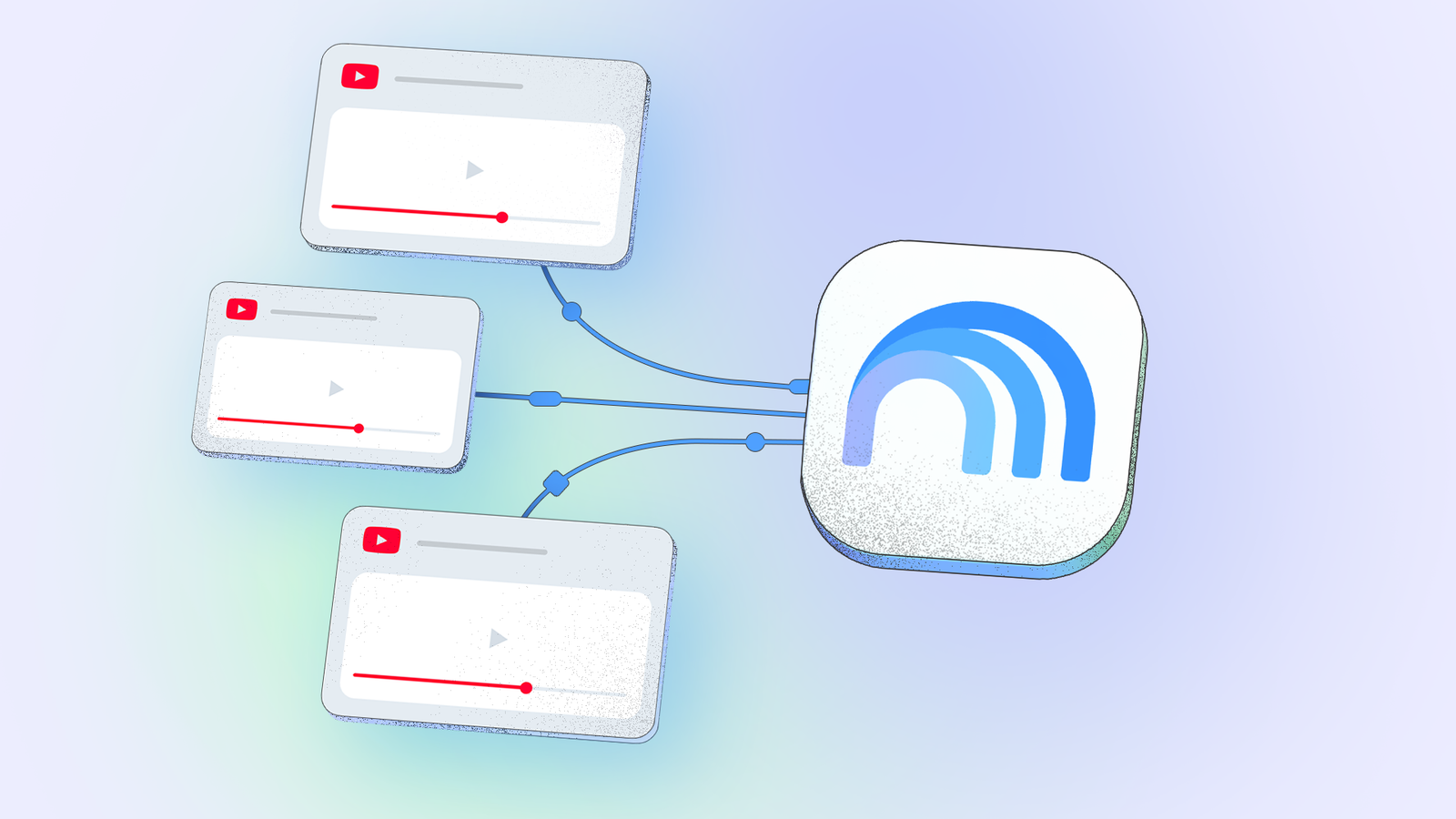
A technology writer says Gemini Notebook can answer questions about YouTube videos without requiring viewers to watch every minute.
The writer uses it to research topics such as laptops and Android features.
Users can save videos and their conversations in a notebook, then compare several videos in one place.
The tool can also combine videos with PDFs, web pages, Google Docs and other supported files.
That lets users check video instructions against official documentation, which may be more up to date.
The writer says the organized research can then be turned into useful material, including plans for a trip.
The account describes one writer’s experience, not a broader assessment of the tool.

A writer says combining Gemini Notebook with YouTube helps organize video research and find key details without watching every video in full.
The writer describes adding YouTube videos to a notebook and asking Gemini questions about their contents.
The notebook can hold several videos together, making it possible to compare creators’ recommendations and opinions.
The writer says Gemini Notebook can also combine videos with sources such as PDFs, web links, Markdown files and Google Docs.
The writer uses official documentation alongside videos to check whether instructions may be outdated.
- Who
- Parth, a technology analyst and writer.
- What
- He describes using Gemini Notebook with YouTube to organize research, ask questions about videos and compare sources.
- When
- He says he recently started combining the tools. The article was published on October 13, 2026.
- Where
- On YouTube and in Gemini Notebook.
- Why
- He says the combination helps him find useful details, organize research in one place and check video information against other sources.
This story does not have two clearly opposing sides.
This story does not have a timeline yet.
- Article publication
- October 13, 2026
- Video research example
- Comparing five videos about One UI 9 features
- Supported sources
- PDFs, web links, Markdown files and Google Docs files
- Notebook use
- Save videos and related conversations in a dedicated space
- Verification method
- Compare videos with official documentation
What people are saying
YouTube has always been one of my go-to platforms for learning new things, whether it's exploring a new productivity app, understanding complicated logic, or catching up on the latest tech trends.
I often spend more time watching videos than putting that knowledge to good use.
Sources
Related news

Epic Games shifts toward AI to speed up game development

Meta unveils two AI models it says rival leading systems

Microsoft president calls for enforceable global AI safety rules

Anthropic AI submits false murder tip to Philadelphia police

Anthropic warns AI could spread through connected home devices

Fervo Energy plans to expand geothermal power with new funding and Google deal

Anthropic Warns AI Worms Could Spread Across IoT Devices Soon

CEATEC opens in Japan with AI-powered robots and machinery in focus

Anthropic says AI models may soon spread across home devices

Nadella calls for human-controlled emergency brakes on advanced AI

Shanghai robot debuts with a rated payload above five tons
