

3 weeks ago
Google Maps May Eat Phone Storage: How to Free It
Google Maps is an app that helps you find your way, but it can also take up more space on your phone than you think.
It saves maps of places you download, a list of places you have visited, and bits of information from your searches.
All of this piles up over time without you noticing.
The good news is that you can clean it up without removing the app.
You can look at your downloaded maps and delete the ones you no longer need.
You can also check your Timeline and remove old location history.
Before deleting anything, you can back up your Timeline to keep it safe.
On Android phones, you can clear the app's cache in the Settings menu.
On iPhones, Google Maps has a button to clear application data.
Doing this simple cleaning can free up valuable space on your phone.

Google Maps can quietly consume significant phone storage through offline maps, Timeline data, and cached files.
Users can review and delete downloaded offline maps via profile picture > Offline Maps.
Google Maps Timeline stores places visited and routes taken, saved on each signed-in device, with an optional encrypted backup on Google's servers.
On Android, the cache can be cleared via Settings > Apps > Maps > Storage > Clear cache.
On iPhone, Google recommends clearing application data through Google Maps > Settings > About & terms > Clear application data.
- Who
- Google Maps users whose phones are running low on storage
- What
- Google Maps may quietly consume phone storage via offline maps, Timeline data, and cached files, and users can clear much of this data without uninstalling the app
- Where
- Android and iPhone devices running Google Maps
- When
- Not specified in the article
- Why
- Downloaded offline maps, years of Timeline location history, and cached searches and map tiles accumulate over time and take up device storage
Key facts
- App
- Google Maps
- Main storage culprits
- Offline maps, Timeline location history, cached data
- How to review offline maps
- Profile picture > Offline Maps
- Timeline data storage
- Saved on each signed-in device; optional encrypted backup on Google's servers
- Android clearing method
- Settings > Apps > Maps > Storage > Clear cache
- iPhone clearing method
- Google Maps > Settings > About & terms > Clear application data
- Recommendation
- Check offline maps, Timeline, and cache before deleting photos or paying for a higher-storage phone
Sources
Related news
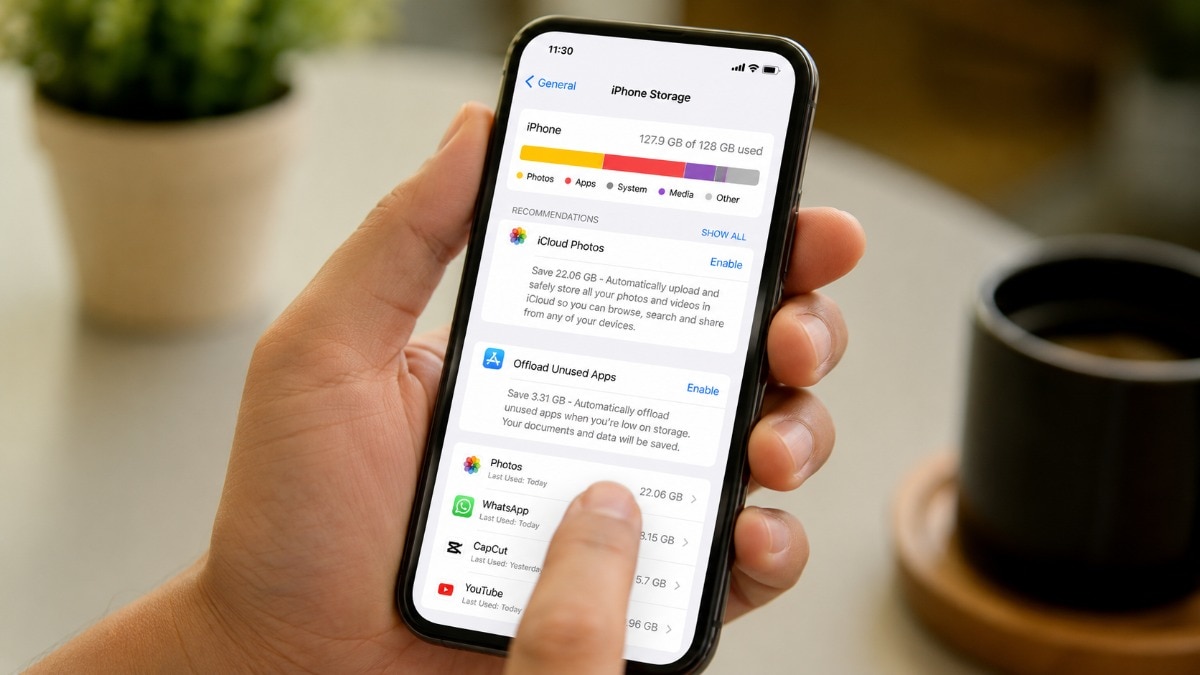
Photos and App Cache Drive Most Phone Storage Problems

Ten Steps to Free Up Space on Your iPhone

Google Drive ends Google Photos desktop photo backup today

Google Drive Desktop Ends Google Photos Backup on August 10

Google Maps adds agentic AI for food ordering, hotel bookings
MapQuest Tops US App Store After Rejecting Lake America Rename

Google Rolls Out Pics AI Image Editor With Workspace Tools

Klook Launches Global Search for Underappreciated Travel Planners
