

2 hrs ago
iOS 27 Adds On-Device Impersonation Scam Protection for iPhones
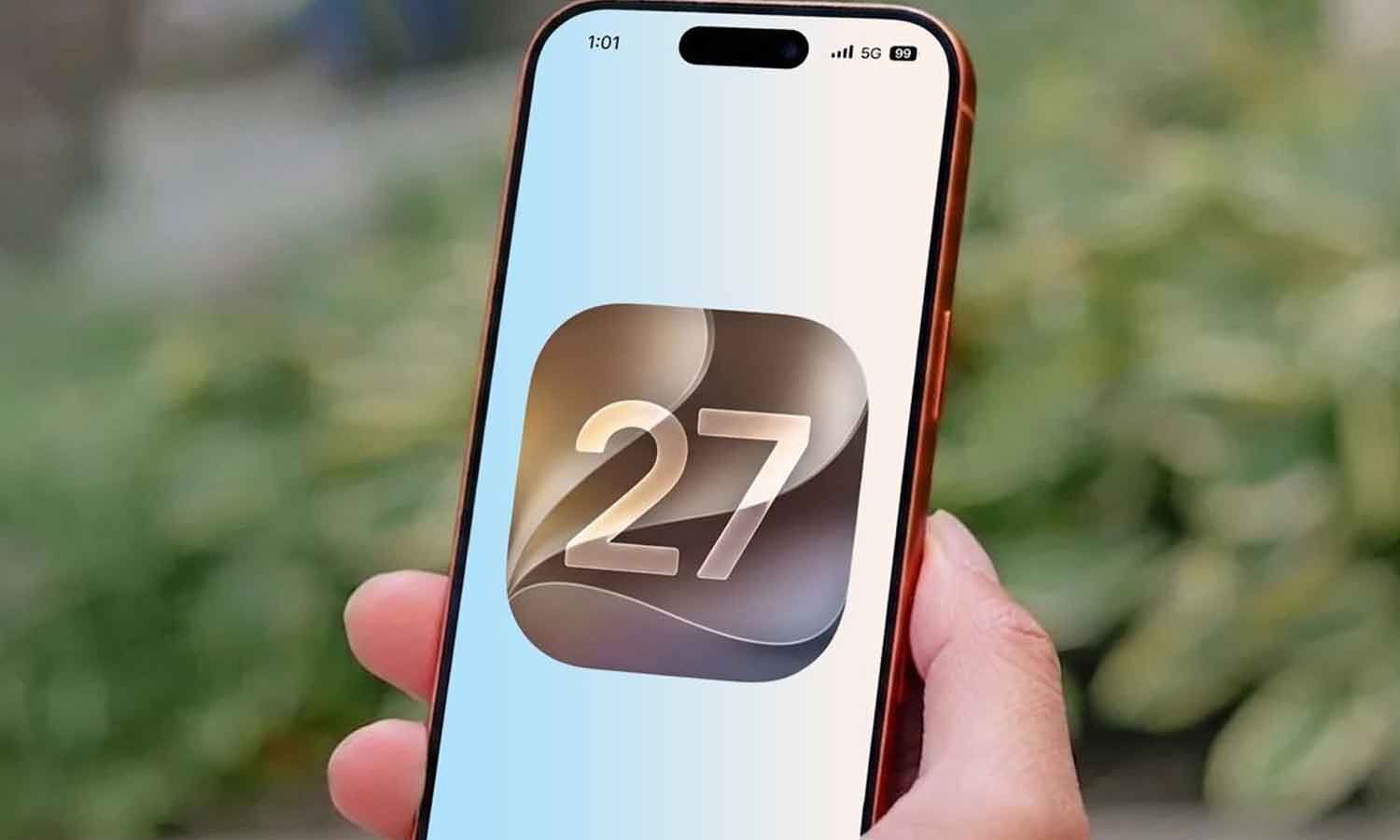
iOS 27 includes a new tool designed to help stop impersonation scams.
These scams happen when someone pretends to be from a bank, government agency, or phone company.
The tool looks for signs that a scam may be happening.
It can check information from the iPhone and the user’s Apple account.
A compatible app can ask for a safety check when someone makes a payment or changes important account settings.
The app receives only a risk score, not the private information used to create it.
Apple says the information stays on the device and is not shared with Apple or developers.
The tool is turned off at first, so users must enable it in Settings.
It can label a possible risk as Unknown, Medium, or High.

Apple’s iOS 27 introduces an anti-scam tool called Impersonation Risk Detection.
The feature analyzes information from an iPhone and Apple account to identify possible impersonation scams.
Compatible apps can request a risk assessment during payments or critical account changes.
Only a risk score is shared with the app, while the underlying data remains on the device.
The feature is disabled by default and offers Unknown, Medium, and High risk categories.
- Who
- Apple and iPhone users.
- What
- Apple introduced an anti-scam feature in iOS 27 that detects possible impersonation risks during certain sensitive actions.
- Where
- On compatible iPhone apps and devices.
- When
- With the iOS 27 update; no specific release date is stated.
- Why
- To help prevent users from being tricked into sending money, changing account details, or exposing personal information.
Key facts
- Feature
- Impersonation Risk Detection; the Settings path in the article labels it “Spoofing Risk Detection.”
- Availability
- Introduced with iOS 27.
- Default status
- Disabled by default.
- How it works
- The device generates a risk score when a compatible app requests an assessment during actions such as payments or critical account changes.
- Data handling
- Apple says the underlying data remains on the device and is not shared with Apple or developers.
- Risk levels
- Unknown, Medium, and High.
- Compatibility
- The feature currently works only with apps compatible with Apple’s framework.
Quotes

Apple
Technology company that developed iOS 27 and its security features
“When a compatible app requests an assessment during actions such as making a payment or modifying critical account settings, the system generates a risk score and shares only that score with the app”
 thehansindia.com
Sources
Related news

WhatsApp Begins Android Beta Testing of Scam Alert Feature
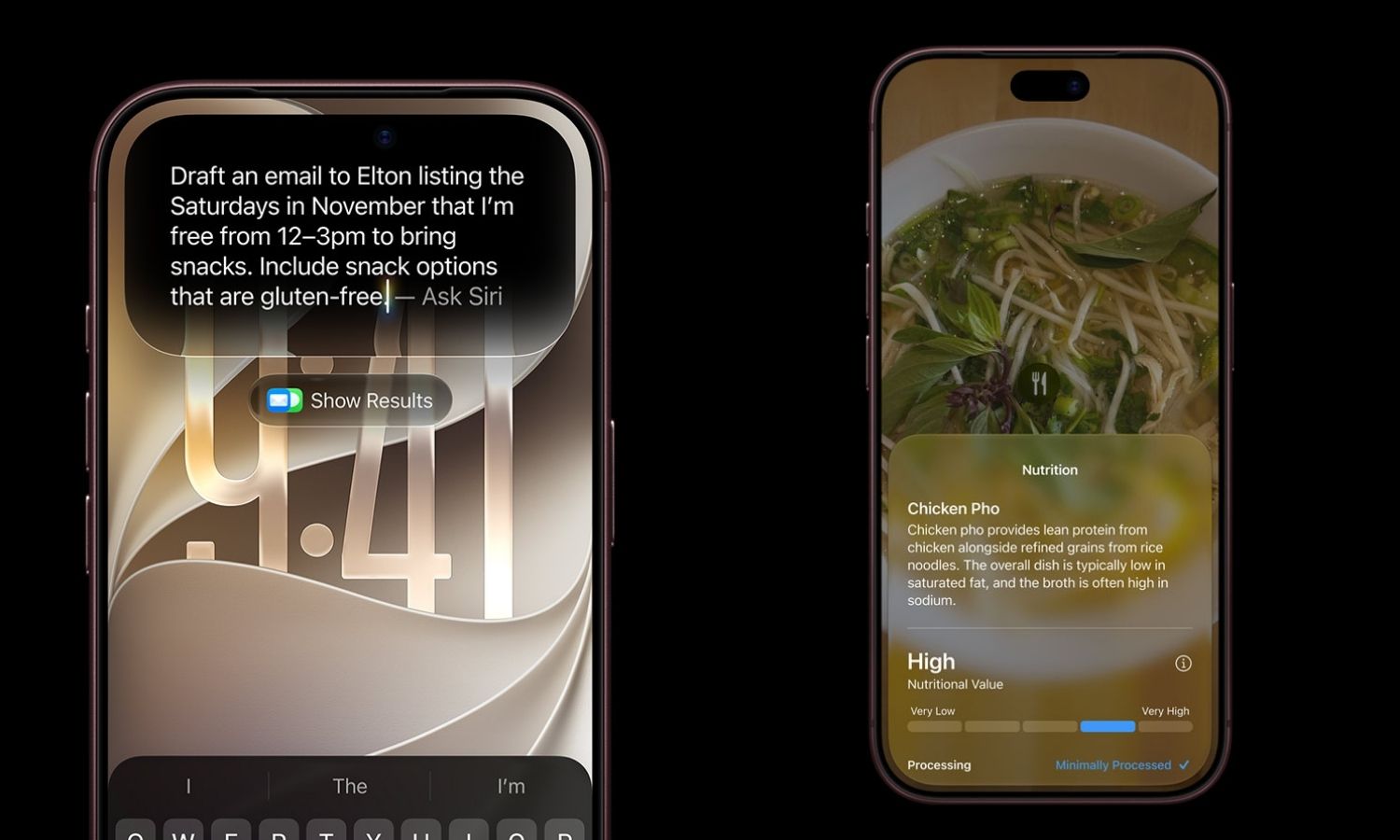
Apple Rolls Out iOS 27 With Redesigned Siri AI
Scammers Exploit Demand With Fake Deals for New iPhones
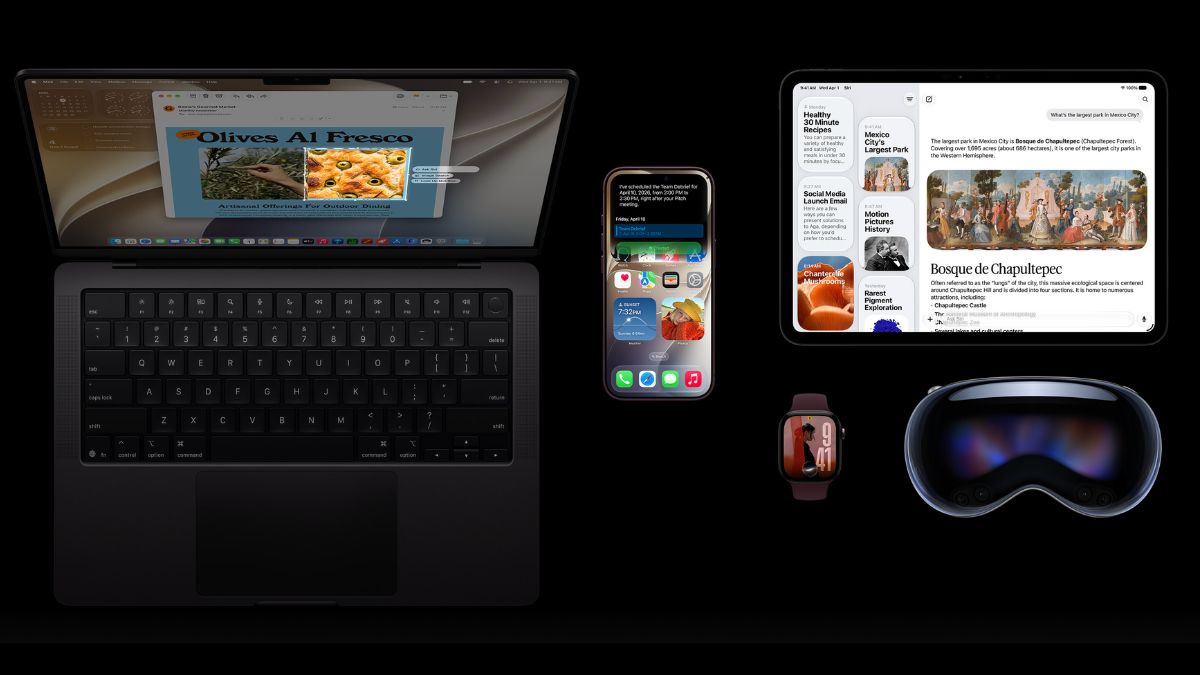
Apple Rolls Out iOS 27 With Smarter Siri, Parental Controls

Apple Details iOS 27 Release With AI-Powered Siri
Apple Releases iOS 27 With AI Siri and New Features

iOS 27 Freeze Bug Hits iPhones; Force Restart Fixes It

Mumbai Entrepreneur Reveals Rs 52,000 Monthly Living Expenses

Five Simple Tips for Improving iPhone Battery Health

Rising Smartphone Prices May Make Insurance Essential in India
