1 hr ago
iOS 27 Adds Smarter Siri Shortcuts, Screen Awareness and Threads
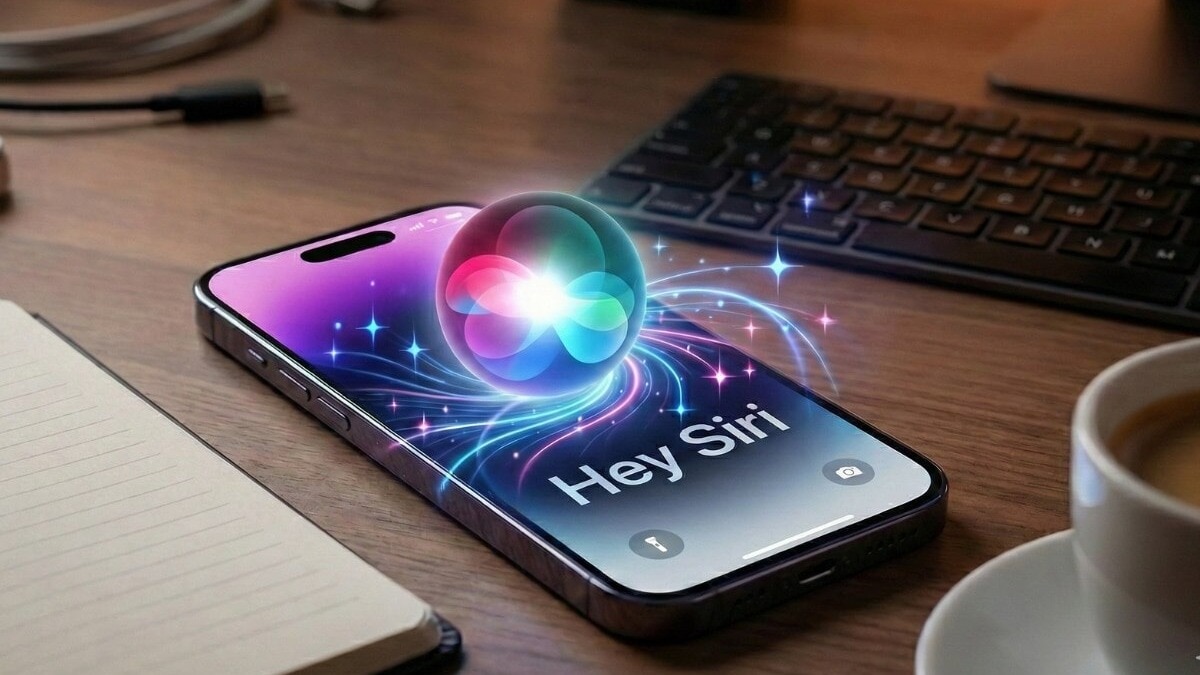
In iOS 27, Siri can help make iPhone tasks easier.
You can tell Siri what you want a Shortcut to do, and it can build one for you.
You can check the Shortcut before saving it.
Siri can also look at information on your screen, such as details about an event.
It can use those details to prepare a calendar invitation, which you can confirm.
A new Siri app can keep conversations about research.
That means you can come back later and ask more questions in the same conversation.

Siri can generate a Shortcut after users describe the routine they want in the Shortcuts app’s new Prompt bar.
Users can review the generated routine before saving it.
Siri can use details displayed on an iPhone, such as an event’s title, time and address, to prepare a calendar invitation for confirmation.
The feature can draw information from sources such as emails, group chats and websites.
A standalone Siri app keeps research conversations available so users can return and ask follow-up questions.
- Who
- Apple iPhone users and Siri.
- What
- iOS 27 adds Shortcut generation from instructions, screen-aware calendar invitations and saved research conversations in a standalone Siri app.
- Where
- On iPhone, in the Shortcuts app and the standalone Siri app.
- When
- In iOS 27; the article gives no release date.
- Why
- To make creating automations, transferring event details into calendars and continuing research conversations easier.
Potential benefits
Limitations and user control
Creating Shortcuts
Potential benefits
Users can describe a desired routine without needing to understand individual Shortcut actions.
Limitations and user control
The generated routine is presented for review, and users must save it themselves.
Using information on screen
Potential benefits
Siri can identify event details and prepare a calendar invitation, reducing manual copying and app switching.
Limitations and user control
The invitation is presented for confirmation rather than being added automatically.
Continuing research
Potential benefits
Saved threads let users return to a conversation and ask follow-up questions without starting over.
Limitations and user control
The article describes this feature for research threads but gives no further details about its scope.
Key facts
- Shortcut creation
- In Shortcuts, users tap the + icon, select the Prompt bar, describe a routine and ask Siri to generate it.
- Review before saving
- Users can review a generated routine before tapping Done to save it.
- Screen information
- Siri can identify event details such as title, time and address from information displayed on the iPhone.
- Calendar invitations
- Siri prepares an invitation for user confirmation.
- Information sources
- Examples include emails, group chats and websites.
- Standalone app
- A new Siri app keeps research threads available for follow-up questions.
Sources
Related news
Apple Rolls Out iOS 27 With Redesigned Siri AI
iOS 27 Brings Apple Intelligence Productivity Tools to iPhone
Apple’s iOS 27 Brings Standalone Siri and Smarter Photo Editing

Apple Centers iPhone 18 Launch on Smarter, Expressive Siri

Apple Details iOS 27 Release With AI-Powered Siri

Apple Rolls Out iOS 27 With Smarter Siri, Parental Controls