3 weeks ago
Apple Redesigns Siri Icon With Liquid Glass in iOS 27
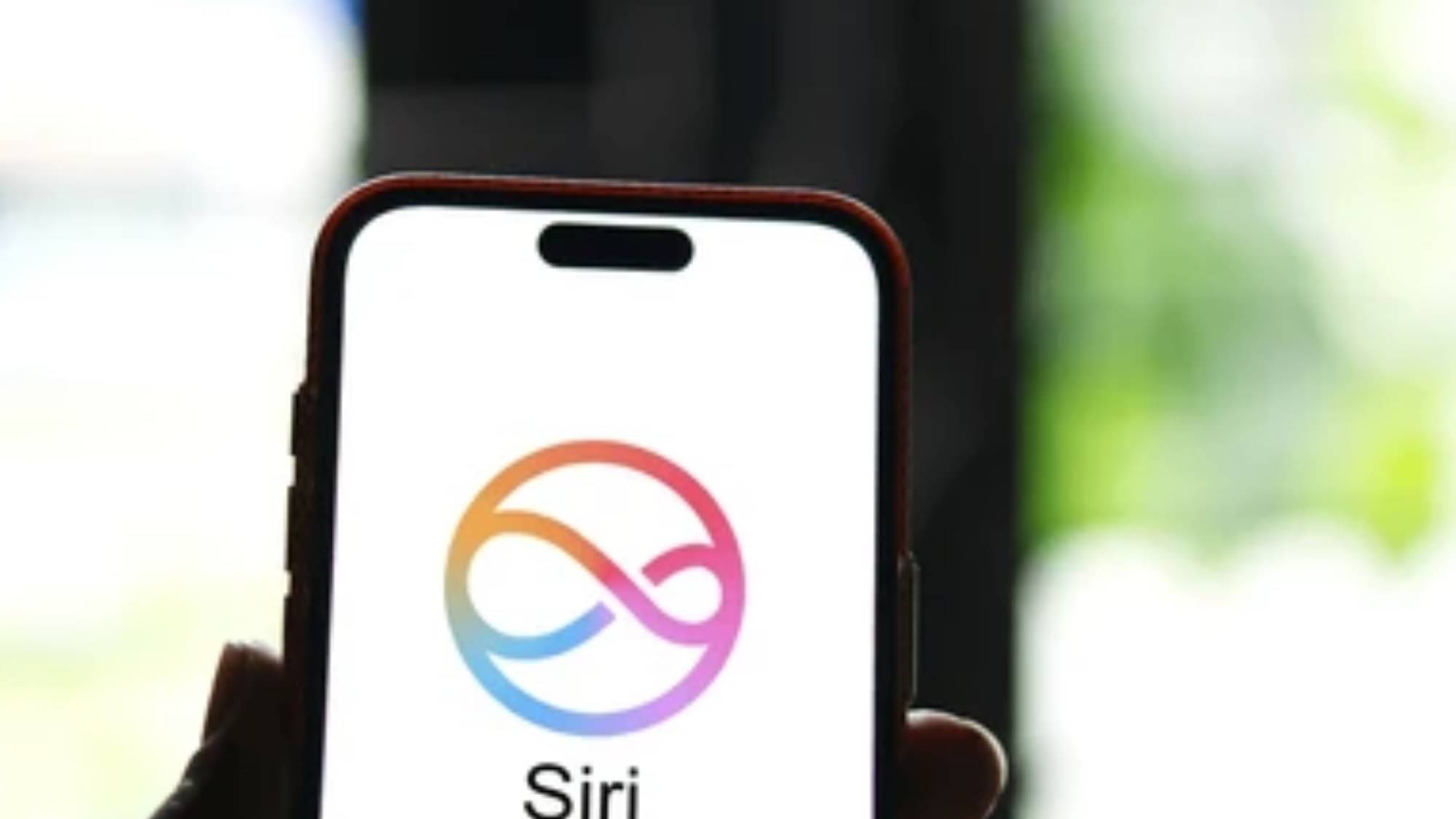
Apple is making a new version of the software that runs iPhones, called iOS 27.
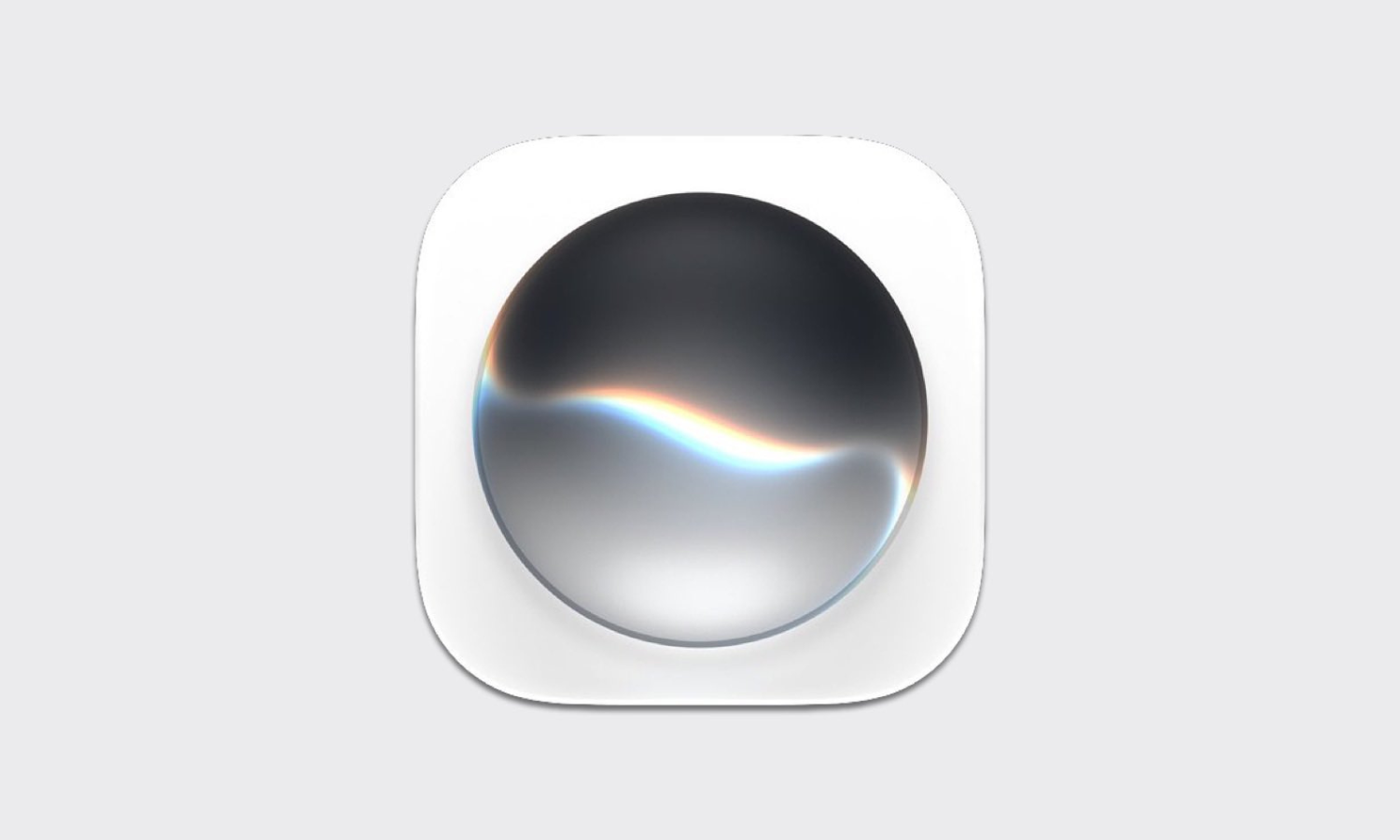
In the newest test version, Apple changed the picture, or icon, for Siri, its helper that answers questions.
The new Siri icon looks shiny, smooth, and see-through, like a bubble of glass.
It looks like the glowing ball that appears when you talk to Siri.
Apple calls this new shiny style "Liquid Glass."
Apple is using this style for many of its app pictures.
Siri is also becoming its very own app on the phone instead of just a voice helper.
Inside that app, people can see their past conversations and save questions they ask often.
Apple is making these changes because it wants its devices to focus more on artificial intelligence.

Apple redesigned the standalone Siri app icon in the fifth developer beta of iOS 27 with a fluid, transparent Liquid Glass appearance.
The new icon uses layered, high-transparency visual effects to mirror the dynamic Siri glow bubble users see when invoking the assistant.
Siri is becoming a dedicated app in iOS 27, offering a dashboard for cross-device conversation history, pinned prompts, and Apple Intelligence workflows.
The fifth developer beta also redesigned the Preview, Safari, Settings, App Store, and Remote icons with new visual details.
The changes are part of Apple's rollout of the Liquid Glass design aesthetic as it transitions toward an AI-focused ecosystem.
- Who
- Apple
- What
- Redesigned the Siri app icon in iOS 27 beta 5 with a dynamic Liquid Glass look and made Siri a dedicated app
- Where
- Within the iOS 27 developer beta on iPhones
- When
- In the fifth developer beta of iOS 27
- Why
- As part of Apple's rollout of the Liquid Glass design aesthetic and its transition toward an AI-focused ecosystem
Key facts
- Product
- iOS 27
- Build
- Fifth developer beta
- Main change
- Redesigned Siri app icon with dynamic Liquid Glass visual effects
- Design aesthetic
- Liquid Glass
- Siri app features
- Cross-device conversation history, pinned prompts, Apple Intelligence workflow management
- Other redesigned icons
- Preview, Safari, Settings, App Store, Remote
- Source
- The Verge
Sources
Related news
Apple Redesigns Siri Icon with Liquid Glass in iOS 27
Samsung One UI 9.5 Leaks Reveal Glassy Design, App Lock
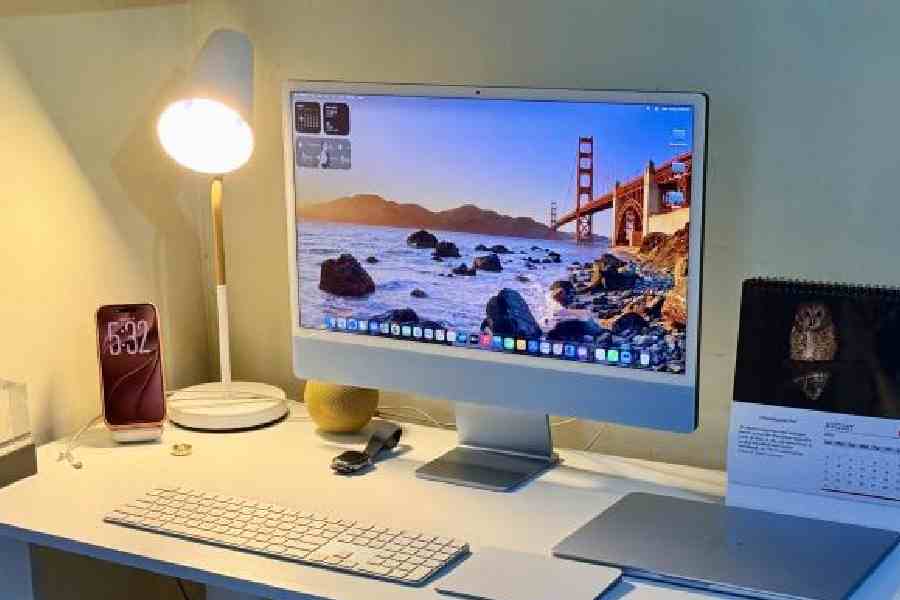
macOS 27 Golden Gate powers up Macs with Siri AI
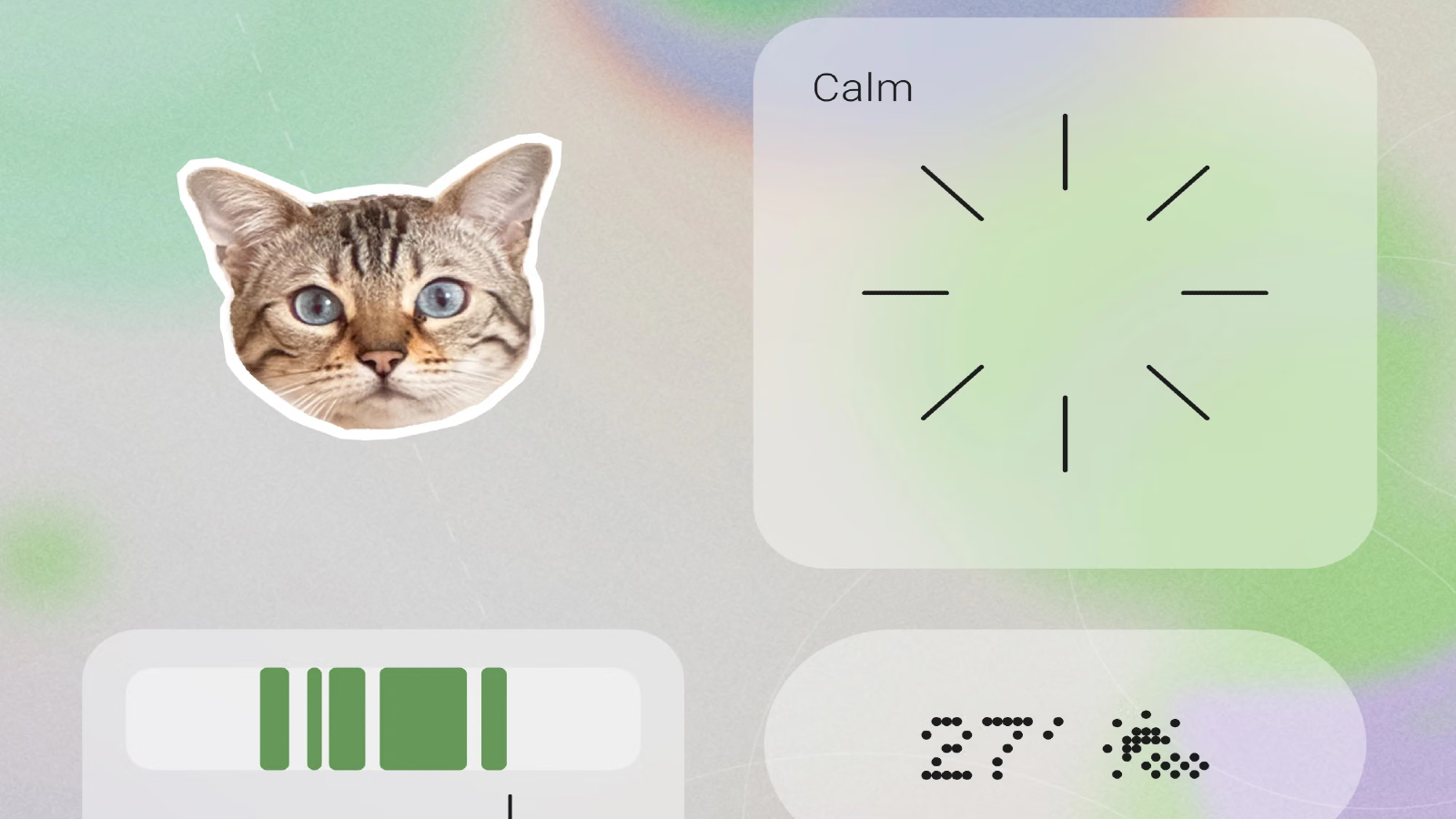
Nothing OS 5.0 Brings Android 17, AI, and Personalisation
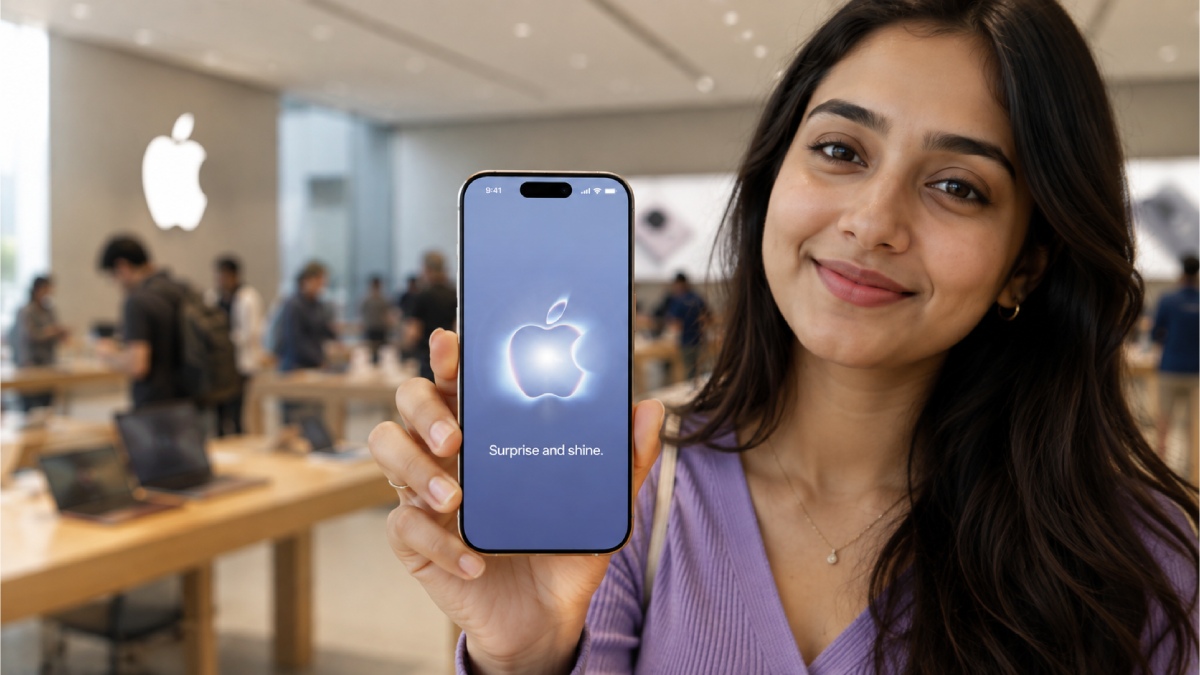
Apple Confirms September 2026 iPhone Event With Foldable Hints
Report: 2027 anniversary iPhones set for glass-heavy redesign
Why Millions Still Choose iPhone Over Android in 2026

Mozilla brings built-in Ad blocking to Firefox on iOS

Facebook Rolls Out Standalone Creator Studio App With AI Tools

Elon Musk's Grok Bot Beta Released on Desktop and iOS