

4 hrs ago
AI Image Editing Makes Professional-Looking Photos Accessible to Everyone
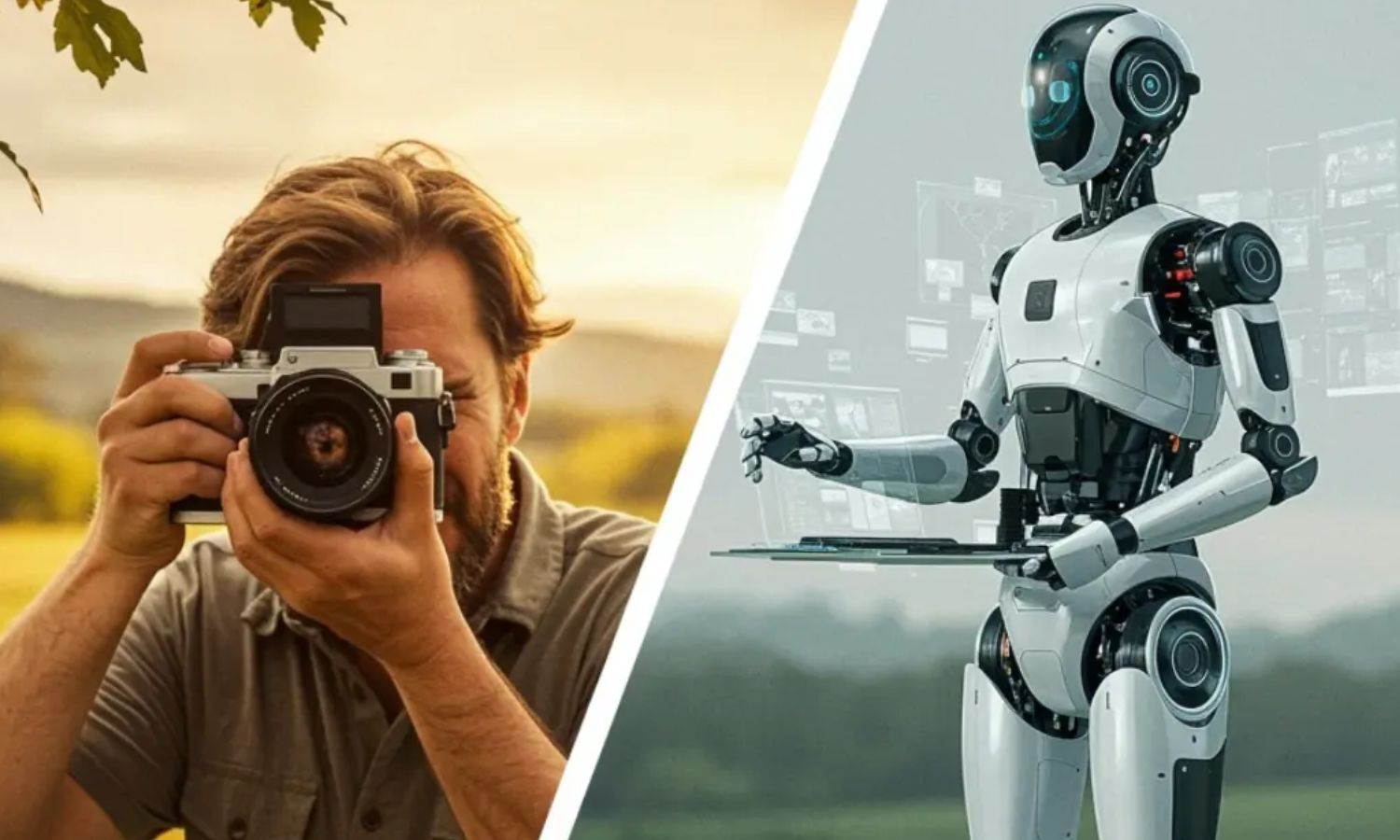
AI tools can help people improve their photos using words.
A user can upload a picture and describe the changes they want.
The tool may improve lighting or make a portrait look better.
It can also remove unwanted objects from the background.
Users can replace a background if they do not like it.
They do not need to understand complicated editing controls.
They can keep giving new instructions until the image looks closer to what they want.
This could make professional-looking photo editing available to more people.

Phone users can use ChatGPT and simple prompts to enhance, retouch, and transform photos.
AI tools can improve lighting, remove unwanted objects, enhance portraits, and change backgrounds.
Text-based editing lets users describe desired changes without learning advanced editing software.
Users can refine images through follow-up instructions and repeated prompts.
Suggested prompts include creating a cinematic look, blurring a distracting background, and removing objects realistically.
- Who
- Phone users with basic photography knowledge and access to ChatGPT.
- What
- Using AI and text prompts to enhance, retouch, and transform photographs.
- Where
- On users' phones or through AI image-editing tools; no specific location is stated.
- When
- In the modern world; no specific date is stated.
- Why
- To make photo editing easier and make professional-looking adjustments more accessible.
Key facts
- Main tool mentioned
- ChatGPT
- Editing method
- Text-based prompts
- Lighting
- Users can improve lighting in photos.
- Object removal
- AI can remove unwanted objects and fill the area naturally.
- Background editing
- Users can change, blur, or make backgrounds less distracting.
- Portrait enhancement
- AI can enhance portraits while preserving a natural appearance.
- Example style
- A cinematic look with balanced contrast, natural skin tones, and soft lighting.
Sources
Related news
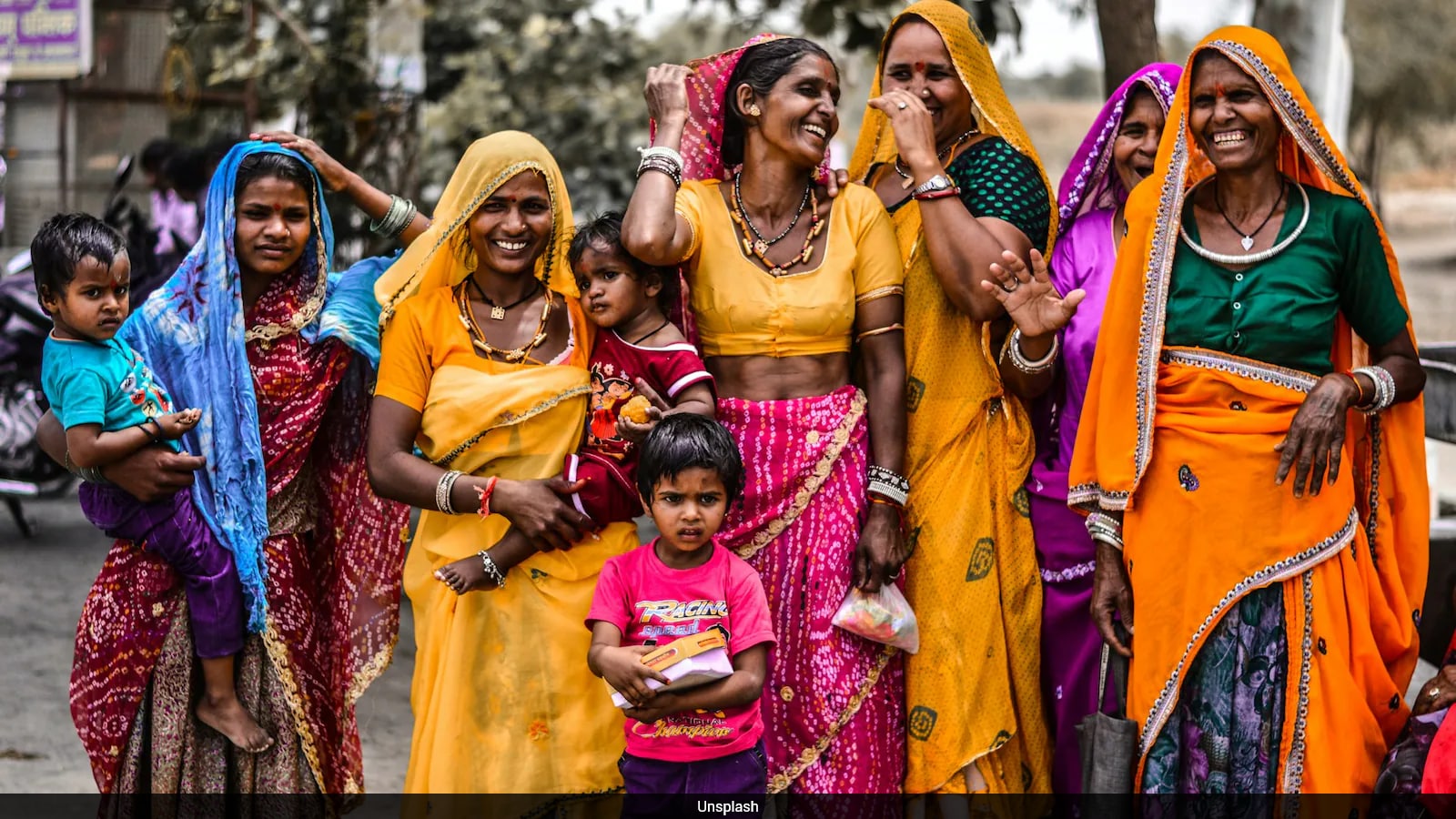
AI Photo Editing Tools Make Professional Enhancements More Accessible

ChatGPT 1980s Photo Trend Spreads Across Social Media
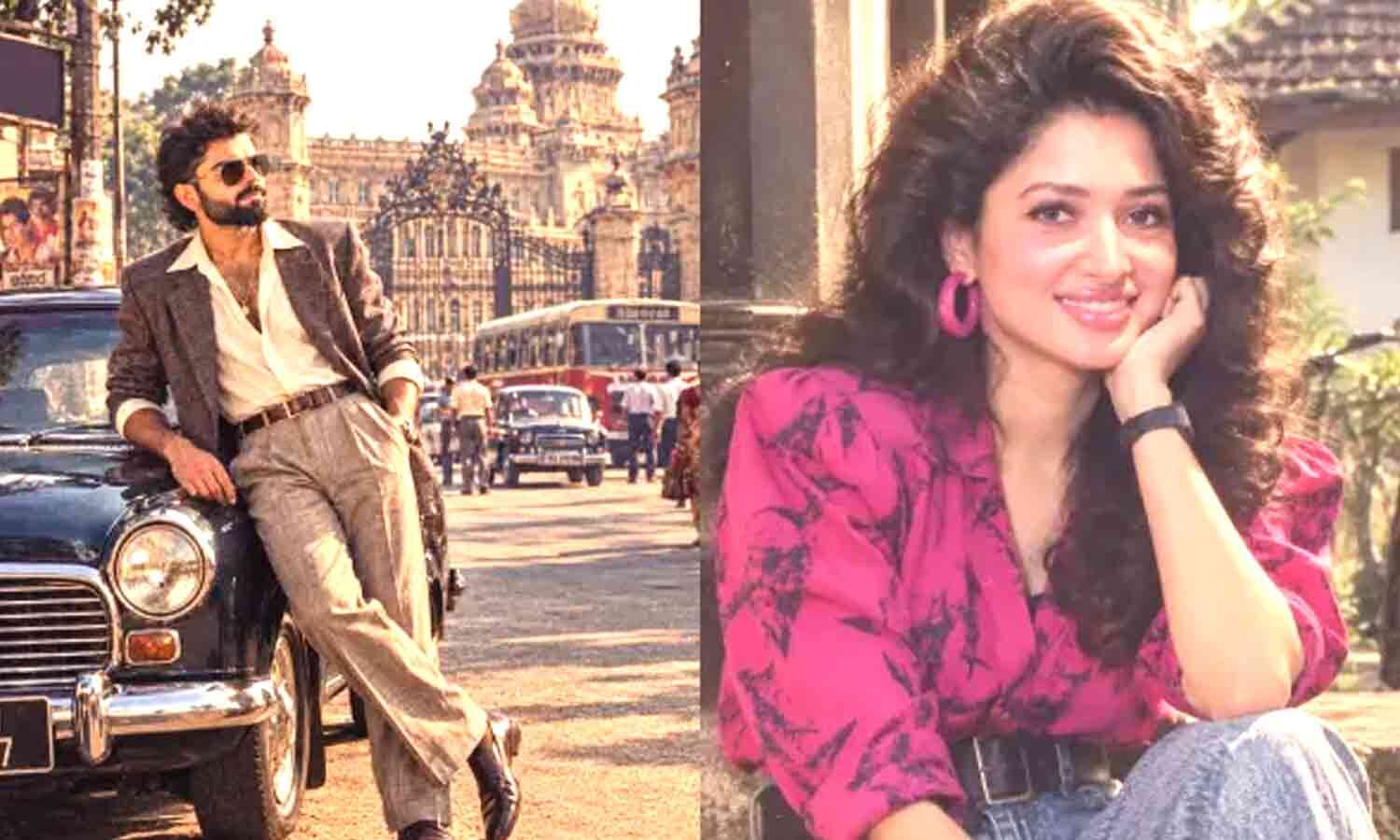
How ChatGPT Creates Viral 1980s-Style Photo Portraits
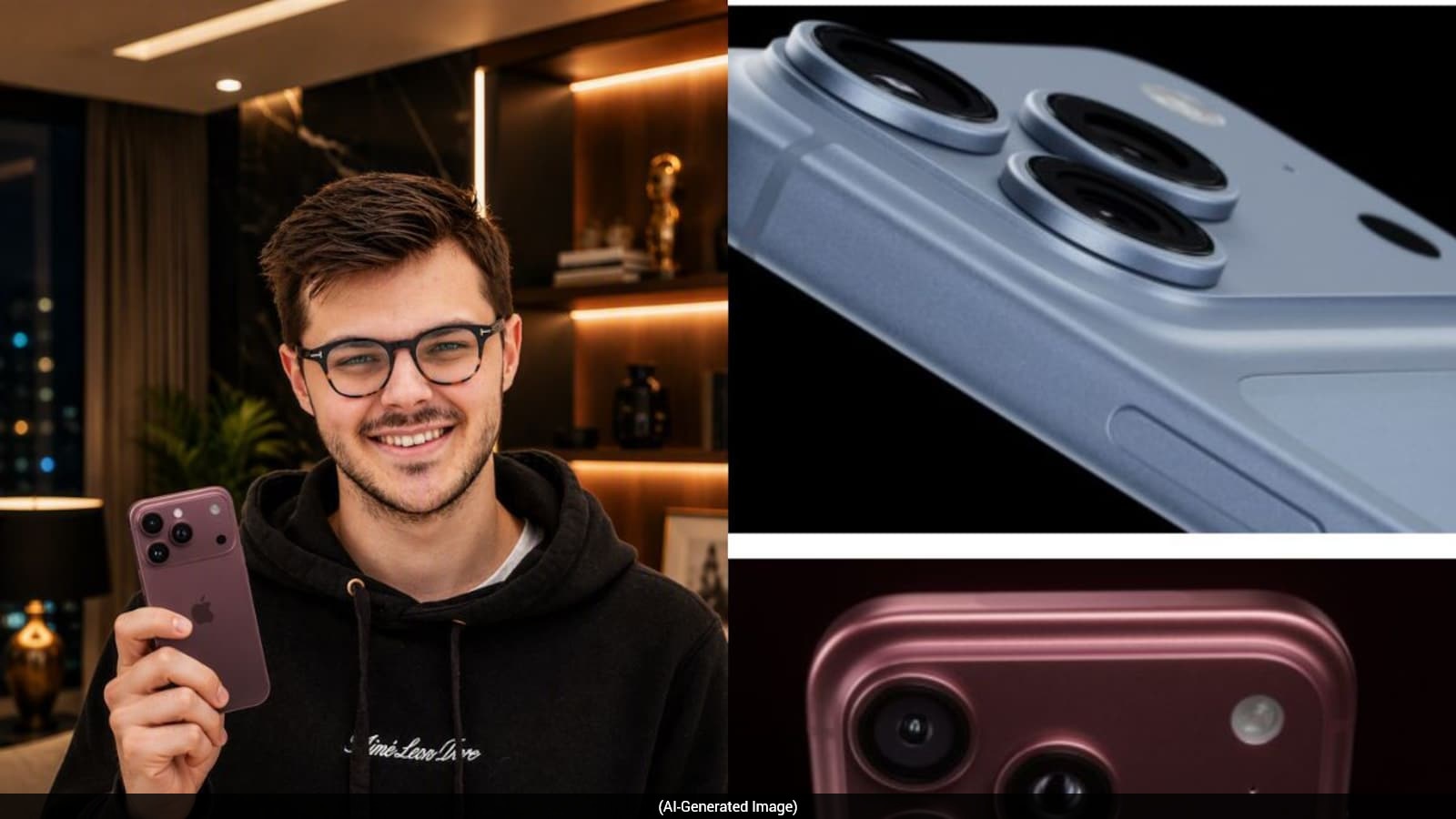
Five AI Prompts Create Personalized iPhone 18-Themed Photos

Google Rolls Out Pics AI Image Editor With Workspace Tools

AI Turns Ordinary Photos Into Glamorous 1970s Disco Portraits
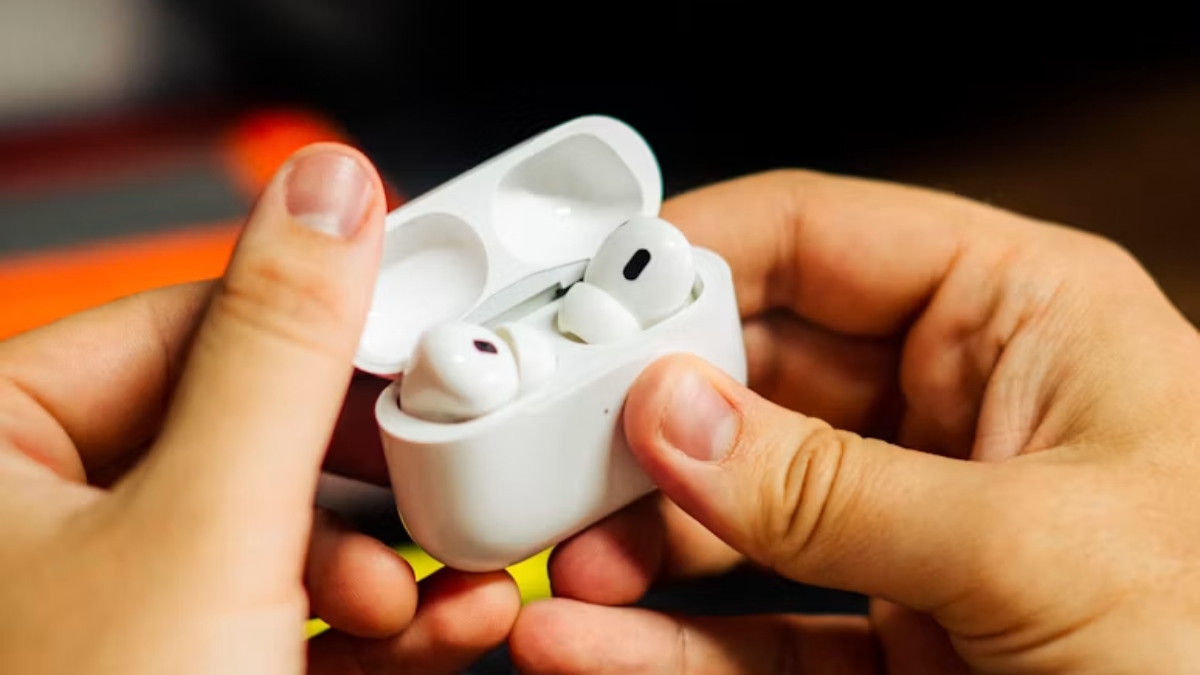
Best Premium TWS Earbuds Under Rs 20,000 This Festive Season
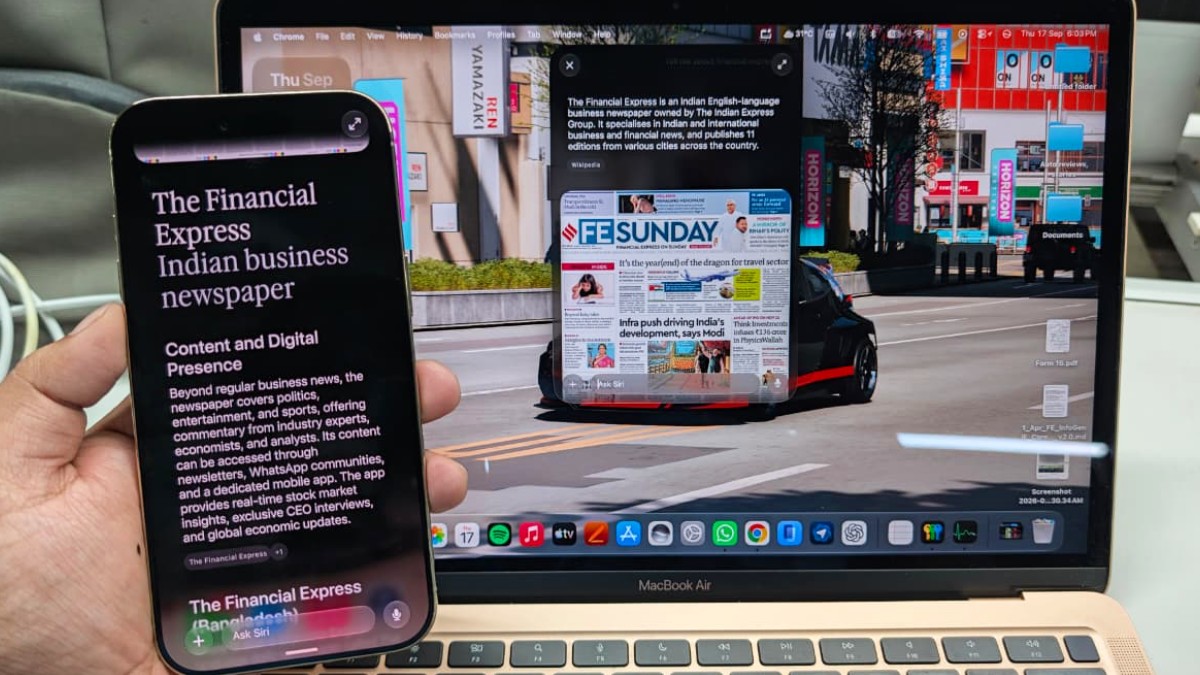
Apple's New Siri AI Brings Conversational Assistance Across Devices

ChatGPT Identifies Three Monthly Money Mistakes Costing Rs 14,333
