

10 hrs ago
Five AI Prompts Create Personalized iPhone 18-Themed Photos
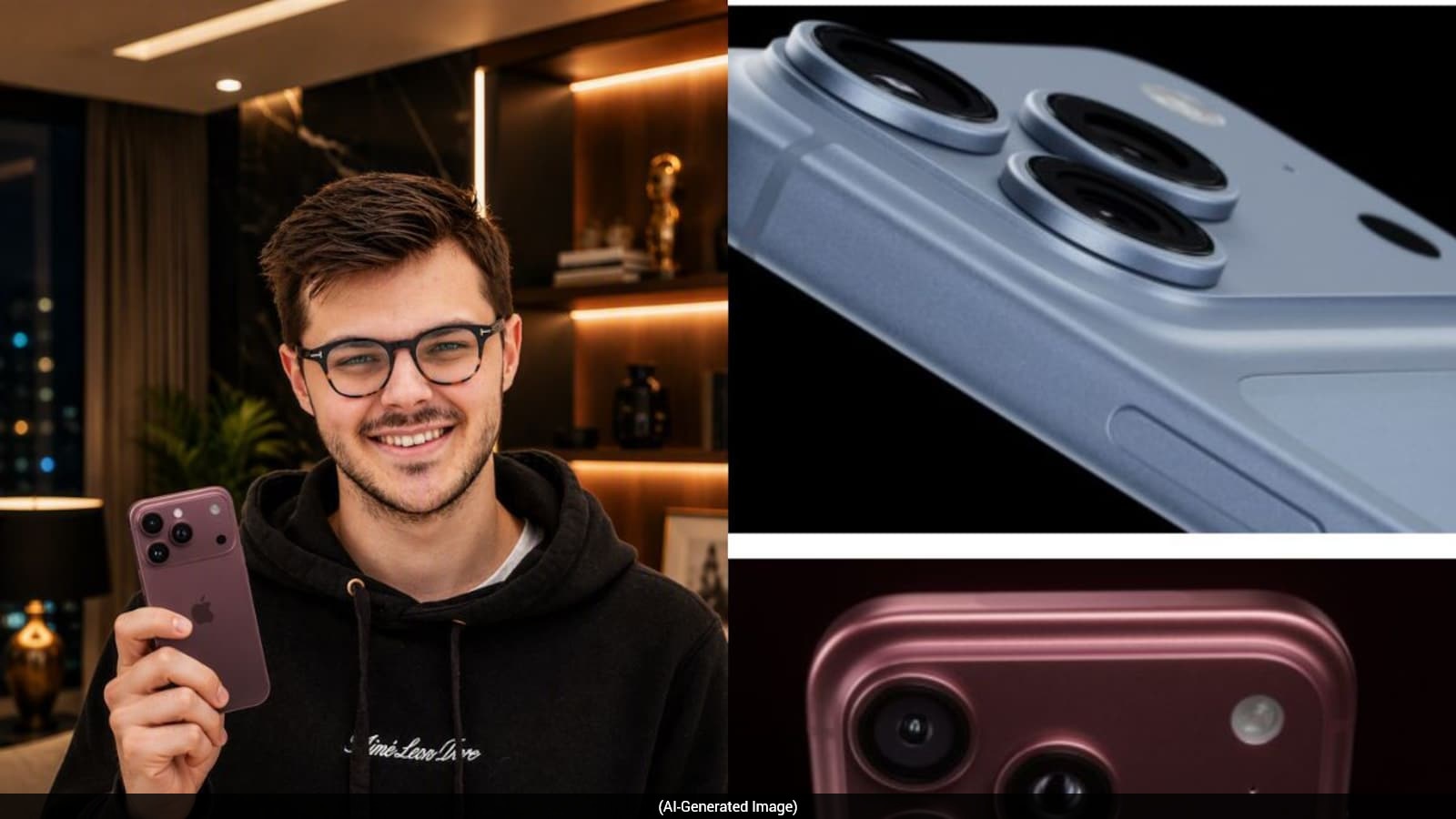
This guide shows how to make pictures of yourself with an iPhone 18 using AI.
You first upload a clear photo of yourself.
Then you choose a prompt describing the kind of picture you want.
The examples include a luxury portrait, a futuristic city scene and a travel photo.
Other ideas show the phone in an advertisement or a mirror selfie.
The prompts ask the AI to keep your face and identity recognizable.
You can change your clothes, location, lighting and pose.
The finished pictures may be used for social media, wallpapers or personal projects.

The guide provides five prompts for creating iPhone 18-themed images with AI image generators.
Suggested scenes include luxury portraits, futuristic cities, European travel, product advertising and mirror selfies.
Users are advised to upload a clear, well-lit photo to preserve their face and identity.
Prompts can be customized by changing outfits, locations, lighting, camera angles and moods.
The resulting images can be used for social media, wallpapers or personal projects.
- Who
- People who want to create personalized iPhone 18-themed images with AI.
- What
- A guide offering five prompts for generating realistic images featuring users and the iPhone 18 series.
- Where
- The images can be created in an AI image generator using an uploaded reference photo.
- When
- The article presents the prompts after stating that the iPhone 18 series has arrived.
- Why
- To create creative photos for social media, wallpapers or personal projects.
Key facts
- Number of prompts
- Five
- Featured device
- iPhone 18 series
- Recommended reference photo
- A clear, front-facing photo with good lighting
- Prompt themes
- Luxury portrait, futuristic city, travel, product-style advertisement and mirror selfie
- Customization options
- Outfit, location, lighting, camera angle and mood
- Suggested uses
- Social media, wallpapers and personal projects
Sources
Related news

How ChatGPT Creates Viral 1980s-Style Photo Portraits
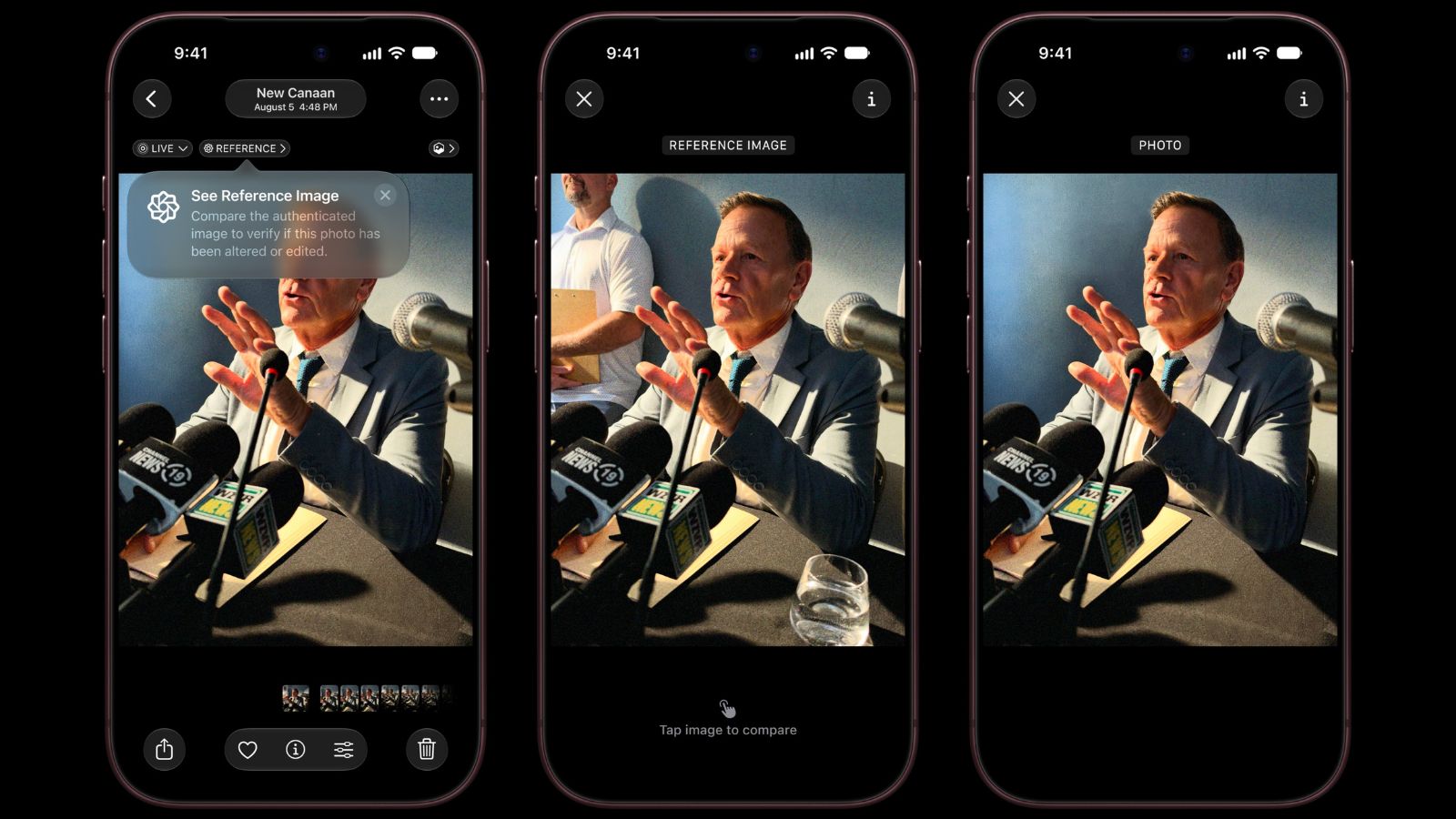
Apple’s Reference Image Helps Verify Photos On New iPhones
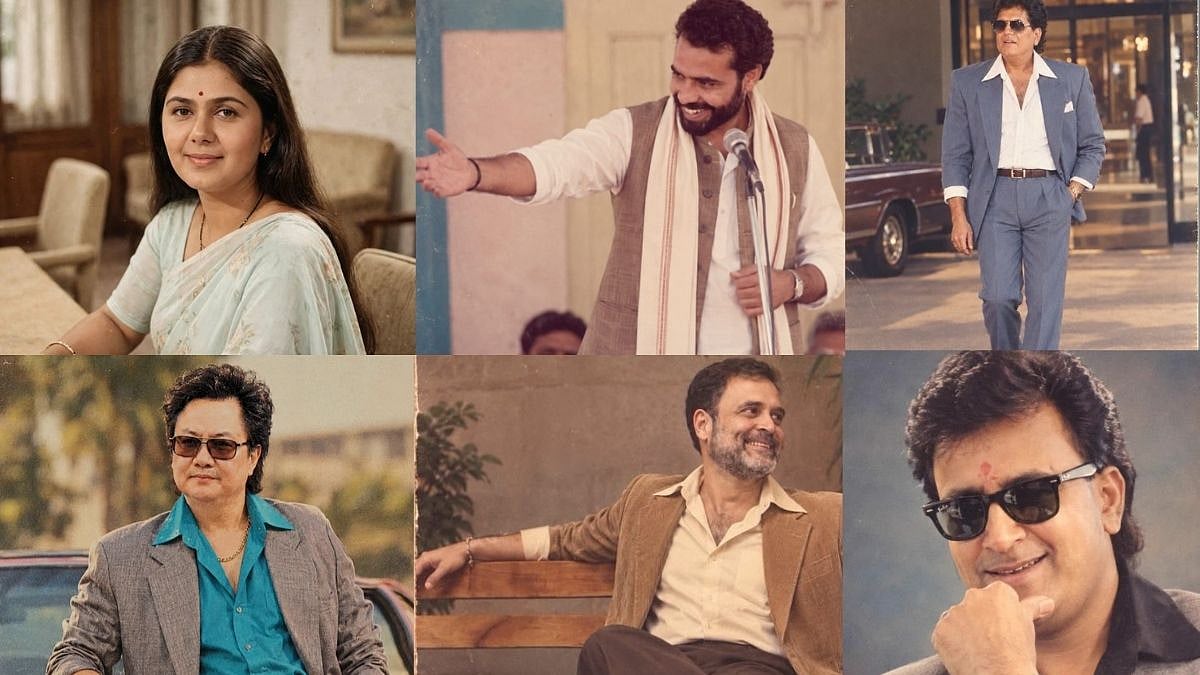
Indian Politicians Embrace Viral ChatGPT 1980s Photo Trend

AI prompts help create patriotic photos for India's Independence Day

Apple's Future iPhones Could Verify Photo Authenticity via iOS 27

OpenAI Adds Custom Sticker Creation to ChatGPT Mobile App
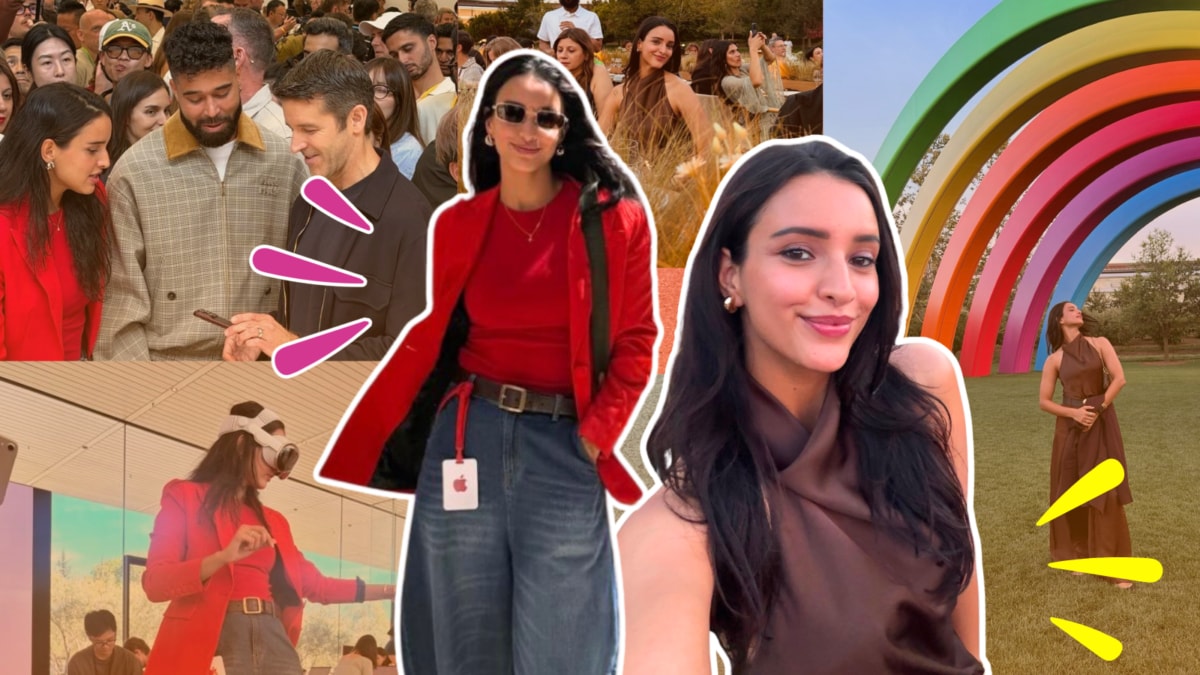
Triptii Dimri’s Apple Park Style Shifts From Brown To Red
iPhone 18 Price Claims Spark Memes Comparing Phones With Bikes

Apple Shares Slide After iPhone 18 Launch Disappoints Investors

Apple Centers iPhone 18 Launch on Smarter, Expressive Siri
