

2 hrs ago
Remove Mac AI Frees Storage by Deleting Apple Intelligence Models

Apple Intelligence models take up storage on some Macs.
Remove Mac AI is a free, open-source tool that removes those models.
It also tries to stop the models from downloading again.
The tool does not require users to turn off an important Mac security feature.
But removing the models means many Apple AI features will stop working.
These include Writing Tools, Genmoji, and some Siri features.
Some Mac users may prefer the extra storage to those features.
The tool relies on settings Apple could change in a future update.

Remove Mac AI is an open-source tool that removes downloaded Apple Intelligence models from Macs.
It uses a configuration profile to disable Apple’s asset management service and blocks model downloads from returning.
The tool is designed to work without disabling System Integrity Protection or manually deleting protected system files.
Removing the models also disables Apple Intelligence features, including Writing Tools, Genmoji, and some Siri features.
The tool’s restriction keys were deprecated in macOS 26.4 but still work in macOS 27.0.1, so a future update could change that.
- Who
- Mac users and the developer of the open-source Remove Mac AI tool.
- What
- The tool removes Apple Intelligence models and prevents them from downloading again, while disabling related features.
- Where
- On Macs running macOS.
- When
- It was released the week before the article; it was reported to work in macOS 27.0.1.
- Why
- To reclaim storage space used by Apple Intelligence models.
Prioritize storage
Keep Apple Intelligence features
Removing the models
Prioritize storage
Users with limited, non-upgradeable Mac storage may value reclaiming space, even if AI features are lost.
Keep Apple Intelligence features
Removing the models disables a range of Apple Intelligence features, including Writing Tools, Genmoji, and some Siri-related capabilities.
Reliability over future updates
Prioritize storage
The tool works in macOS 27.0.1 without disabling System Integrity Protection or manually deleting protected files.
Keep Apple Intelligence features
The configuration profile keys it relies on were deprecated in macOS 26.4, and a future macOS update could make the tool ineffective.
Key facts
- Tool
- Remove Mac AI
- Purpose
- Remove Apple Intelligence models and prevent them from being downloaded again
- Method
- Uses a configuration profile to switch off Apple’s asset management service and redirects model requests to a closed local port
- Features affected
- Includes Writing Tools, Genmoji, Image Playground, ChatGPT integration, Clean Up in Photos, and some Siri-related features
- Security requirement
- Does not require disabling System Integrity Protection
- Compatibility caveat
- Its restriction keys were deprecated in macOS 26.4 but continued to work in macOS 27.0.1
- Potential limitation
- Apple could change or disable the keys in a future macOS update
Sources
Related news

Apple Plans Stricter Mac Data Controls Amid AI Agent Risks

Apple Releases iOS 27 and Major Updates Across Devices

Apple Rolls Out iOS 27 With Redesigned Siri AI

Apple Rolls Out iOS 27 With Smarter Siri, Parental Controls

Apple's New Siri AI Brings Conversational Assistance Across Devices

Apple Details iOS 27 Release With AI-Powered Siri

iPhone 18 Pro Max Review: Apple Expands What Pro Means

Apple Opens Siri Settlement Claims for Eligible iPhone Owners
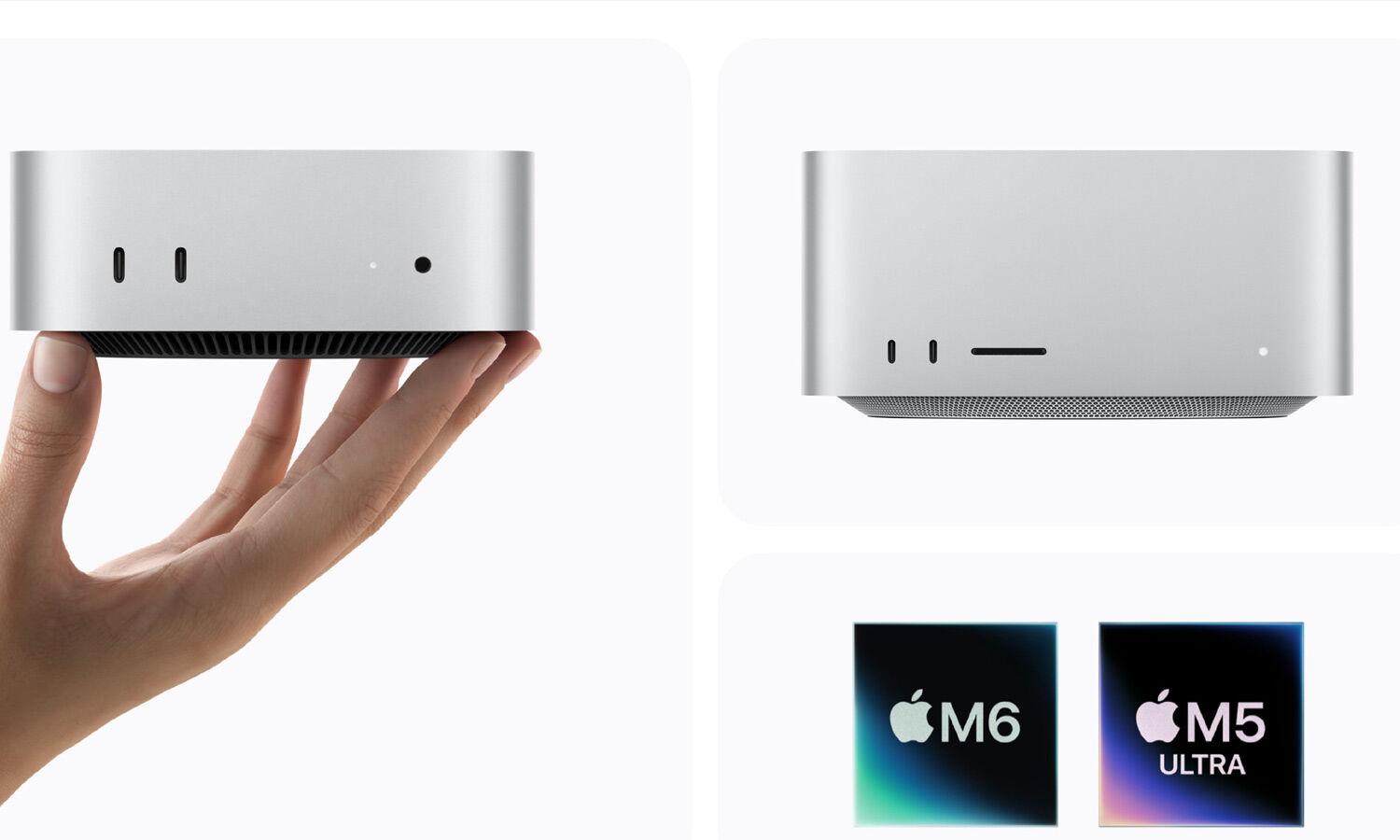
Apple’s New Mac mini and Mac Studio Desktops Arrive in India

iOS 27 Brings Apple Intelligence Productivity Tools to iPhone