

Science & Tech · AI · 4 hrs ago
A bootable USB combines Linux recovery tools with an offline AI chatbot
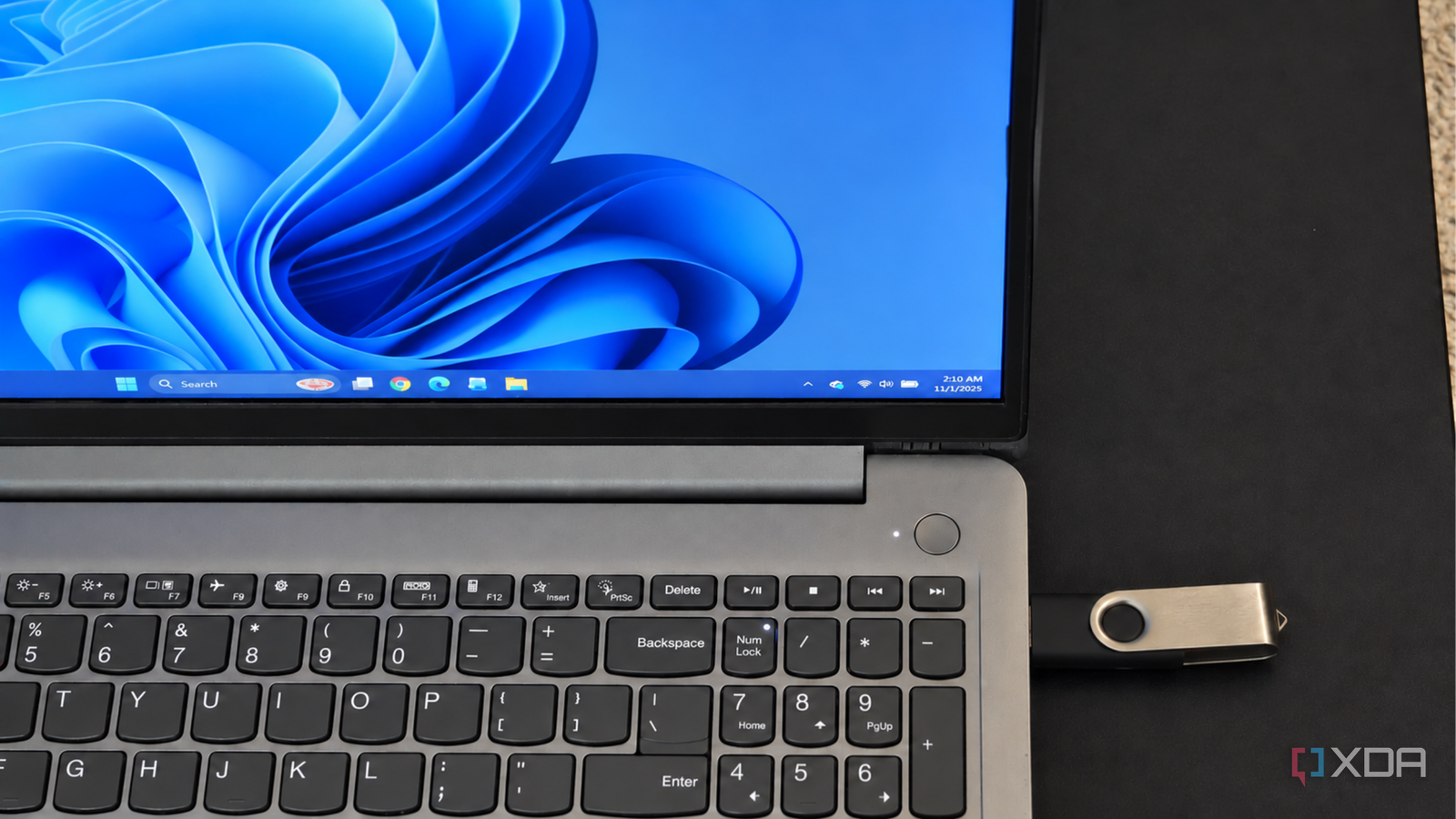
A bootable USB can combine Linux recovery tools with an offline chatbot for use when a PC will not start.
The setup uses SystemRescue, a Linux environment with disk diagnostics, file recovery tools and a browser.
It also stores llama.cpp and a Qwen3 model on the USB, so the chatbot can run without an internet connection.
The computer’s CPU powers the chatbot, which can help explain diagnostic information such as a list of drives and partitions.
The goal is to understand what the computer’s diagnostic tools show and decide what to check next without changing the disk.
The example uses a 64GB USB drive and a model file of about 2.5GB, with settings chosen to limit memory use.
SystemRescue does not support Secure Boot out of the box, so users may need to check firmware settings and have their BitLocker recovery key ready before changing them.

A technology writer put a local AI chatbot and a Linux rescue environment on one bootable USB drive.
The setup is intended to help troubleshoot a computer even when it has no internet connection.
It uses SystemRescue for diagnostics and recovery tools, and llama.cpp with the Qwen3-4B-Instruct-2507 model for chat.
The chatbot can interpret diagnostic output, such as a list of drives and partitions, while the user works through a problem.
The writer used a 64GB USB 3 drive and chose a model version that takes about 2.5GB.
- Who
- Anurag, a technology journalist writing for XDA.
- What
- He put a local AI chatbot and a Linux rescue environment on a bootable USB to help troubleshoot a computer offline.
- When
- Published Nov. 2, 2026, according to the article text.
- Where
- On a 64GB USB 3 drive, used to boot into SystemRescue.
- Why
- To help understand diagnostic output while troubleshooting a computer, without needing an internet connection.
This story does not have two clearly opposing sides.
The writer installed Ventoy on a 64GB USB 3 drive and copied bootable ISO files onto it.
He used SystemRescue, which includes diagnostic and recovery tools.
He stored llama.cpp and the Qwen3-4B-Instruct-2507 model on the USB.
After booting SystemRescue, he mounted the USB data partition, launched llama-server and opened its chat interface in Firefox.
- USB drive
- 64GB USB 3
- Linux rescue environment
- SystemRescue
- AI runtime and model
- llama.cpp with Qwen3-4B-Instruct-2507
- Model size
- About 2.5GB for the Q4_K_M version
- Context setting
- 2,048 tokens
What people are saying
I wanted to add something else to that setup – a chatbot that could help me understand what those tools were telling me, even without an internet connection.