

Science & Tech · Cybersecurity · 1 hr ago
How iPhone alerts identify leaked or reused passwords
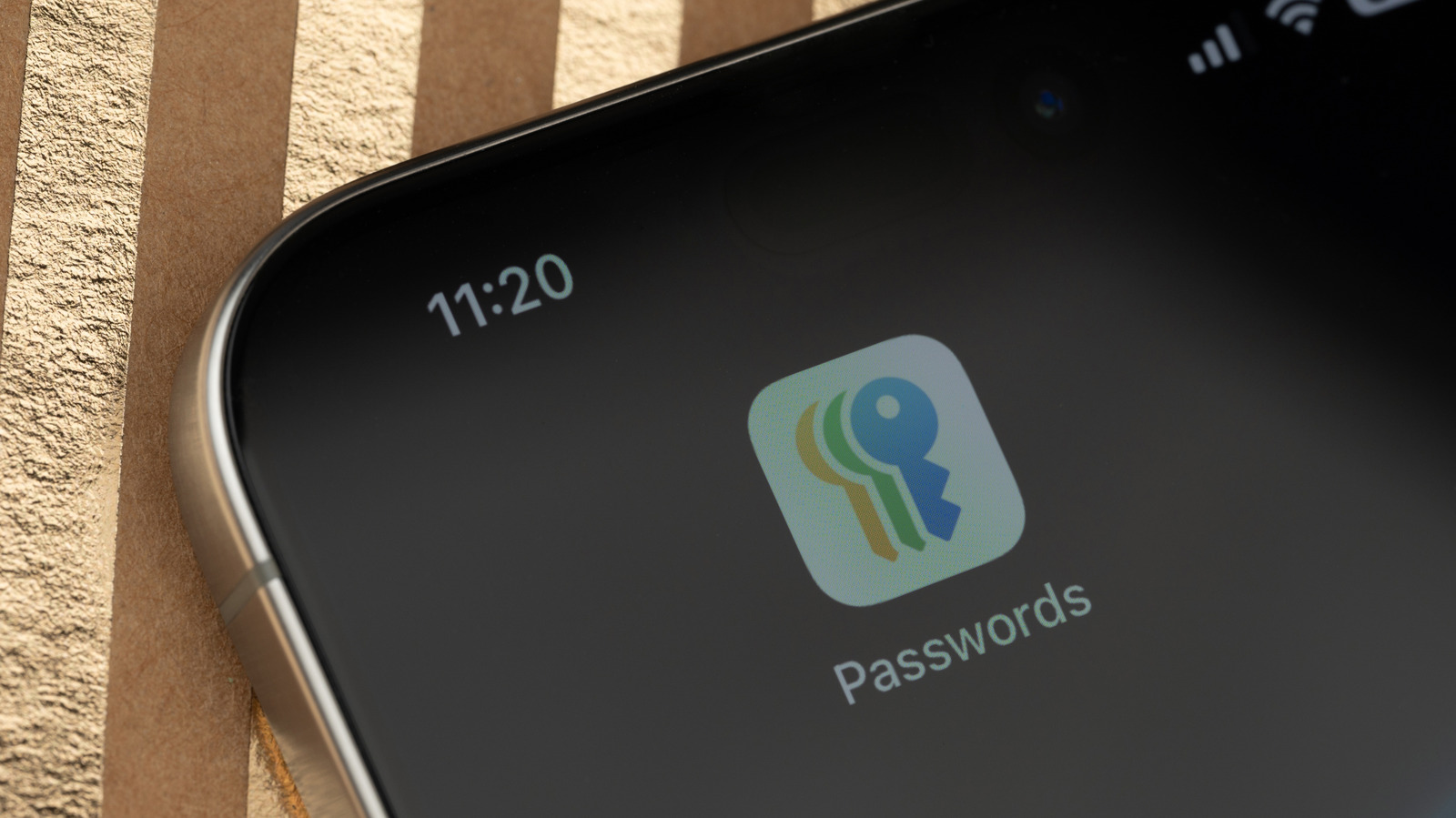
Apple’s Passwords app warns users about risky saved passwords on iPhones.
A warning does not necessarily mean the iPhone was hacked or someone accessed the account.
iOS checks saved credentials against known leaked passwords and uses privacy-preserving checks for others; Apple says it does not keep the information sent for those checks.
The warning does not say where a password appeared, and Apple also flags passwords that are weak or reused.
Users can review flagged accounts in the Passwords app by opening its Security section.
They must change the password on the service’s website or app, then update the saved entry; reused passwords should be changed on every account where they were used.
Passkeys and two-factor authentication can provide additional protection where available.

Apple’s iPhone checks saved passwords against data on commonly leaked passwords and can warn users when a password may be exposed.
A warning does not necessarily mean that an account was hacked or that the iPhone was compromised.
For passwords not on its local list, the iPhone uses privacy-preserving checks with Apple’s servers, sending information derived from the password rather than the password itself.
The Passwords app also flags weak or reused passwords, which may not be linked to a known leak.
Users can review flagged accounts in the app and change passwords on the relevant websites or apps.
- Who
- iPhone users whose credentials are saved in Apple’s Passwords app.
- What
- iOS checks saved passwords and warns users about passwords that may be leaked, weak or reused.
- When
- Not stated.
- Where
- In Apple’s Passwords app on iPhone.
- Why
- To help users identify passwords that could be misused and change them.
This story does not have two clearly opposing sides.
This story does not have a timeline yet.
- Local check
- iPhone compares saved credentials with a local list of commonly leaked passwords.
- Privacy check
- For passwords not on that list, iPhone sends information derived from the password to Apple’s servers.
- App version
- Apple introduced its Passwords app in iOS 18.
- Password changes
- Users must change a password on the service’s website or app, then update the saved credentials.
What people are saying
Apple's password warnings are real, but they don't necessarily mean your iPhone was hacked or that someone got into your accounts.
For passwords that aren't on that list, your iPhone uses privacy-preserving cryptographic checks with Apple's servers, sending information derived from the password rather than the password itself.
Apple says it doesn't keep that information either.