

Science & Tech · Big Tech & Internet · 12 hrs ago
Microsoft shows Copilot diagnosing Windows 11 problems
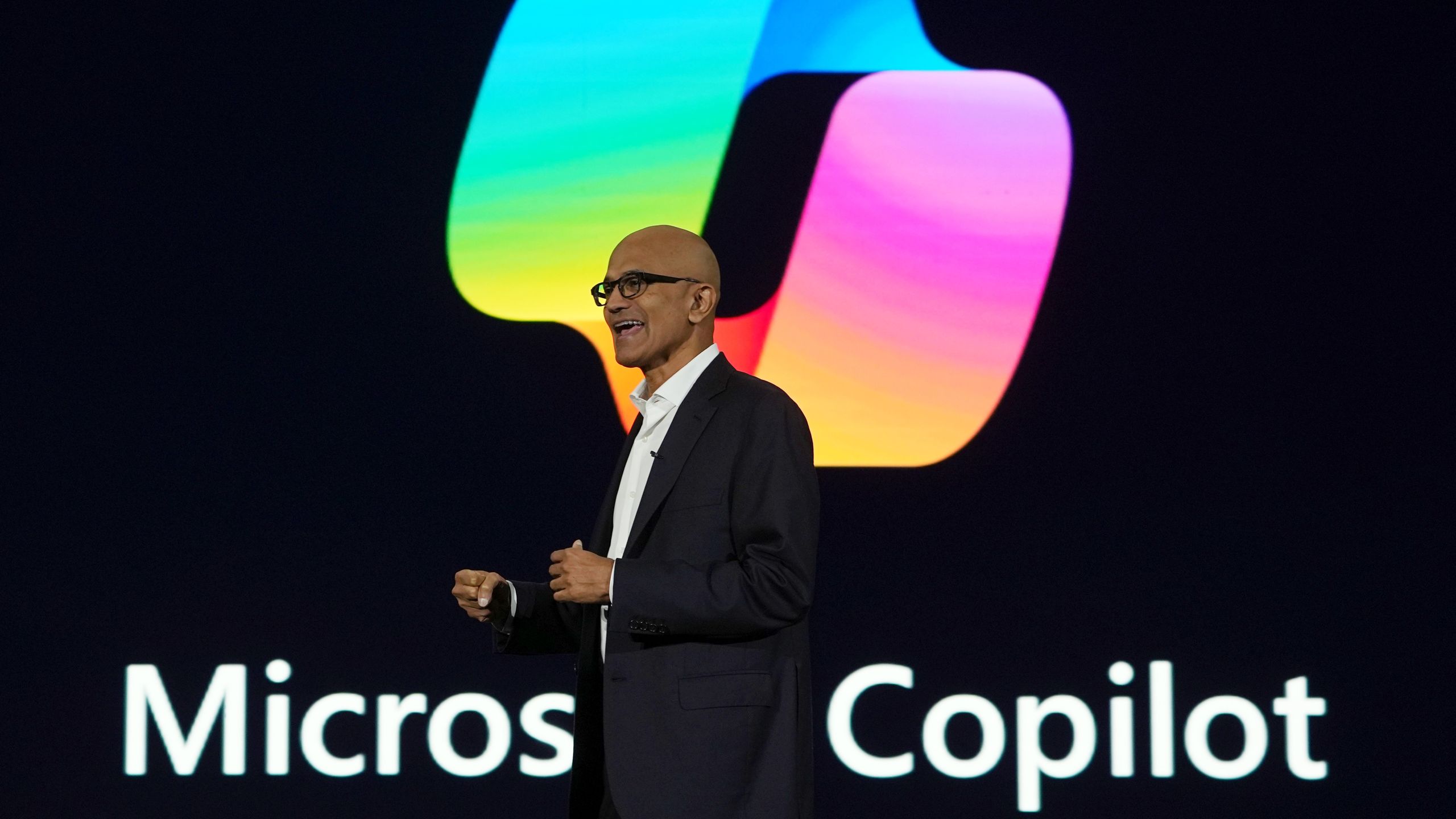
Microsoft demonstrated Copilot as a Windows 11 troubleshooting assistant at its Ignite event.
In the example, a user said audio was not coming through Bluetooth headphones and asked Copilot to diagnose the problem.
After getting permission to check system information, Copilot found that Windows was likely sending audio to a different device.
It then explained how the user could fix the setting.
Microsoft says Copilot can scan the PC locally in read-only mode, rather than relying only on the cloud.
The feature could help people solve common problems without searching through settings or contacting IT support.
Microsoft has not said when the troubleshooting tools will be available to all Windows 11 users.

Microsoft showcased a Copilot feature that can inspect a Windows 11 PC and help diagnose problems.
In a Microsoft example, Copilot identified why audio was not coming through Bluetooth headphones and explained how to fix it.
The feature asks permission to access files and read system information before scanning the PC.
Windows Central says the scan runs locally and is read-only, rather than relying solely on the cloud.
The feature was shown during Microsoft Ignite, and its release timing was not stated.
- Who
- Microsoft showcased the Copilot feature.
- What
- Copilot can inspect a PC, identify possible problems and explain how to fix them.
- When
- Microsoft showed the feature during Microsoft Ignite; the exact date of the demonstration was not stated.
- Where
- On Windows 11 PCs.
- Why
- To help users troubleshoot common computer problems and potentially reduce the need for IT support.
This story does not have two clearly opposing sides.
A user asked Copilot to diagnose why audio was not coming through Bluetooth headphones.
Copilot asked permission to access files and read system information.
Copilot identified that Windows 11 was likely sending audio to a different device and explained how to fix the problem.
- Operating system
- Windows 11
- Troubleshooting example
- Audio not coming through Bluetooth headphones
- Diagnostic method
- Local, read-only system scan, according to Windows Central
- Demonstration venue
- Microsoft Ignite
3 sources
What people are saying
The audio isn't coming out of my bluetooth headphones. Can you diagnose the issue for me?