

Science & Tech · Big Tech & Internet · 4 hrs ago
Gemini Notebook adds audio recording on Android and iPhone
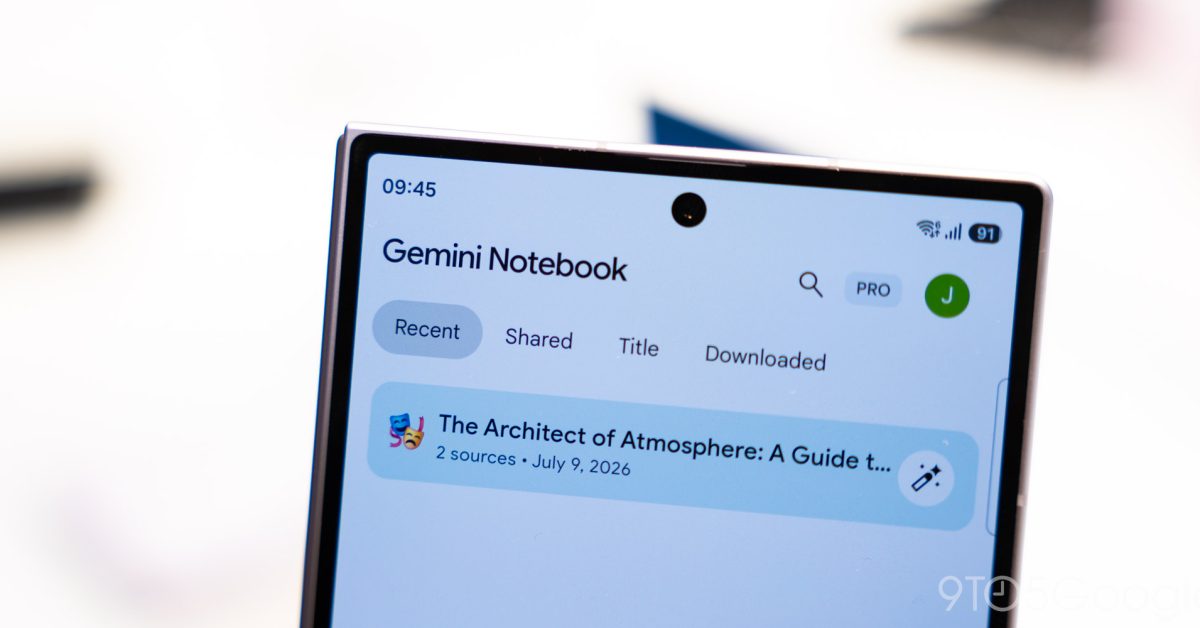
Google has added an audio recorder to Gemini Notebook for Android and iPhone users.
It can capture up to one hour of live audio, then upload it and create a transcript that can be used alongside other notebook sources.
This could help people organise meetings, lectures and brainstorming sessions in one place and ask Gemini to summarise or explain parts of a recording.
The tool has drawbacks: it relies on an internet connection to upload and process audio, and users have reported problems with uploads and deleting files.
Accounts differ on whether the original recording remains available after transcription, so users may not be able to rely on having the audio to check the transcript.
Dedicated recorder apps remain more versatile, especially for important meetings or interviews; the sources do not describe any announced changes to these limitations.

Google has added a voice recorder to the Gemini Notebook app for Android and iOS.
The tool records up to one hour of audio and adds it to a notebook after uploading it for processing.
The feature requires an internet connection to upload audio and make the transcript available.
Android Authority reported that recordings made offline can become stuck in an uploading loop.
Both reports say Pixel Recorder and similar apps offer more flexibility for important recordings.
- Who
- Google added the feature to Gemini Notebook.
- What
- The app can record audio and add it to a notebook for transcription and other uses.
- When
- The feature was reported on October 28, 2026.
- Where
- In the Gemini Notebook apps for Android and iOS; availability was reported as broad or worldwide.
- Why
- To let users add recordings of meetings, lectures and other audio directly to notebooks.
This story does not have two clearly opposing sides.
This story does not have a timeline yet.
- Platforms
- Android and iOS
- Recording limit
- Up to one hour
- Offline behavior
- Audio can be recorded offline but may remain stuck uploading
- Access point
- Microphone icon on the homepage or in a notebook’s Sources tab
- Availability
- Reported as broadly available, rather than limited to the US
3 sources
What people are saying
Your audio is recorded when offline but simply gets stuck in an “uploading” loop.
The biggest downside to this new recorder feature is that it doesn’t work offline.
The app can continue capturing audio in the background, even when your phone is locked.