

Archive · 21 Jul 2026
7 Top Camera Hacks for iPhone Users
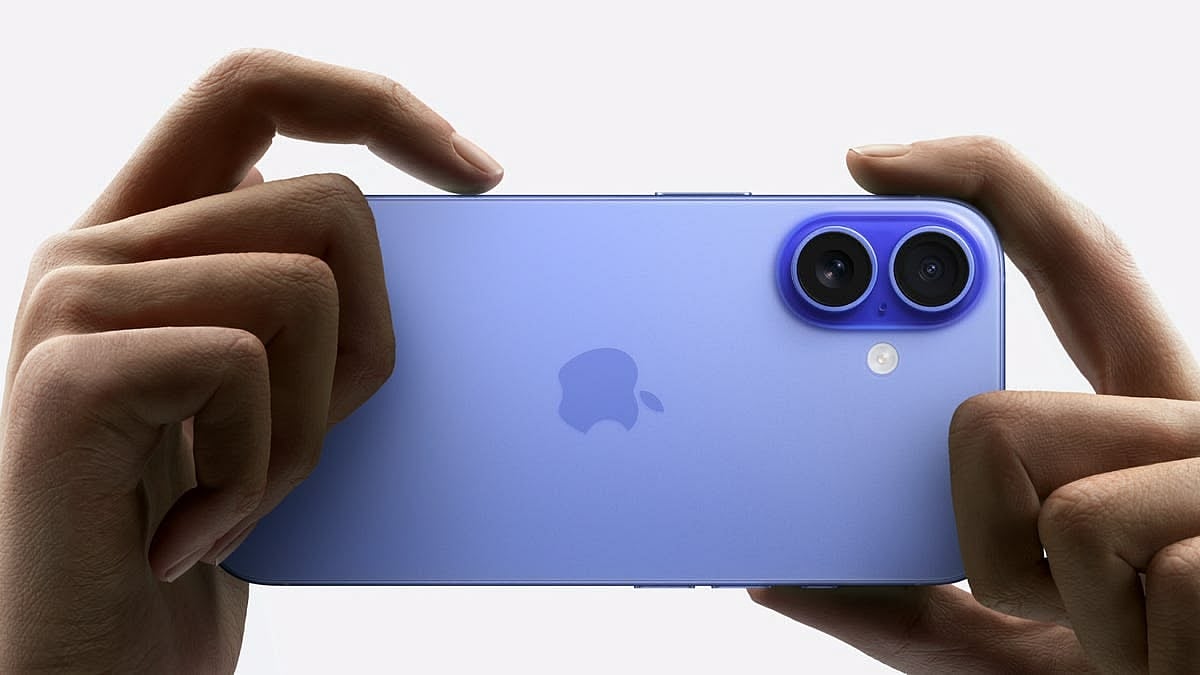
The iPhone Camera app has several hidden settings that can make your photos and videos look much better.
You can shoot in 4K instead of the default 1080p for higher quality videos.
If you have an iPhone 12 Pro or later, you can use ProRAW to capture more image data, which is great for editing.
For the best Night mode shots, use a tripod to keep the phone steady and select the longest exposure time.
You can also take wider group selfies without turning the phone sideways.
Turning on the grid helps you frame your shots better using the Rule of Thirds.
To keep your camera settings the same every time you open the app, turn on Preserve Settings.
If you want to share your photos and videos more easily, switch to the Most Compatible format, though it will make your files larger.

Shoot 4K video instead of the default 1080p for higher quality.
Use ProRAW on iPhone 12 Pro or later for more editable photos.
Use a tripod for the best Night mode shots with up to 30 seconds exposure.
Take wider group selfies without turning the phone sideways.
Turn on the grid to frame shots better using the Rule of Thirds.
- Who
- iPhone users
- What
- Camera hacks to improve photo and video quality
- When
- Always applicable
- Where
- On iPhones
- Why
- To enhance photo and video quality, framing, and shareability
ProRAW Enthusiasts
Storage Conscious Users
ProRAW Usage
ProRAW Enthusiasts
ProRAW captures more image data, ideal for editing and large prints, enhancing photo quality significantly.
Storage Conscious Users
ProRAW files are larger, consuming more storage space, which can be a concern for users with limited storage.
- Default Video Resolution
- 1080p
- ProRAW Availability
- iPhone 12 Pro or later
- ProRAW Max Availability
- iPhone 14 Pro or later
- Night Mode Maximum Exposure
- 30 seconds
- Default Photo Format
- HEIC
- Default Video Format
- HEVC