2 weeks ago
Windows 11 Security Scans Crash After Defender Updates
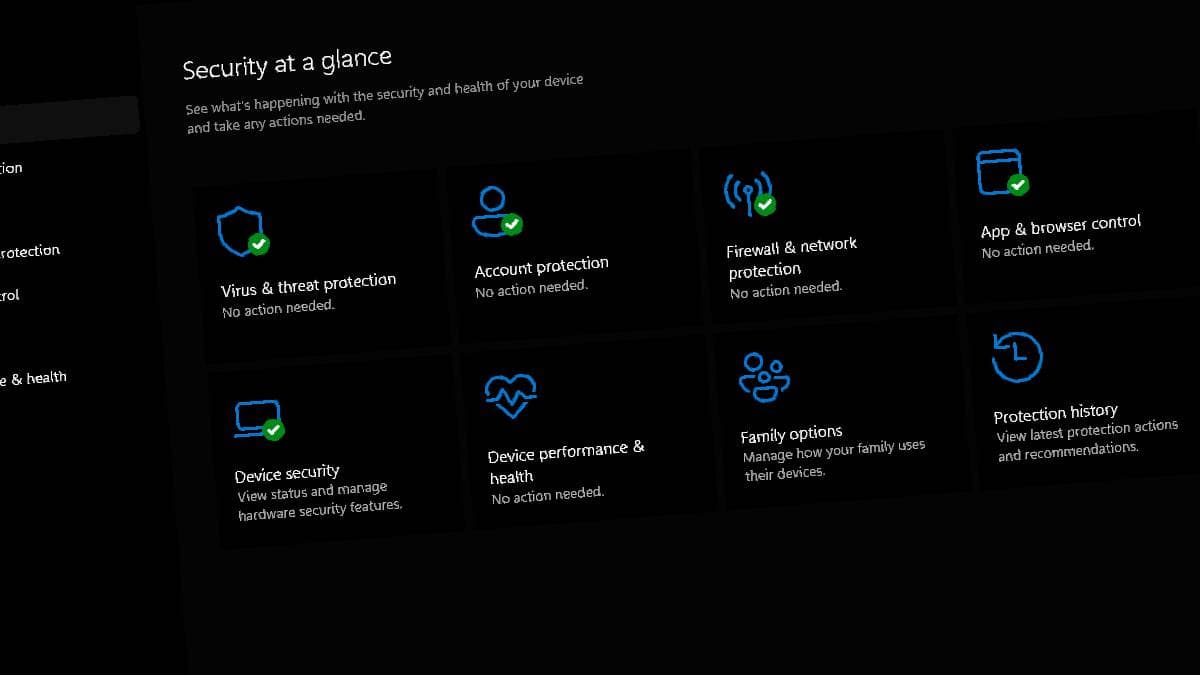
Some Windows 11 computers are having trouble checking for viruses.
Their Windows Defender full and quick scans may close or crash soon after they begin.
Offline scans may also stop before finishing.
The latest Microsoft Safety Scanner may have a similar problem.
The exact cause is not known.
Reports suggest that certain Microsoft Security Intelligence updates may be connected to the issue.
Some users say updating to version 1.457.236.0 fixes the problem.
Microsoft has not officially commented, so users can try updating, reverting the update, or scanning specific folders instead.

Some Windows 11 users report that Windows Defender full and quick scans crash shortly after starting.
Offline scans reportedly stop at about 90–93% completion for some users.
The latest Microsoft Safety Scanner version has also reportedly been affected.
The issue may be linked to Microsoft Security Intelligence updates, including versions 1.457.222.0 through 1.457.230.0.
Users report that updating to Security Intelligence version 1.457.236.0, reverting to an older update, or scanning individual folders may help.
- Who
- Some Windows 11 users, with reports also involving Microsoft Safety Scanner.
- What
- Windows Defender full, quick, and offline scans may crash, fail, or stop before completion.
- Where
- On some Windows 11 PCs, through Windows Security and Microsoft Safety Scanner.
- When
- The reports concern recent Microsoft Security Intelligence updates; no specific date is given.
- Why
- The exact cause is undetermined, but the issue may be related to certain Microsoft Security Intelligence updates.
Key facts
- Affected scans
- Full, quick, and offline Windows Defender scans
- Offline scan progress
- Some users report scans stopping around 90–93%.
- Potentially affected Defender versions
- Versions 1.1.26070.7 and 1.1.26080.2
- Reportedly affected intelligence updates
- Versions 1.457.222.0, 1.457.225.0, 1.457.226.0, 1.457.227.0, and 1.457.230.0
- Reported fix
- Updating to Security Intelligence Update version 1.457.236.0 may resolve the issue.
- Alternative workaround
- Reverting to an older intelligence update or scanning individual folders and drives may help.
- Official response
- Microsoft has not officially reacted to the reported issue.
Quotes
Reddit user Huynh Jovi
A user reporting the issue on Reddit
“Windows Defender crashes a few seconds after attempting to perform a full or quick scan.”
 firstpost.com
Unnamed Windows Defender user
A user describing scan failure
“offline scans reportedly stop at around 90-93% of completion.”
firstpost.com
Sources
Related news
Microsoft Says False Defender Shutdown Alerts Are Windows Glitch

CERT-In Warning: Microsoft Teams, Office, Azure Face Hacking Risk

Researchers expose 'Zoomsday' zero-click flaw in Zoom screen sharing

China Orders Agencies To Remove Microsoft Windows Early
Apple Sends Spyware Attack Alerts to iPhone Users Worldwide

OpenAI Flags Possible Critical Cybersecurity Risk in Upcoming Astra Model

India’s Data Centre Sector Draws Massive Investment Projections

Former Big Tech Workers Describe Layoffs’ Harsh Aftermath

Beijing Bar Uses Free AI Tokens to Attract Tech Crowd

New foreign firms expected to drive Indian GCC headcount growth

Trump Links Data Centre Opposition to China AI Advantage