Archive · 15 Dec 2025
iOS 26.2 Adds Flash for Alerts

Apple has released a new update called iOS 26.2 for iPhones.
This update includes a feature called Flash for Alerts, which makes your iPhone's screen light up and pulse when you get a notification.
This helps you see notifications even if your phone is on silent.
To turn on Flash for Alerts, go to Settings, then Accessibility, then Hearing, and finally Audio & Visual.
The update also lets you customize how the clock looks on your lock screen, adds a new safety feature for AirDrop, and provides enhanced safety alerts for users in the US.
These alerts can tell you about things like floods or other emergencies and give you more information about what to do.
Additionally, the update includes offline lyrics support for Apple Music, improved navigation in the Podcasts app, and Live Translation for AirPods Pro in select regions.
The update is available for iPhone 11 series and newer models, as well as iPhone SE (2nd generation and later).

iOS 26.2 introduces Flash for Alerts, making notifications more noticeable with screen pulses.
The feature is located in Accessibility settings under Hearing > Audio & Visual.
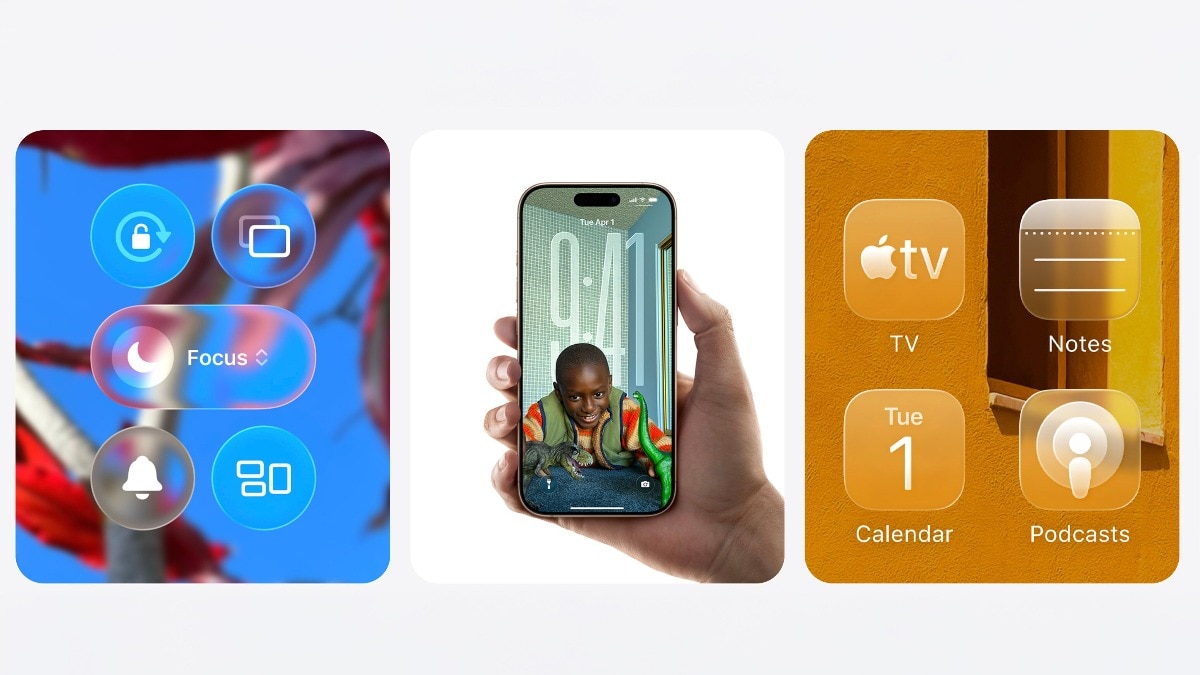
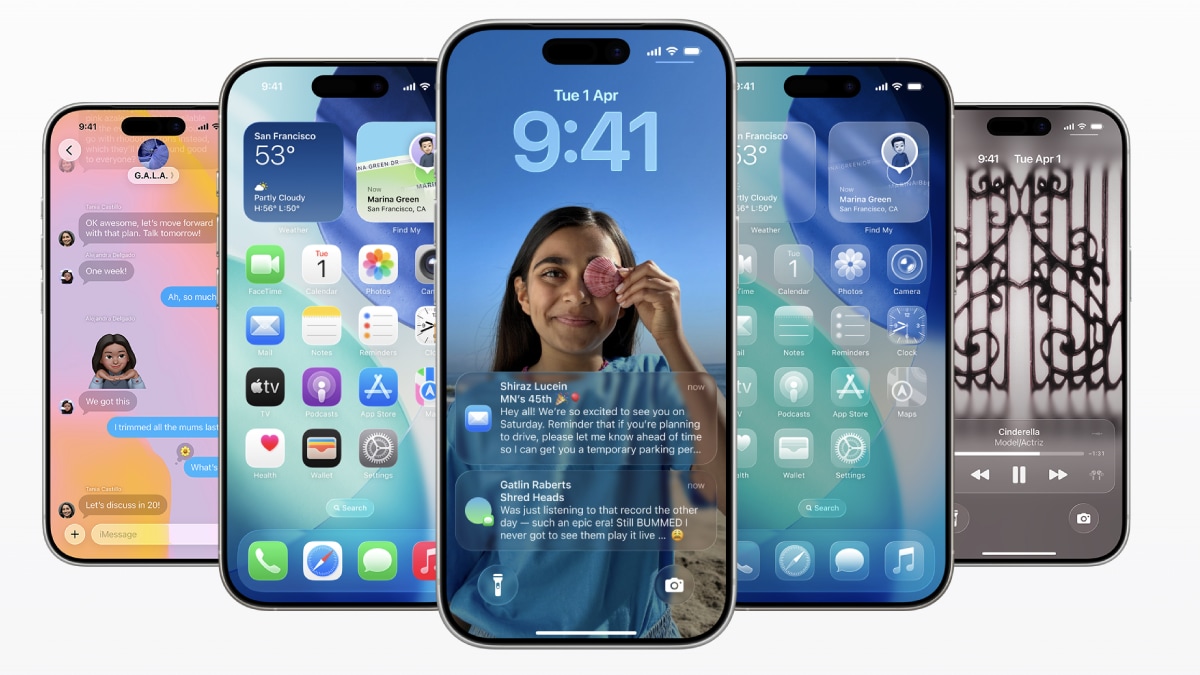
Users can customize the Liquid Glass clock appearance on the lock screen.
AirDrop now includes a verification code for safer data sharing.
Enhanced safety alerts are available for US users, providing detailed emergency information.
- Who
- Apple
- What
- Released iOS 26.2 with new features including Flash for Alerts
- When
- Now (exact date not specified)
- Where
- Globally (with safety alerts specific to the US)
- Why
- To enhance user experience and safety
Pros
Cons
Accessibility
Pros
The Flash for Alerts feature enhances accessibility for users with hearing difficulties by providing visual notifications.
Cons
Some users may find the screen flashes distracting or unnecessary, especially in bright environments.
Customization
Pros
The update offers improved Lock Screen customization, allowing users to adjust the Liquid Glass clock effect to their preference.
Cons
The customization options may be limited and not significantly different from previous versions.
Security
Pros
The update includes important performance and security fixes, helping to keep devices running smoothly and securely.
Cons
Some users may be concerned about potential bugs or compatibility issues with the new update.
- Update Version
- iOS 26.2
- New Feature
- Flash for Alerts
- Location in Settings
- Accessibility > Hearing > Audio & Visual
- Additional Features
- Customizable Liquid Glass clock, AirDrop codes, enhanced safety alerts, offline lyrics support, improved Podcasts app, Live Translation for AirPods Pro
- Region for Safety Alerts
- US
- Compatible Devices
- iPhone 11 series and newer models, iPhone SE (2nd generation and later)