

Archive · 24 Jun 2025
Smartphone Battery Myths Debunked: Clearing Apps, Charging Habits
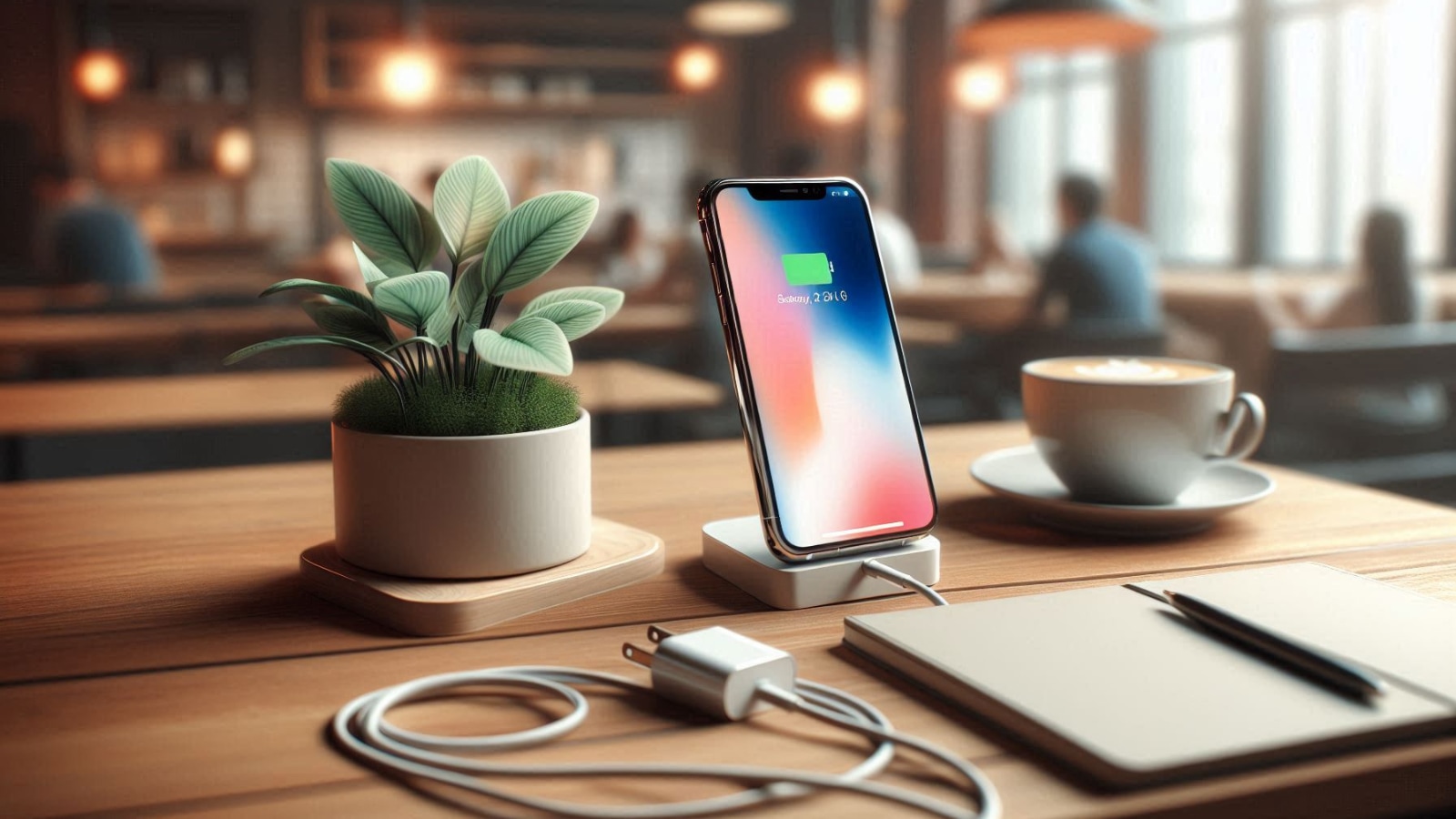
Many old tips for saving phone battery are wrong.
Closing apps in the background doesn't help, and might even hurt, on new phones.
Overcharging is usually fine because phones stop charging when full.
You can often use chargers that aren't the ones that came with your phone, as long as they are from a good brand.
Wi-Fi and Bluetooth don't drain your battery much, and it's better to avoid letting your phone battery drain to zero.

Clearing background apps doesn't save battery on modern smartphones.
Overcharging generally doesn't damage batteries due to built-in mechanisms.
Third-party chargers from reputable brands are usually safe for modern phones.
Keeping Wi-Fi and Bluetooth enabled has a negligible impact on battery life.
Draining a battery to zero before charging is unnecessary and potentially harmful.
- Who
- The article is for smartphone users.
- What
- Common battery-saving myths are debunked.
- When
- The information applies to modern smartphones.
- Where
- N/A
- Why
- To provide accurate information about battery health and usage.
Outdated Beliefs
Modern Realities
Background Apps
Outdated Beliefs
Closing background apps saves battery.
Modern Realities
Closing background apps can consume more battery.
Overcharging
Outdated Beliefs
Overcharging damages the battery.
Modern Realities
Overcharging does not damage the battery.
Wi-Fi and Bluetooth
Outdated Beliefs
Keeping Wi-Fi and Bluetooth on drains the battery.
Modern Realities
Keeping Wi-Fi and Bluetooth on has a negligible impact on the battery.
- Modern phones
- Have mechanisms to prevent damage from overcharging.
- Background apps
- Are automatically paused on modern Android and iOS.
- Third-party chargers
- Safe if from reputable brands.
- Wi-Fi/Bluetooth
- Leaving them on has a negligible battery impact.
- Battery drain
- Avoid draining below 20% to maximize battery health.