

Archive · 31 Jan 2026
Google Maps Adds Gemini for Walking and Cycling
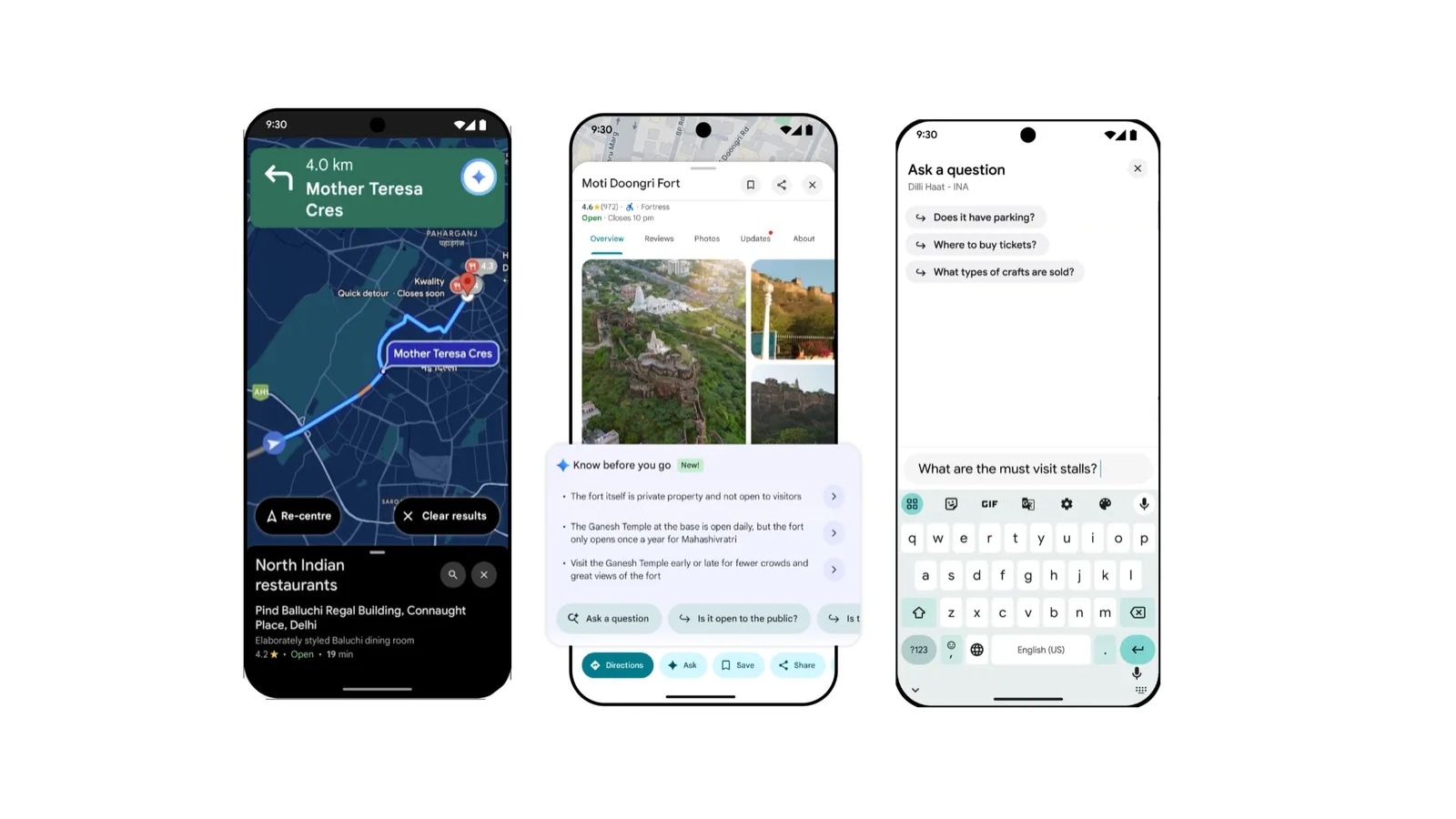
Google Maps now has a new feature called Gemini that helps you when you're walking or biking.
You can ask Gemini questions like 'What neighborhood am I in?'
or 'What are the best restaurants nearby?'
Gemini will then tell you about the places around you and suggest good spots to visit.
To use Gemini, you can tap a special icon in Google Maps or say 'Hey Google.'
This feature is available on both Android and iPhone.
Google had already added Gemini for driving, taking public transport, and riding two-wheelers, so this is an extension of that feature to walking and biking.

Google Maps introduces Gemini AI assistant for walking and cycling navigation.
Feature available on both Android and iOS devices.
Activate Gemini by tapping the icon or using the 'Hey Google' hotword.
Gemini provides personalized walking tour guidance and nearby recommendations.
Expands on earlier hands-free conversation feature available in other navigation modes.
- Who
- What
- Added Gemini AI assistant for walking and cycling navigation in Google Maps
- When
- Recently, following earlier hands-free conversation feature
- Where
- Available on Android and iOS devices
- Why
- To enhance user experience with personalized navigation assistance
- Platforms
- Android and iOS
- Feature
- Gemini AI assistant
- Activation
- Tap Gemini icon or use 'Hey Google' hotword
- Functionality
- Personal walking tour guide, nearby recommendations
- Previous Availability
- Hands-free conversations in driving, public transport, and two-wheelers
