Archive · 31 Oct 2025
WhatsApp Introduces Passkey Encryption for Chat Backups
WhatsApp is making your chat backups safer and easier!
Before, you had to remember a special password or a really long code to keep your backups private.
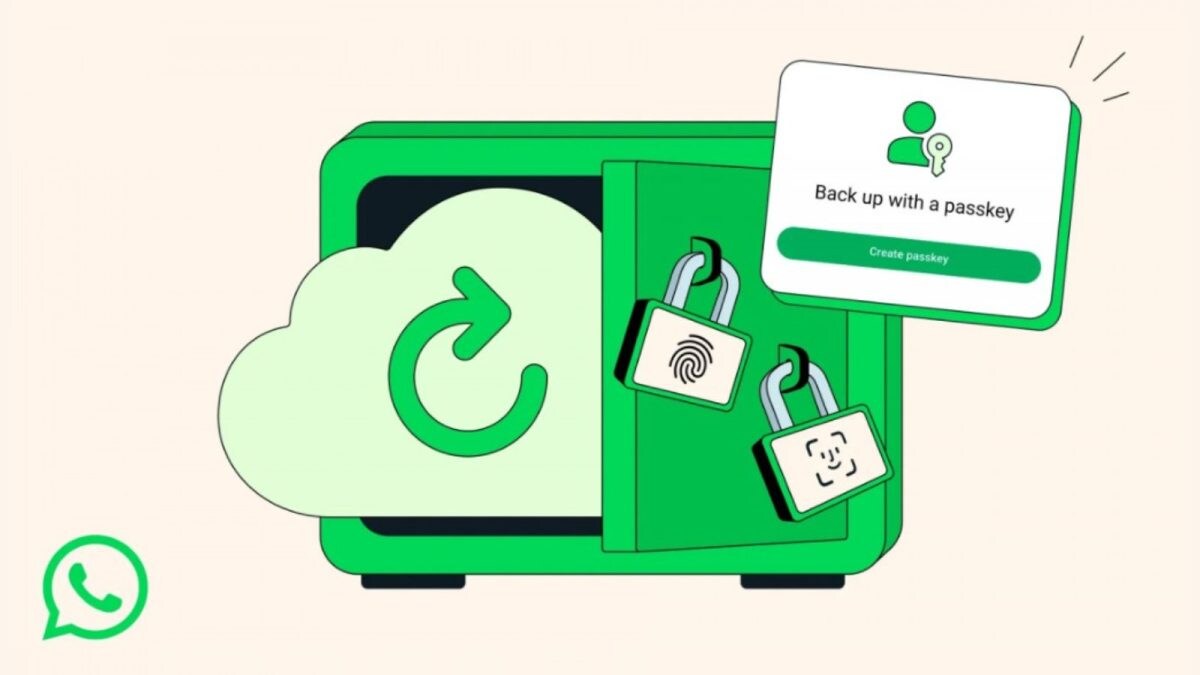
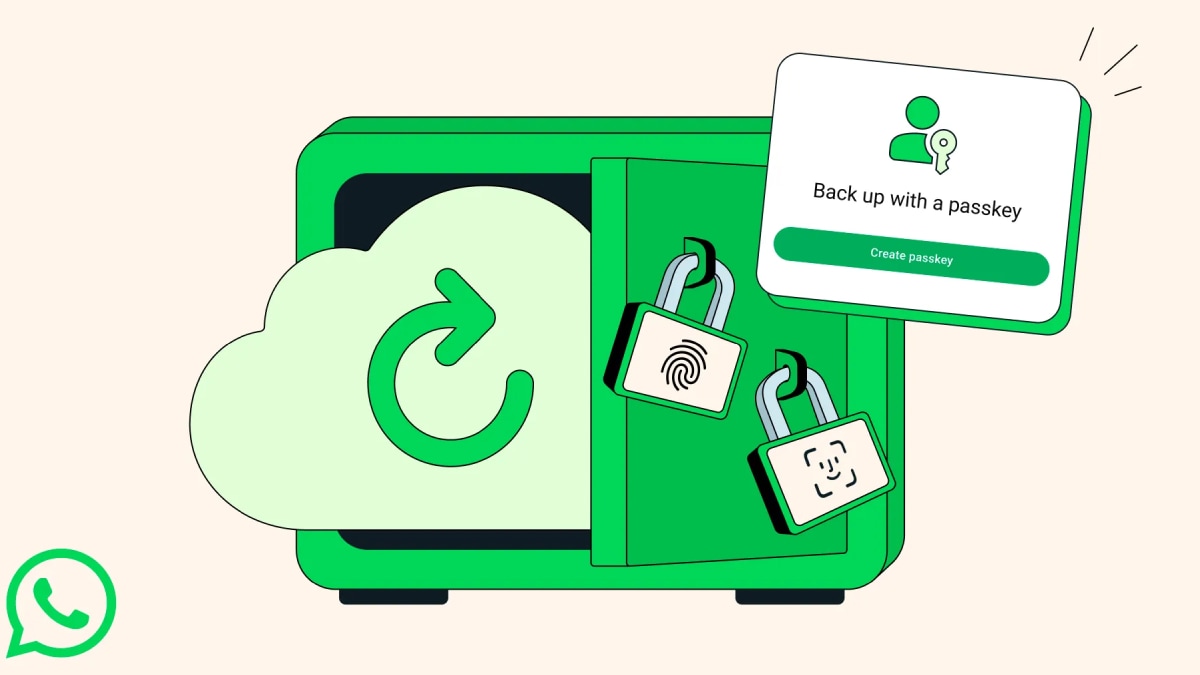
Now, you can use your phone's fingerprint, your face, or your screen lock to protect them.
This means only you can get to your chats when you restore them.
It's like having a digital key that only your phone can use.
This new method is called a 'passkey' and it makes it simpler for everyone to use the security option.
You can find this new feature in your WhatsApp settings under Chats and then Chat Backup.

WhatsApp is rolling out passkey-based end-to-end encryption for chat backups.
Users can secure their backups using fingerprint, Face ID, or screen lock.
This new method replaces the need for users to manage a password or a 64-character encryption key.
The feature aims to simplify security and reduce user friction in protecting chat data.
Backups will be end-to-end encrypted, meaning only the user can decrypt them.
- Who
- What
- Introduced passkey-based end-to-end encryption for chat backups
- When
- Rolling out in the coming weeks and months, with users able to enable the feature via settings.
- Where
- Within the WhatsApp application, for chat backups on Google Drive.
- Why
- To make securing chat backups easier for users by replacing complex passwords or keys with device biometrics or screen locks.
Previous Method (Password/Key)
New Passkey Method
Ease of Use
Previous Method (Password/Key)
Required users to create and remember a unique password or a 64-digit encryption key.
New Passkey Method
Utilizes existing device security features like fingerprint, Face ID, or screen lock, making it seamless.
User Friction
Previous Method (Password/Key)
Potentially inconvenient, with a risk of forgotten credentials and locked backups.
New Passkey Method
Eliminates the need to recall complex credentials, making the security option more accessible.
- Feature
- Passkey-based end-to-end encryption for chat backups
- Authentication Method
- Device fingerprint, Face ID, or screen lock
- Previous Method
- Password or 64-digit encryption key
- Platform
- Cloud Storage
- Google Drive
- Availability
- Rolling out in the coming weeks and months
Sources

WhatsApp users can now secure chat backups using passkeys: How to enable the feature

WhatsApp now lets you restore encrypted chats with face, fingerprint or screen lock: Here’s how

WhatsApp Introduces Fingerprint Unlock for Encrypted Chat Backups: Privacy Made Simpler and Stronger

WhatsApp Rolls Out Passkey Encryption For Chat Backups On Google Drive & iCloud: How To Enable
WhatsApp’s New Update Lets You Secure Backups With Biometrics: Here's How It Works
WhatsApp finally fixes chat backup problem: End-to-end encryption now with Passkey, here’s how to set it up