Archive · 29 Nov 2025
iPhone 15 Pro Action Button Launches ChatGPT Voice

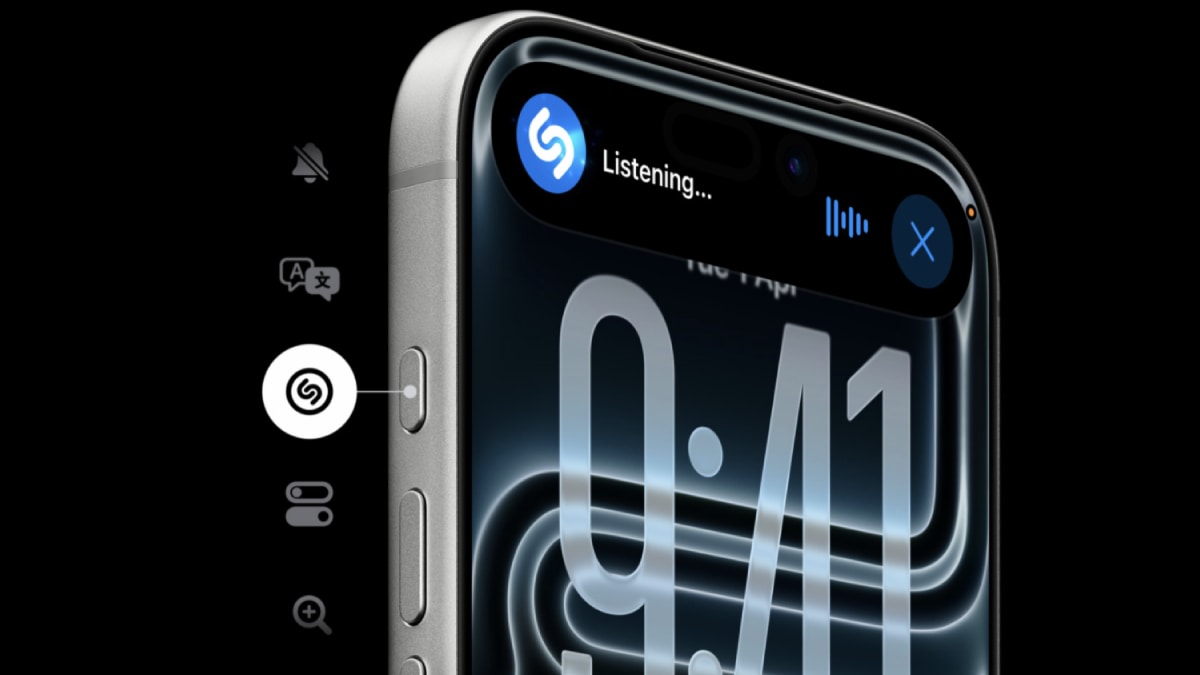
If you have an iPhone 15 Pro or newer, you can set up the Action button to quickly start talking to ChatGPT.
This is a handy way to use ChatGPT without having to open the app and type.
Here’s how you do it: First, make sure you have the ChatGPT app installed and you’re signed in.
Then, go to your iPhone’s Settings, find the Action Button option, and choose 'Open ChatGPT Voice.'
Now, when you press and hold the Action button, ChatGPT will start listening and you can talk to it.
The app also lets you see the conversation and any pictures ChatGPT makes right on the screen.
If you need to do something else, you can swipe away and the chat will move to the Dynamic Island at the top of your screen.
You can end the chat by tapping the Dynamic Island and selecting 'End.'
This makes it easy to talk to ChatGPT anytime you want.

iPhone 15 Pro series and newer users can configure the Action button to launch ChatGPT's voice mode.
Setting up the Action button for ChatGPT involves installing the app, going to iPhone Settings, and selecting 'Open ChatGPT Voice.'
Long pressing the Action button starts a real-time voice conversation with ChatGPT.
The recent app update allows voice and text conversations to appear in the same window, with responses shown as audio and text.
Ongoing conversations can be managed via the Dynamic Island, allowing users to multitask without interrupting the chat.
- Who
- iPhone 15 Pro series and newer users
- What
- Configuring the Action button to launch ChatGPT's voice mode
- When
- After installing the ChatGPT app and updating to the latest version
- Where
- On iPhone 15 Pro series and newer devices
- Why
- To have quick, hands-free access to ChatGPT's voice mode
- Device Compatibility
- iPhone 15 Pro series and newer
- App Requirement
- ChatGPT app installed and signed in
- Action Button Setup
- Configure in iPhone Settings under Action Button
- Voice Mode Activation
- Long press the Action button
- Dynamic Island Support
- Ongoing conversations can be managed via Dynamic Island
- App Update
- Recent update supports voice and text in the same window