6 days ago
How to Download Raksha Bandhan Social Media Content

The article explains how people can save Raksha Bandhan photos and videos to share with siblings.
For public Instagram posts, users can try Instagram’s own Download option first.
If that option is unavailable, Indown is described as a browser-based alternative.
Users paste the Instagram content link into Indown.
For WhatsApp Status posts, the safest choice is to ask the person who posted them for the original file.
Saving a photo or video does not mean you can repost it freely.
People should respect the creator’s rights.
They should ask for permission when needed.

Indown is presented as a browser-based option for downloading public Instagram photos and videos.
Users can download public Instagram content by pasting its link into Indown.
Instagram’s own Download option should be the first choice when available.
For WhatsApp Status content, the safest approach is asking the poster to send the original file.
Downloading content does not automatically grant permission to repost it; creator rights should be respected.
- Who
- People seeking Raksha Bandhan photos and videos to share with siblings, along with the creators of that content.
- What
- Guidance on downloading public Instagram content and obtaining WhatsApp Status photos or videos.
- Where
- Instagram and WhatsApp; Indown is described as a browser-based Instagram download option.
- When
- For Raksha Bandhan 2026.
- Why
- To share Raksha Bandhan content with siblings while respecting creators’ rights and permissions.
Key facts
- Occasion
- Raksha Bandhan 2026
- Instagram first choice
- Use Instagram’s own Download option whenever it is available.
- Instagram alternative
- Indown is described as a browser-based option for public Instagram photos and videos.
- How Indown works
- Users paste the public Instagram content link into the service.
- WhatsApp Status guidance
- Ask the person who posted the Status to send the original photo or video.
- Reposting rule
- Downloading does not automatically grant permission to repost someone else’s content.
- Rights reminder
- Respect the creator’s rights and seek permission where required.
Sources
Related news

How To Download and Share Raksha Bandhan 2026 Videos

Create Custom WhatsApp Stickers for Raksha Bandhan 2026

AI Prompts Offer Creative Raksha Bandhan 2026 Sibling Photos
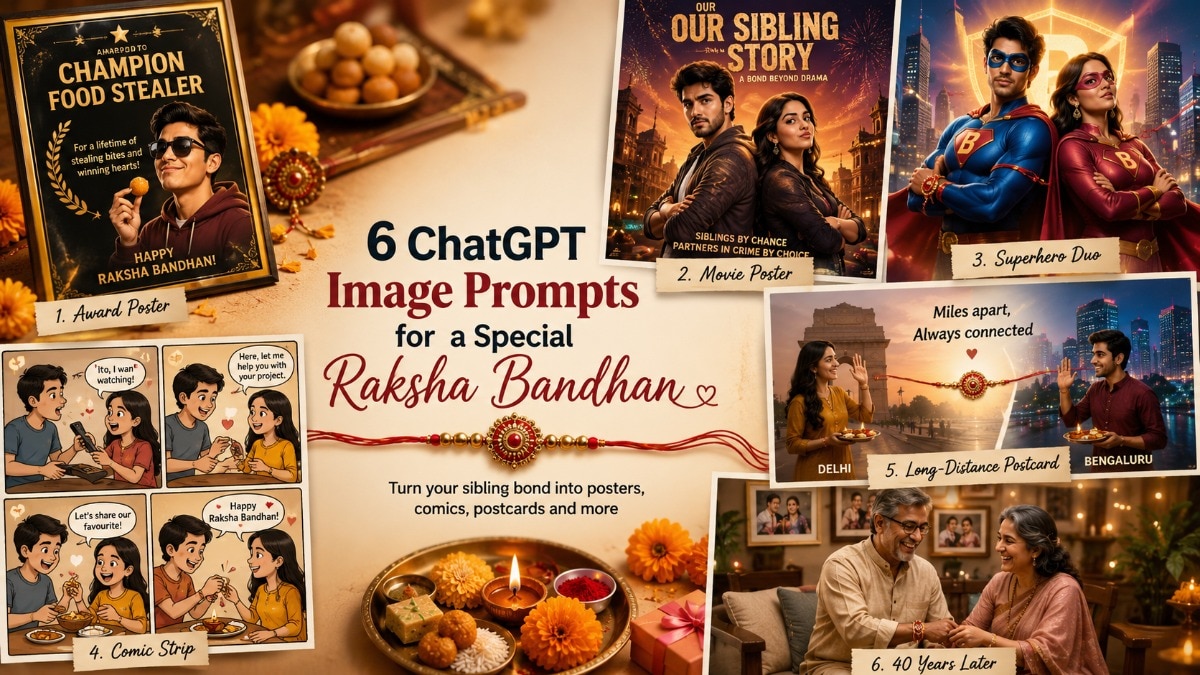
Six ChatGPT Prompts Turn Sibling Memories Into Raksha Gifts
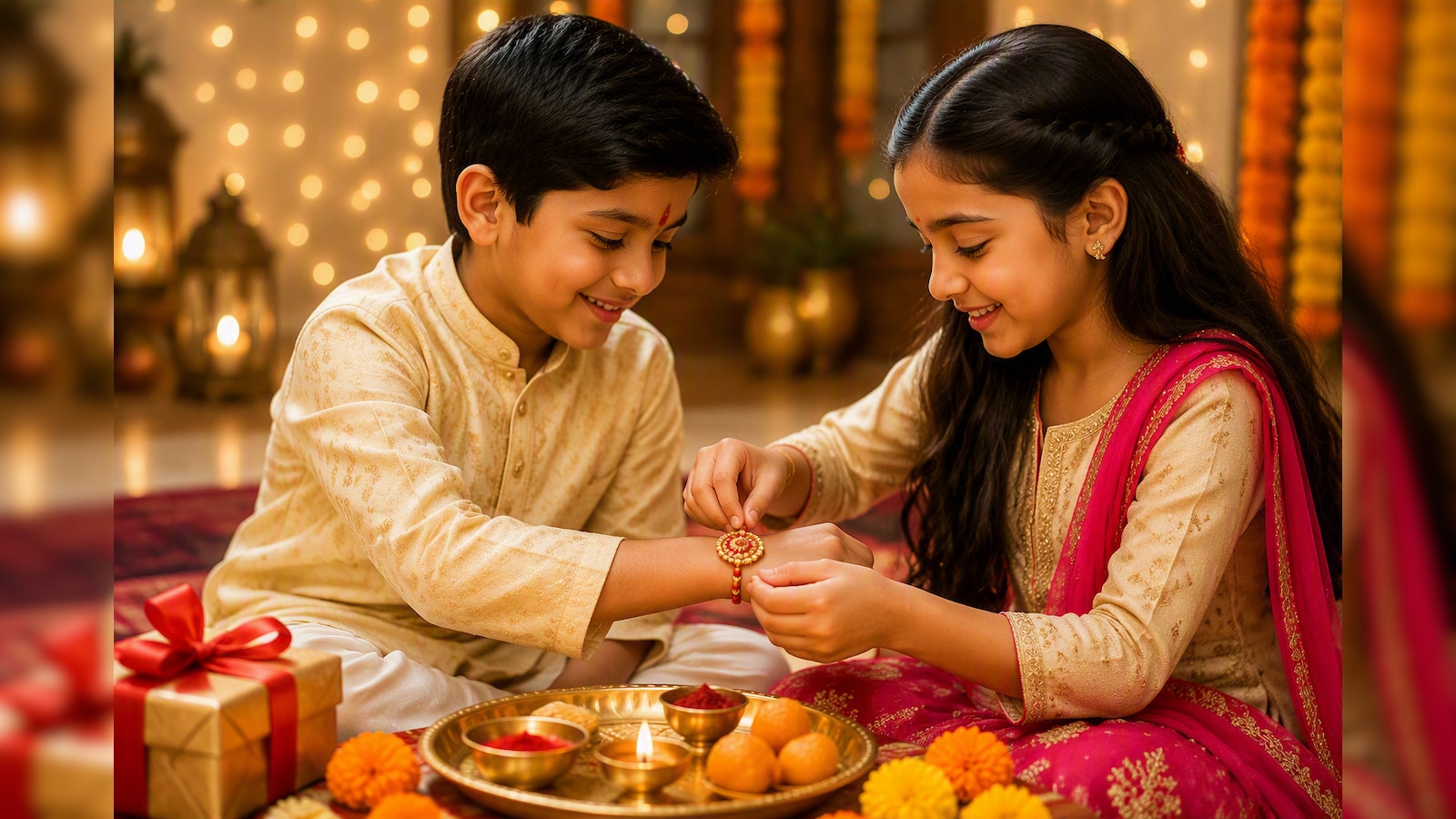
Six ChatGPT Image Prompts Reimagine Sibling Bonds This Raksha Bandhan
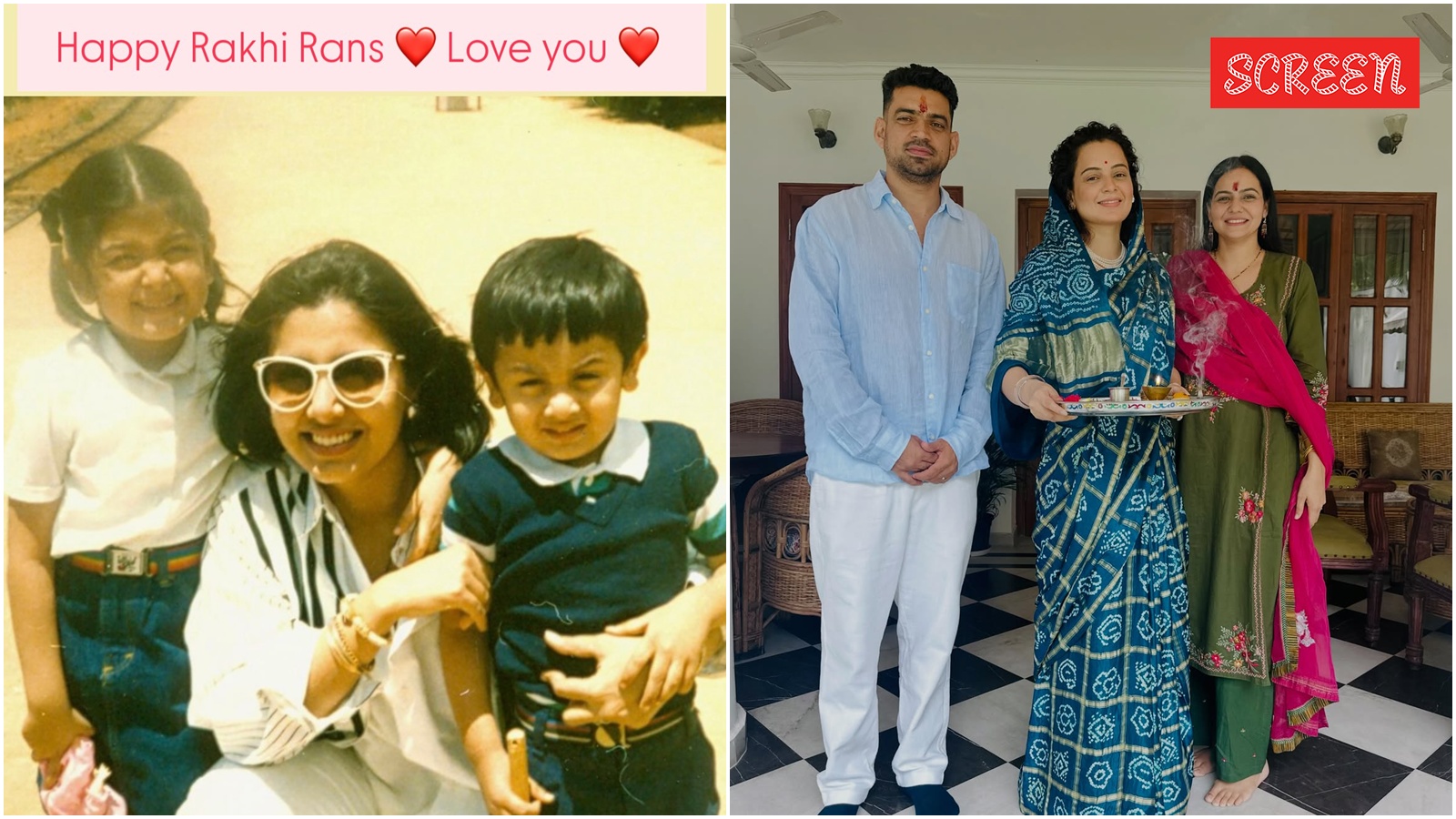
Bollywood Stars Share Raksha Bandhan Celebrations With Siblings

Retired Mumbai LIC Employee Loses ₹97.70 Lakh in Trading Scam

Adilabad Police Arrest Suspect in Rs 5.3 Crore Instagram Fraud

Man loses ₹3.81 lakh in alleged Kerala lottery scam
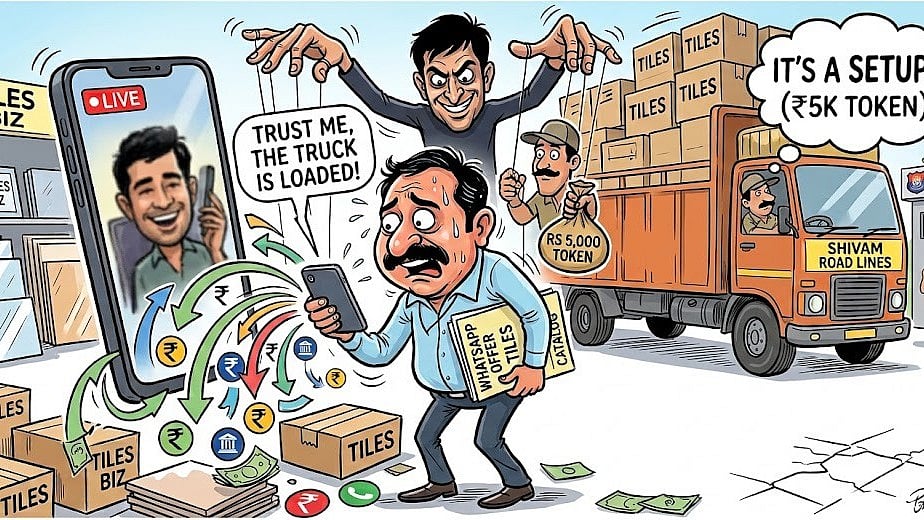
Indore Tile Trader Loses ₹2.5 Lakh in WhatsApp Scam
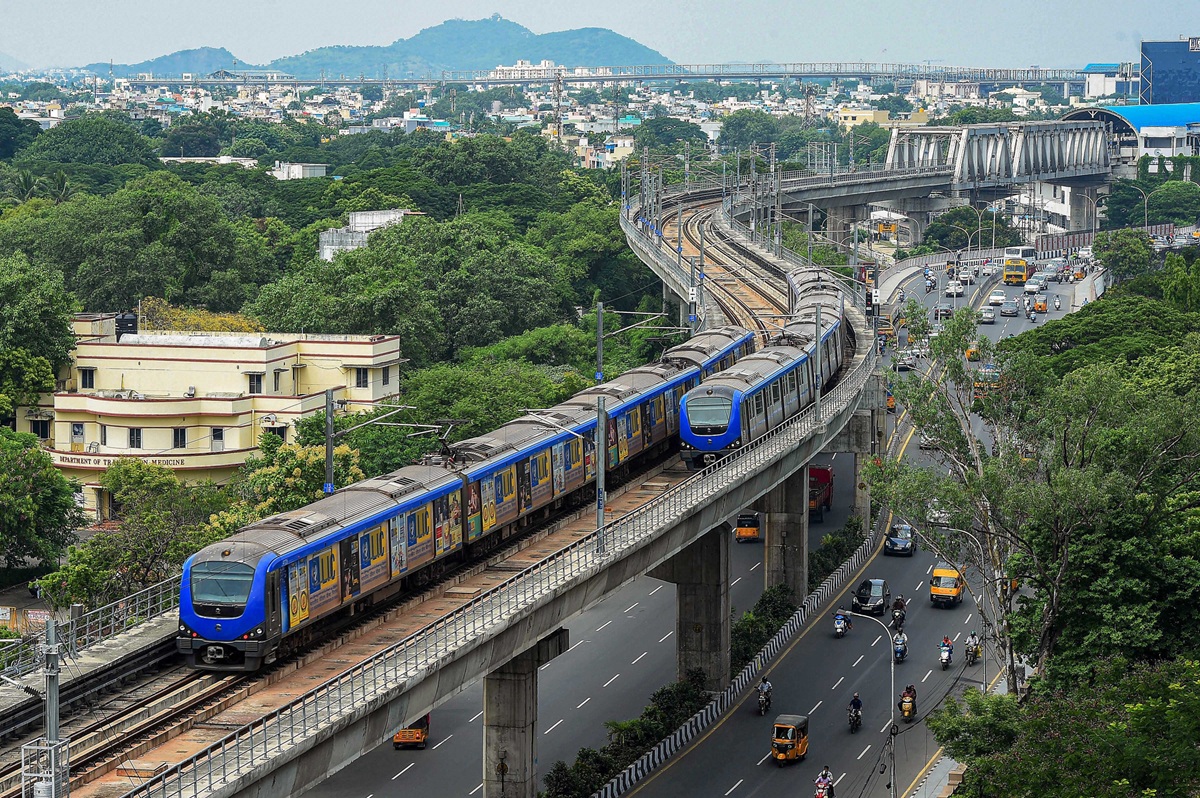
Chennai Metro Reports 1.04 Crore Passenger Journeys in August