

Archive · 25 Sep 2025
Migrating Music: How to Move Your Library Between Streaming Platforms
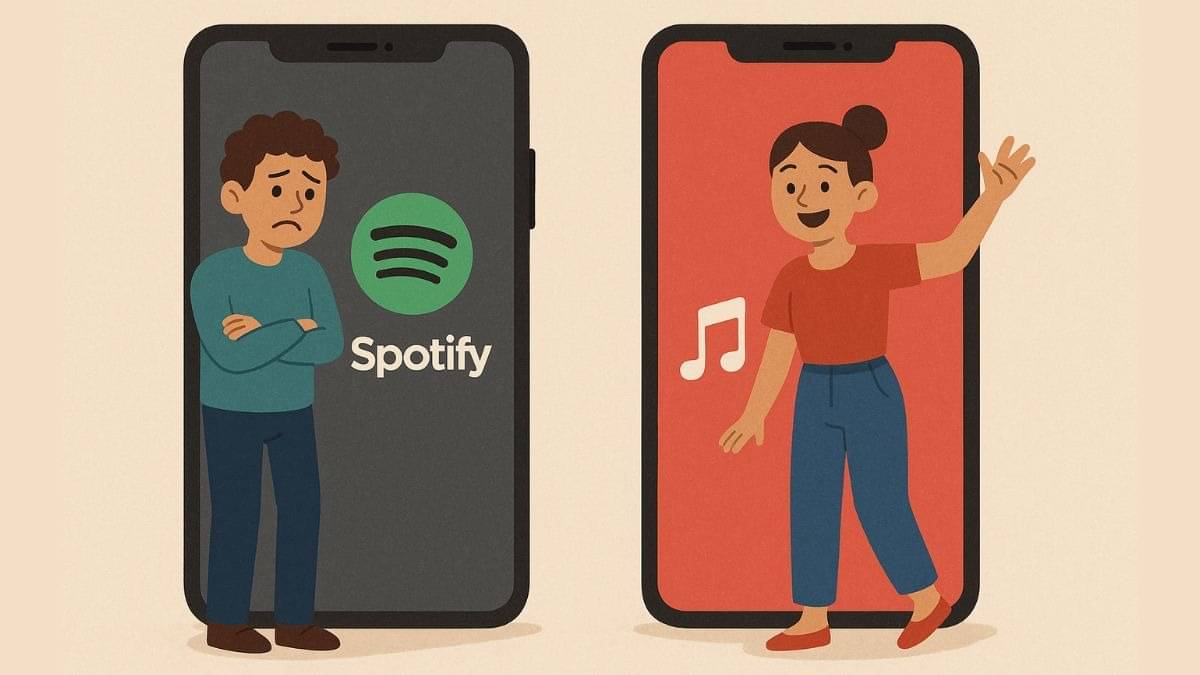
Imagine you have a bunch of songs on one music app, but you want to switch to a new one.
Don't worry, you don't have to start over!
There are ways to move your music, playlists, and saved songs.
Apple Music lets you do this using a service called Songshift.
Other apps like Deezer and Tidal also let you move your music using other free services, and it is easy to do.
It usually takes some time depending on how much music you have.
Sometimes, not every single song transfers, but you can find those missing ones again.
Remember, after you move, your music is still on the old app unless you delete it.

Users can transfer music libraries between streaming services.
Apple Music uses Songshift to import libraries from other platforms.
Other platforms utilize services like Tune My Music and Soundiiz.
The transfer process varies in time depending on library size.
Not all songs or playlists are always transferable.
- Who
- Music streaming users
- What
- Moving music libraries between streaming platforms
- When
- Ongoing, with new features rolling out
- Where
- Apple Music, Spotify, Deezer, Tidal, Amazon Music, and more
- Why
- To switch services and retain music collections.
- Apple Music Integration
- Allows importing from other services via Songshift.
- Supported Platforms
- Spotify, Amazon Music, Tidal, Deezer, and more.
- Third-Party Services
- Tune My Music, Soundiiz.
- Process Duration
- Can take from minutes to hours depending on library size.
- Missing Tracks
- Some songs might not transfer due to platform differences.
- Apple Music Transfer Limitation
- Cannot transfer playlists 'created by the music service'.