2 weeks ago
Cheapest Printer Isn't Always Cheapest to Run at Home

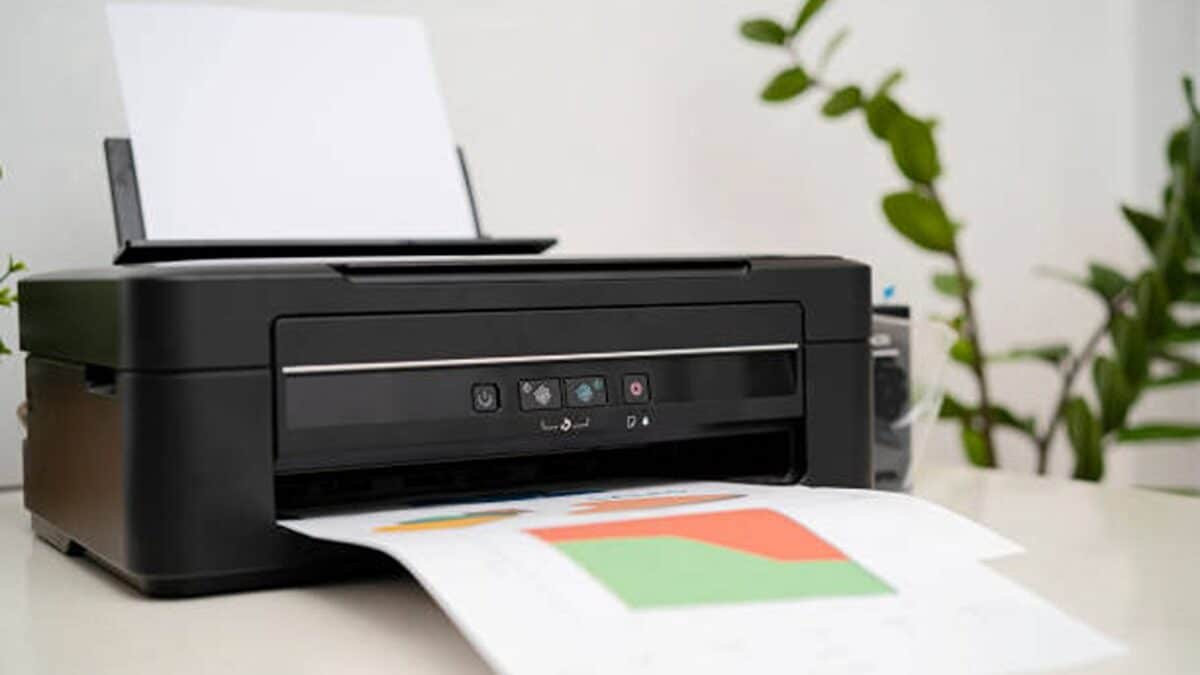
Choosing a printer is about more than its purchase price.
You also need to think about how often you print and whether you need colour.
Ink-tank printers can be cheaper to operate because their refill bottles print many pages.
Laser printers are usually faster when you print lots of text documents.
An all-in-one printer can print, scan and copy documents.
A print-only printer may be enough if you only need printed pages.
Wi-Fi is useful when you want to print from phones or laptops.
The best choice depends on your workload, required features and long-term ink or toner costs.

Ink-tank printers generally offer lower running costs and high page yields for regular colour and black-and-white printing.
Laser printers are faster for text-heavy workloads, with the Brother DCP-L2520D reaching up to 30 pages per minute.
The Epson EcoTank L3211 costs ₹11,999 and offers print, scan and copy functions but lacks Wi-Fi and automatic duplexing.
The Brother DCP-T535DW supports automatic duplex printing, Wi-Fi and high yields of up to 15,000 black pages.
The HP LaserJet Pro P1108 Plus is compact and produces sharp monochrome text but only prints and requires manual duplexing.
- Who
- Home-office users, students, families and small workplaces choosing a printer.
- What
- A comparison of five home-office printers, including ink-tank, laser, all-in-one and print-only models.
- Where
- Home offices and small workplaces.
- When
- Why
- To help buyers compare print volume, speed, functions, connectivity, page yield and long-term running costs.
Ink-Tank and All-in-One Priorities
Laser and Print-Speed Priorities
Running costs versus speed
Ink-Tank and All-in-One Priorities
Ink-tank printers are recommended for regular colour and black-and-white printing because high-yield refill systems can reduce ongoing costs.
Laser and Print-Speed Priorities
Laser printers are recommended for frequent, text-heavy printing because they generally provide faster document printing.
Multiple functions versus simplicity
Ink-Tank and All-in-One Priorities
All-in-one models are more useful when users regularly need to scan and copy documents.
Laser and Print-Speed Priorities
Print-only models can suit users who only need printed documents and prefer fewer functions or a simpler setup.
Connectivity and convenience
Ink-Tank and All-in-One Priorities
Wi-Fi, Wi-Fi Direct and mobile-printing support make it easier to print from laptops and smartphones, as offered by some ink-tank models.
Laser and Print-Speed Priorities
The Brother DCP-L2520D and HP LaserJet Pro P1108 Plus do not have built-in Wi-Fi, but they offer wired or straightforward printing options.
Key facts
- Printers reviewed
- Epson EcoTank L3211, Canon PIXMA MegaTank G3000, Brother Ink Tank DCP-T535DW, Brother DCP-L2520D and HP LaserJet Pro P1108 Plus
- Lowest listed black cost per page
- Epson EcoTank L3211 at ₹0.09 per page
- Fastest listed print speed
- Brother DCP-L2520D at up to 30 pages per minute
- Highest listed black-page yield
- Brother Ink Tank DCP-T535DW at up to 15,000 pages
- Most affordable listed model
- Epson EcoTank L3211 at ₹11,999
- All-in-one models
- The Epson EcoTank L3211, Canon PIXMA MegaTank G3000, Brother Ink Tank DCP-T535DW and Brother DCP-L2520D print, scan and copy.
- Main running-cost consideration
- Replacement ink, toner or refill-bottle cost and page yield can matter more than the initial purchase price.