

Archive · 22 Sep 2025
Download Aadhaar Card via WhatsApp: Step-by-Step Guide
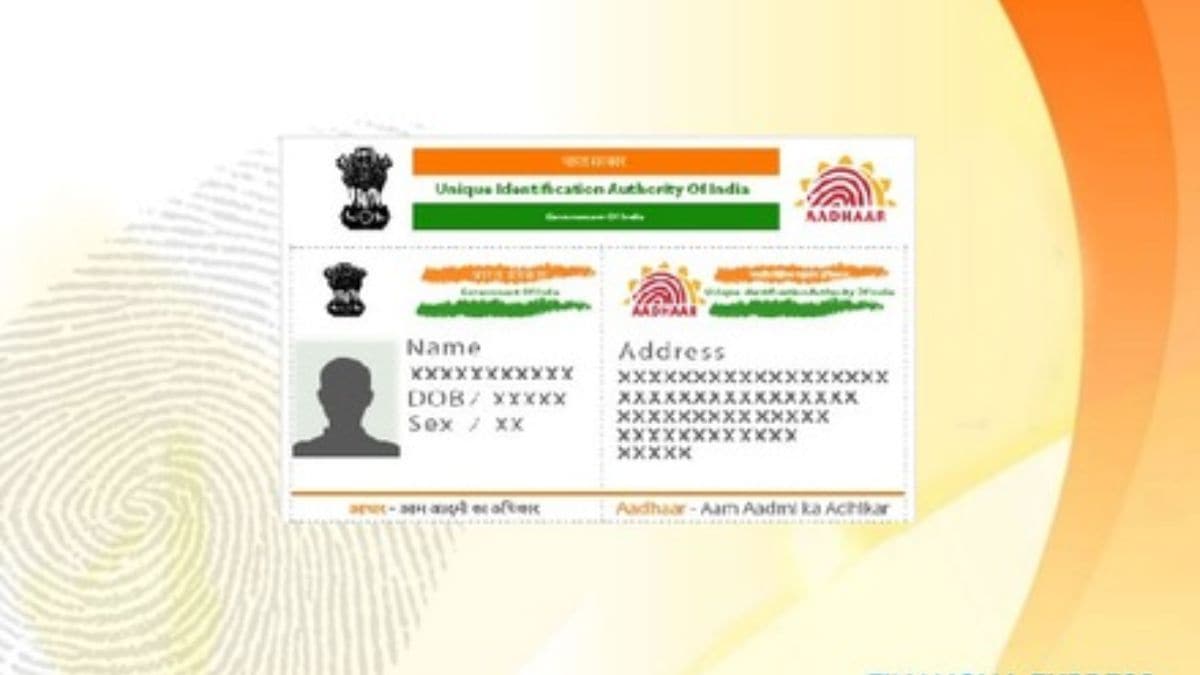
You can now get your Aadhaar card on WhatsApp!
First, save the MyGov Helpdesk number and start a chat.
Then, choose 'DigiLocker Services' and confirm you have an account.
After entering your Aadhaar number, you'll get a code on your phone.
Enter this code in the chat.
Finally, select Aadhaar from the list to receive your card in PDF format.
You must have a registered mobile number linked with your Aadhaar and a DigiLocker account.

Aadhaar cards can now be downloaded via WhatsApp.
Users interact with the MyGov Helpdesk chatbot.
Requires a registered mobile number and an active DigiLocker account.
The Aadhaar card is provided in PDF format.
Only documents available in DigiLocker can be accessed this way.
- Who
- Individuals with Aadhaar cards
- What
- Downloading Aadhaar cards through WhatsApp
- When
- Now
- Where
- WhatsApp application
- Why
- To provide easier access to Aadhaar cards
- Service
- Aadhaar Card Download via WhatsApp
- WhatsApp Number
- +91-9013151515 (MyGov Helpdesk)
- Required
- Registered Mobile Number Linked to Aadhaar, Active DigiLocker Account
- Format
- Process
- DigiLocker Services via Chatbot