Archive · 23 Jul 2026
Android 17 Simplifies iPhone Data Transfer
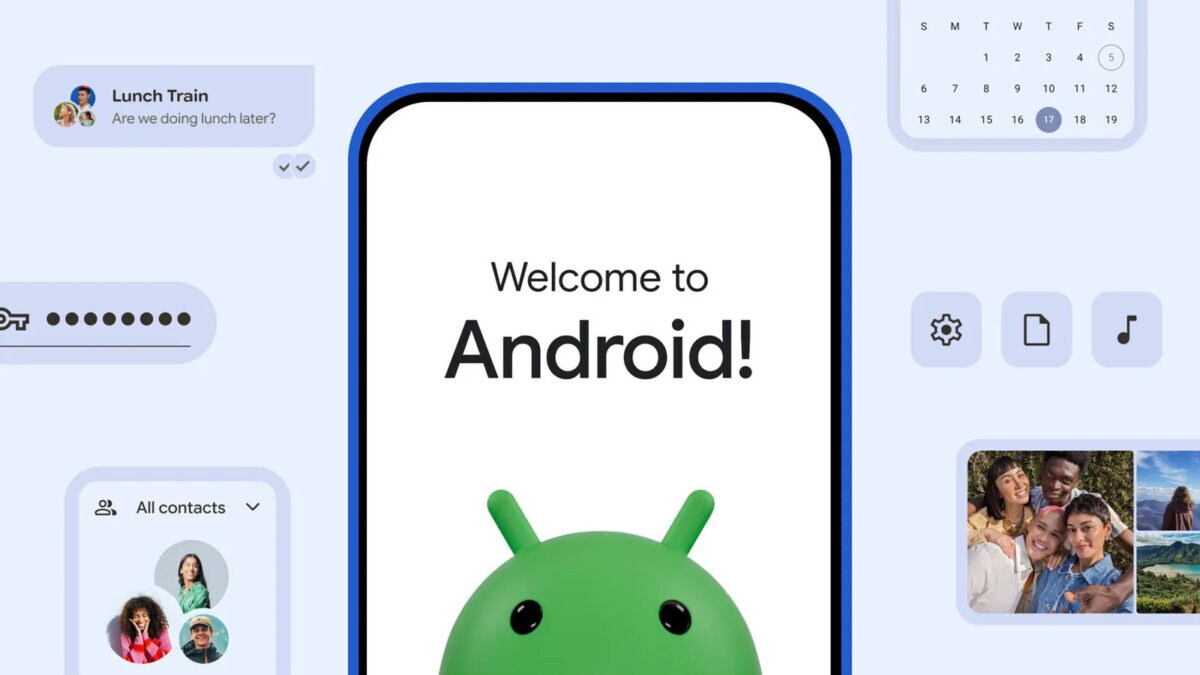
Google has made it easier to switch from an iPhone to an Android phone with Android 17.
This new update allows you to transfer more types of data, like passwords, messages, and apps, using a wireless or wired connection.
You can scan a QR code to pair your iPhone and Android phone.
Some data, like iCloud photos and paid apps, won't transfer automatically.
To make the switch smooth, both phones should be charged, connected to Wi-Fi, and kept close together.
You should also turn off iMessage on your iPhone before transferring data.

Android 17 introduces an upgraded transfer process for moving data from iPhones to Android devices.
The process supports transferring passwords, passkeys, Wi-Fi credentials, eSIM details, and home-screen layout.
Compatible devices include Pixel 8 and newer models, and Samsung Galaxy Z Fold 8 and Flip 8.
Some data, like iCloud photos and paid apps, will not transfer automatically.
Users should ensure both phones are charged, connected to Wi-Fi, and turn off iMessage before transferring data.
- Who
- What
- Android 17 introduces an upgraded data transfer process from iPhones
- When
- July 23, 2026
- Where
- Globally
- Why
- To simplify the process of switching from an iPhone to an Android smartphone
Enhanced Transfer Process
Limitations in Transfer
Data Transfer Capabilities
Enhanced Transfer Process
Android 17 supports transferring passwords, passkeys, Wi-Fi credentials, eSIM details, and home-screen layout alongside common data like contacts and photos.
Limitations in Transfer
Some content like iCloud photos, paid apps, in-app purchases, Safari bookmarks, and Apple Health data will not transfer automatically.
Device Compatibility
Enhanced Transfer Process
The upgraded transfer experience is initially available on Pixel 8 and newer models, and Samsung Galaxy Z Fold 8 and Flip 8.
Limitations in Transfer
Older Android phones may require a compatible cable and have limited transfer capabilities.
- Release Date
- July 23, 2026
- Supported Devices
- Pixel 8 and newer, Samsung Galaxy Z Fold 8 and Flip 8
- Transfer Methods
- Wireless or wired connection
- Data Types Transferred
- Passwords, messages, apps, eSIM details, contacts, photos, videos, and more
- Non-Transferable Data
- iCloud photos, paid apps, in-app purchases, Safari bookmarks, Apple Health data
- Pre-Transfer Steps
- Charge both phones, connect to Wi-Fi, turn off iMessage, ensure sufficient storage