

Archive · 8 Aug 2025
Smartphone Screen Frozen? Quick Home Fixes.
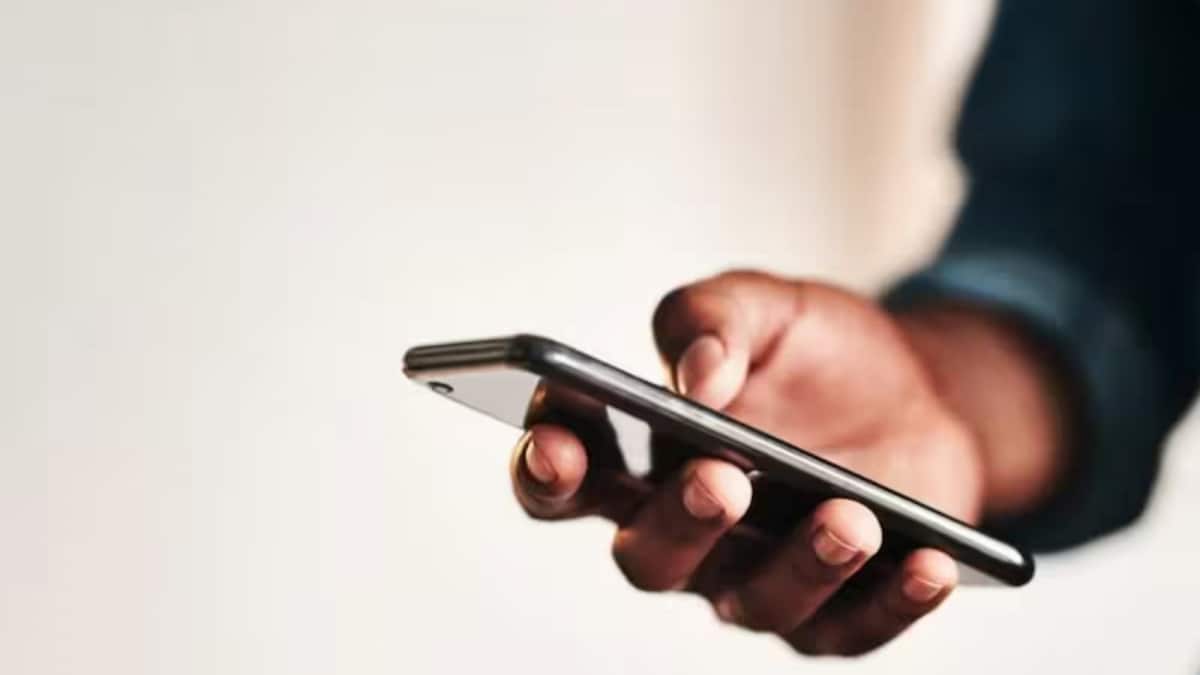
If your phone screen freezes, don't worry!
Sometimes, your phone might stop responding, but you can usually fix it yourself.
First, try force restarting your phone by holding down specific buttons.
If that doesn't work, charge your phone or boot into Safe Mode to see if a downloaded app is the problem.
You can also try deleting some apps or files to free up storage space or letting your phone cool down if it's hot.
If none of that helps, you can do a factory reset, but make sure you back up your important data first, as this will erase all the phone's content.

Frozen phone screens can often be fixed at home without professional help.
Force restarting the phone is the first recommended step.
Other solutions include connecting the phone to a charger and booting into safe mode.
Freeing up storage space and letting the phone cool down may also help.
A factory reset should be used as a last resort.
- Who
- The article is for smartphone users.
- What
- Information on how to fix a frozen smartphone screen.
- When
- Updated August 08, 2025.
- Where
- N/A
- Why
- To help users troubleshoot frozen phone screens.
- Issue
- Frozen smartphone screen
- Solutions
- Force restart, safe mode, free up storage, cool down phone, factory reset
- First Step
- Force Restart
- Last Resort
- Factory Reset