Archive · 25 May 2025
Staying Safe Online: Protecting Yourself from Tech Scams
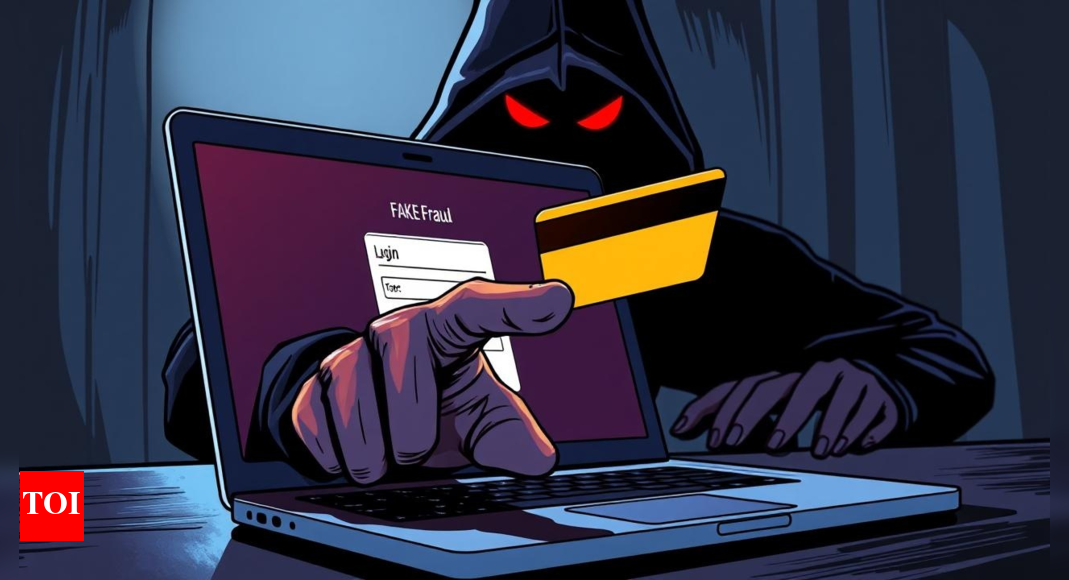
Scammers online are always coming up with new tricks to get your information or money.
They might send fake emails that look like they are from your friends, or even make phone calls with fake voices.
Be careful of clicking on links in emails, especially if the website address starts with http instead of https.
Also, ignore pop-up warnings that say your computer is infected.
Always double-check who is contacting you and what they are asking for.
Don't rush or panic.
If something seems suspicious, it probably is!

Cybercriminals constantly evolve tactics to steal data and money.
Scammers hijack email accounts to impersonate contacts.
AI is used to generate fake audio clips for fraudulent calls.
Malicious attachments can redirect users to fake login pages.
Pop-up warnings about device infections are often scams.
- Who
- Cybercriminals targeting internet users.
- What
- Online scams employ various tactics to steal personal information and money.
- When
- Ongoing, with cybercriminals constantly evolving their methods.
- Where
- Across the internet, targeting users globally.
- Why
- To defraud individuals by exploiting trust, fear, and urgency.
- Key Tactics
- Exploiting trust, fear, and urgency
- Method 1
- Email account hijacking to impersonate contacts.
- Method 2
- Use of AI to create deepfake audio clips and calls.
- Method 3
- Malicious attachments that redirect users to fake login pages.
- Method 4
- Fake URLs concealed within links leading to scam sites.
- Method 5
- Fake virus warnings prompting downloads or calls.