

Archive · 23 Aug 2025
Smartphone Hack: Control Your Smart TV With Your Phone
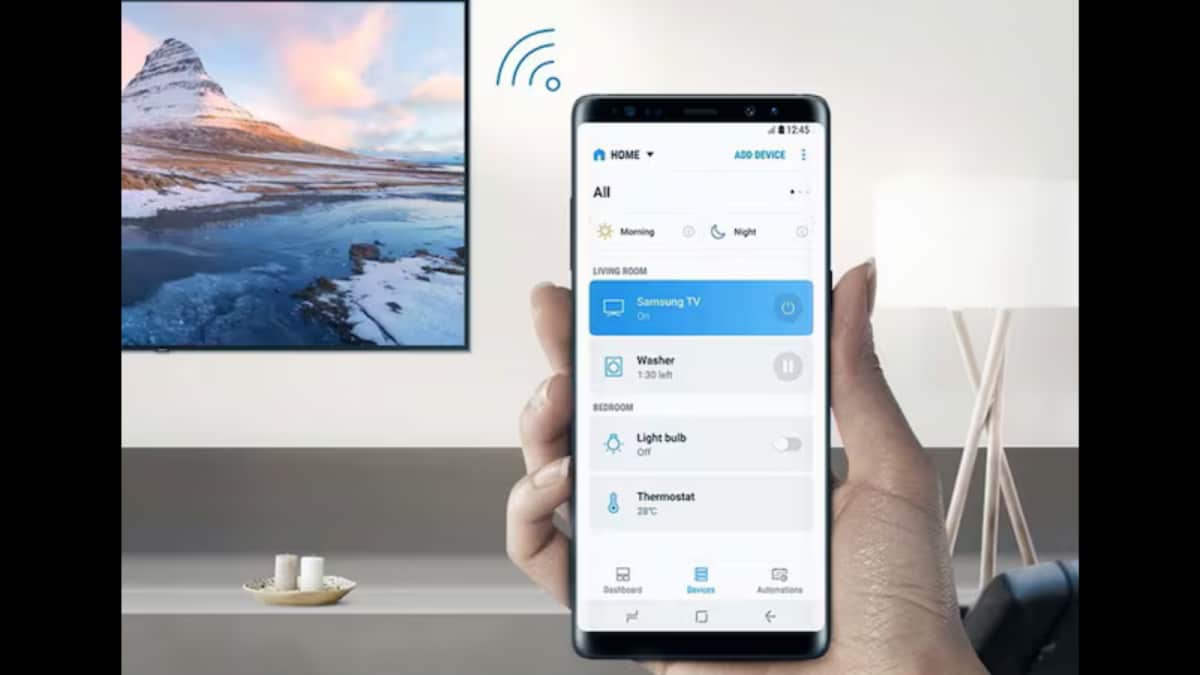
Have you ever lost your TV remote?
Smartphones can now act like one!
If you have an Android TV, you can use your phone to control it.
You can use the Google Home app, or the Android TV Remote Control app.
You can also use apps such as Unified Remote, or even use software like TeamViewer.
To do this, make sure your TV and phone are connected to the internet and linked to your Google account or the third-party app.
Then you can easily change the channel or adjust the volume from your phone, even if you're not in the same room.

Smartphones can now function as smart remotes for Android TVs.
The Google Home app allows control, casting, and setting management.
The Android TV Remote Control app directly controls the TV.
Third-party apps such as Unified Remote and AnyMote can also be used.
Remote access software like TeamViewer can remotely control the TV.
- Who
- Android TV users.
- What
- Using a smartphone as a remote control for Android TVs.
- When
- August 23, 2025
- Where
- Anywhere with an internet connection for the TV and smartphone.
- Why
- To provide a convenient way to control the TV when the physical remote is missing.
- Technology
- Smartphone as a Remote
- Date Published
- August 23, 2025
- Apps
- Google Home, Android TV Remote Control, Unified Remote, AnyMote
- Requirement
- Android TV and smartphone connected to the internet