

Archive · 27 Jul 2025
Guide to Cleaning Your Electronic Devices Effectively
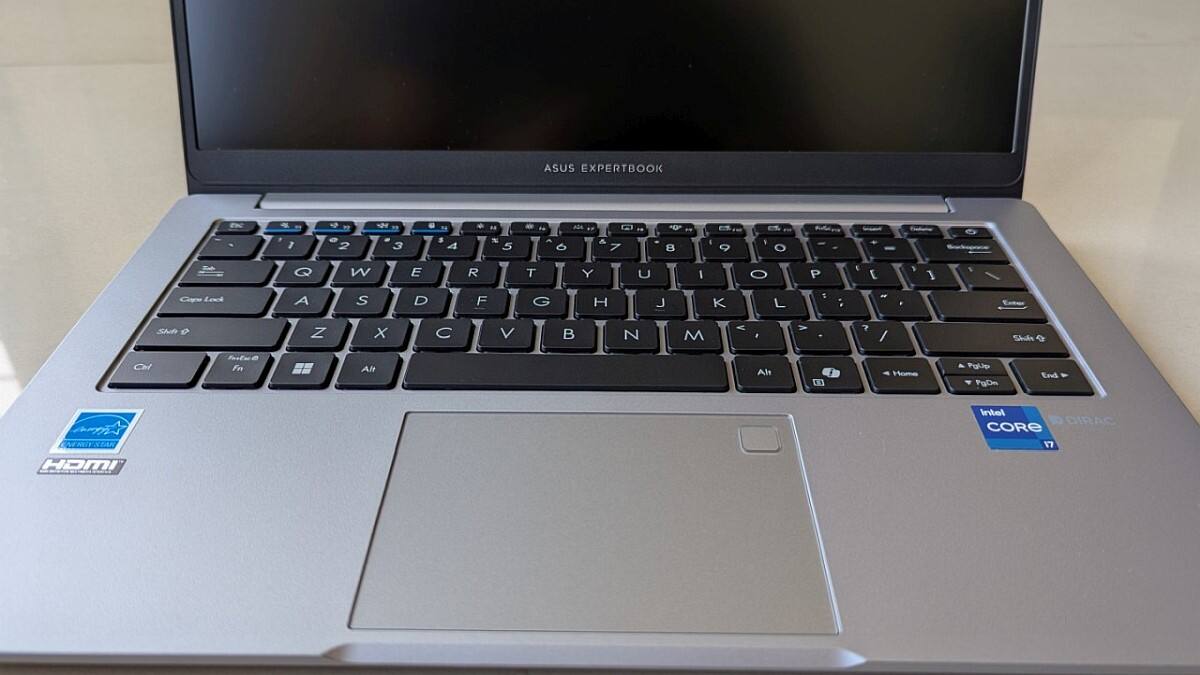
Keeping your tech clean is a good idea!
Keyboards, phones, and earbuds get dirty easily.
You can use things like soft cloths, cotton swabs, and rubbing alcohol on a cloth to clean them.
Always turn off devices first.
For keyboards and mice, use air to remove crumbs, then wipe with a damp cloth.
Smartphones can be wiped with a soft cloth; avoid harsh cleaners.
Earbuds can use soapy water, but follow brand-specific instructions, such as brushing with a toothbrush and micellar water for AirPods.
Cleaning regularly helps your gadgets last longer and stay hygienic.

Regularly cleaning electronic devices like keyboards, smartphones, and earbuds is important for hygiene and device longevity.
Recommended cleaning supplies include microfiber cloths, cotton swabs, soft brushes, compressed air, and isopropyl alcohol.
Before cleaning, disconnect or turn off the device and consult manufacturer guidelines.
Use gentle methods like a damp cloth or rubbing alcohol on a cloth for cleaning devices like keyboards and smartphones.
Different devices require specific cleaning approaches, such as using soapy water for earbud tips and a toothbrush for AirPods.
- Who
- Users of electronic devices.
- What
- Cleaning methods for various electronic devices.
- When
- Regularly.
- Where
- Not specified in detail.
- Why
- To maintain hygiene, improve device performance, and extend their lifespan.
- Recommended Cleaning Cloth
- Microfiber
- Recommended Alcohol
- Isopropyl (rubbing alcohol)
- Avoid Using on Screens
- Glass cleaners containing ammonia
- AirPods Cleaning
- Toothbrush, micellar water, and distilled water
- Earbud Cleaning
- Soapy water (for some tips), or dry cloth