1 hr ago
How to Make Your Smartphone Last Longer After Upgrades

New phones can be expensive, so many people choose to keep their current phones longer.
The battery is often the first part that stops working well.
Try not to let the battery reach zero or stay at 100% for long periods.
Keeping it between about 20% and 80% can reduce stress on the battery.
Heat and cold can also hurt it, so do not leave the phone in extreme temperatures.
A case and screen protector can help protect it from drops and scratches.
Cleaning lint from the charging port may fix some charging problems.
Lowering screen brightness and using power-saving modes can make the battery last longer each day.
Software updates and repairs can help a phone remain useful for years.

Smartphone batteries are often the first component to noticeably degrade, typically after 300 to 500 charging cycles.
Experts recommend keeping battery levels roughly between 20% and 80% and avoiding extreme heat or cold.
Lowering brightness, using power-saving settings and removing energy-hungry apps can extend daily battery life.
Protective cases, screen protectors and regular cleaning can help prevent physical damage and charging problems.
Keeping software updated and repairing replaceable parts can extend a phone’s useful life and reduce electronic waste.
- Who
- Smartphone owners, with advice from Apple, Samsung, Google, iFixit and Fairphone.
- What
- Guidance on caring for, maintaining and repairing smartphones so they last longer.
- Where
- The guidance applies to Apple and Android smartphones; no specific location is given.
- When
- The advice was published as new iPhones were unveiled this week; the typical replacement cycle is now four years.
- Why
- To save money, extend device life and help keep electronic waste out of landfills.
Key facts
- Typical replacement cycle
- About four years, according to Counterpoint Research.
- Battery charging guidance
- Aim to keep the battery between 20% and 80% when possible.
- Battery lifespan estimate
- Lithium-ion batteries typically last about 300 to 500 charging cycles before noticeable degradation.
- High-temperature warning
- Apple warns against using or charging phones above 95 degrees Fahrenheit, or 35 degrees Celsius.
- Software support
- Google has pledged seven years of Android and security updates for Pixel 8 and newer phones.
- Samsung support
- Samsung pledged in 2024 to extend operating-system updates to seven years.
- Repairability example
- Fairphone says its devices are designed for longevity and aims for them to last at least five years.
Quotes
Elizabeth Chamberlain
Director of sustainability at the device-repair website iFixit
“What we’re trying to do is to support people to be able to use their device for longer.”
 livemint.com
“The battery is absolutely often the first thing to go in most people’s phones.”
livemint.com
Sources
Related news

How to Check Battery Health on Android Smartphones
Why Millions Still Choose iPhone Over Android in 2026

Fan-Made Foldable iPhone Concept Rekindles Apple Android Debate
Which Discounted iPhones To Avoid Before iPhone 18 Pro

Apple Launches iPhone 18 Pro Models in India
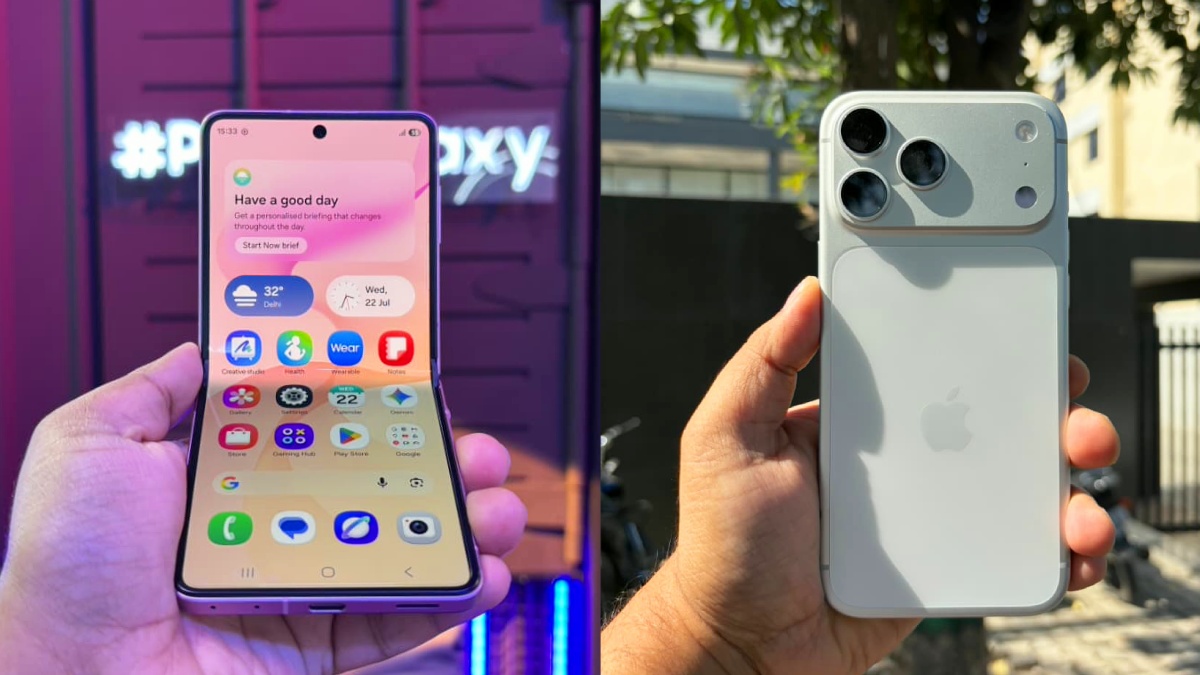
Z Flip 8 vs iPhone 17 Pro: Which to Buy?
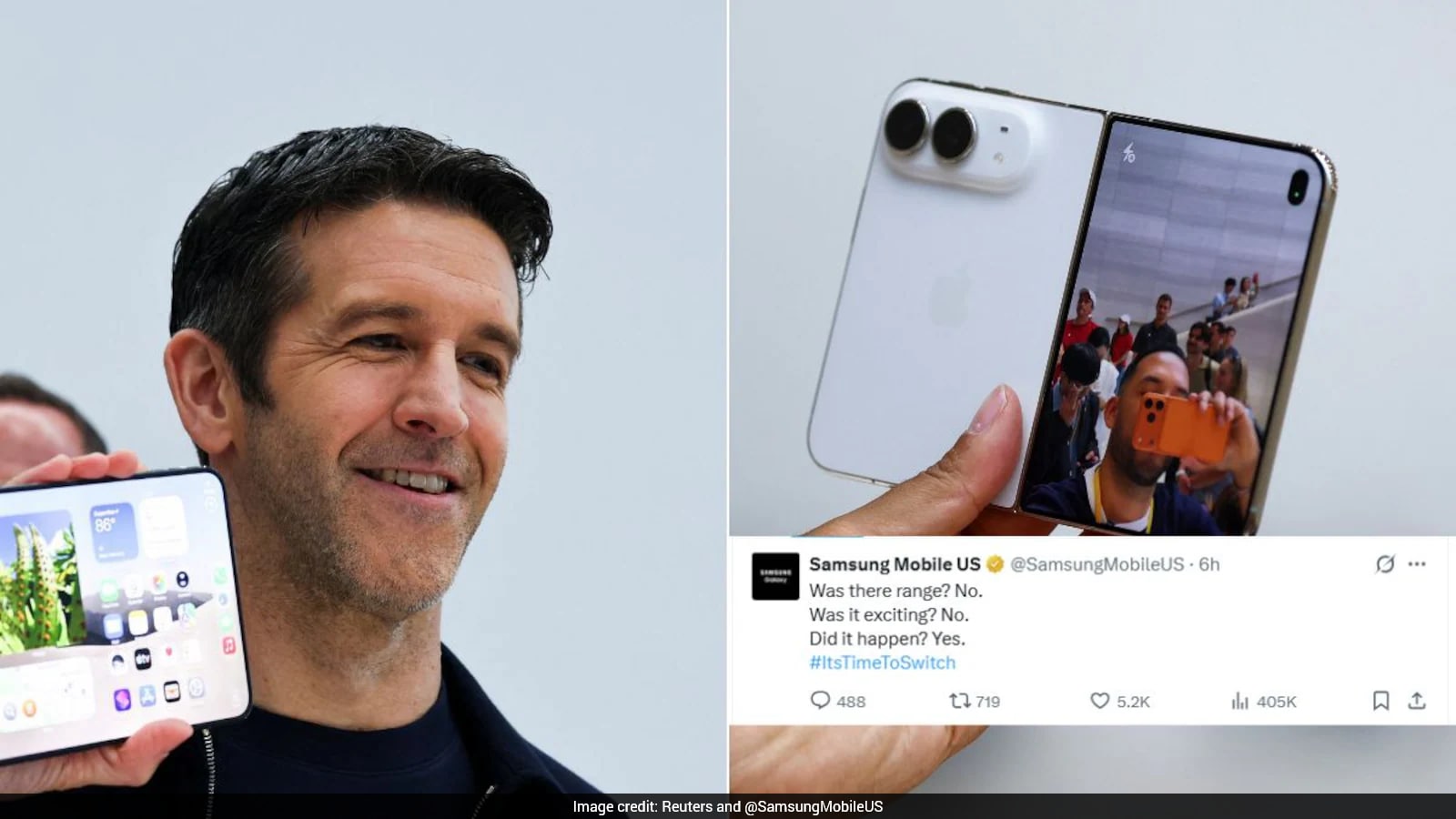
Samsung Mocks Apple's First Foldable iPhone as Familiar
Apple’s iPhone Duo Targets Premium Foldable Phone Leadership

Apple Unveils ₹3 Lakh Foldable iPhone Duo Amid Market Slump

Apple Enters Foldable Phone Race With $1,999 iPhone Duo